 GameWiki
GET YOUR BEARINGS
About TV Archive: Tidy Up Together
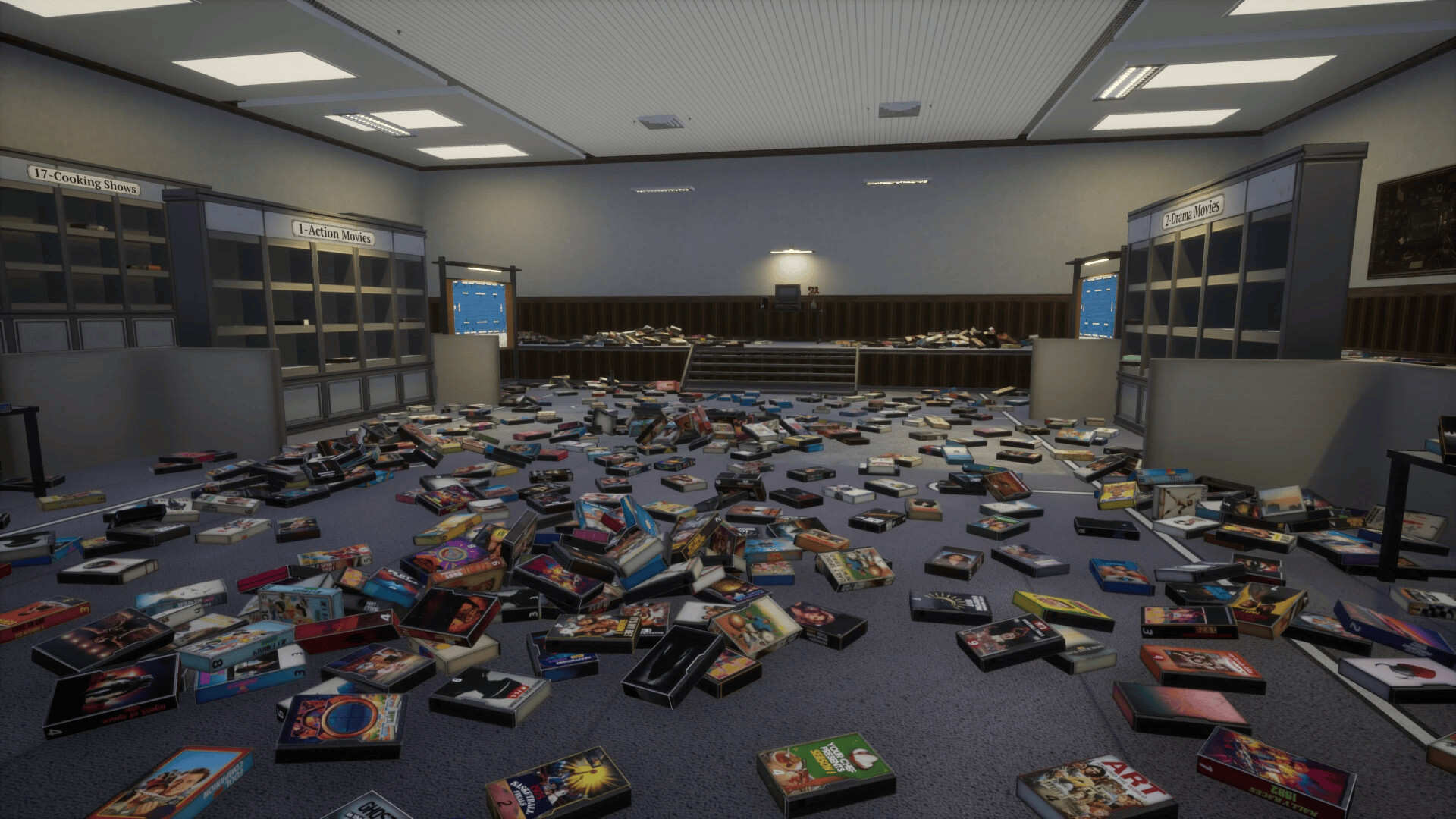
TV Archive: Tidy Up Together is a first‑person organization simulation where you sort 3,180 videotapes into their proper categories. You unlock sorting skills that automate or highlight parts of the process, letting you experiment with different methods of tidying the archive.
The title offers Single‑player, online co‑op, and online PvP modes, plus two special modes: Sandbox, which starts with all skills unlocked, and No‑Skill, which removes skill assistance. It runs on Windows, supports full controller input, and includes Steam achievements, cloud saves, and family sharing.
01 / THE GUIDE
Game Modes
Players can select Single player, online co‑op, or online PvP. Each mode determines whether you sort alone, with teammates, or against other players, so choose the style of play that suits you.
Sandbox Mode begins with every sorting skill available, while No‑Skill Mode disables those aids, creating a stricter challenge for those who prefer manual organization.
- Start with Sandbox to explore every skill before deciding which to rely on.
- Try No‑Skill after you feel comfortable with the basics for a tougher test.
02 / THE GUIDE
Sorting Skills
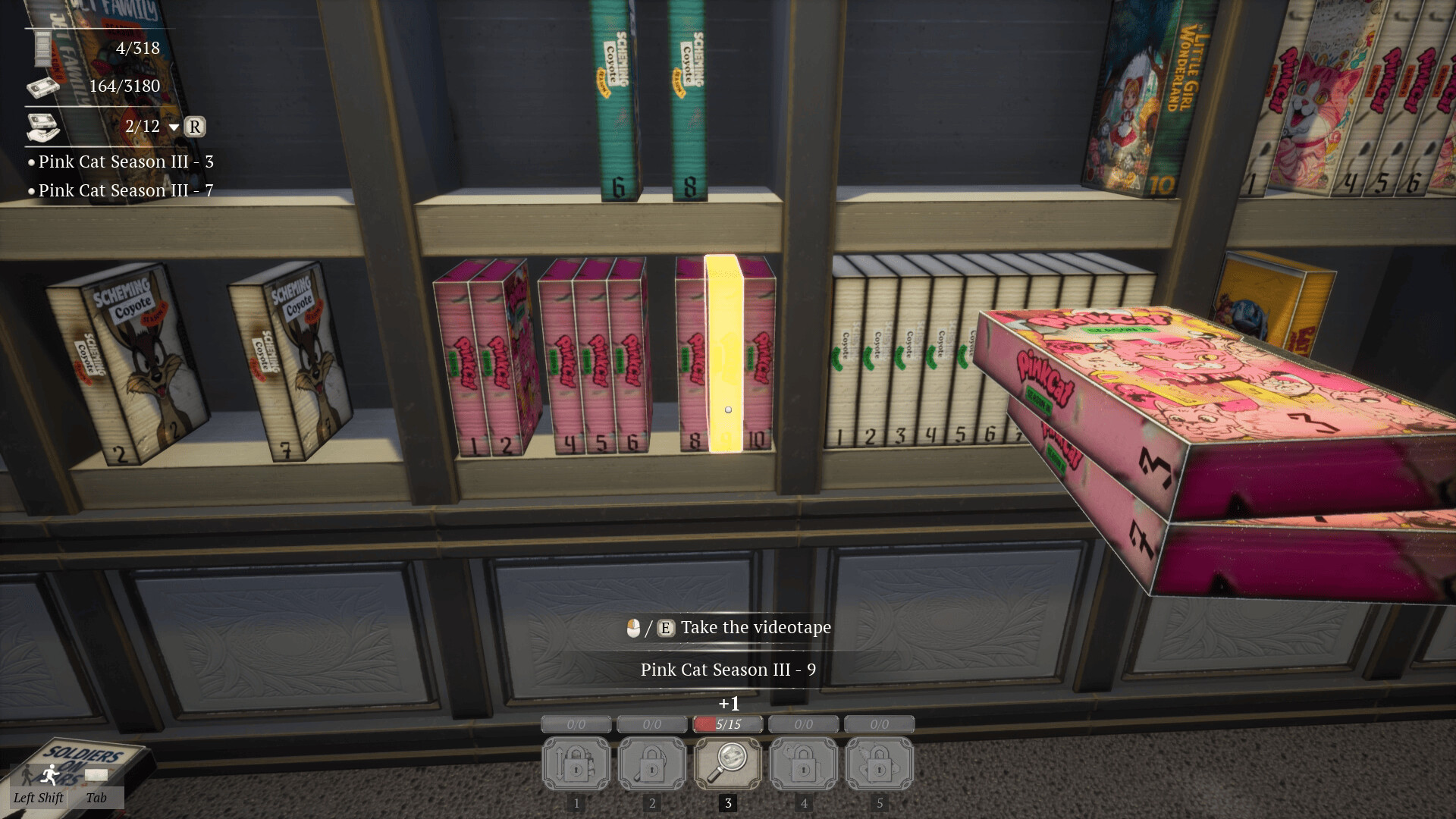
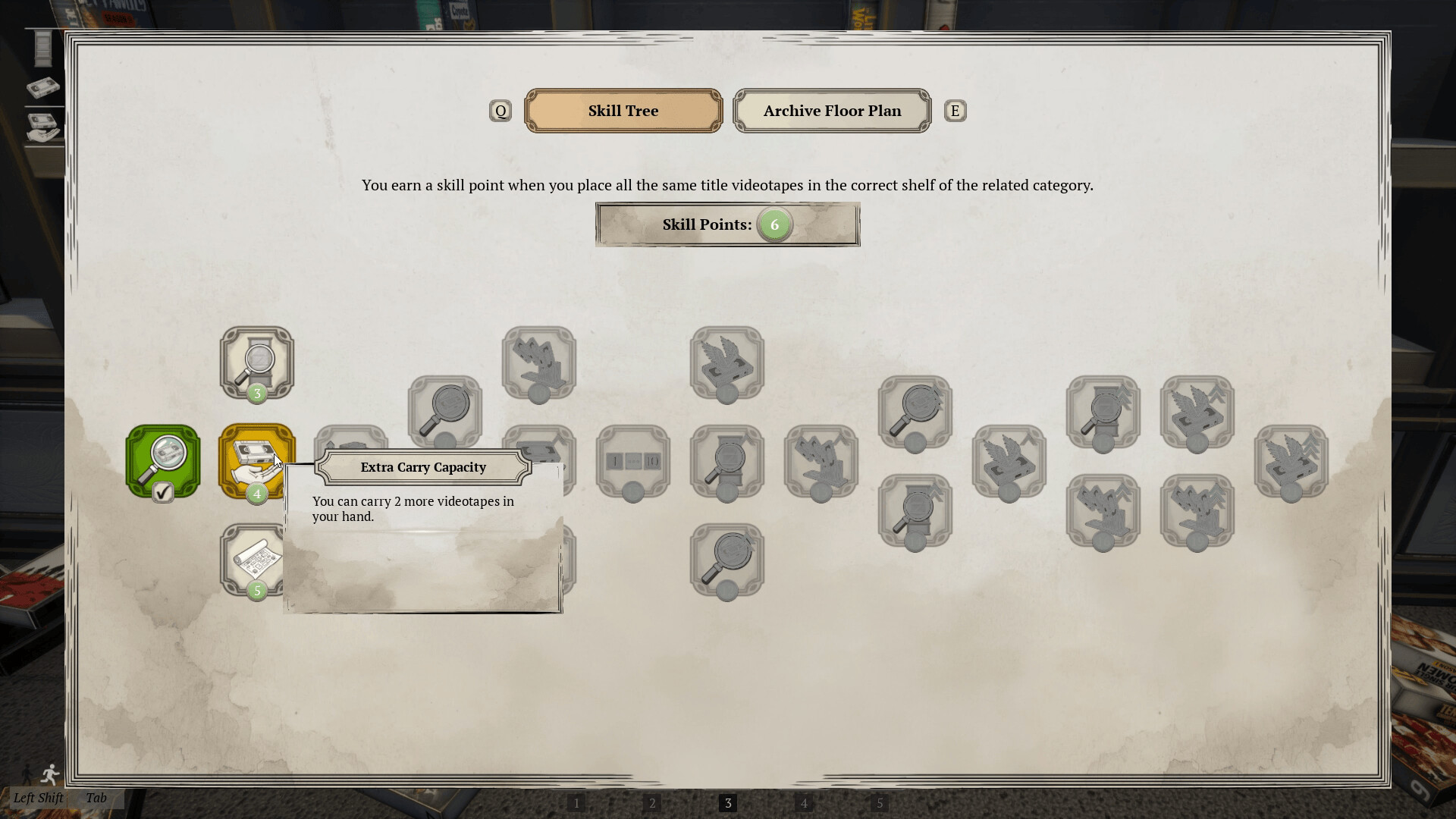
The game provides several aids: Sorting Numerically orders the tapes you hold, Highlighting Shelf shows the correct shelf for the top tape, and Highlighting Videotapes marks other tapes matching that top item.
Auto‑Placement automatically puts tapes on the correct shelf, and Auto‑Collect gathers all matching tapes at once, both based on the topmost tape in your hand.
- Use Highlighting Shelf when you need a quick visual cue for placement.
- Combine Auto‑Collect with Highlighting Videotapes to gather groups efficiently.
03 / THE GUIDE
Videotape Categories
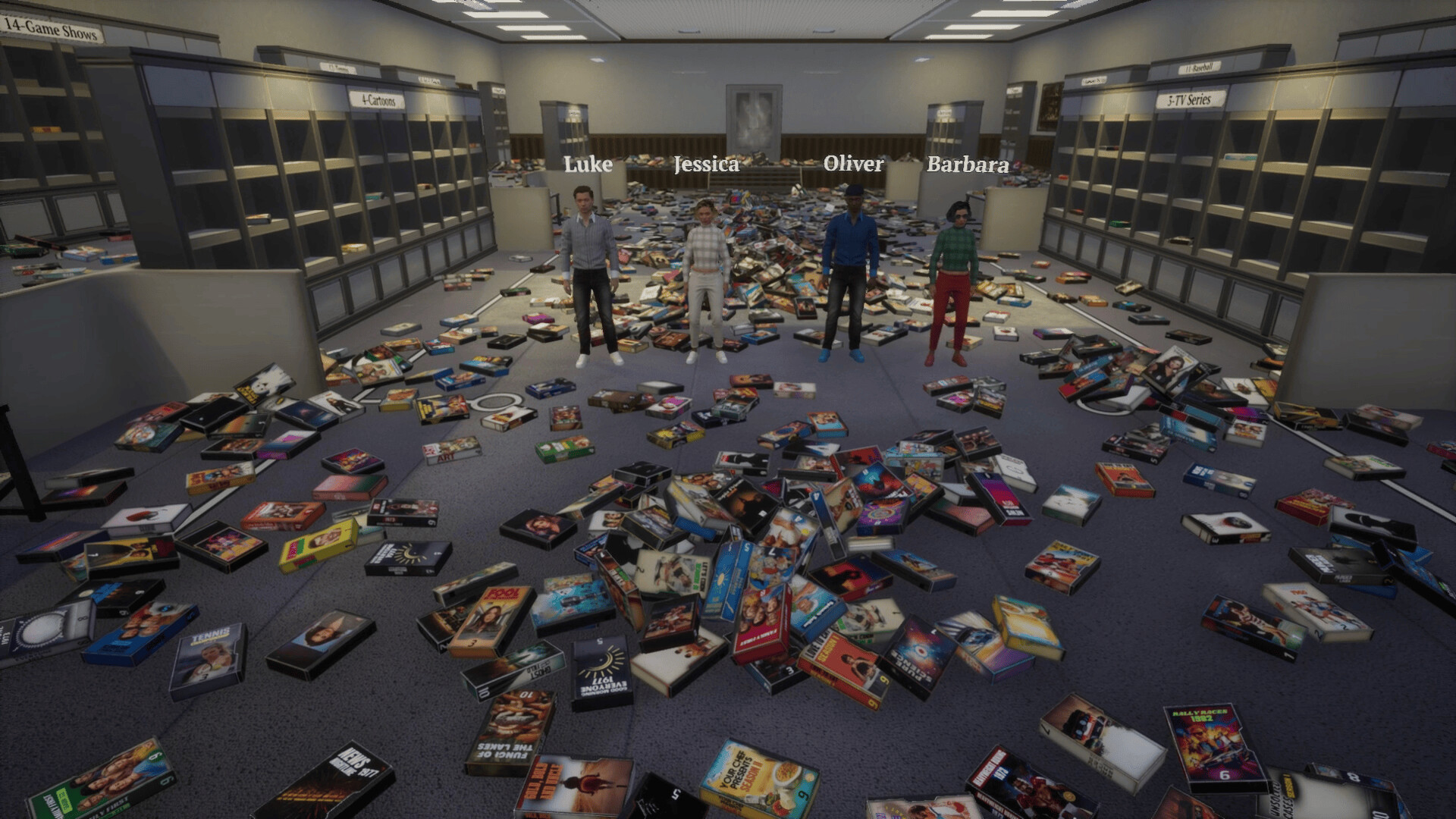
There are twenty distinct categories, including Action movies, Drama movies, TV series, Cartoons, Horror movies, Comedy movies, Athletic games, Football cups, Romance movies, Sci‑fi movies, Baseball, Tennis, News, Game shows, Basketball, Motorsport, Cooking shows, Documentaries, Boxing, and Talk shows.
Each tape must be placed on the matching shelf, so recognizing both genre and format is essential for correct placement.
- Group similar genres (e.g., all sports) before sorting to reduce shelf switching.
- Memorize the full list to avoid misplacements during longer sorting runs.
04 / THE GUIDE
Platform Features
TV Archive runs on Windows and includes full controller support, custom volume controls, and stereo sound. These options let you tailor input and audio to your preferences while you sort.
Steam integration adds achievements, cloud saves, and family sharing, allowing progress tracking, backup, and shared access within a household.
- Enable Steam Cloud to keep your progress backed up across multiple PCs.
- Adjust the custom volume controls for comfortable listening during long sessions.
05 / THE GUIDE
Progress Saving
The game lets you save at any moment, so you can pause and resume without losing work. Saved data is also stored in Steam Cloud, providing a backup that follows your account.
This design supports both short bursts of sorting and extended marathon sessions, as you can return exactly where you left off.
- Save frequently when handling large batches of tapes.
- Check cloud sync after major milestones to confirm backup.

COMMUNITY
Player discussion