 GameWiki
GET YOUR BEARINGS
About Turbo Overkill
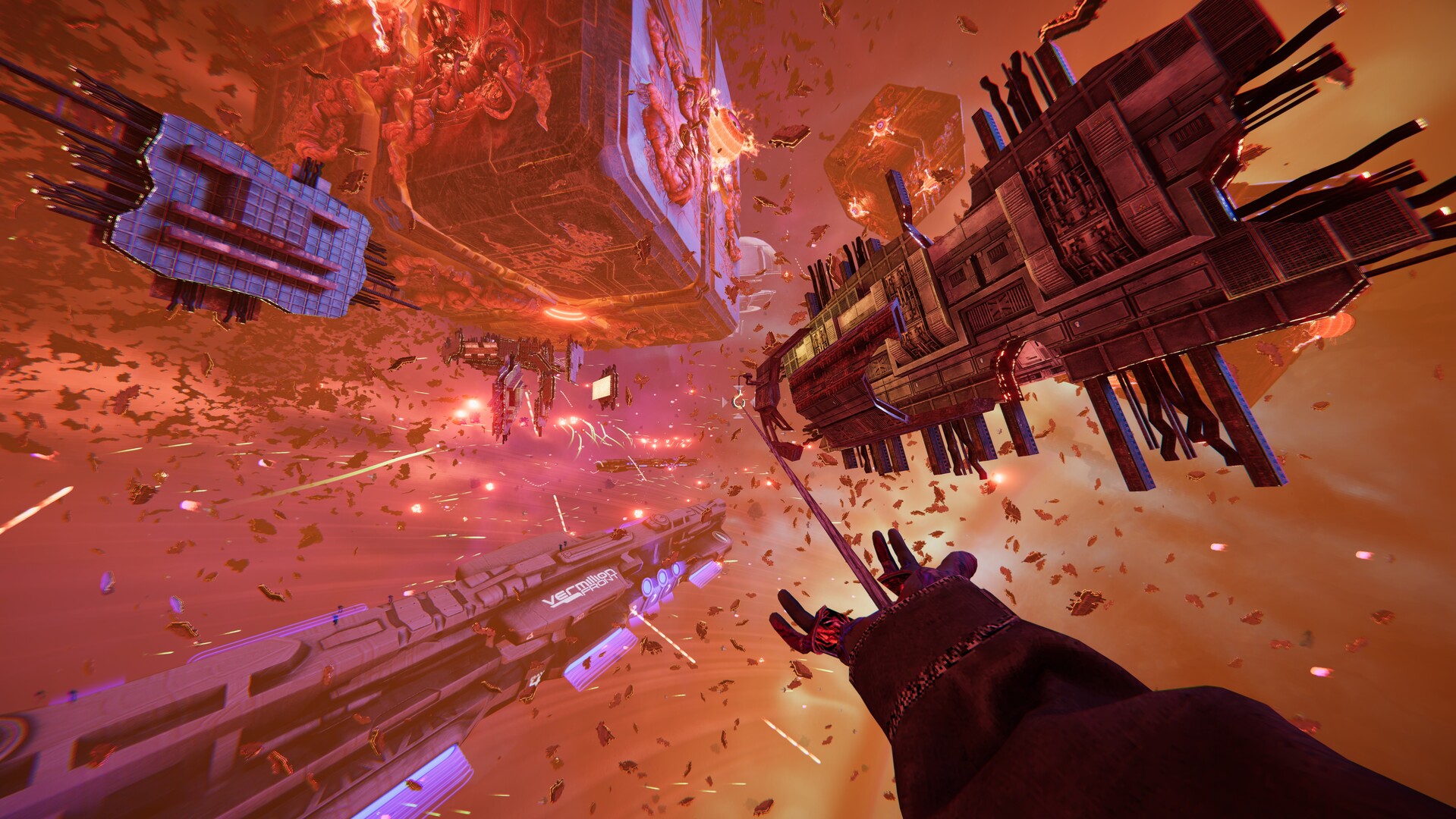
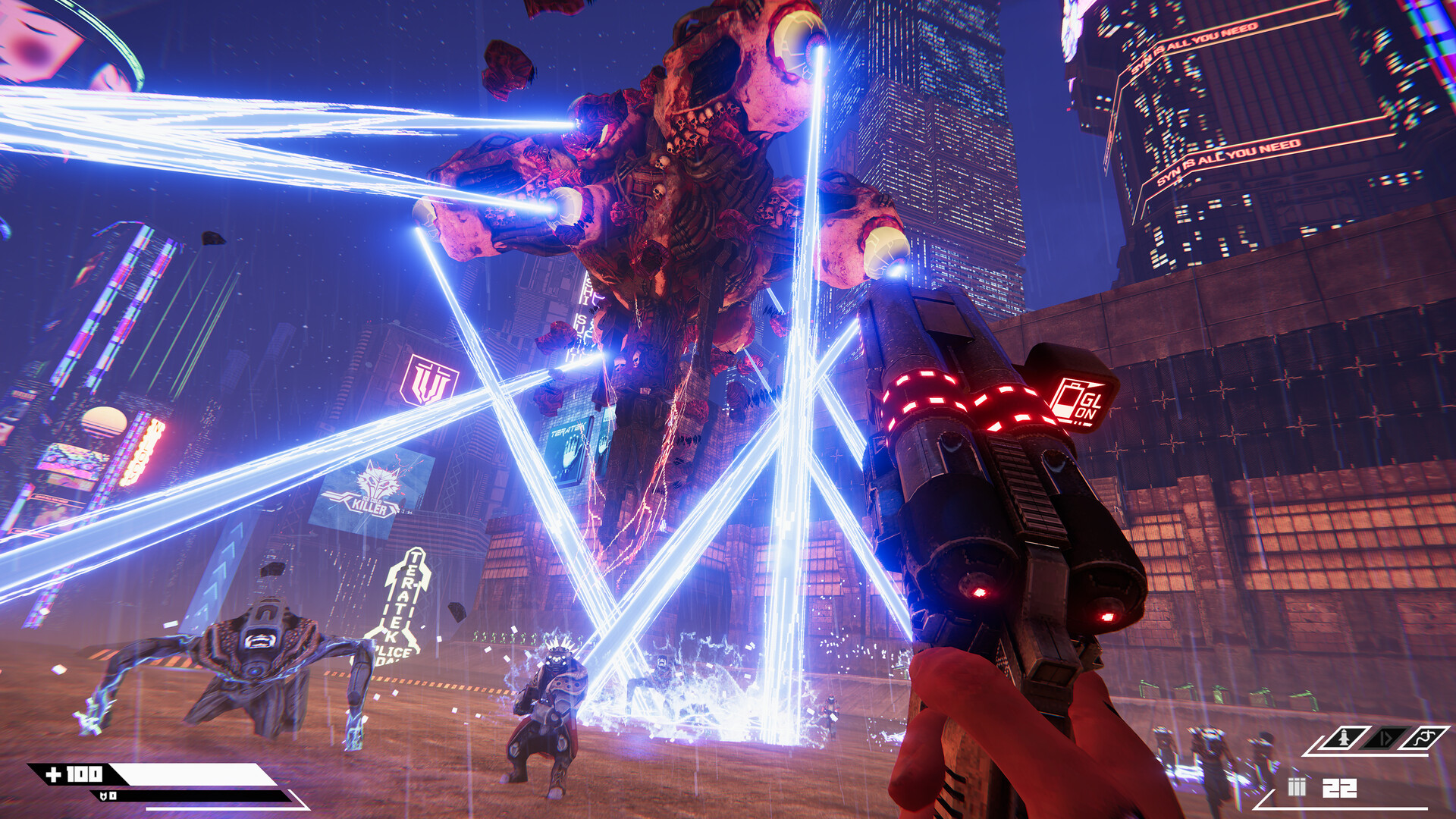
Turbo Overkill drops players into a cyber‑punk hellscape where Johnny Turbo, a half‑metal bounty hunter, battles a rogue AI called Syn and its augmented minions. Armed with arm rockets, a leg‑mounted chainsaw, Twin Magnums, a Boomer Shotgun‑grenade launcher, and a Telefragger sniper, the game blends classic arena shooters with over‑the‑top mobility.
The title emphasizes speed: wall‑running, dashing, grappling, and “Turbo Time” slow‑motion let you slice foes, ride flying‑car hoods, and chain kills for cash. Collected cash upgrades weapons and unlocks new abilities via a talent tree, while hidden collectibles add modifiers that crank up difficulty and chaos.
01 / THE GUIDE
Weapons and Combat
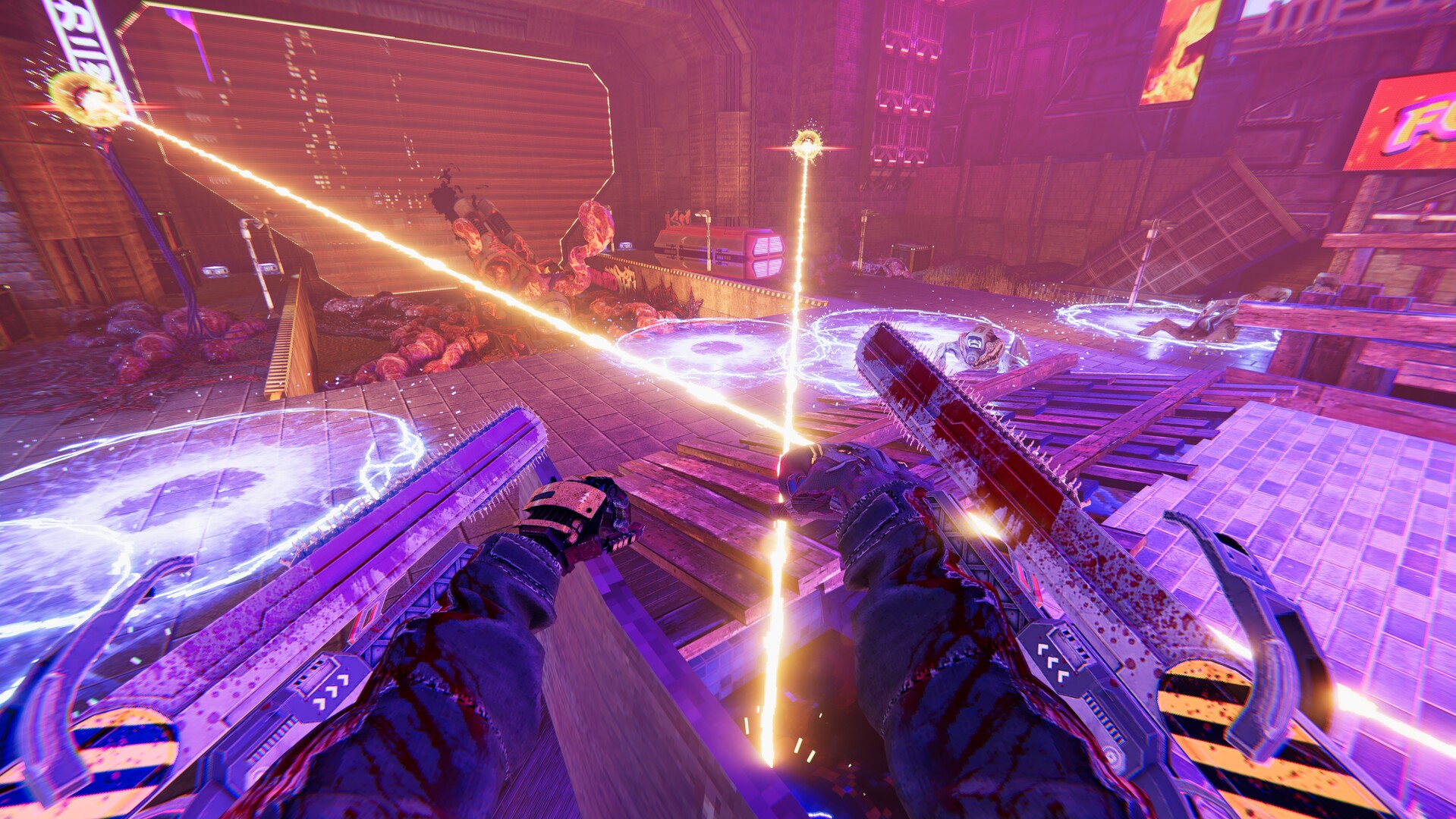
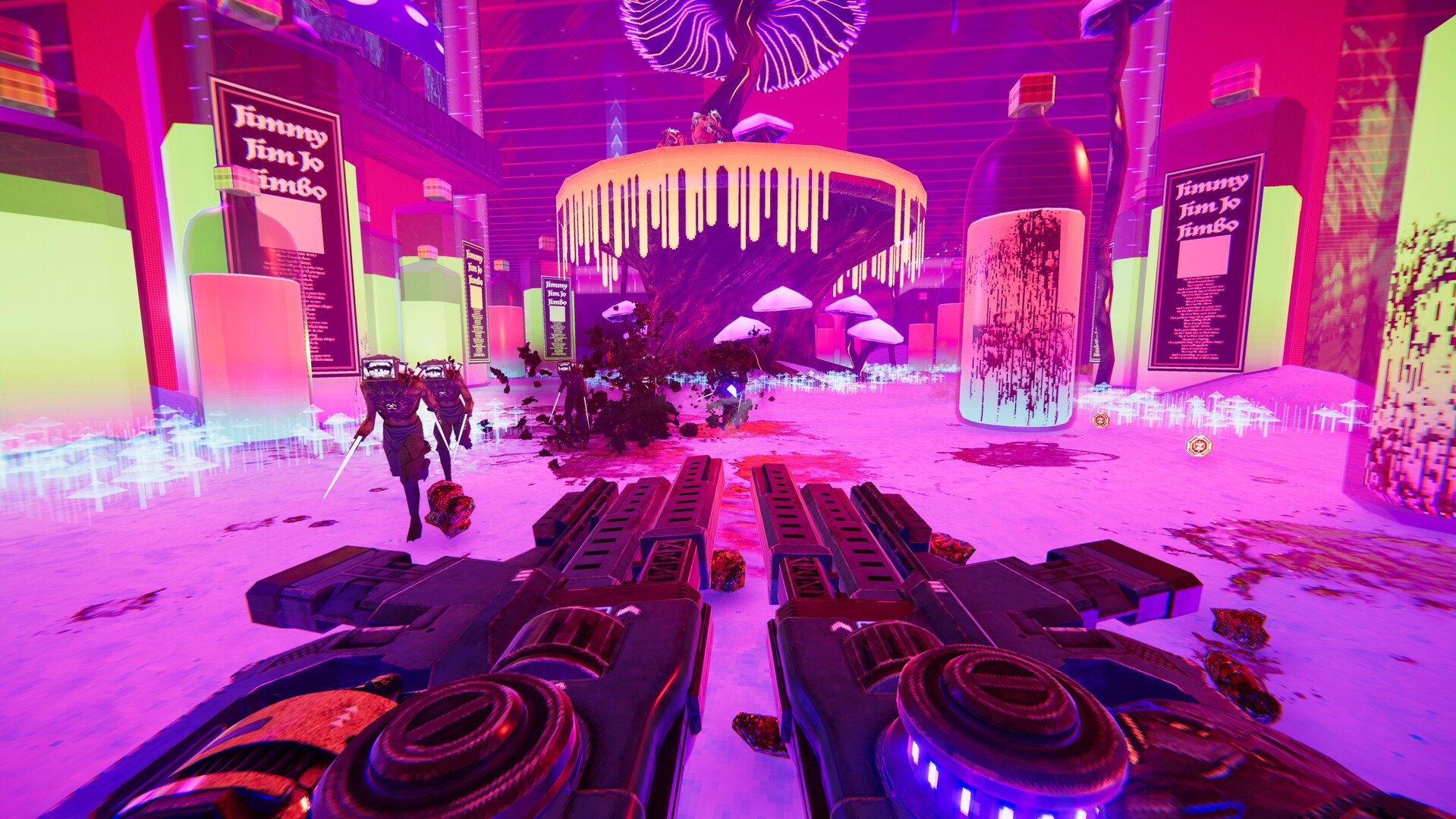
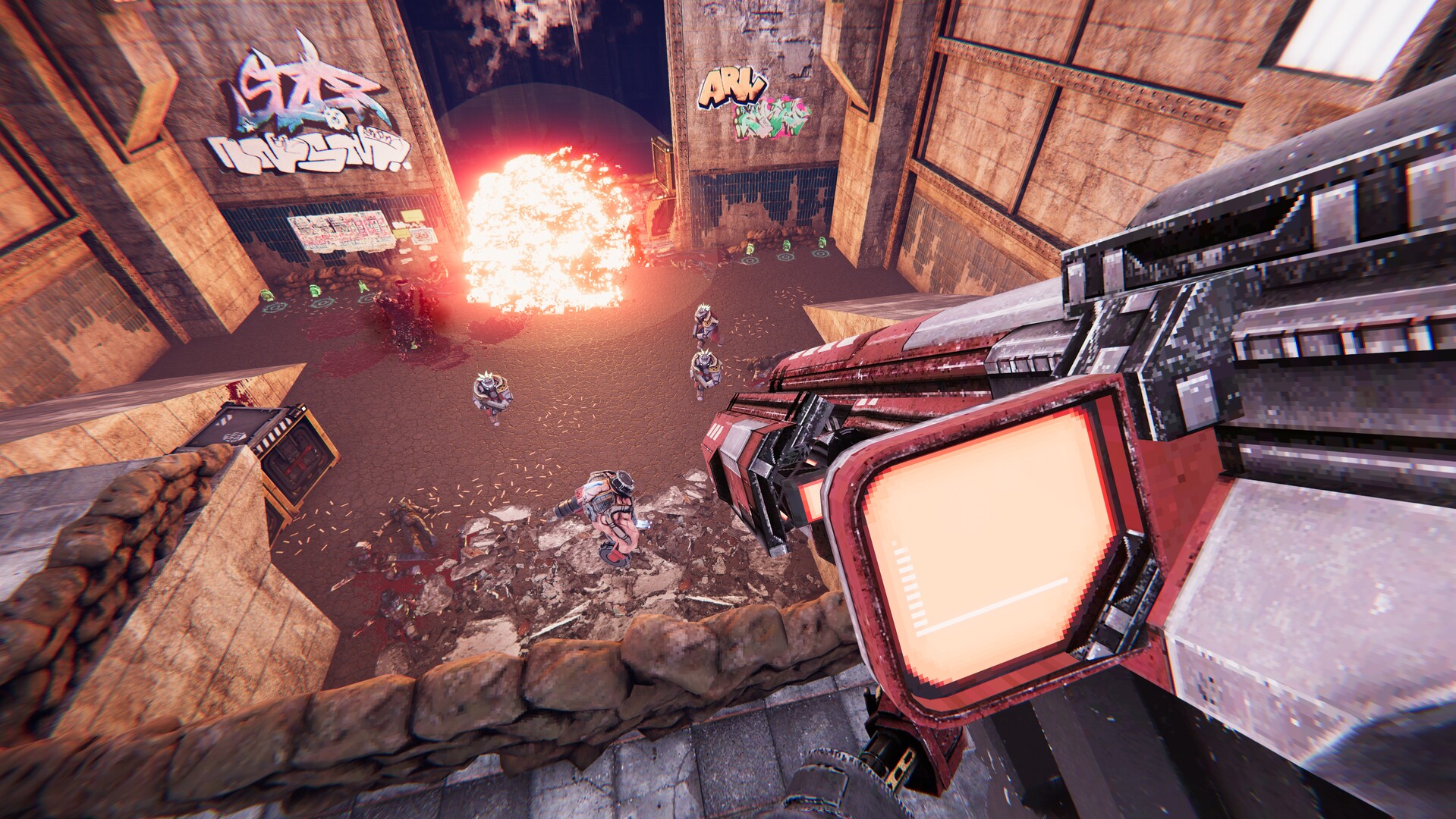
Johnny Turbo wields a mix of classic and inventive firepower. Twin Magnums lock on and instantly kill, the Boomer Shotgun fires grenades, and the Telefragger sniper teleports him into enemies for explosive finishes. The leg‑chainsaw lets you slide‑slice foes, opening bosses for critical damage.
Each weapon has a distinct role, encouraging players to combine the Twin Magnums with explosive shotgun blasts or teleport‑sniper strikes. The game’s design rewards switching weapons to match enemy types and using the chainsaw slide to open bosses for critical damage.
- Experiment with swapping between Twin Magnums and the Boomer Shotgun to handle both swarms and tougher foes.
- Use the Telefragger’s teleport ability to reach enemies behind cover before they can react.
02 / THE GUIDE
Turbo Time and Mobility
Turbo Time™ introduces a twist on slow‑motion, letting players build speed through wall‑running, dashing, and grappling. The leg‑chainsaw also serves as a slide mechanic, slicing enemies while maintaining momentum. These tools let you race across two dozen stages, even car‑surfing on flying‑car hoods.
Mobility is central: wall‑running creates shortcuts, dashing fuels rapid engagements, and grappling hooks let you reach high platforms. Mastering these moves lets you outmaneuver the AI’s augmented legion and stay alive in frantic encounters.
- Practice chaining wall‑runs into dashes to build speed.
- Combine the grappling hook with a slide‑slice to surprise enemies from unexpected angles.
03 / THE GUIDE
Stages, Secrets, and Modifiers
The game features two dozen stages packed with secrets, bonus arena levels, and combat puzzles. Collectibles scattered throughout unlock “punishing modifiers” such as triple‑monster‑speed and insta‑kill, increasing challenge and replay value.
Each stage encourages exploration; hidden items unlock punishing modifiers that raise the challenge. The design rewards thoroughness, as finding every secret can dramatically change the difficulty of later encounters.
- Search for hidden alcoves in each level; they often contain cash and modifier items.
- Take note of puzzle elements that open shortcuts to secret arenas.
04 / THE GUIDE
Cash, Augments, and Talent Tree
Every kill generates cash, which can be spent on augments, weapon upgrades, and new abilities within Johnny’s talent tree. Defeating bosses yields special powers that further expand combat options. This loop ties performance directly to character progression.
The talent tree lets you customize playstyle, adding new abilities that complement the existing arsenal. Upgrading weapons and installing augments can make the already lethal loadout even more versatile, encouraging players to experiment with different builds.
- Prioritize upgrades that enhance your favorite weapon for a more focused playstyle.
- Balance cash spending between immediate weapon upgrades and long‑term talent tree abilities.
05 / THE GUIDE
Steam Integration and Controller Support
Turbo Overkill includes Steam Achievements, Leaderboards, Cloud saves, and a level editor accessible via the Steam Workshop. Players can share custom maps and compete for high scores across the community. The game also lists DualShock, DualSense, and Partial Controller Support, allowing a range of input devices.
Family Sharing lets multiple accounts access the game on the same hardware, and the level editor encourages creative extensions beyond the base stages. These platform features extend longevity and community interaction.
- Explore community‑created maps in the Steam Workshop for fresh challenges.
- Enable Steam Cloud to keep your progress synced across different PCs.
COMMUNITY
Player discussion