 GameWiki
GET YOUR BEARINGS
About Turbo Kid
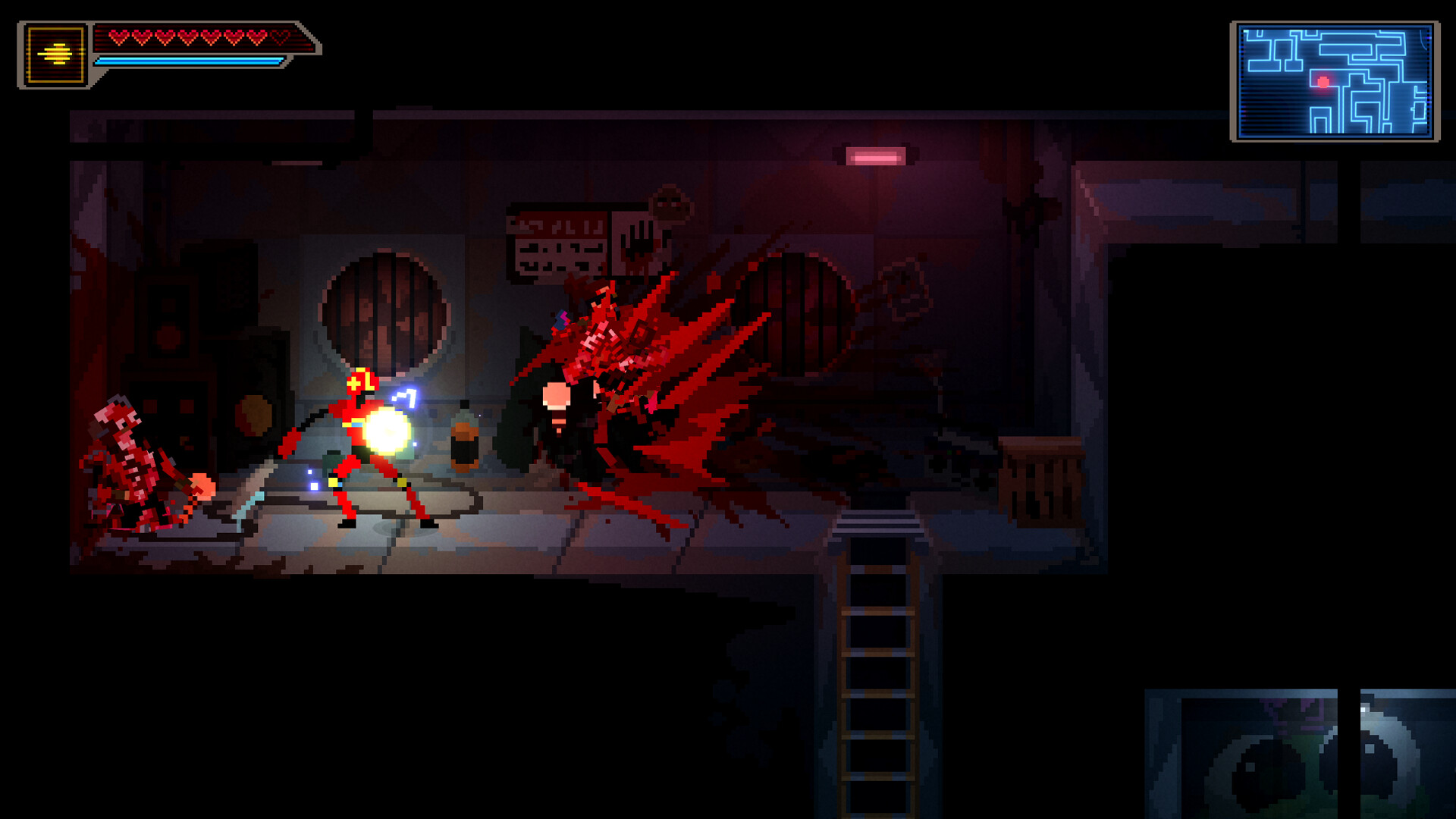
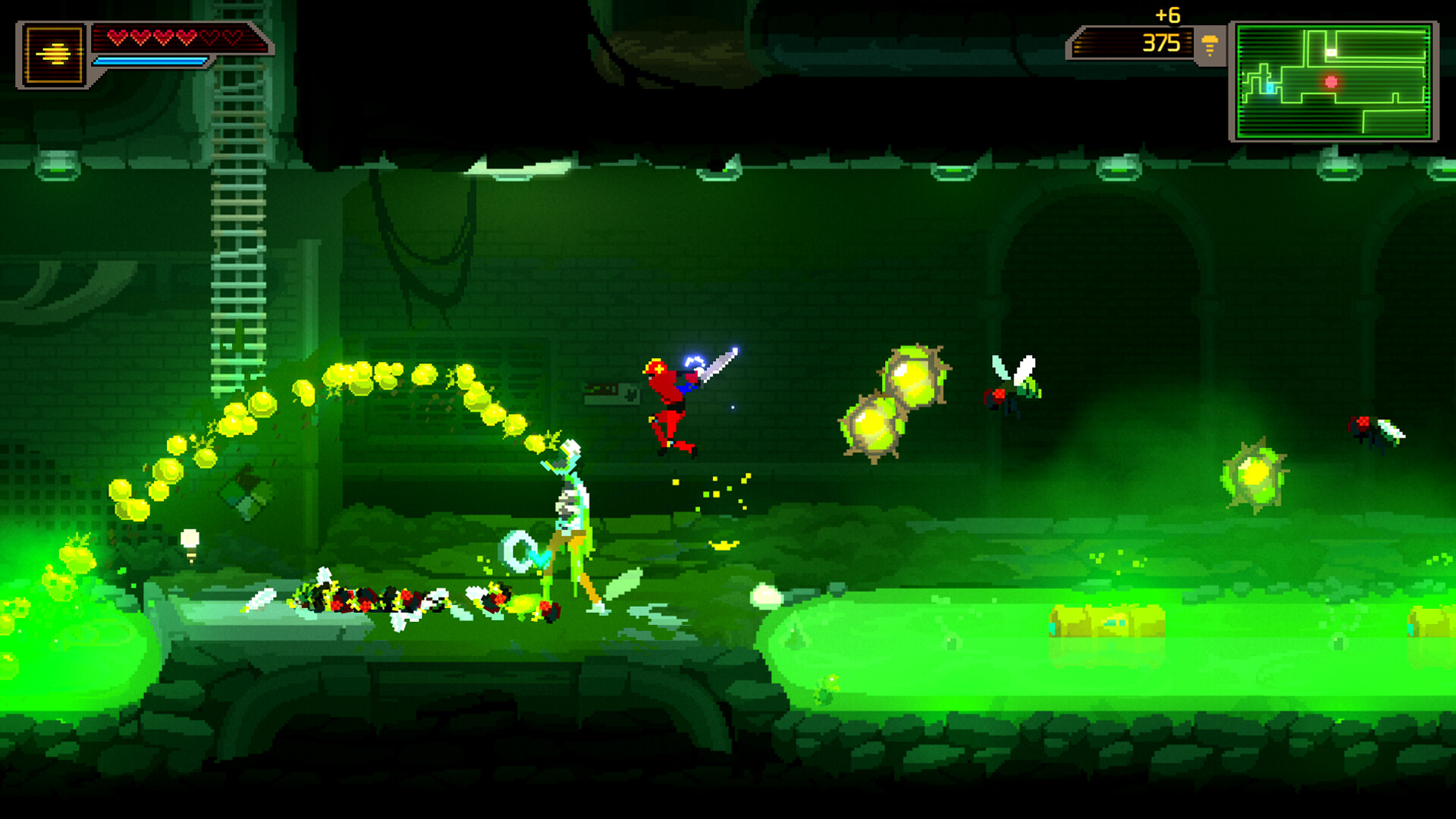
Turbo Kid continues the film’s post‑apocalyptic tale in a pixel‑art Metroidvania where a lone warrior rides a BMX across a wasteland. The game blends platforming, bike traversal, and a mix of melee and ranged weapons that produce exaggerated gore.
Players can skip all dialogue and many cutscenes, allowing a focus on fast‑paced combat or exploration. Choices affect story direction, enabling multiple playthroughs with different outcomes, while Steam features such as Achievements, Cloud, and Family Sharing support the single‑player experience.
01 / THE GUIDE
BMX Traversal
The BMX bike is available with a single button press, letting you move faster across the map, reach new areas, and launch at enemies. Performing bike tricks grants bonuses, adding a unique mobility layer to the Metroidvania format.
Because the bike can be summoned at any time, players can combine running, crawling, jumping, and hanging with riding to create varied routes through each zone.
- Try bike tricks in low‑risk sections to see which bonuses appear.
- Use the bike to close gaps quickly when chasing enemies.
02 / THE GUIDE
Weapon Variety
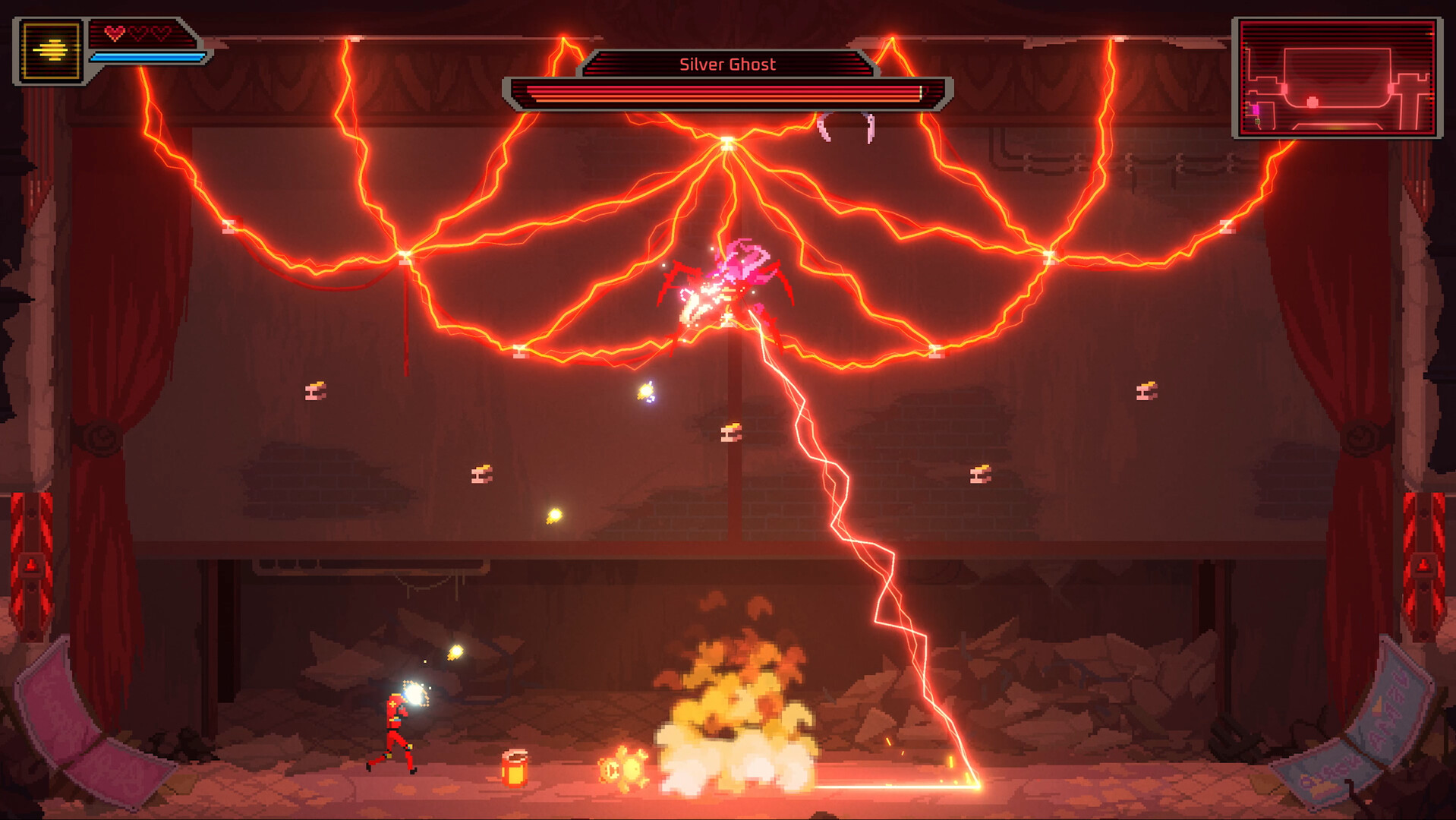
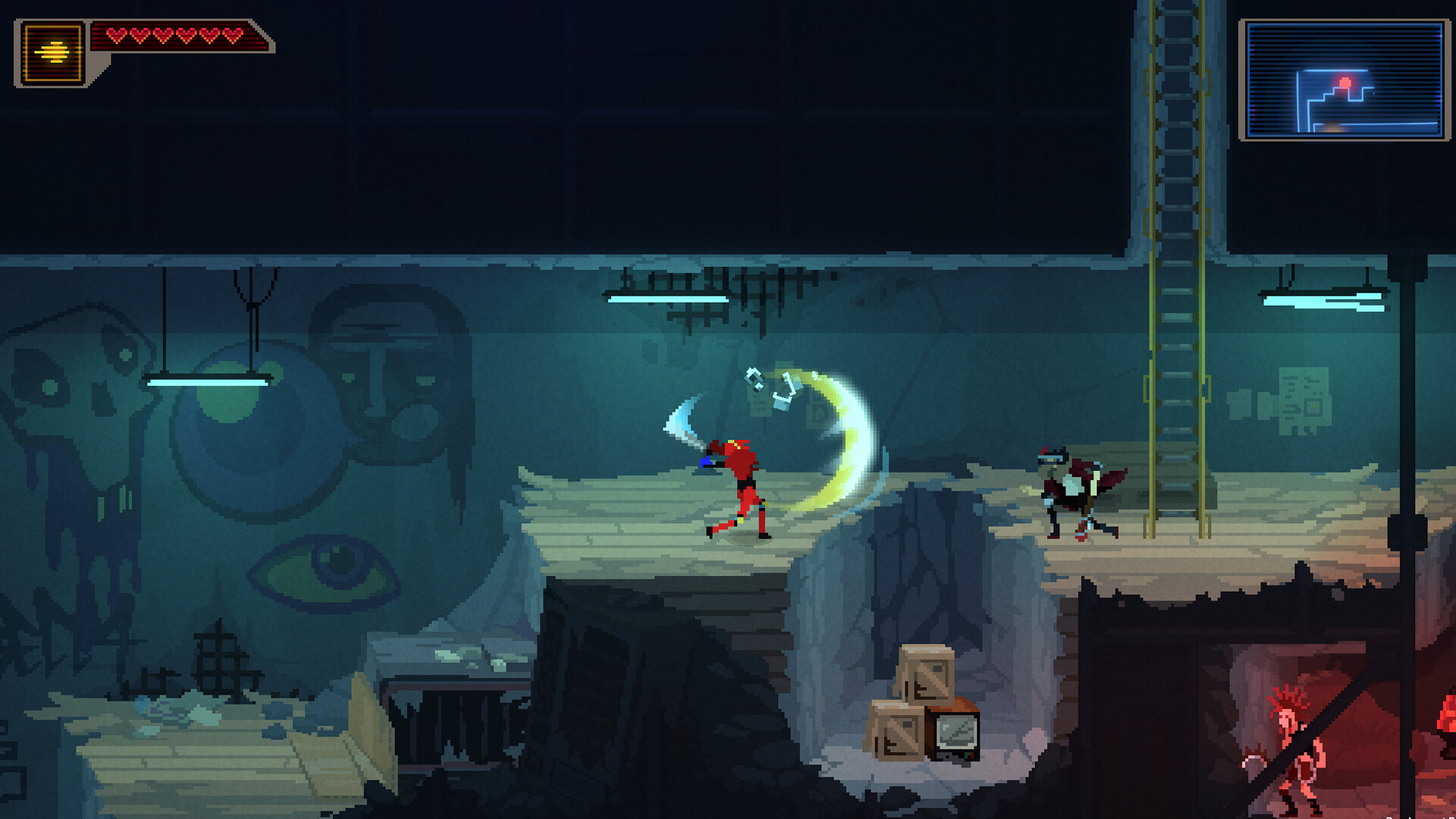
Combat options include a machete for close‑range slashing and the Turbo Glove™ that fires chaotic projectiles such as Turbo Blast and Electric Shocks. Circular saws and other weapons add explosive or ripping attacks, producing over‑the‑top gore.
Each weapon offers a distinct way to deal with scoundrels and creeps, letting players choose between melee and ranged styles depending on the encounter.
- Swap between melee and ranged weapons to match enemy behavior.
- Observe which weapon’s effect feels most effective against a given foe.
03 / THE GUIDE
Story Branching
The narrative begins immediately after the movie ends and features oddball characters who provide advice, quests, jokes, and fights. Player choices affect the story’s direction, allowing multiple playthroughs with different paths and outcomes.
All dialogue is skippable, and many cutscenes can be ignored, so players who prefer pure gameplay can bypass narrative elements entirely.
- Experiment with different dialogue options in separate runs to see how the story changes.
- Skip cutscenes when aiming for a speedrun to reduce overall time.
04 / THE GUIDE
Controller Support
Turbo Kid lists full controller support and recommends a gamepad, including compatibility with DualShock and DualSense controllers. This ensures that bike actions and combat can be performed via standard console controllers on PC.
The feature list does not mention any additional input requirements, so the documented support is limited to the named controllers.
- Use a gamepad if you prefer analog movement for bike navigation.
- Test both DualShock and DualSense controllers to see which feels more comfortable.
05 / THE GUIDE
Steam Features
The game integrates Steam Achievements, Steam Cloud, and Family Sharing, allowing progress tracking, cloud saves, and sharing with other accounts within the single‑player experience.
Achievements provide optional goals, while Cloud ensures saved data persists across installations, and Family Sharing lets other accounts in your family library access the game.
- Check the achievement list for optional challenges to extend replay value.
- Enable Steam Cloud to keep your save data safe when reinstalling.
COMMUNITY
Player discussion