 GameWiki
GET YOUR BEARINGS
About Turbo Dismount
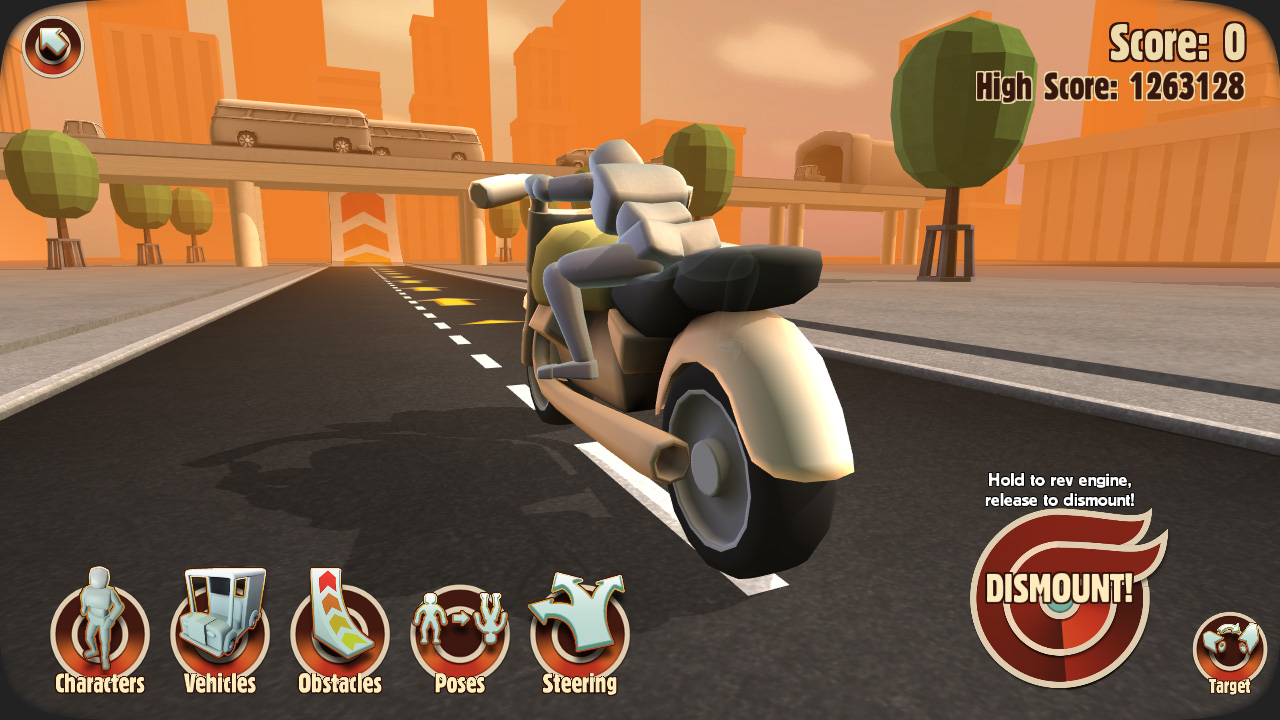
Turbo Dismount™ is the sequel to Stair Dismount, presenting a kinetic tragedy where Mr. Dismount meets a roster of cars that love him. The core loop revolves around causing damage to earn points, with style and replayability emphasized throughout.
The game highlights multiple vehicles, an awesome replay system, level‑editing tools, high‑speed physics, and the option to place a friend’s photo on Mr. Dismount’s face. Scores appear on Steam leaderboards, encouraging creative experimentation.
01 / THE GUIDE
Vehicle Variety
Turbo Dismount lists “multiple vehicles” as a highlighted feature, indicating that players can select from several cars to launch at Mr. Dismount. Different vehicles may produce different impact results, so experimenting with each one is worthwhile.
Because the vehicles differ, testing various car‑obstacle pairings can reveal which combinations generate higher damage. Higher damage translates directly into more points, aligning with the game’s scoring premise.
- Try each vehicle on the same obstacle to compare damage outcomes.
- Record which cars consistently produce higher scores for future runs.
02 / THE GUIDE
Replay System
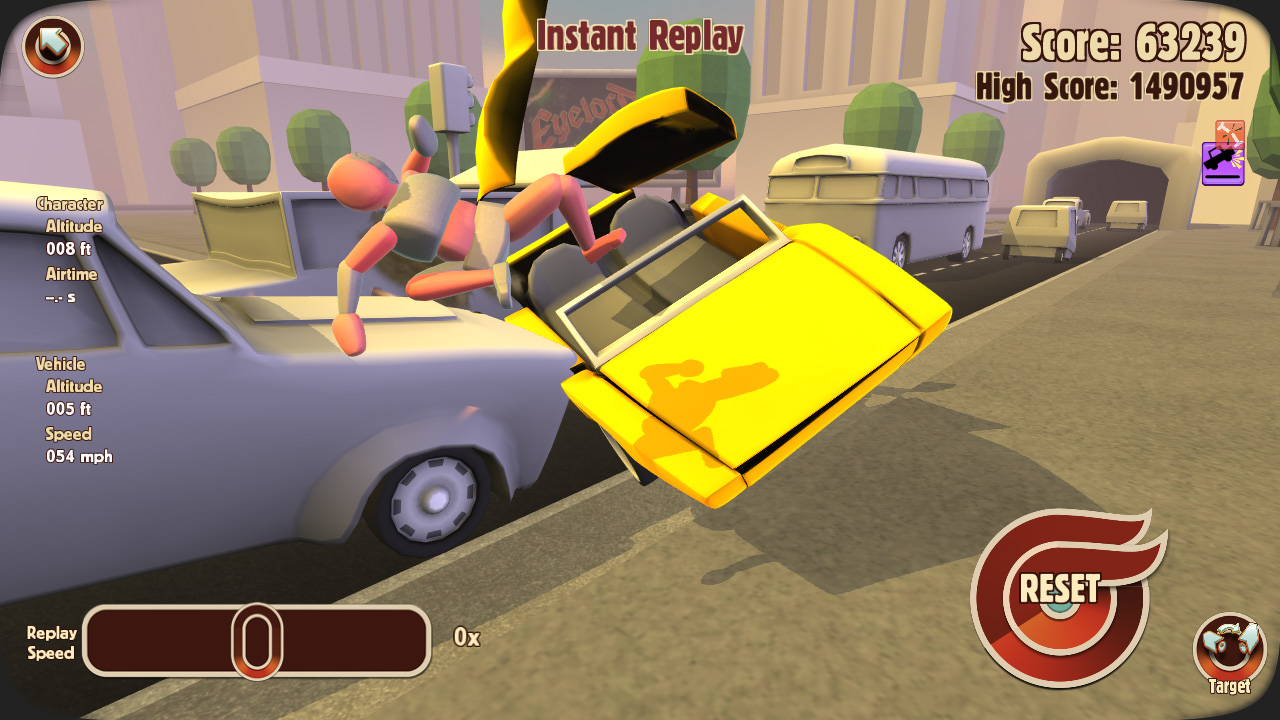
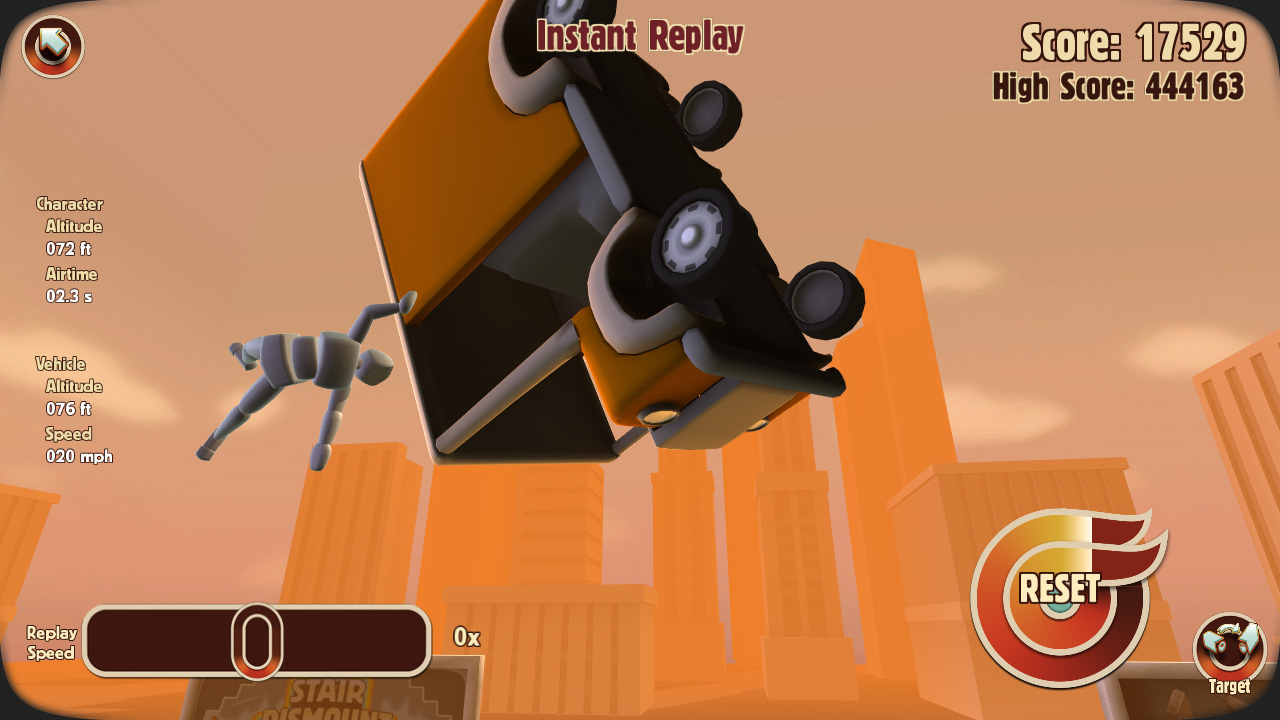
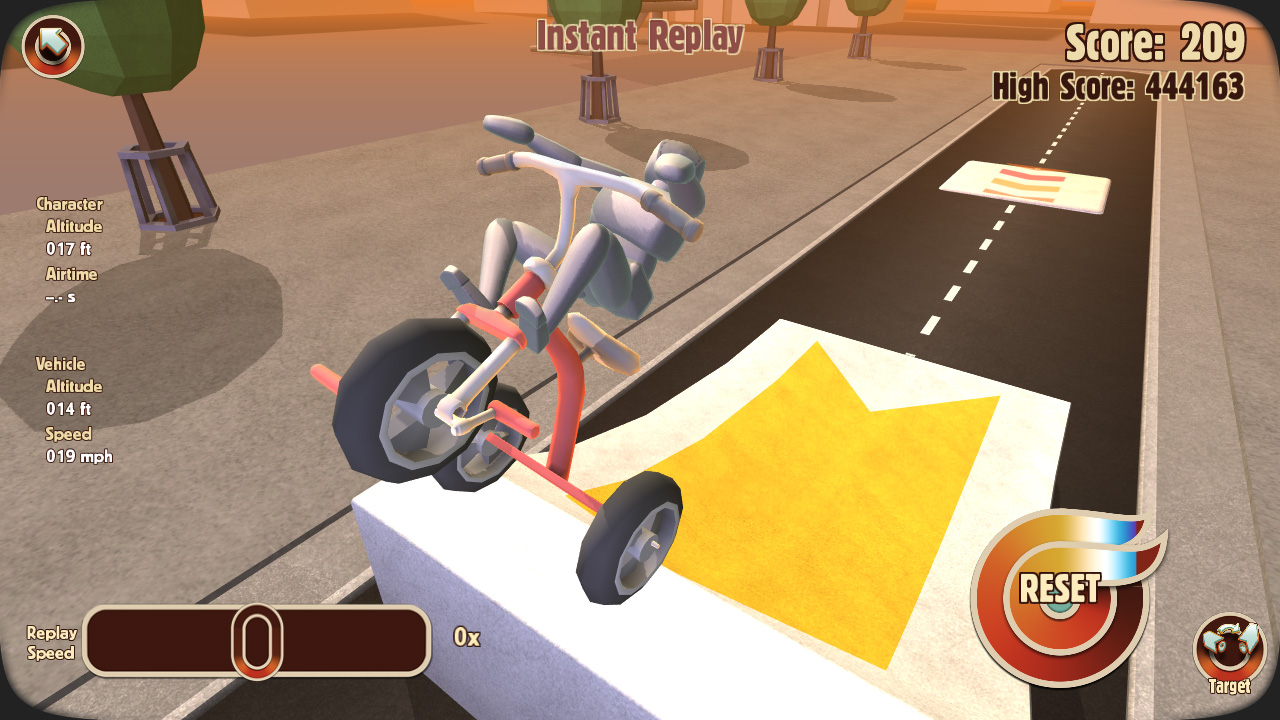
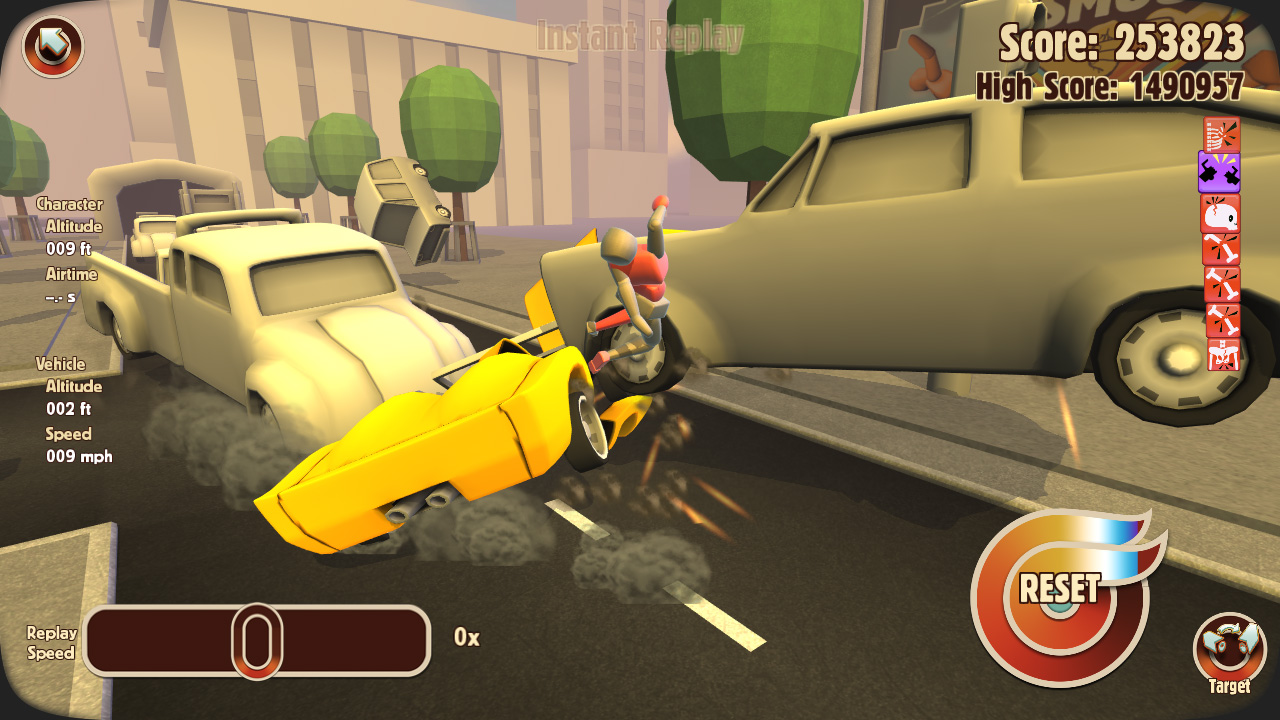
The description calls the replay feature an “awesome replay system,” meaning the game records each crash for later viewing. Players can watch these recordings to see the visual style and the exact moment of impact.
Replays also serve a practical purpose: by reviewing them, players can identify which vehicle‑obstacle pairings yielded the most points and adjust their setups accordingly.
- Pause a replay at the moment of impact to study pose and damage.
- Use replays to compare different attempts and refine your approach.
03 / THE GUIDE
Level Editing
Turbo Dismount includes “level editing features,” allowing users to construct custom obstacle courses. The editor lets users construct custom obstacle courses using its level editing tools.
Created levels can be uploaded through the Steam Workshop, as the game lists this feature. Community‑made content expands the variety of challenges beyond the built‑in selections.
- Start with a simple layout before adding complex obstacles.
- Test each new element to gauge its effect on damage scores.
04 / THE GUIDE
Points and Leaderboards
The purpose of the game is stated as “damage awards points,” linking the amount of harm inflicted on Mr. Dismount directly to the player’s score. More damage equals more points.
Scores are displayed on Steam leaderboards, giving players a clear metric for competition. Climbing the leaderboard requires finding the most damaging combos of vehicle, obstacle, and timing.
- Focus on high‑damage combos to improve your ranking.
- Observe top players’ setups for ideas to test yourself.
05 / THE GUIDE
Friend Photo Customization
The game lets you place a photo of a friend on Mr. Dismount’s face, described as “placing a photo of your friend on the face of Mr. Dismount.” This personalization adds a humorous visual element to each crash.
The feature is listed alongside other core elements, indicating it is available as part of the standard experience without requiring additional modes or conditions.
- Choose a photo with a clear expression for maximum visual impact.
- Experiment with different images to keep each attempt feeling fresh.
COMMUNITY
Player discussion