 GameWiki
GET YOUR BEARINGS
About Turbo Dismount 2
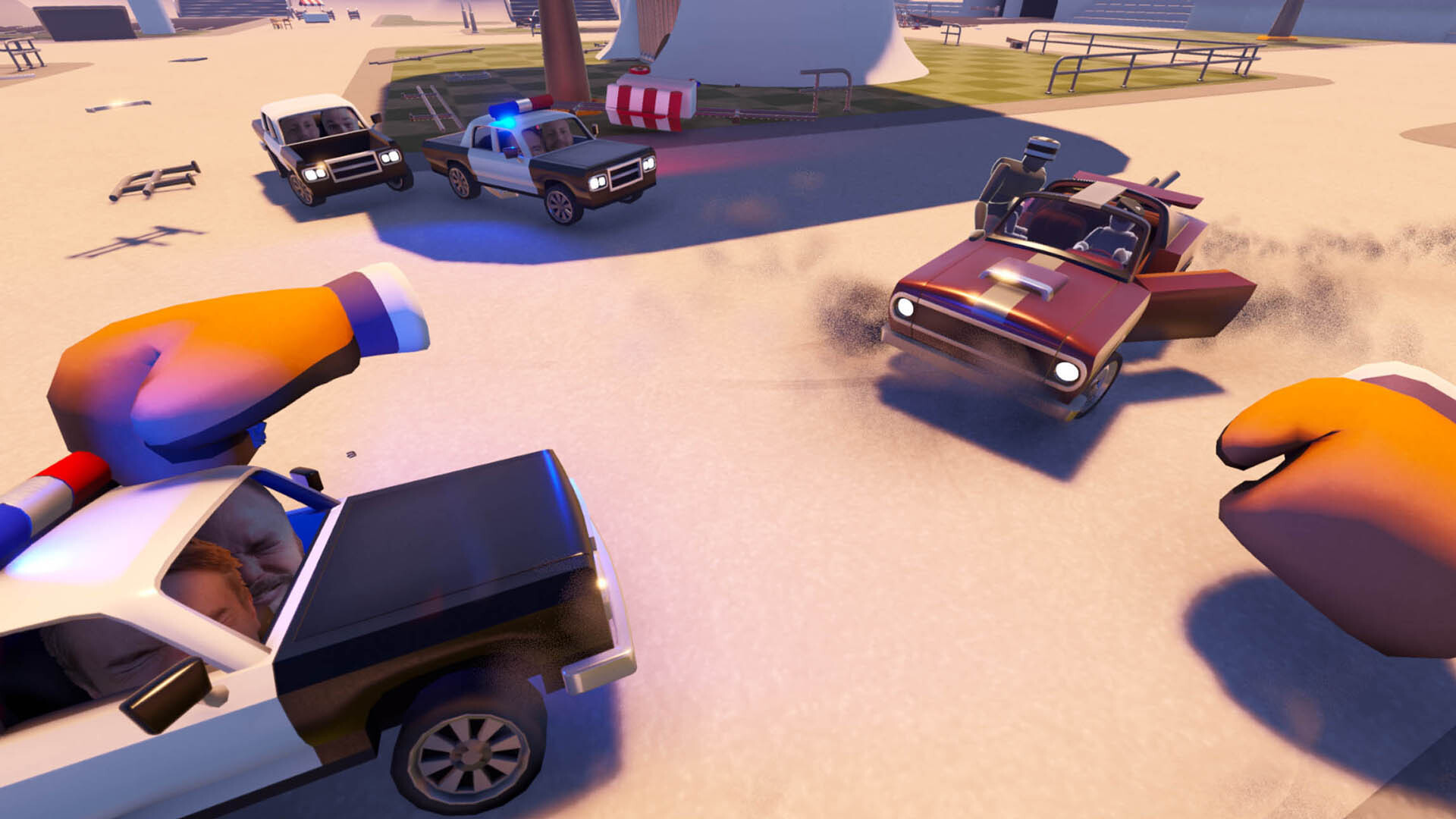
Turbo Dismount® 2 expands the chaotic physics‑driven racing world of Mr. Dismount with two distinct play styles. Challenge Mode offers racing stunt courses and puzzle goals, while Sandbox Mode provides instant access to every vehicle and tool for unrestricted experimentation. Both modes share the series’ kinetic comedy and a visual upgrade covering object detail, lighting, and effects.
The title also adds deep community tools: a Unity‑based level editor, Steam Workshop integration, and live webcam‑driven bobblehead faces. Full controller support, Steam Cloud saves, and leaderboards round out a single‑player experience that encourages creativity, competition, and personal flair.
01 / THE GUIDE
Challenge Mode
Challenge Mode presents a series of levels where each run has a clear objective, such as racing, performing stunts, or solving a physics puzzle. Steam Leaderboards are supported, allowing players to compare scores with the community.
The game includes an enhanced replay system for reviewing runs. Players can review crashes, vehicle trajectories, and timing without needing external tools, making it easy to analyse what worked and what did not.
- Watch your replay to identify physics interactions that slow you down.
- Check the leaderboard to see how your best times compare with others.
02 / THE GUIDE
Sandbox Mode
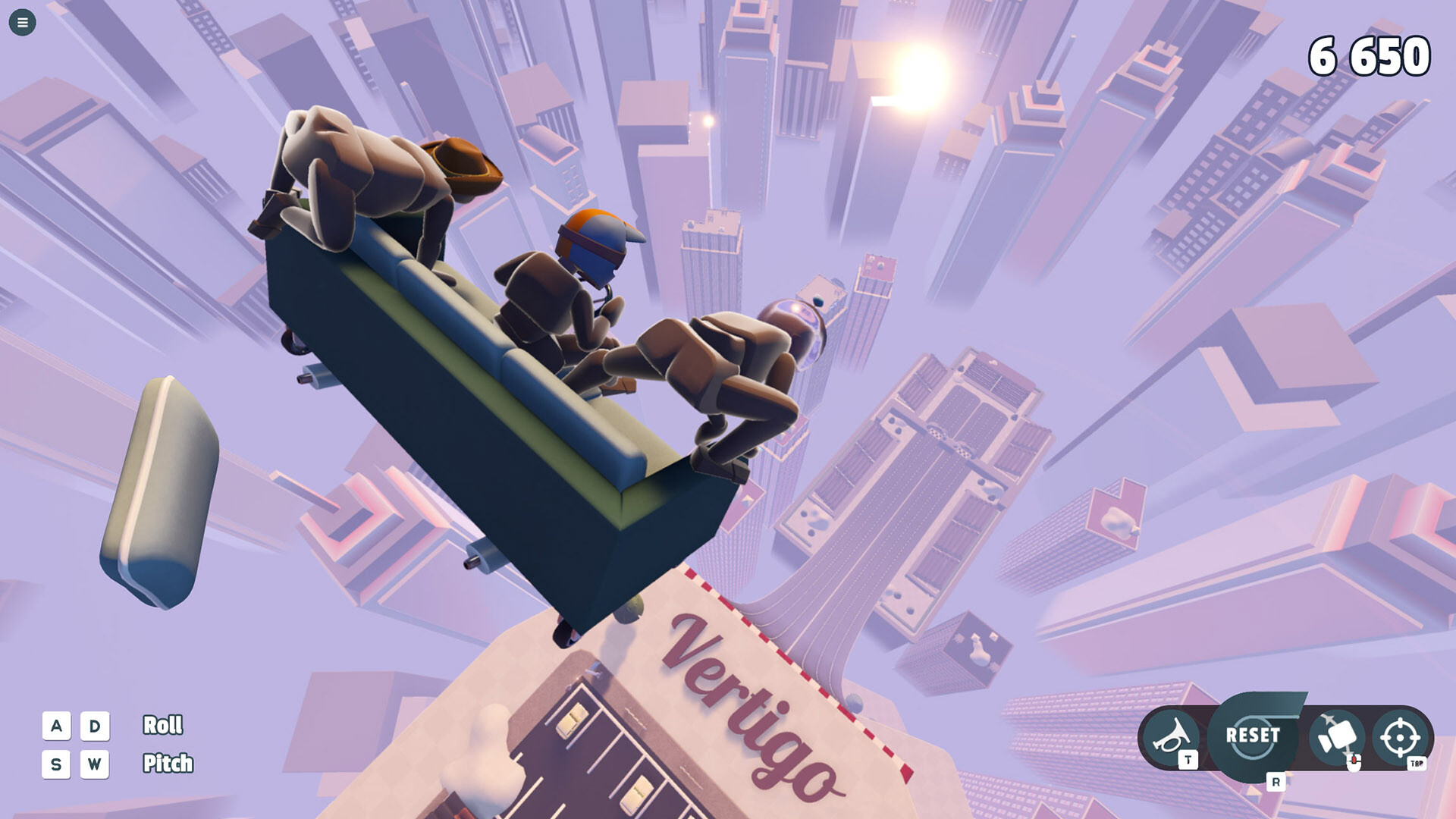
Sandbox Mode removes progression barriers by making all vehicles, characters, and tools instantly available. This open environment lets players experiment with any physics element, from simple rolls to elaborate contraptions, without a preset objective.
Because everything is accessible from the start, the mode serves as a rapid prototyping space. The visual upgrades ensure that even subtle physics reactions are clearly visible, supporting precise testing and creative play.
- Use the instant toolset to prototype a stunt before building a full level.
- Observe the upgraded visuals to notice subtle physics responses.

03 / THE GUIDE
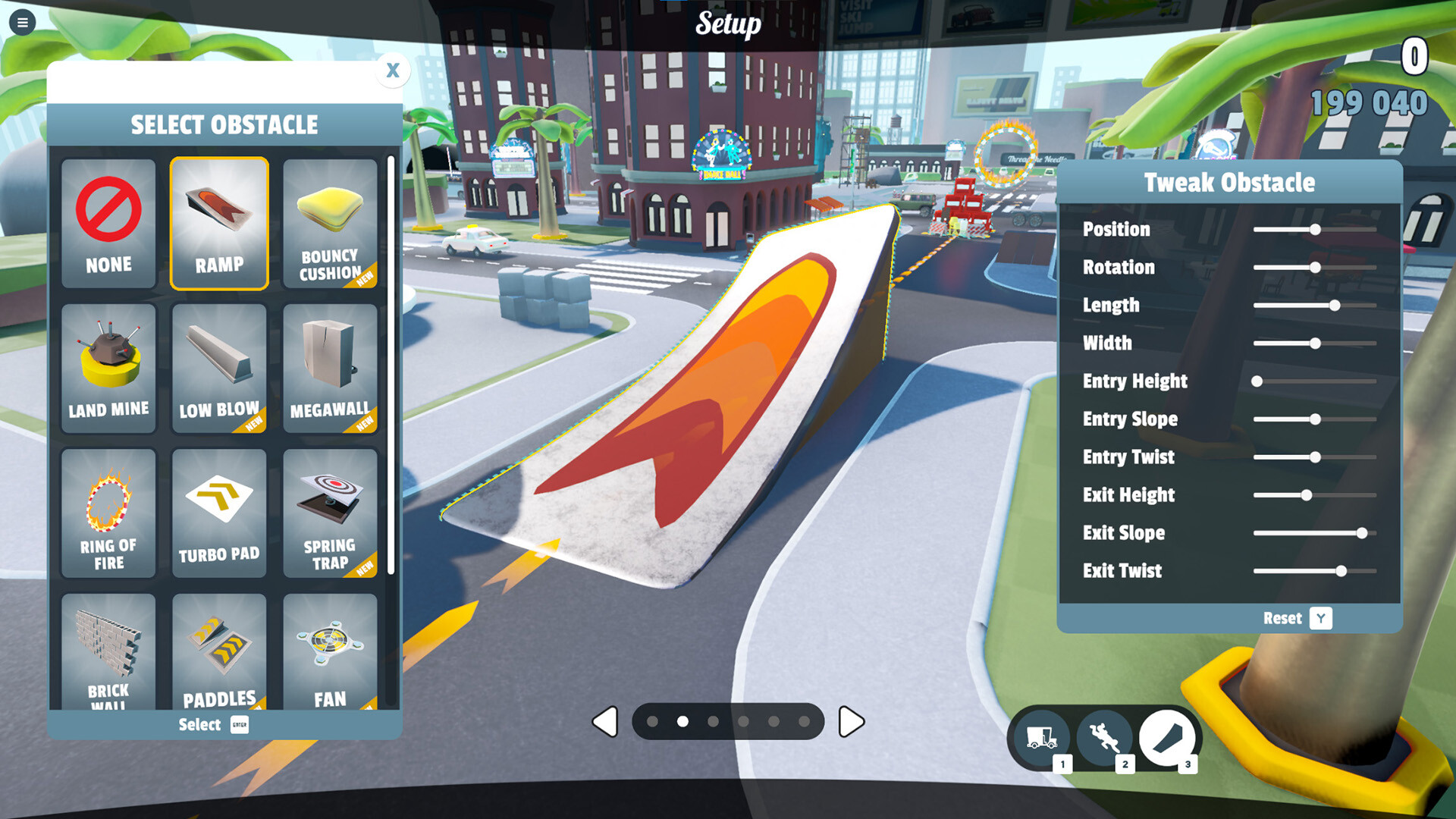
Level Editor & Steam Workshop
Turbo Dismount 2 includes a Unity‑based level editor with immensely capable editing tools. The editor’s depth supports both simple tracks and complex puzzle arenas, giving creators full control over level design.
Published levels can be uploaded directly to the Steam Workshop. Once online, they appear in the game’s browser, allowing any player to download and play community creations without waiting for a developer update.
- Start with a basic layout and add physics elements step by step.
- Read community feedback on the Workshop page to refine your design.
04 / THE GUIDE
Live Face Support
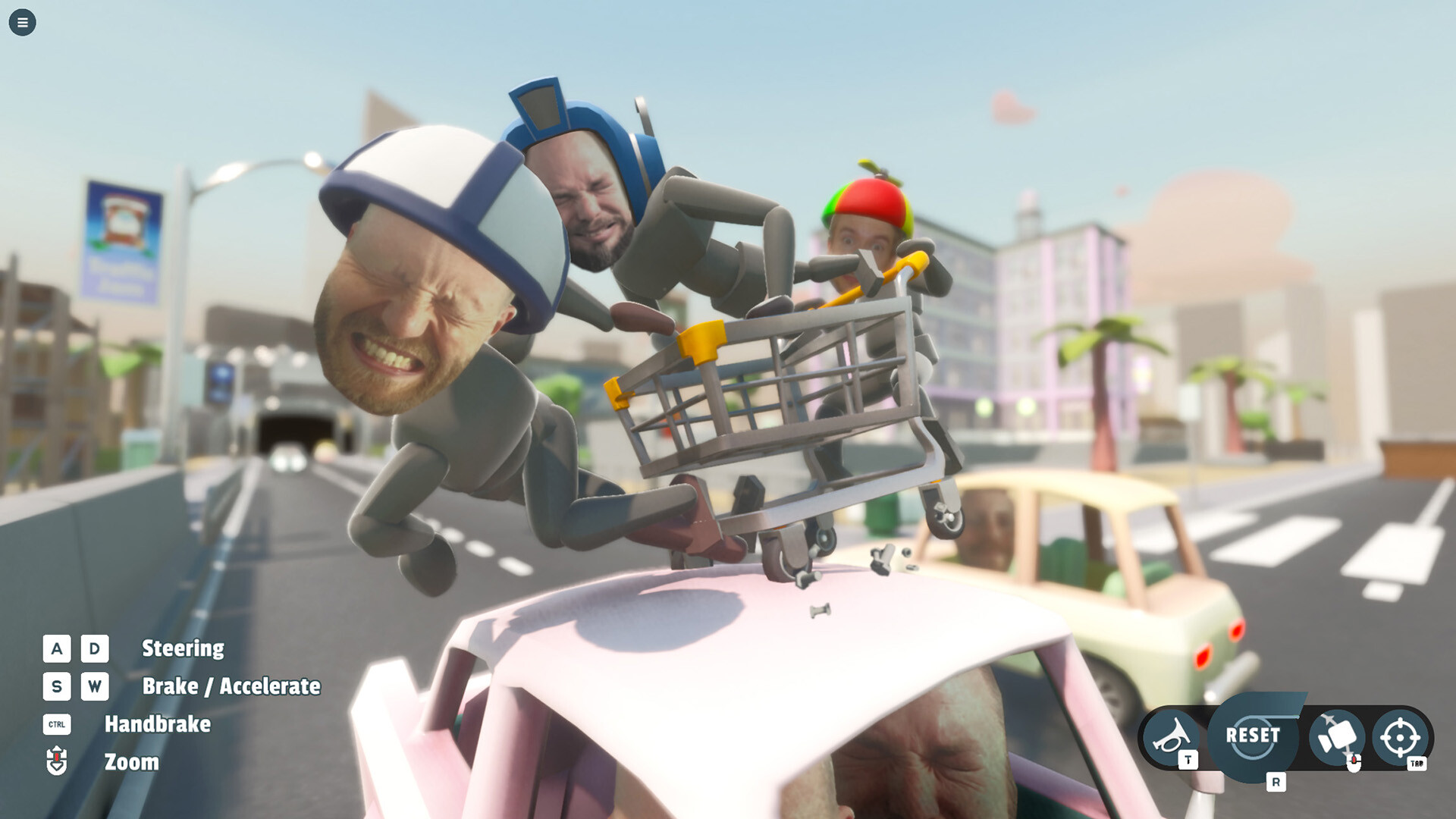
The game supports webcam input to animate bobblehead faces on characters. Players can also import custom photos, turning their own likeness into in‑game avatars that react in real time to vehicle impacts and crashes.
Animated bobblehead faces add a personal comedic layer to the sandbox’s humor, and the feature adds a personal touch to runs, which can also be reviewed in the replay system.
- Use a clear background for better webcam tracking.
- Try different facial expressions to match the tone of a stunt.
05 / THE GUIDE
Driving Physics & Controls
Turbo Dismount 2 delivers AAA‑level driving physics, providing realistic vehicle weight, suspension, and collision response. The game uses a manual first‑person driving perspective, giving players direct visual feedback on how their vehicle behaves during crashes and jumps.
Full controller support is provided, allowing players to steer, accelerate, and brake with a gamepad. Players can choose the input method that suits their play style.
- Test vehicles of different mass to feel how they affect jumps.
- Notice how the first‑person view changes your perception of speed.
COMMUNITY
Player discussion