 GameWiki
GET YOUR BEARINGS
About Tunnet
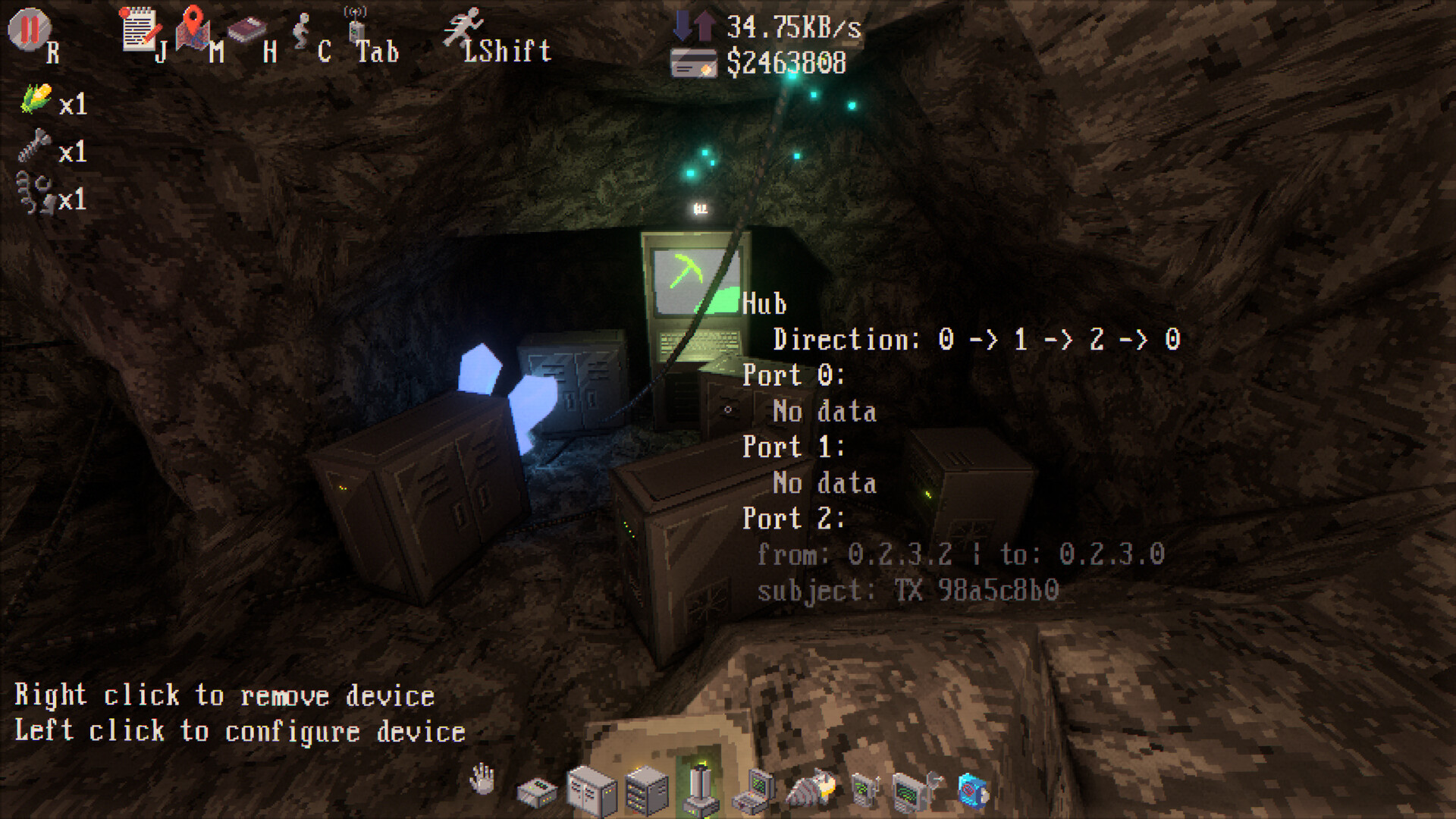
Tunnet puts you in the role of a robot network technician waking up in an underground complex. Your supervisor tasks you with building a computer network that links the facility’s bunkers, while you explore the dim corridors with a drill. The game is presented in first‑person 3D, letting you dig tunnels, connect endpoints, earn credits, and unlock devices to keep traffic flowing. As you expand the network, you must also debug incidents and uncover the secrets hidden among the creepy monsters that guard the computers.
01 / THE GUIDE
Network Building
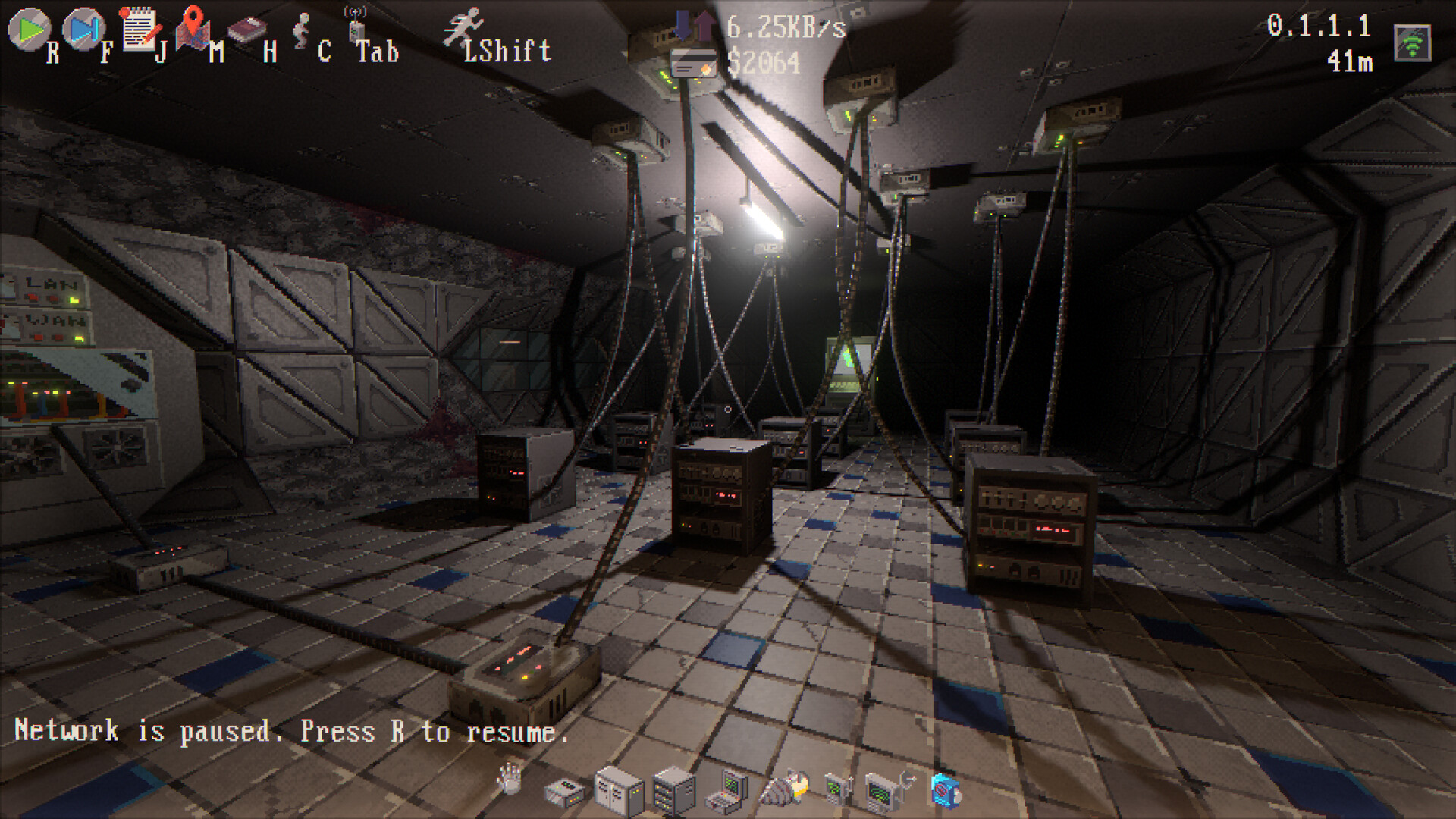
You start by connecting the first bunker and gradually add more endpoints, each new connection granting credits. The network topology must be arranged to route packets efficiently and keep performance acceptable.
Credits earned from connections can be spent on new devices that help you manage and monitor traffic, allowing you to refine the network as it grows.
- Observe how adding an endpoint changes traffic flow before spending credits on new devices.
- Compare the performance of simple versus more complex topologies to see which maintains steadier packet routing.
02 / THE GUIDE
Tunnel Digging
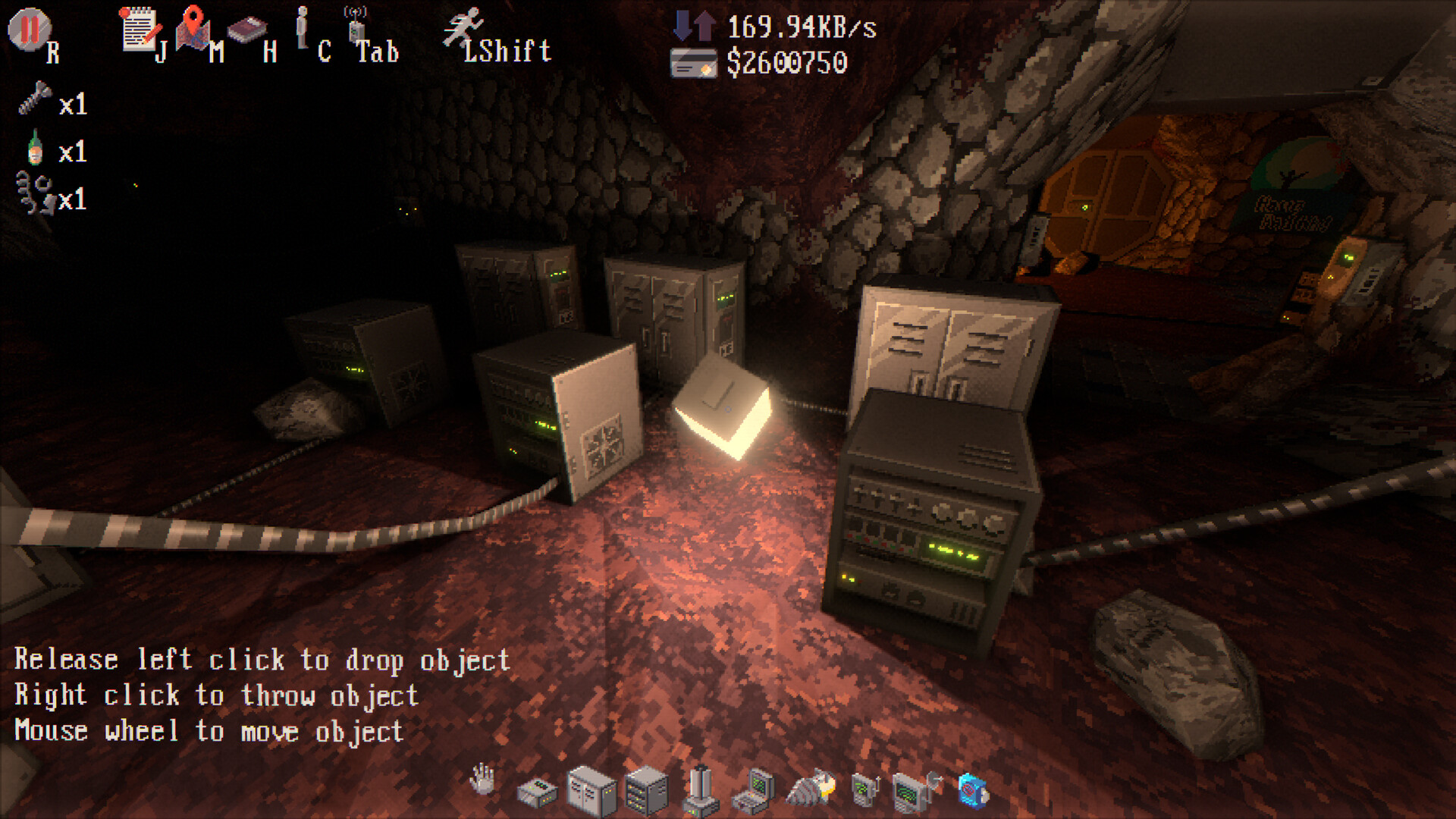
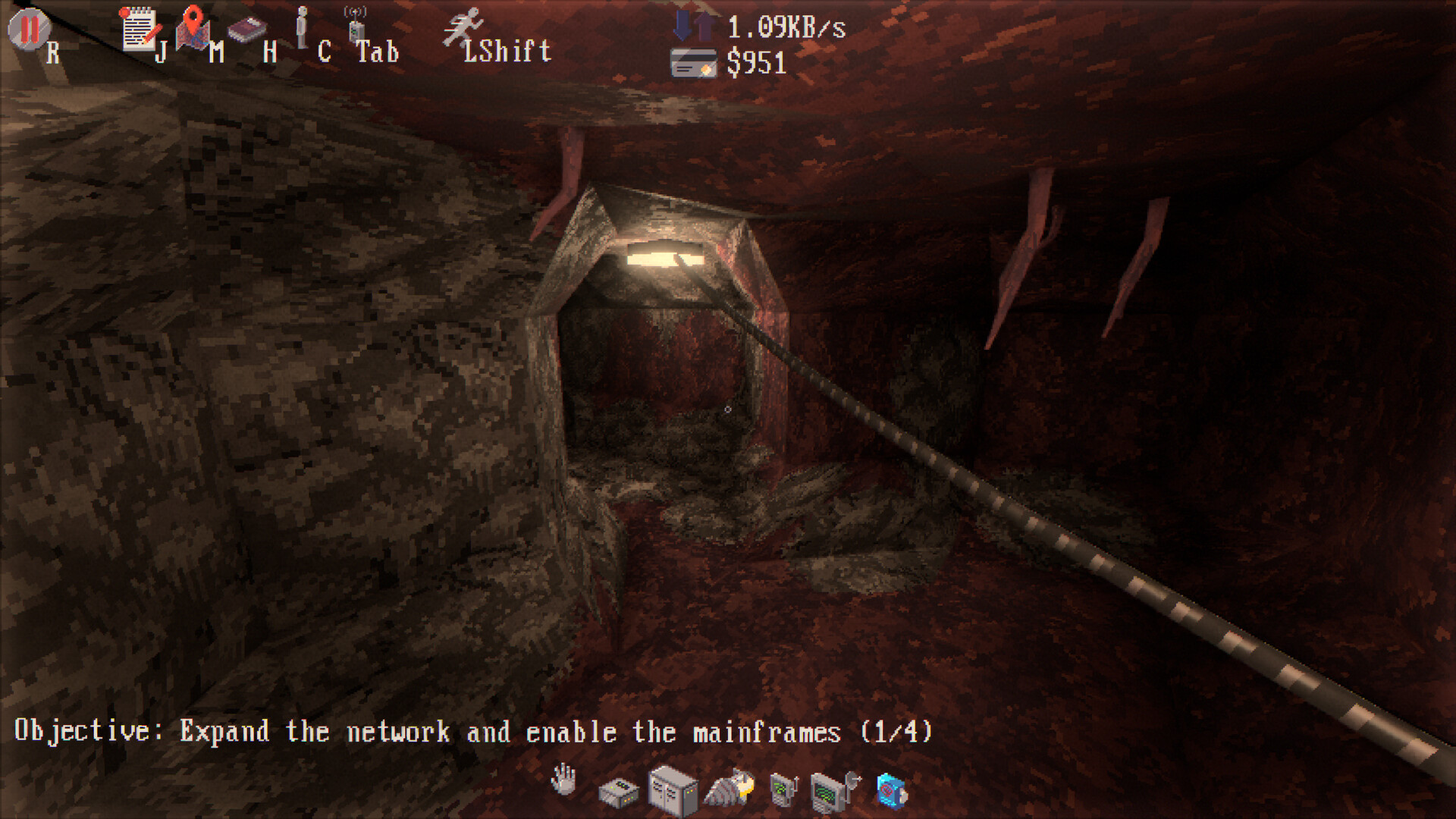
Equipped with a state‑of‑the‑art drill, you can dig tunnels to reach previously hidden bunkers. Each new tunnel opens another potential network node to connect.
Exploring these tunnels also reveals parts of the underground complex, adding context to the facility you are wiring together.
- Map the tunnel layout as you dig to avoid retracing steps.
- Use the drill to test different routes and compare how quickly you can reach new bunkers.
03 / THE GUIDE
Debugging Incidents
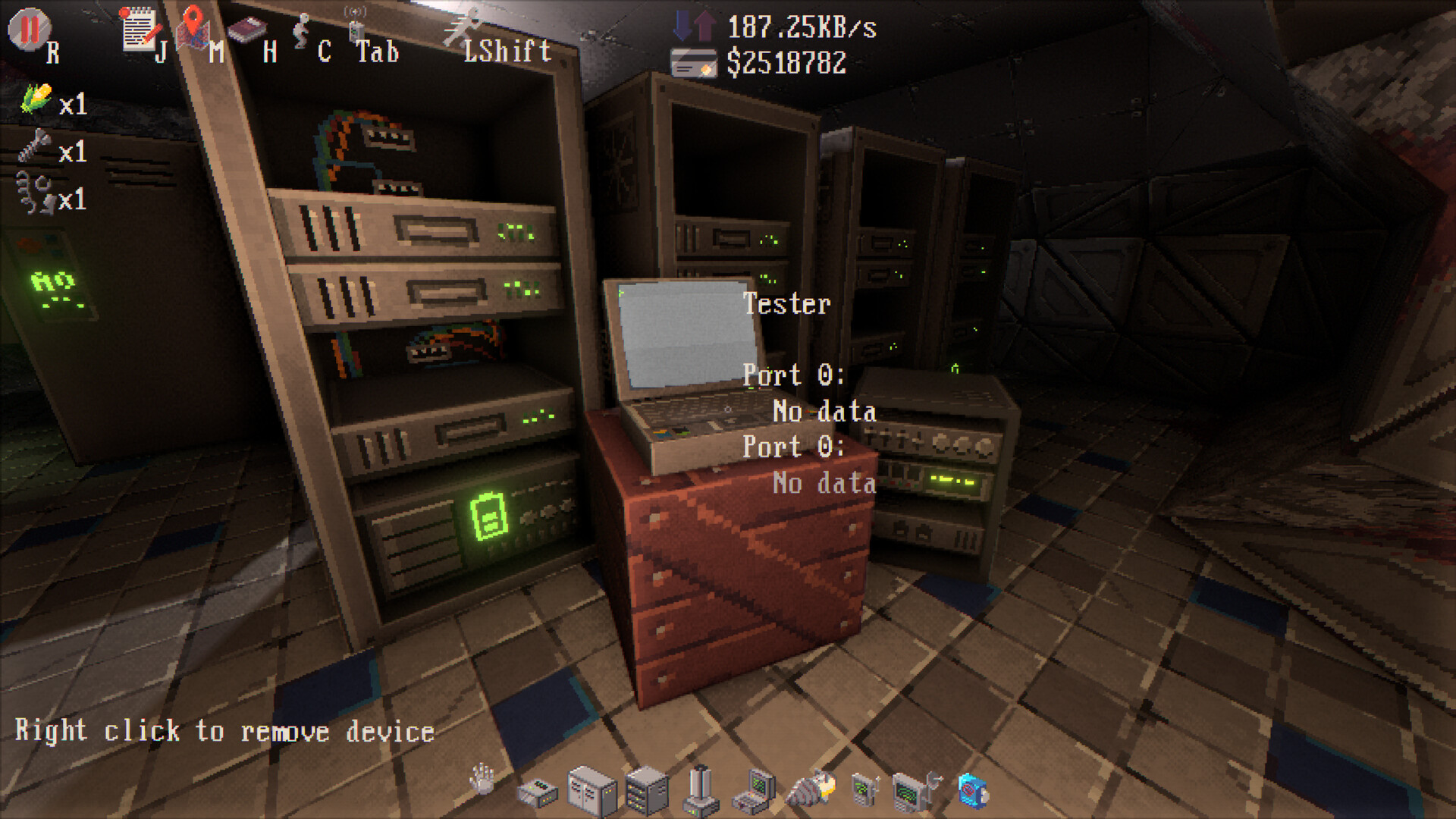
Network incidents can appear at any time, requiring you to troubleshoot mysterious issues. Successful debugging keeps the network running smoothly and protects your credit earnings.
The game encourages careful monitoring of traffic and quick response to anomalies, reinforcing the need for a well‑designed topology.
- When an incident occurs, pause and review recent changes to the network.
- Compare incident frequency before and after unlocking new management devices.
04 / THE GUIDE
Exploration and Secrets
Beyond building, you explore the underground facilities, uncovering hidden computers and confronting monsters that guard them. This adds narrative depth to the technical tasks.
Finding and accessing these guarded computers often requires navigating through the tunnels you have created, blending exploration with network work.
- Take note of monster locations to plan safer tunnel routes.
- Compare the layout of discovered computers with your network map to spot missed connections.
05 / THE GUIDE
Platform and Achievements
Tunnet is available on Windows and Linux via Steam, supporting single‑player, Steam Achievements, Leaderboards, Cloud saves, and Family Sharing. Partial controller support is listed, but the game remains primarily first‑person.
These Steam features let you track progress through achievements and compare scores with others on the leaderboards.
- Check the Leaderboards to gauge how your network efficiency compares to other players.
- Enable Steam Cloud to ensure your network designs are saved between sessions.
COMMUNITY
Player discussion