 GameWiki
GET YOUR BEARINGS
About Tukoni: Prologue
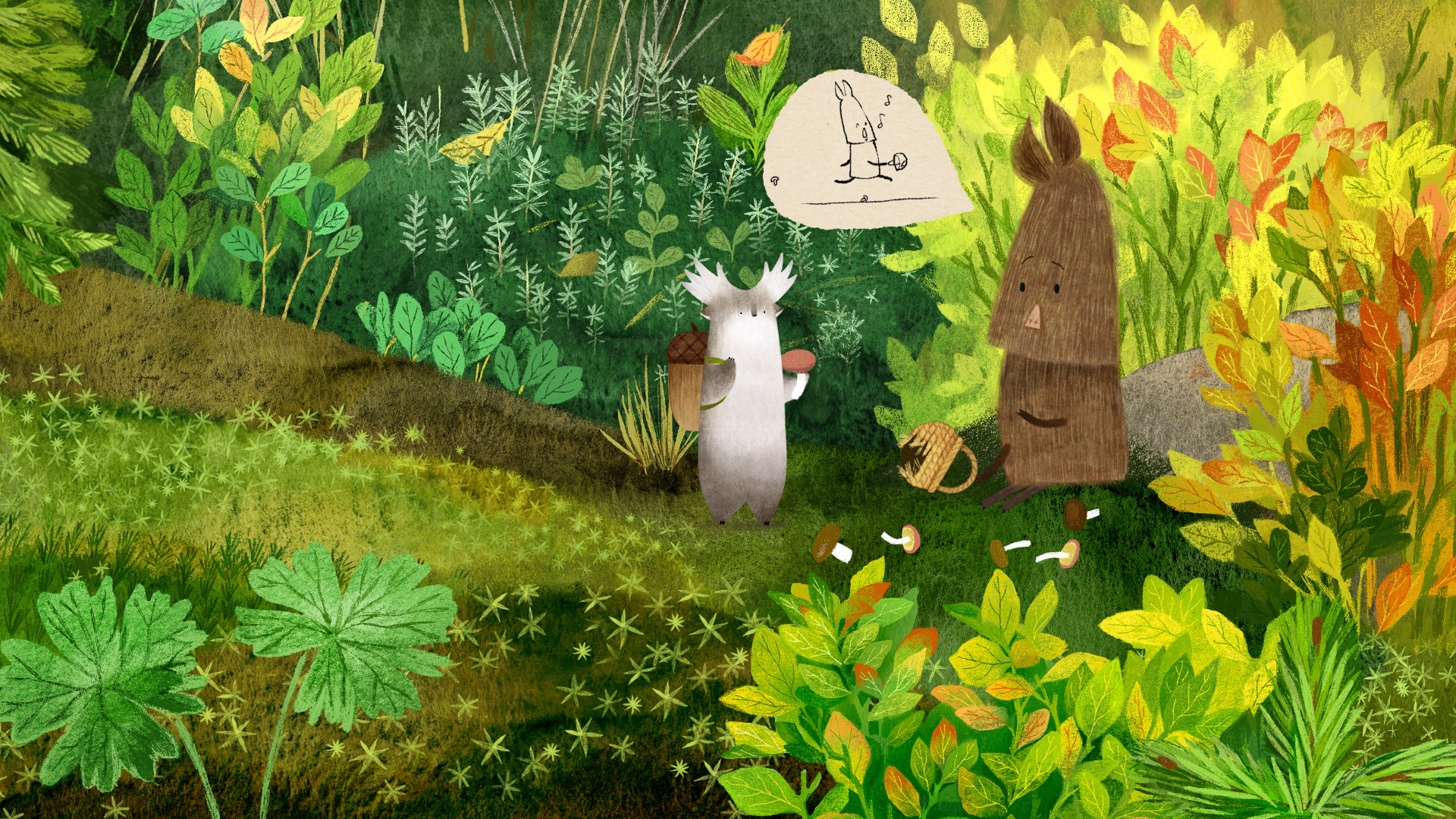
Tukoni: Prologue is a point‑and‑click adventure that lets you guide the forest spirit Tukoni through a hand‑drawn world created by Ukrainian artist Oksana Bula. The game presents a series of scenes where you meet unique characters and interact with the environment by clicking.
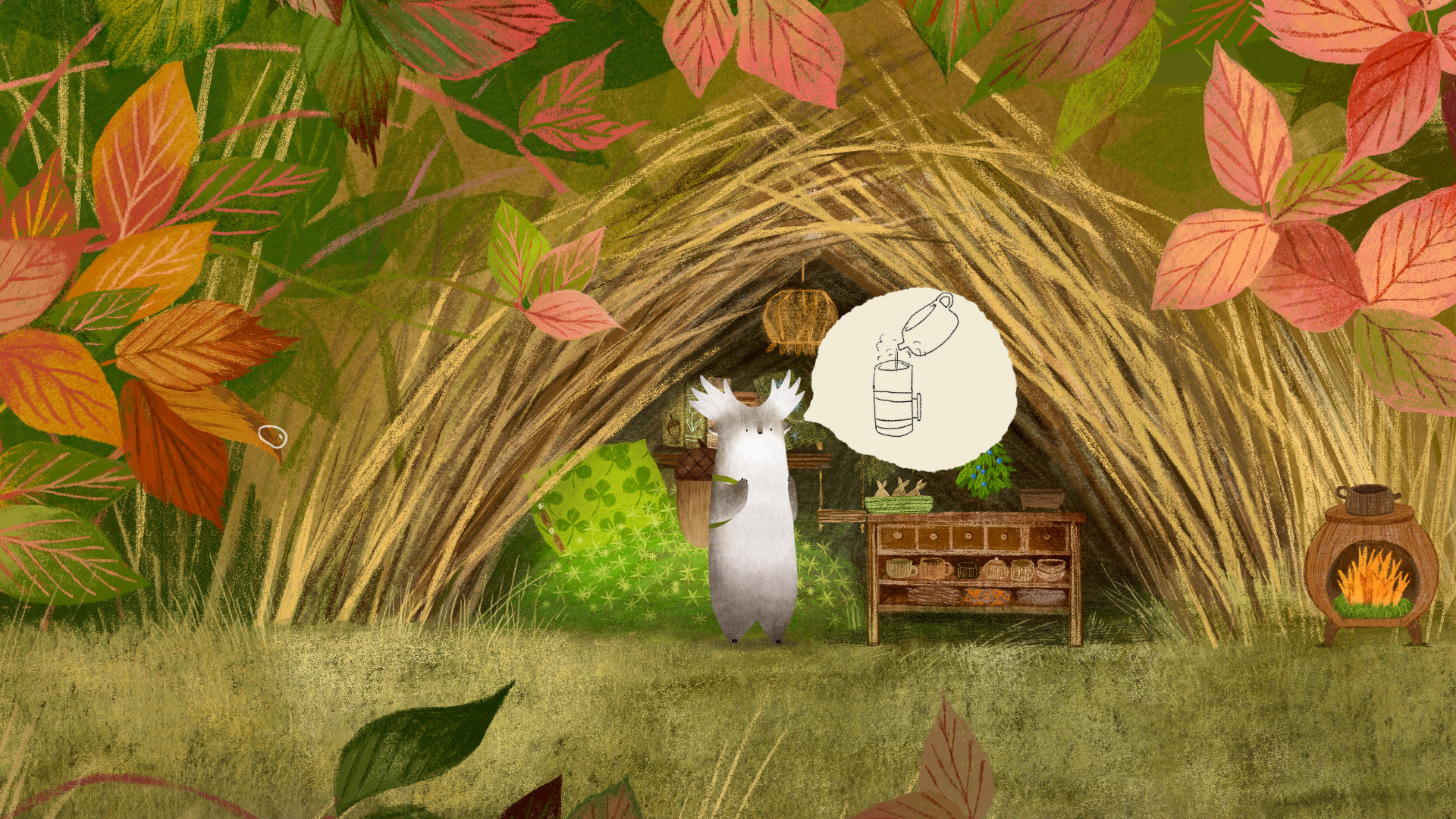
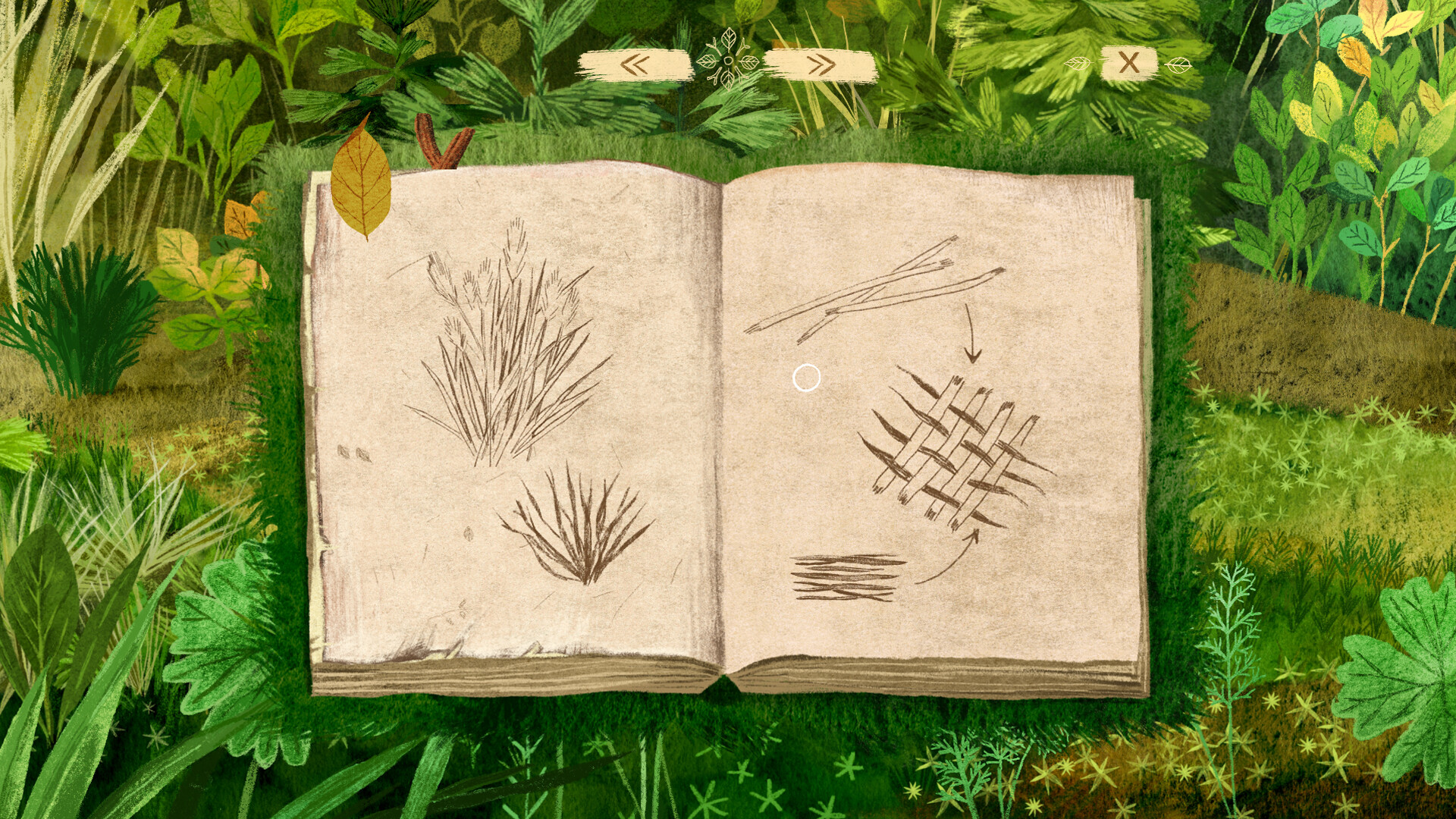
Progress is recorded in a visual Traveller’s Notebook, puzzles require item combinations or environmental actions, and all dialogue appears in animated bubbles, so the story unfolds without any reading.
01 / THE GUIDE
World Exploration
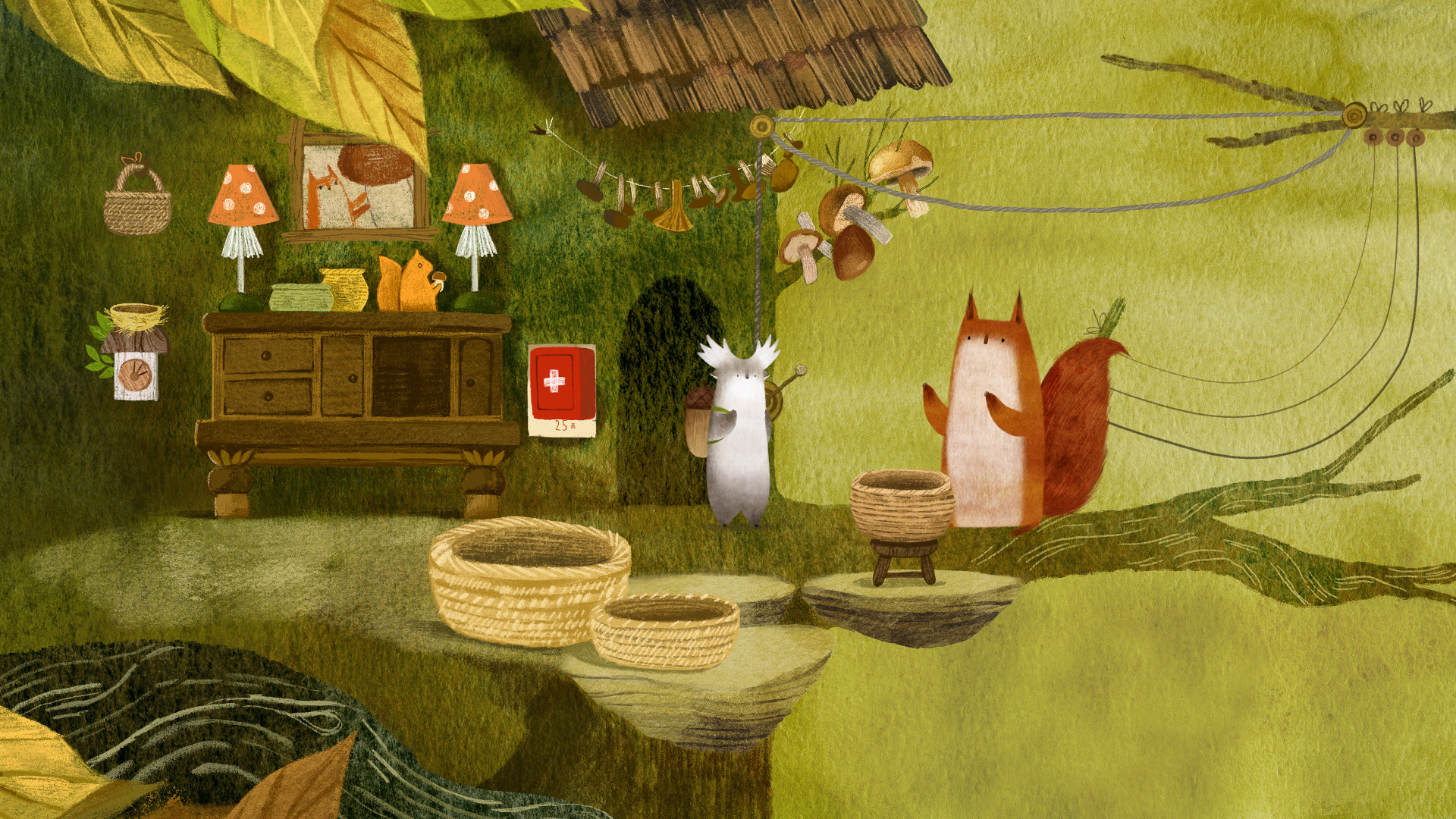
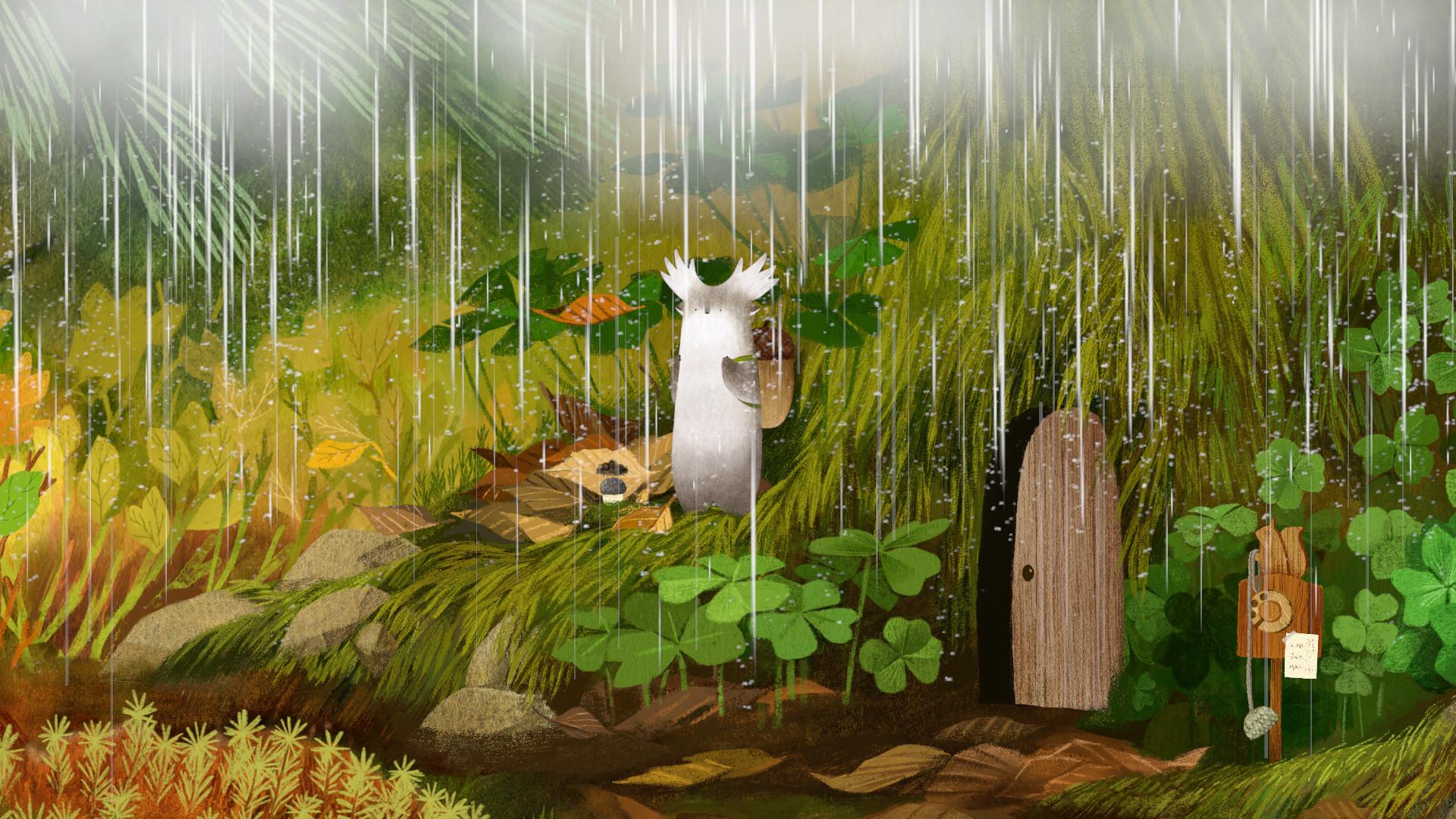
The forest is rendered in hand‑drawn artwork, and clicking lets you interact with the world around you. New scenery appears as you move, encouraging continual discovery of the world’s visual richness.
Every area introduces characters that embody the game’s kindness theme, and the consistent art style links each location together, giving the world a cohesive feel as you travel from one spot to another.
- Pause and click on background elements; they often hide visual cues.
- Notice how the art mirrors the original books for added appreciation.
02 / THE GUIDE
Puzzle Solving
Puzzles block Tukoni’s progress and are presented as obstacles that help forest animals when solved. Completing a puzzle opens new paths and moves the story forward.
The point‑and‑click interface lets you combine items or manipulate the environment, so each solution relies on the items you have collected and the scene’s interactive elements.
- Observe animal behavior; it can hint at the puzzle’s goal.
- Try different item pairings when a solution isn’t obvious.
03 / THE GUIDE
The Traveller’s Notebook
The notebook acts as a visual guide, showing the next tasks and recording completed ones as cards. Opening it frequently tells you where to go next.
Because the notebook uses cards instead of text, it provides a clear visual log of accomplishments, reinforcing progression without any reading requirement.
- Open the notebook after each new interaction to see fresh clues.
- Use the notebook as a quick reference when revisiting earlier areas.
04 / THE GUIDE
Crafting System
Items collected in your inventory can be combined to create new tools that aid in puzzle resolution or navigation. Crafting is accessed through the inventory interface.
Crafting produces unique new items that help you in your adventure, adding to the tools available in your inventory.
- Experiment with different item pairings; some combos are not obvious.
- Keep a few basic resources on hand for unexpected puzzles.
05 / THE GUIDE
Achievements & Family Sharing
The game supports Steam Achievements, letting players earn recognitions for completing key milestones that appear on their Steam profile.
Family Sharing allows multiple Steam accounts to access the same game library, so friends or relatives can experience Tukoni without purchasing separate copies.
- Review the achievement list early to set personal goals.
- Enable Family Sharing to let others explore the world on their own devices.
COMMUNITY
Player discussion