 GameWiki

GET YOUR BEARINGS
About Tsugunohi
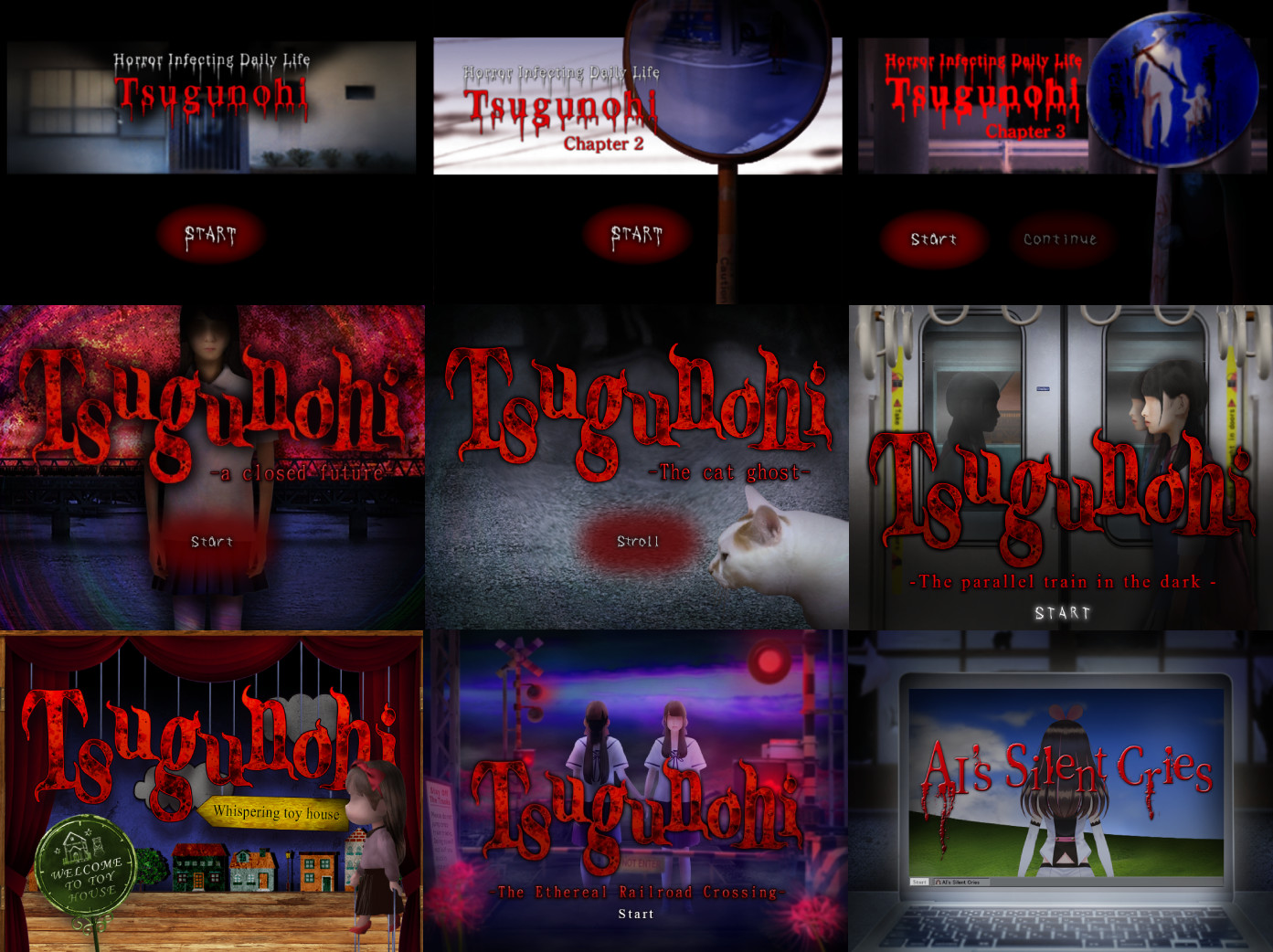
Tsugunohi is a Windows‑only collection of nine short horror episodes that share a simple navigation premise: the player moves the character leftward using an arrow key. Each vignette turns a routine commute into a tense, atmospheric scare sequence.
Developed by ImCyan, the titles range from a livestreaming idol’s walk home to a cat patrolling its territory. The game is single‑player and supports Steam Family Sharing, allowing multiple accounts to access the same library copy.
01 / THE GUIDE
Story Collection
The bundle gathers seven episodes from the existing Tsugunohi series and adds two new Steam‑original stories. Each entry follows a different protagonist—students, a cat, an idol—on a familiar route that becomes unsettling.
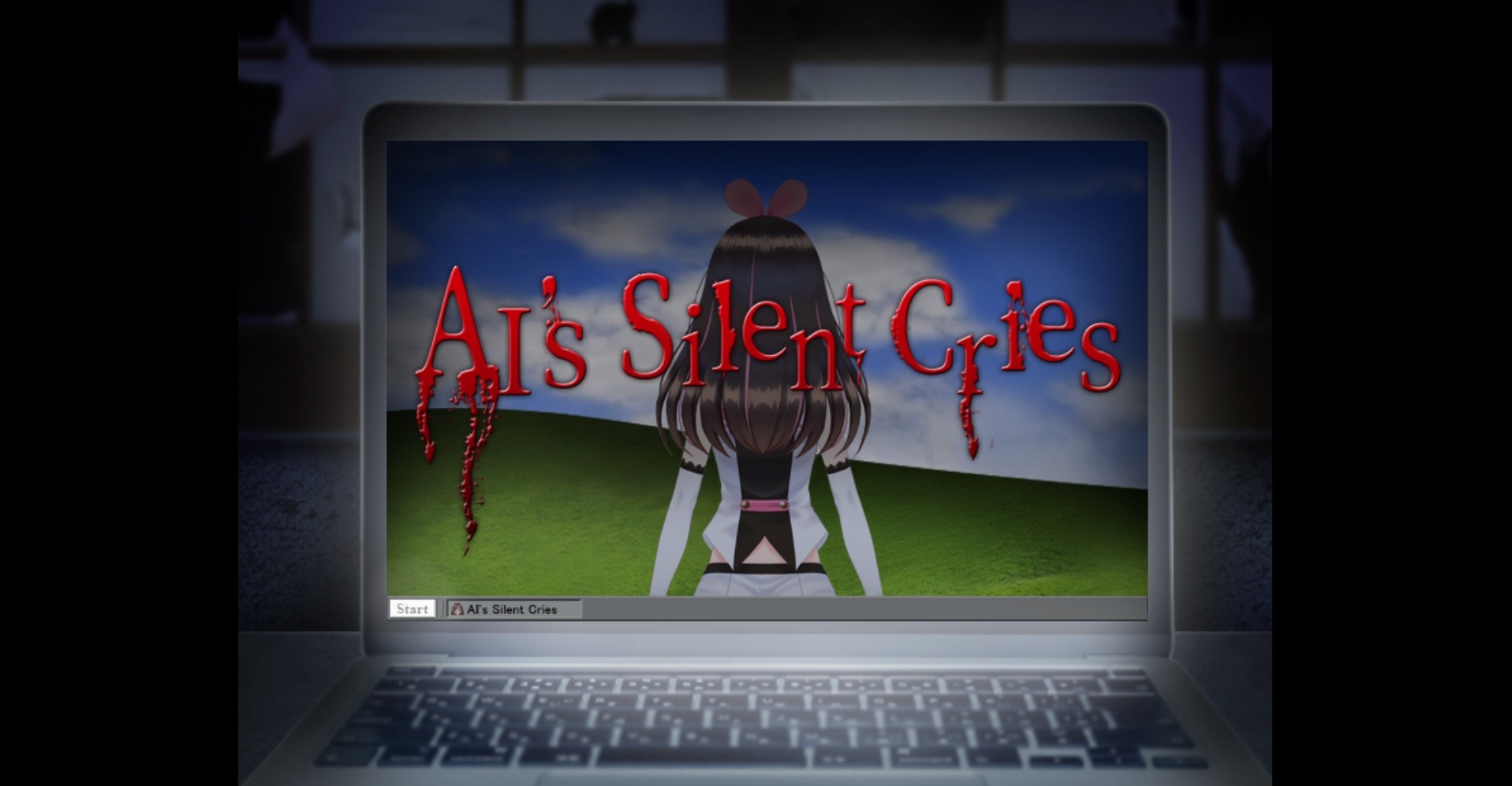
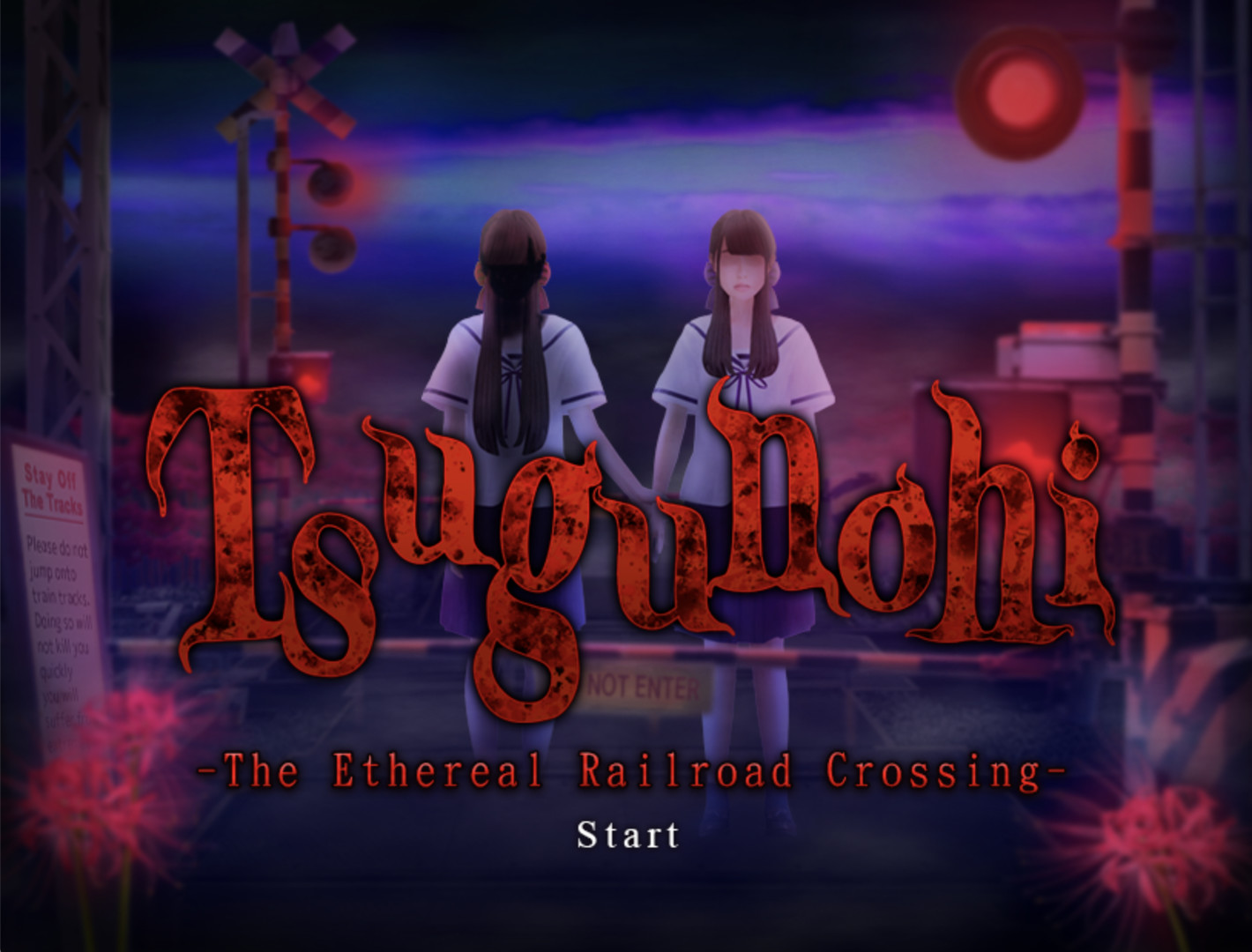
Titles such as “Ai’s Silent Cries,” “Tsugunohi Episode.1,” and “The Ethereal Railroad Crossing” provide varied settings while keeping the core theme of everyday life slipping into terror.
- Read the brief description before each episode to set the narrative context.
- Notice recurring motifs like shadows or distant sounds across episodes.
02 / THE GUIDE
Navigation Mechanic
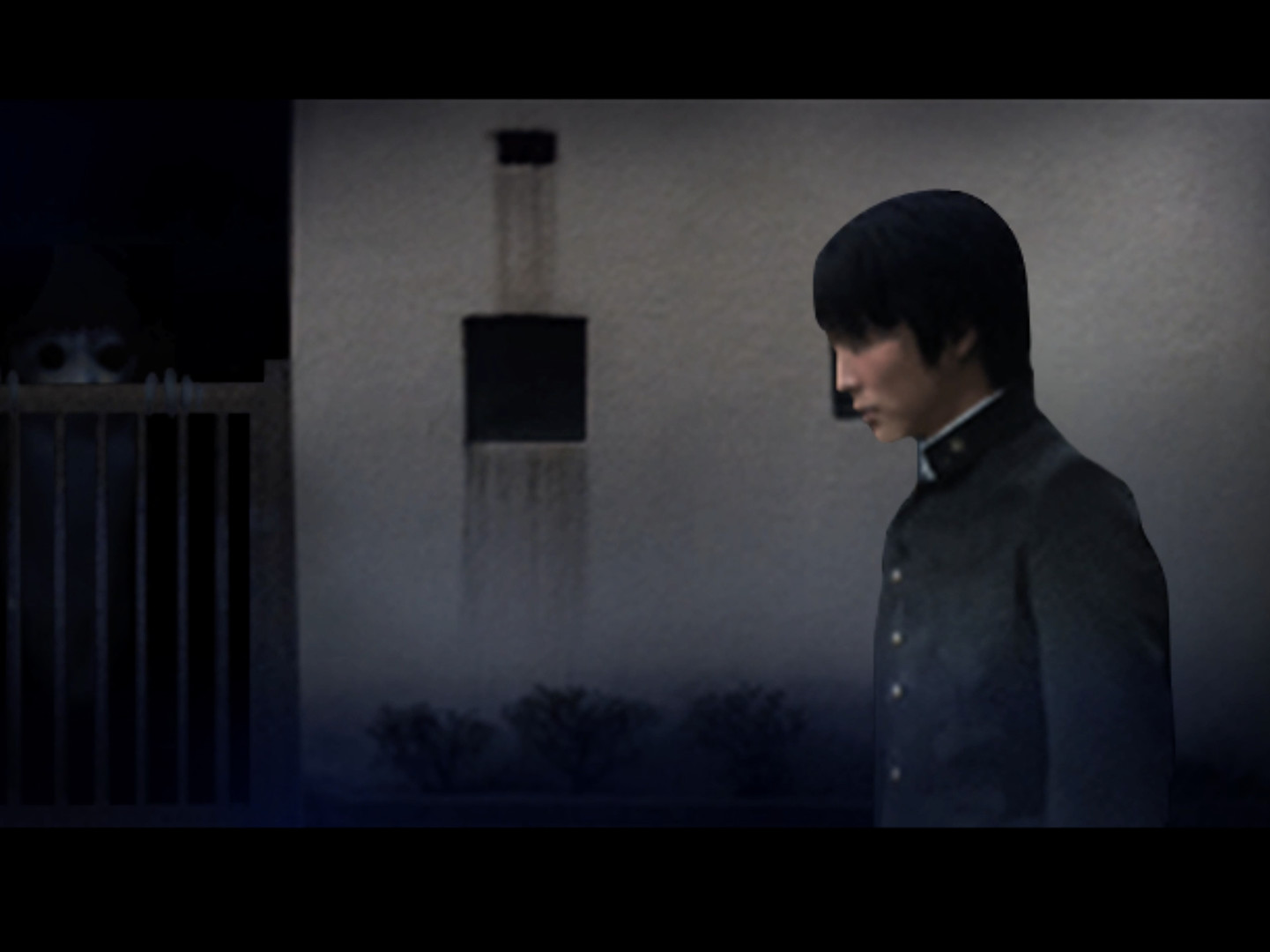
All episodes rely on a single input: pressing an arrow key to move the character leftward along a preset path. The description emphasizes the player’s trembling finger on the key as horror elements appear.
Because the interaction is limited to this movement, tension arises from timing and anticipation rather than complex controls, letting visual and audio scares dominate the experience.
- Maintain a steady hand to keep the rhythm of leftward presses consistent.
- Watch for on‑screen cues that hint at upcoming events.
03 / THE GUIDE
Platform Support
Tsugunohi is officially released for Windows; no macOS or Linux versions are listed. The game runs on standard PC hardware without requiring additional platforms.
Focusing on a single operating system simplifies installation and ensures consistent performance for all supported machines.
- Confirm your Windows version meets the store’s minimum requirements.
- Update graphics drivers to avoid visual glitches.
04 / THE GUIDE
Single‑Player and Family Sharing
The title is marked as single‑player, meaning each episode is experienced alone. Steam’s Family Sharing feature is supported, allowing multiple users on the same library to launch the game without buying extra copies.
Family Sharing does not change the single‑player nature; each user will still play the episodes individually, preserving the intended atmosphere.
- Enable Family Sharing in Steam before launching the game.
- Make sure the primary account remains online for shared access.
05 / THE GUIDE
Creative Approach
The developers chose a minimalist control scheme to focus attention on narrative and horror design. By limiting interaction to leftward movement, the game encourages players to listen for audio cues and watch visual details.
This design choice aligns with the series’ theme of ordinary routines being subverted, allowing each episode to build dread through subtle changes rather than overt gameplay complexity.
- Pay close attention to background sounds for hidden threats.
- Observe environmental details that may foreshadow scares.

COMMUNITY
Player discussion