 GameWiki
GET YOUR BEARINGS
About TRYP FPV: Drone Racer Simulator
TRYP FPV: Drone Racer Simulator delivers an ultra‑realistic FPV flying experience for pilots of any skill level. The simulator emphasizes precise flight sensations, using a PID loop, inertia, gravity, and digital‑twin aerodynamics to mimic real‑world drone behavior.
Players can explore five meticulously scanned locations, from pyramids to skyscraper slaloms, and compete across several modes—including racing, freestyle challenges, and scenario camera control—while customizing every component of their virtual drone.
01 / THE GUIDE
Ultra‑Realistic Flight Simulation
The simulator models inertia, gravity, wind, air resistance, and acceleration with a PID loop, ensuring each turn and speed change feels like a real drone. Sound design adds engine noise and gusts to deepen immersion.
Digital‑twin technology calibrates aerodynamics, so the drone reacts to environmental forces just as it would outdoors, delivering a consistent and authentic flight feel.
- Observe how wind effects alter your handling and adjust rates accordingly.
- Compare the sensation of different speeds to gauge the impact of acceleration modeling.
02 / THE GUIDE
Realistic Environments
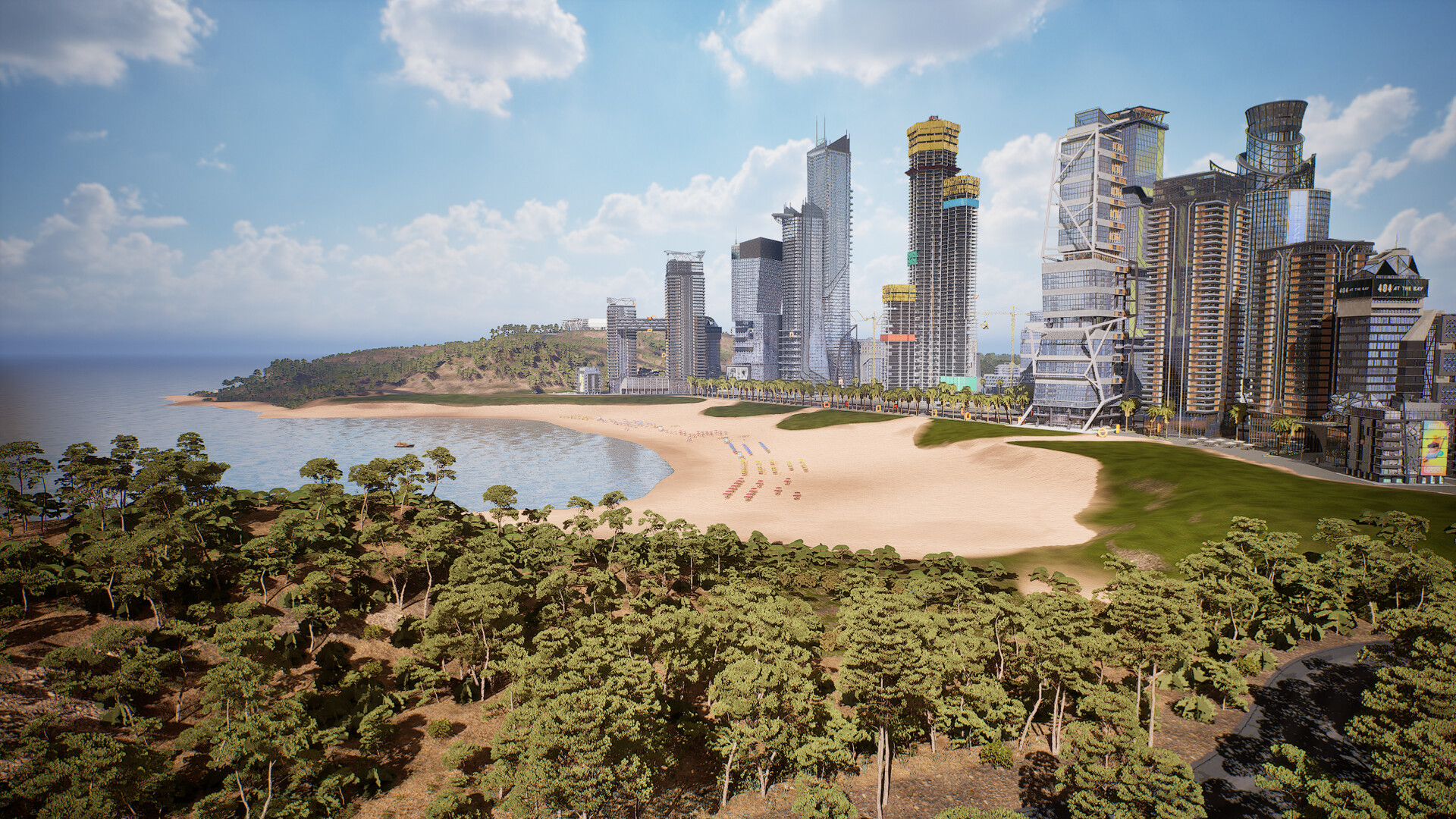
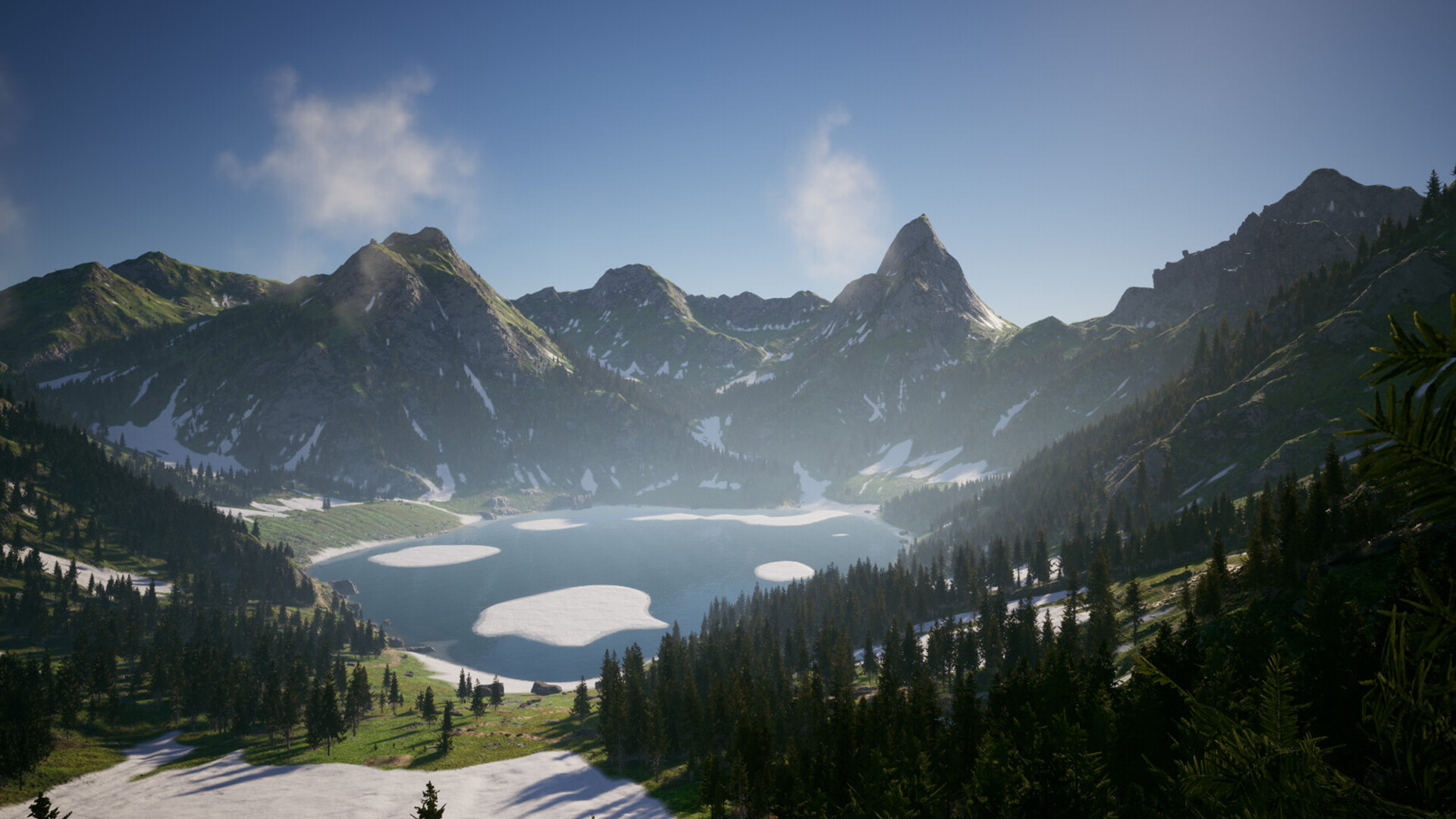
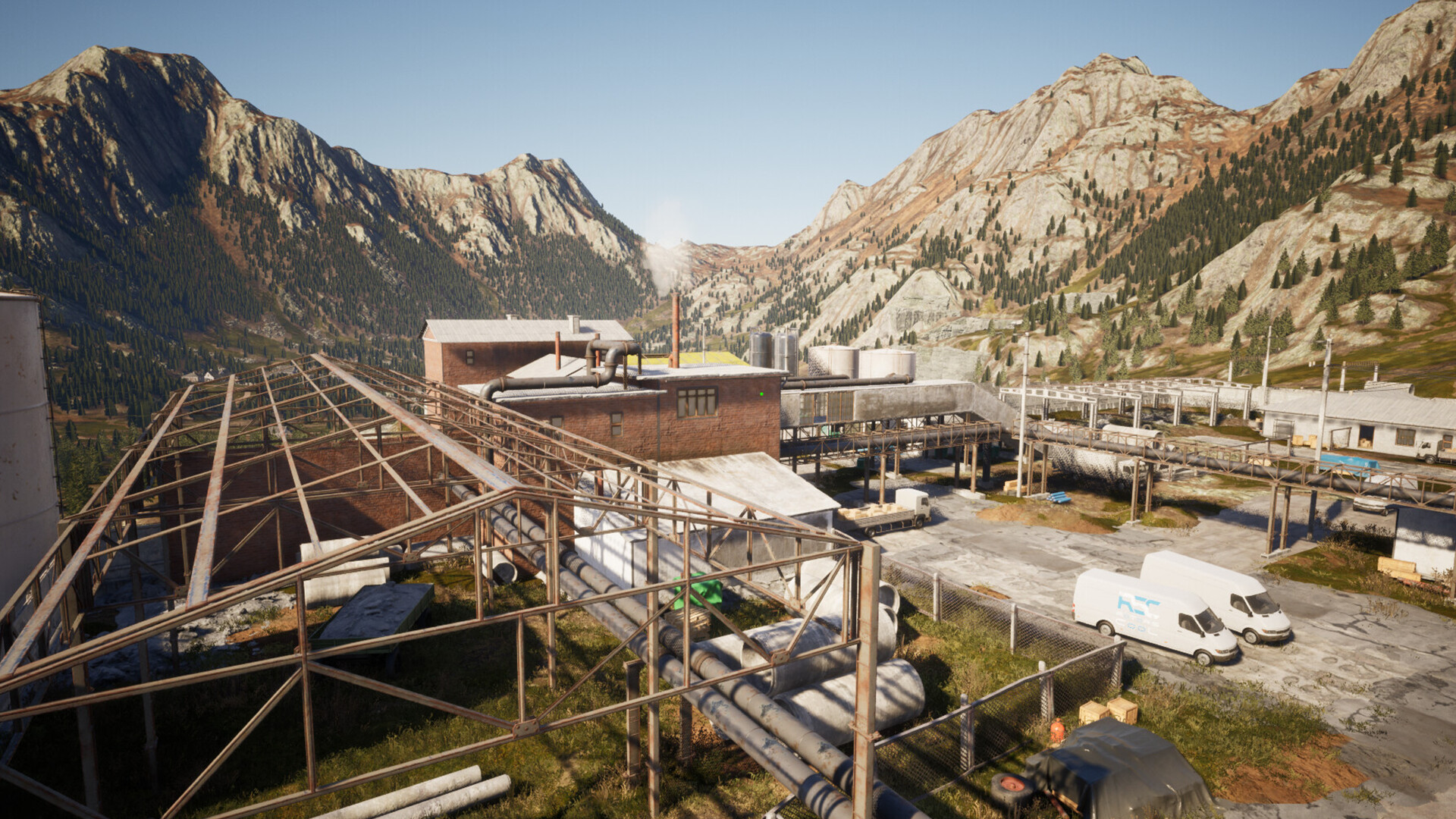
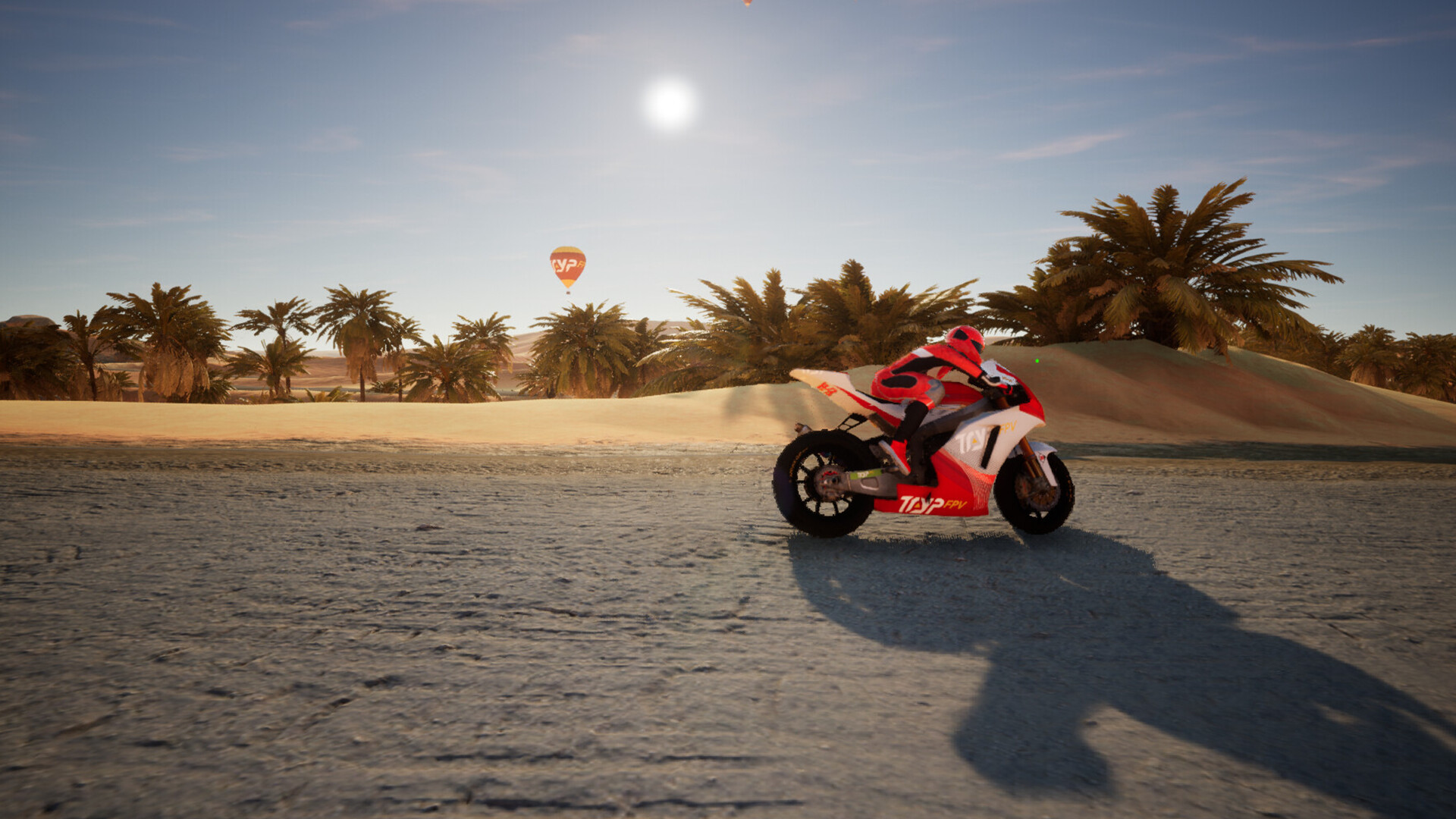
Five high‑quality maps are scanned from real‑world locations contributed by pilots worldwide. Environments include pyramids, urban bandos, palm‑tree groves, snowy slopes, and skyscraper corridors.
These locations provide varied visual backdrops and terrain challenges, letting players experience diverse flying conditions without leaving their seat.
- Try each map to notice how terrain influences your line of sight.
- Use the different settings to compare how the same drone behaves across environments.
03 / THE GUIDE
Varied Game Modes
TRYP FPV offers several modes: long‑range exploration in TRYP Mode, freestyle skill tests in CHALLENGE Mode, camera‑focused play in SCENARIO Mode, and competitive racing in RACE Mode with a global leaderboard.
Each mode emphasizes a different aspect of FPV flying, from pure immersion to timed competition, catering to a broad range of player interests.
- Start with TRYP Mode to become comfortable with map layouts before racing.
- Switch to CHALLENGE Mode to refine control precision without leaderboard pressure.
04 / THE GUIDE
Extreme Drone Customization
Players can adjust rates for control responsiveness, select frames, propellers, LiPo batteries, and cameras, and fine‑tune camera angles. This modular system lets you build a drone that matches your flying style.
Customization affects both handling and visual immersion, allowing a tailored experience for freestyle or racing scenarios.
- Experiment with different frame sizes to feel the change in agility.
- Adjust camera angles to improve visibility during high‑speed sections.
05 / THE GUIDE
Platform Features
TRYP FPV runs on Windows and macOS, supporting single‑player sessions and partial controller input. Family Sharing is also listed, enabling multiple accounts to access the same installation.
These features ensure broad accessibility while keeping the core experience focused on solo flight simulation.
- Check controller compatibility if you prefer handheld input.
- Use Family Sharing to let friends try the simulator without separate purchases.
COMMUNITY
Player discussion