 GameWiki
GET YOUR BEARINGS
About Try To Fall Asleep
Try To Fall Asleep is a first‑person action‑adventure horror game where you guide John Herrin through six nights of unsettling sleep cycles. By managing sleep and stress meters, you must fall asleep before 4 am while avoiding hallucinations that threaten your sanity.
Each night splits into a timed sleeping phase and an open‑ended dreaming phase. In dreams you explore environments that replay John’s fragmented memories, hoping to piece together the mystery behind the Revivel laboratory accident.
01 / THE GUIDE
Sleeping Phase Mechanics
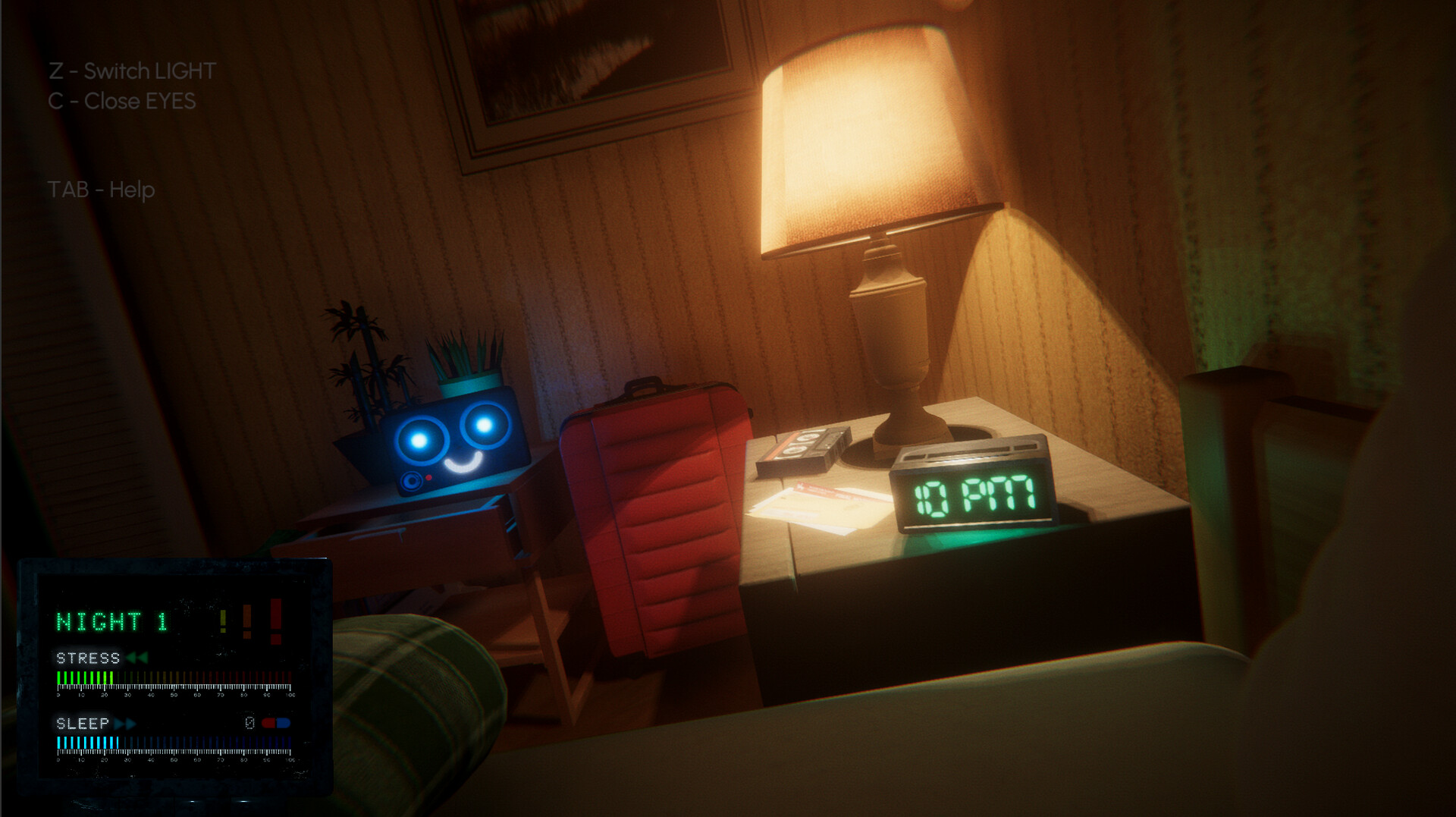
During the sleeping phase an on‑screen info panel displays both sleep and stress levels. Closing your eyes raises the sleep meter; once it fills, John falls asleep and the phase ends, moving the game forward.
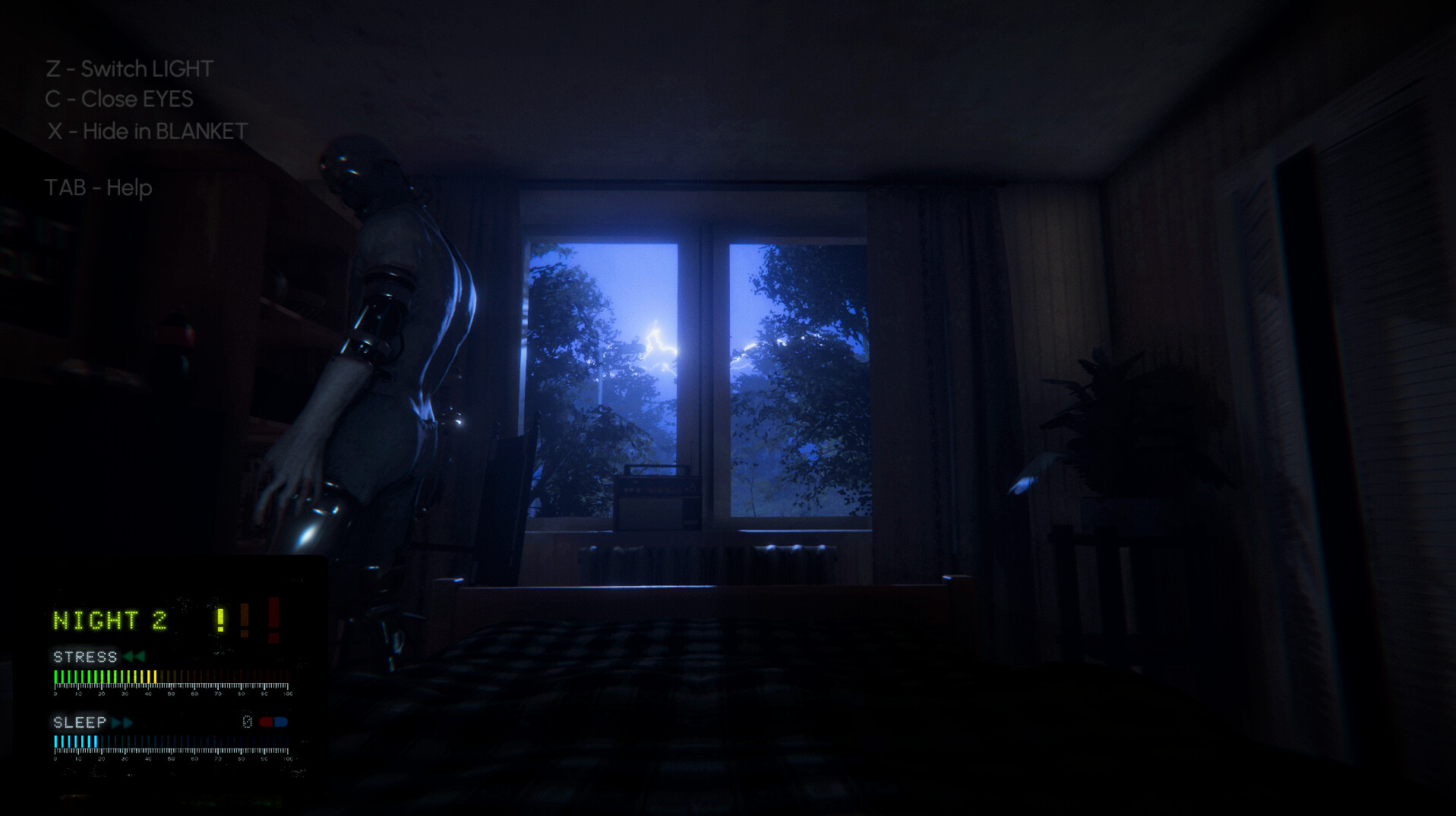
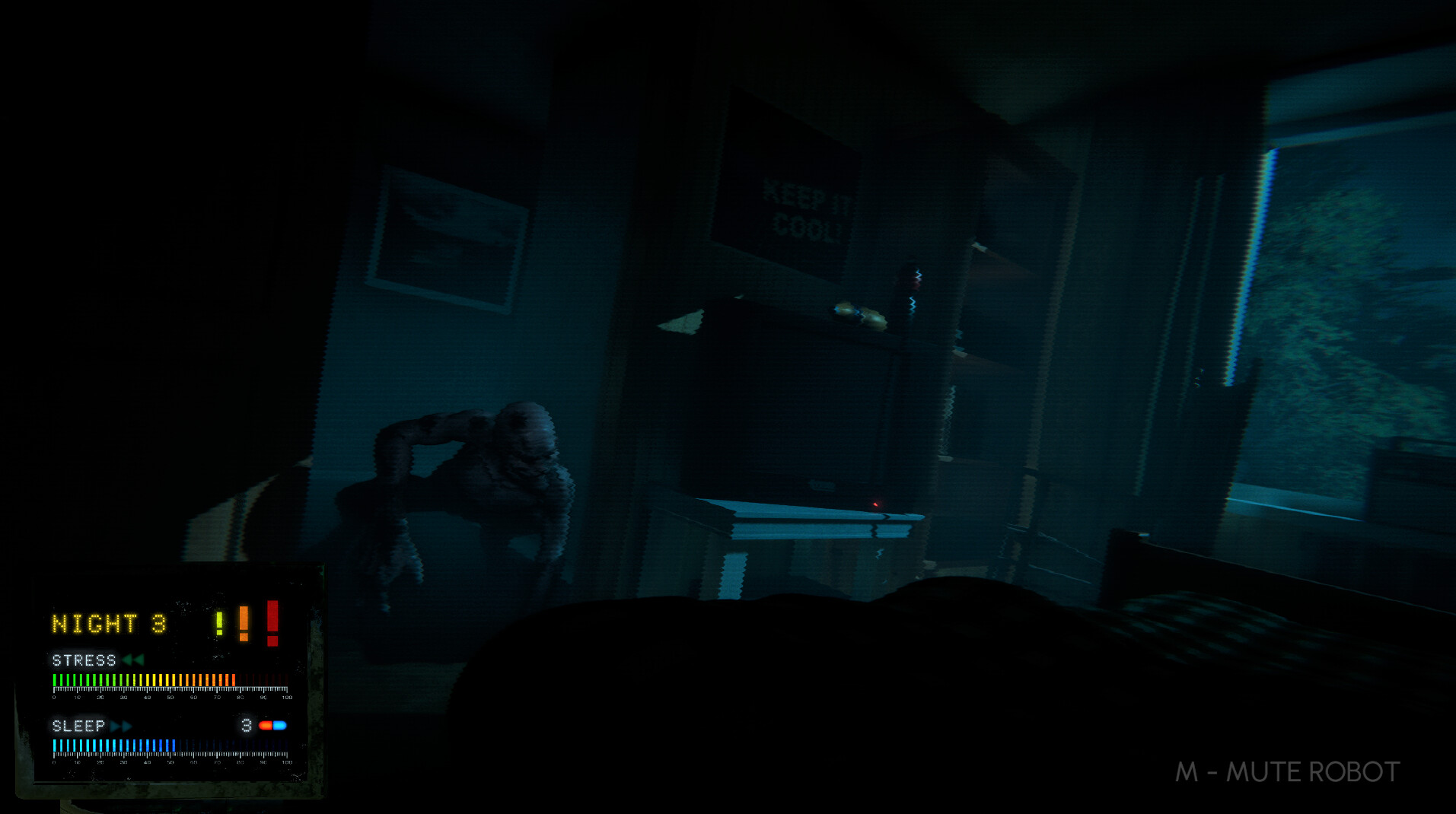
Hallucinations appear randomly and raise stress. If a monster materialises you must hide under the blanket quickly to avoid a jumpscare that spikes stress further, while keeping lights on and eyes open reduces stress.
- Watch the stress meter closely; a sudden rise often signals an approaching hallucination.
- Hide under the blanket promptly when a monster appears to limit stress spikes.
02 / THE GUIDE
Dreaming Phase Exploration
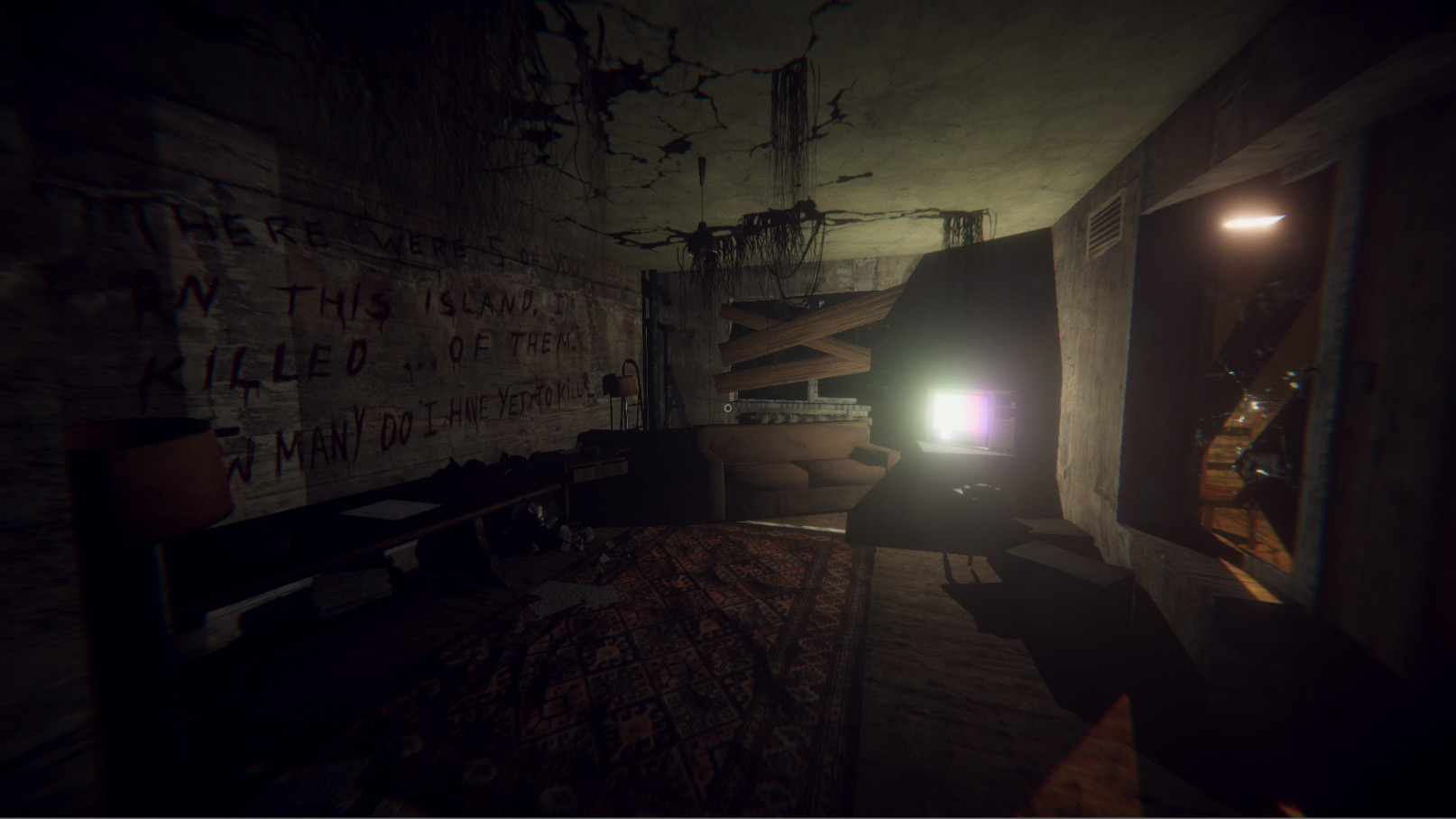
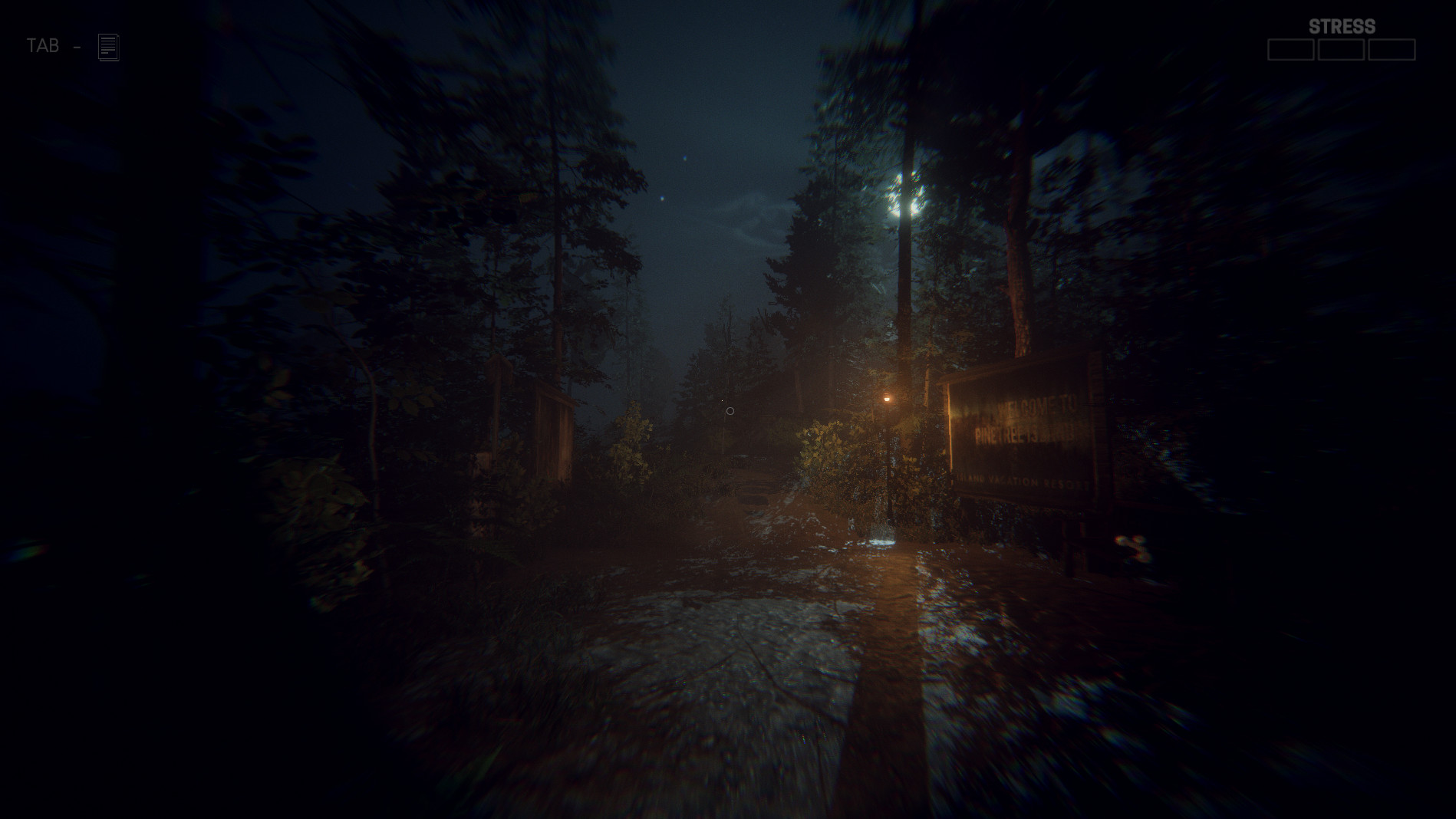
After falling asleep, the dreaming phase lets you roam freely through varied locations, from woods to confined rooms. These areas replay events that led to John’s condition, offering narrative clues about the accident.
Dreams can shift into nightmares without warning, so stay alert. While exploration is unrestricted, the atmosphere remains tense and unexpected threats may still arise, keeping the experience unpredictable.
- Move slowly in new areas to notice subtle visual cues that hint at story pieces.
- Treat every new environment as a potential trigger for a nightmare; stay prepared.
03 / THE GUIDE
Managing Stress Levels
Stress rises when you witness hallucinations or fail to hide in time. High stress can lead to an untimely death, ending the night, so keeping stress low is essential for survival.
Keeping the eyes open and turning on the light reduces stress, providing a safer window to manage sleep. You cannot stay in darkness forever because that would prevent stress reduction.
- Toggle the light intermittently to keep stress from climbing too high.
- Practice quick blanket hides to minimise stress spikes during monster encounters.
04 / THE GUIDE
Night Structure and Progression
The game currently offers four of six planned nights, each consisting of a sleeping and dreaming phase. Each night resets the sleep‑stress challenge while the narrative deepens as you uncover more memories.
Progression is tied to surviving each night’s sleep deadline of 4 am. Successful completion unlocks the next night’s dream sequence, gradually revealing the cause of the laboratory accident.
- Focus on mastering the first two nights before tackling later, more complex dreams.
- Note recurring hallucination patterns; they often hint at underlying story elements.
05 / THE GUIDE
Platform Features and Support
Try To Fall Asleep runs on Windows and includes full controller support, Steam Cloud saving, and Family Sharing. These features let you continue progress across sessions and share the game with household members.
Steam Cloud is listed as a supported feature, and Family Sharing lets you share the game with household members.
- Enable Steam Cloud to safeguard your sleep‑stress data between computers.
- If you prefer a controller, test both analog sticks and button layouts for comfort.
COMMUNITY
Player discussion