 GameWiki
GET YOUR BEARINGS
About Truxton 2
Truxton II is a vertically scrolling shoot‑‘em‑up that builds on Toaplan’s classic formula with striking pixel‑art graphics, a melodic soundtrack, and a reputation for very high difficulty. It includes a very Easy Mode that lowers the challenge for newcomers while preserving the intense bullet‑hell action for veterans.
The Windows, macOS, and Linux release adds modern conveniences such as a rewind window of 10‑18 minutes, quick‑save slots (F1‑F10), auto‑fire options, and online leaderboards, all designed to make the demanding gameplay more approachable.
01 / THE GUIDE
Visuals and Art
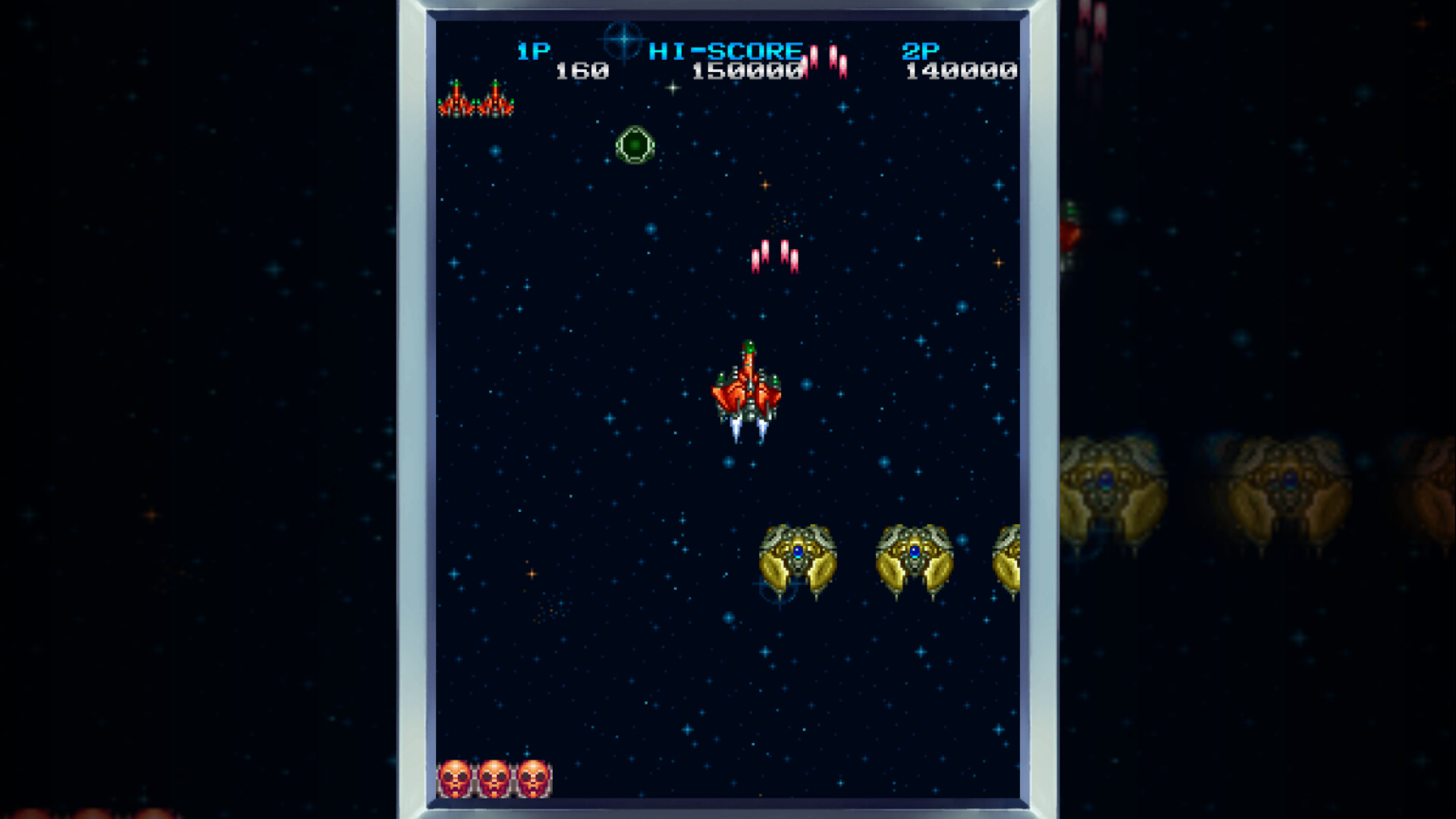
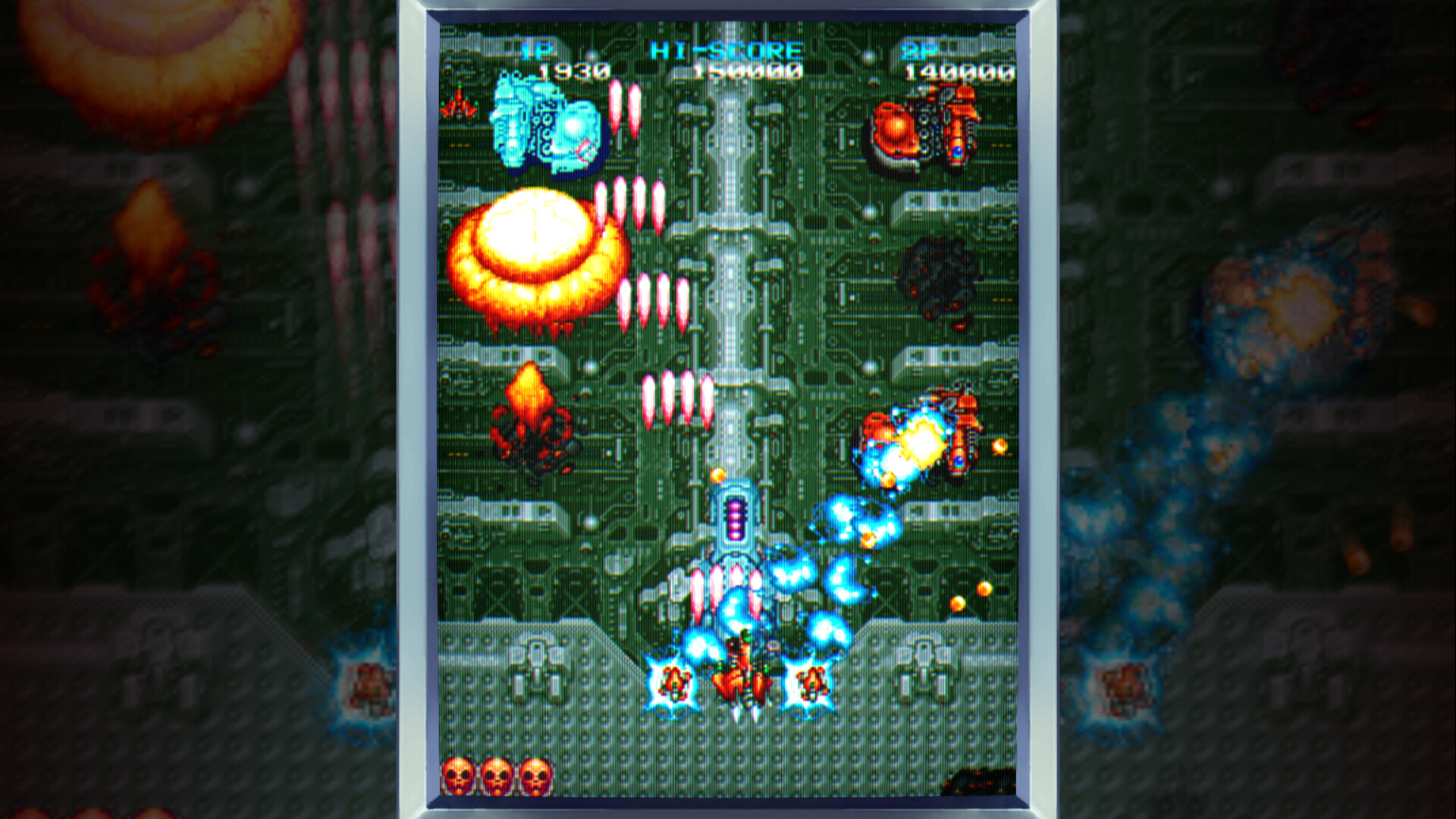
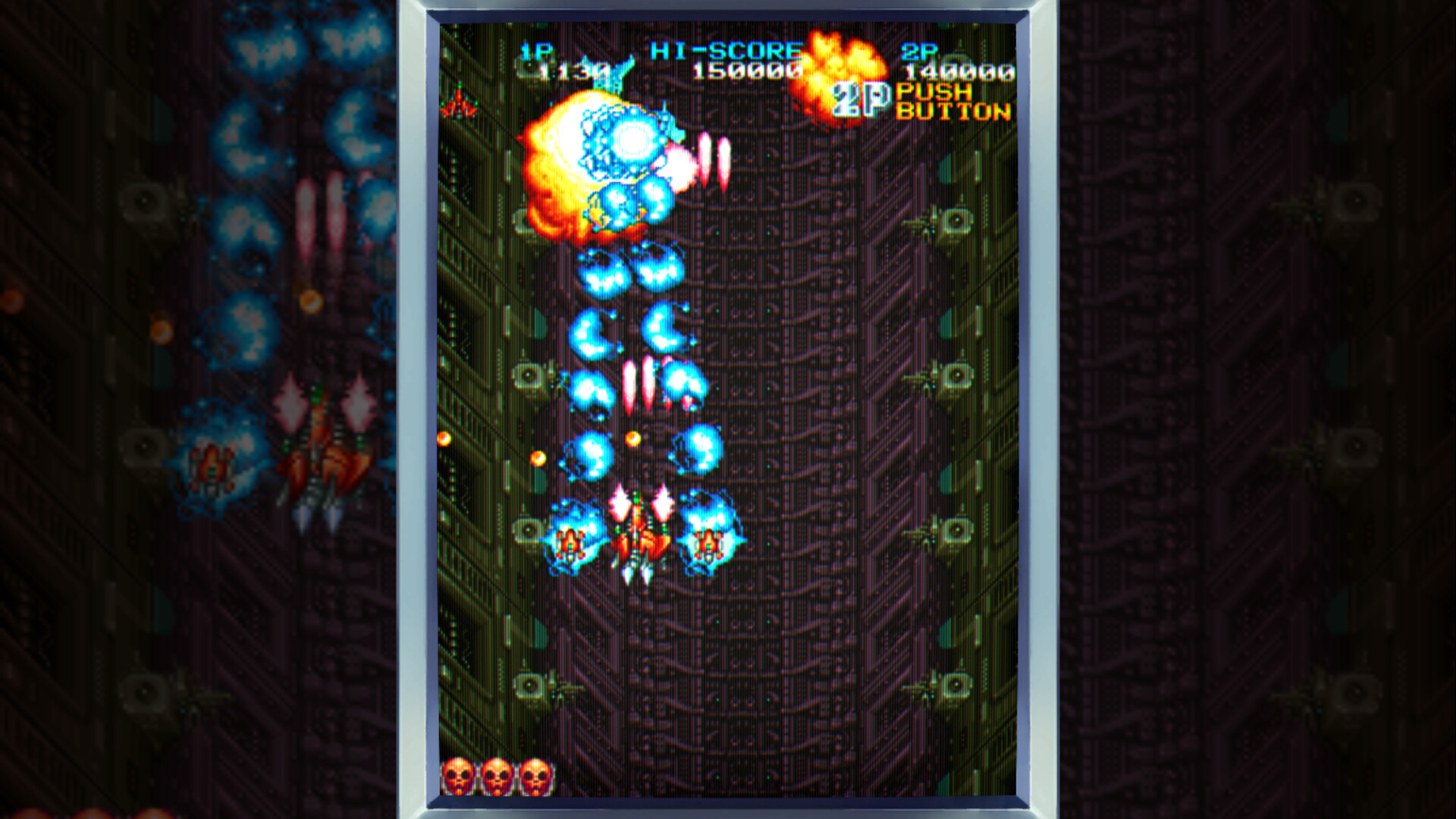
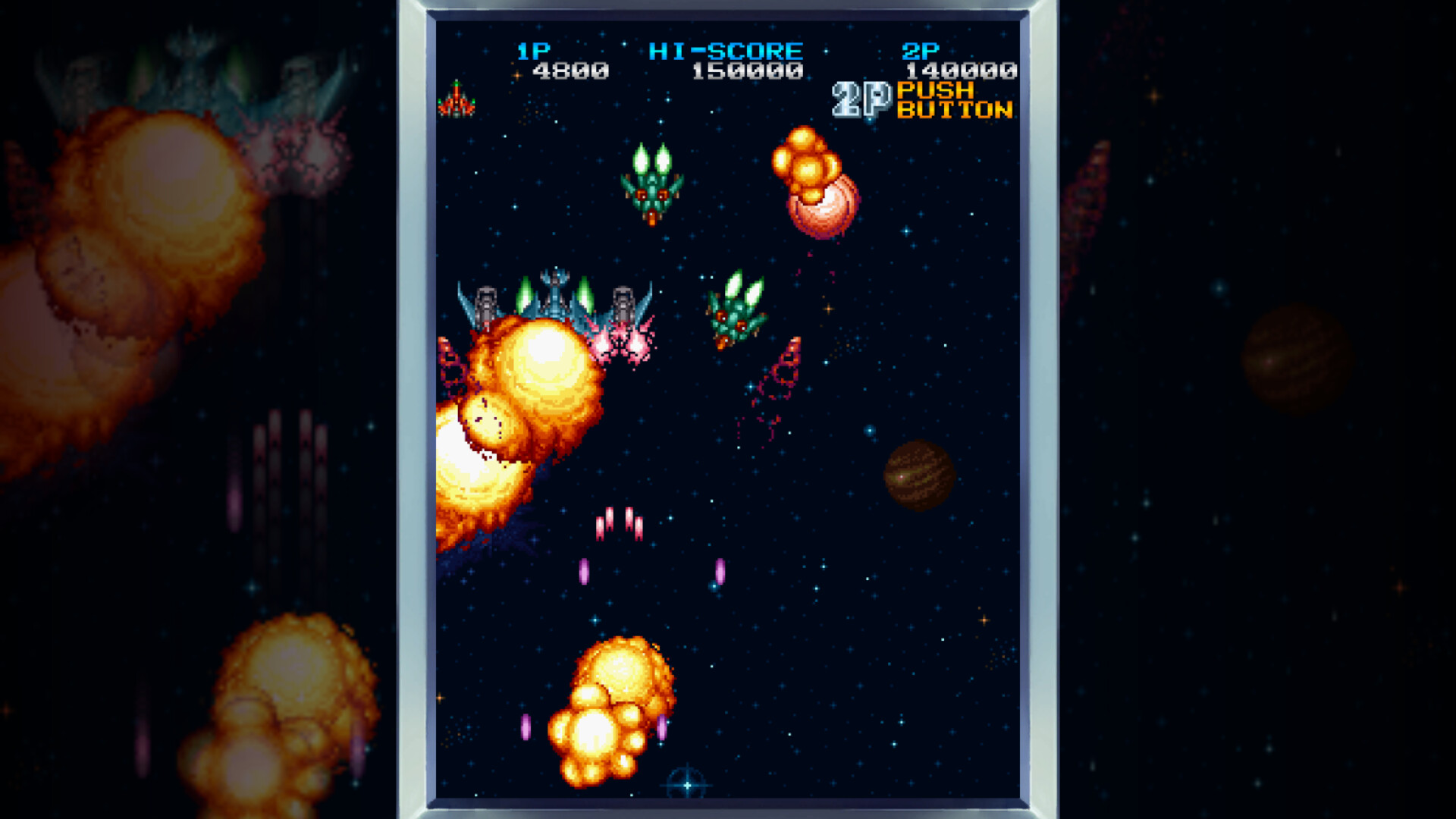
The store description highlights “visually stunning pixel art graphics” and “intoxicating bosses” that create an atmosphere of dread, a style praised as “one of the coolest looking games ever made.” This focus on detailed sprites and backgrounds defines the game’s visual identity.
Display options let players choose pixel‑perfect or full‑screen scaling and rotate the screen in 90‑degree increments, allowing customization of size and orientation to suit individual viewing preferences.
- Rotate the screen if the vertical layout feels cramped; the 90‑degree option can improve comfort.
- Switch between pixel‑perfect and full‑screen scaling to see which presentation best reveals boss details.
02 / THE GUIDE
Difficulty and Modes
Truxton II is described as “one of the hardest Toaplan games” with higher difficulty than its predecessor, targeting seasoned shmup veterans. A “very Easy Mode” lowers the challenge, giving casual players a chance to progress through the bullet patterns and bosses.
Both difficulty settings benefit from a rewind feature that can backtrack 10‑18 minutes of recent action and quick‑save slots (F1‑F10), providing a safety net for learning stages without restarting from the beginning.
- Use a quick‑save before a tough boss, then reload if you lose to speed up practice.
- Activate rewind after a mistake to observe enemy patterns and refine timing.
03 / THE GUIDE
Co‑op Play
Two players can team up in shared/split‑screen co‑op, each piloting a HyperFighter to tackle the “insanely difficult enemy” together. The co-op mode is listed as shared/split screen, letting both players take on the same bullet patterns and bosses together.
Co‑op runs on Windows, macOS, and Linux and works with full controller support, including DualShock and DualSense gamepads, allowing both players to use gamepads if they prefer.
- Coordinate firepower: one player can focus on the blue “search laser” while the other uses the red napalm bomb.
- Coordinate your ships’ positions on screen to keep both players clear of incoming bullets.
04 / THE GUIDE
Quality‑of‑Life Features
The game minimizes input lag by completing emulation, input processing, and rendering within the same frame. Additional conveniences include auto‑fire at multiple rates, quick‑save slots (F1‑F10), and the ability to capture sharable replays of victories or funny moments.
Online leaderboards, Steam Achievements, and Stats provide extra goals for players who enjoy tracking performance across sessions.
- Enable auto‑fire if rapid tapping feels tiring; test the different rates for comfortable sustained fire.
- Record replays of boss encounters to analyze patterns and share strategies with the community.
05 / THE GUIDE
Controller and Input Options
Full controller support is provided, covering DualShock and DualSense devices, and players can choose between Raw Input on Windows or Steam Input, giving flexibility for different hardware configurations and personal preference.
Steam Cloud support is included, while Remote Play Together allows a friend to join a co‑op session via streaming, extending multiplayer access without requiring a second copy.
- Test both Raw Input and Steam Input to see which yields smoother response for your controller.
- Use Remote Play Together if you want a friend to watch or assist without launching a second instance.

COMMUNITY
Player discussion