 GameWiki
GET YOUR BEARINGS
About Trust Me, I Nailed It
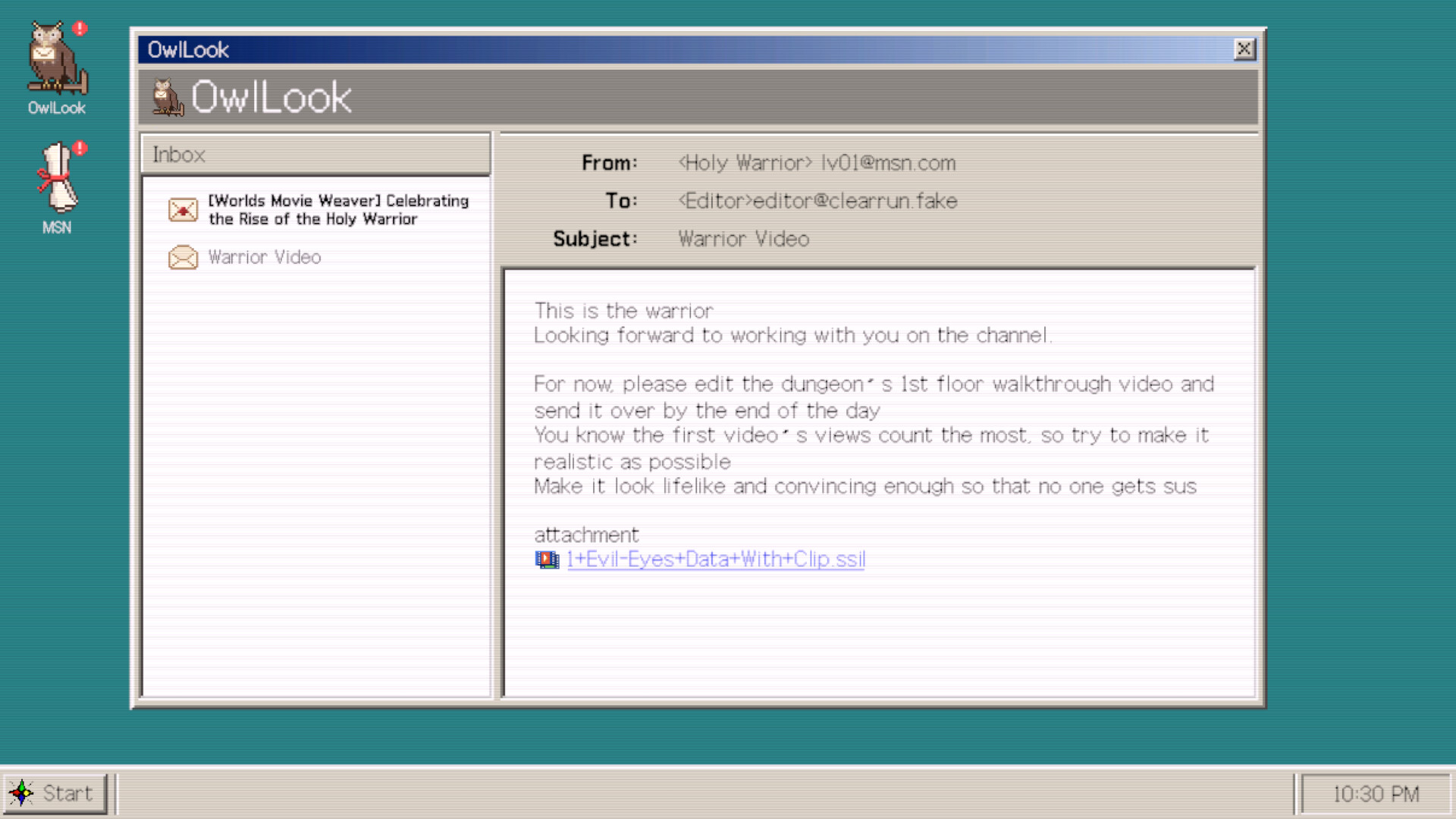
In *Trust Me, I Nailed It* you act as a video editor, not a combatant. Using pre‑recorded enemy attack footage you arrange the warrior’s limited action clips on an eight‑tick timeline to fabricate a flawless victory that pleases both the cheering townsfolk and the dopamine‑addicted Demon Lord.
The game blends indie simulation, strategy and free‑to‑play elements. It runs on Windows via Steam, offers single‑player play, achievements, custom volume controls, adjustable difficulty, save‑anytime, Steam Cloud and Family Sharing, and does not require timed input.
01 / THE GUIDE
Timeline Editing
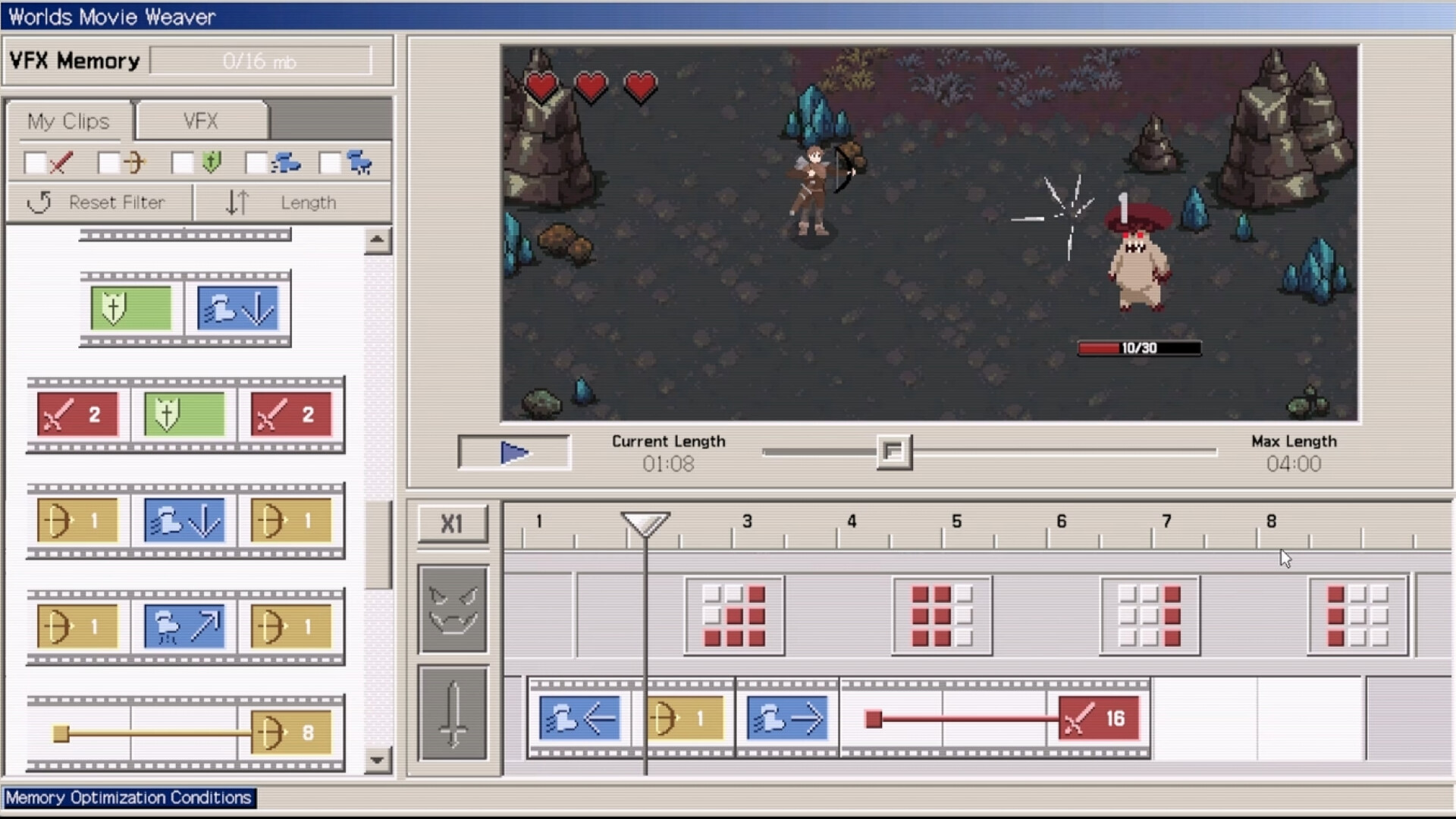
Before each battle you preview the timeline, which shows exactly when enemy attacks will occur. This preview lets you plan the placement of your warrior’s clips so the edited footage appears seamless to the in‑game audience.
The timeline consists of eight ticks; each tick can hold a single clip. By aligning clips with the shown attack moments you create a convincing sequence that makes the warrior look victorious despite the original footage.
- Match the start of a Block clip with the moment an enemy attack is shown to start.
- Use the preview repeatedly to verify that no two clips occupy the same tick.
02 / THE GUIDE
Clip Types
Four core clips are available: 「Move」, 「Melee Attack」, 「Ranged Attack」 and 「Block」. Each clip represents a specific warrior action and can be placed on any tick of the eight‑tick timeline.
The combination of these clips determines the narrative of the edited battle. For example, a sequence of Move → Melee Attack → Block can simulate a charge, a strike and a defensive reaction.
- Combine Move and Attack clips to show the warrior advancing before striking.
- Reserve Block clips for ticks that correspond to the strongest enemy attacks.
03 / THE GUIDE
Visual Effects (VFX)
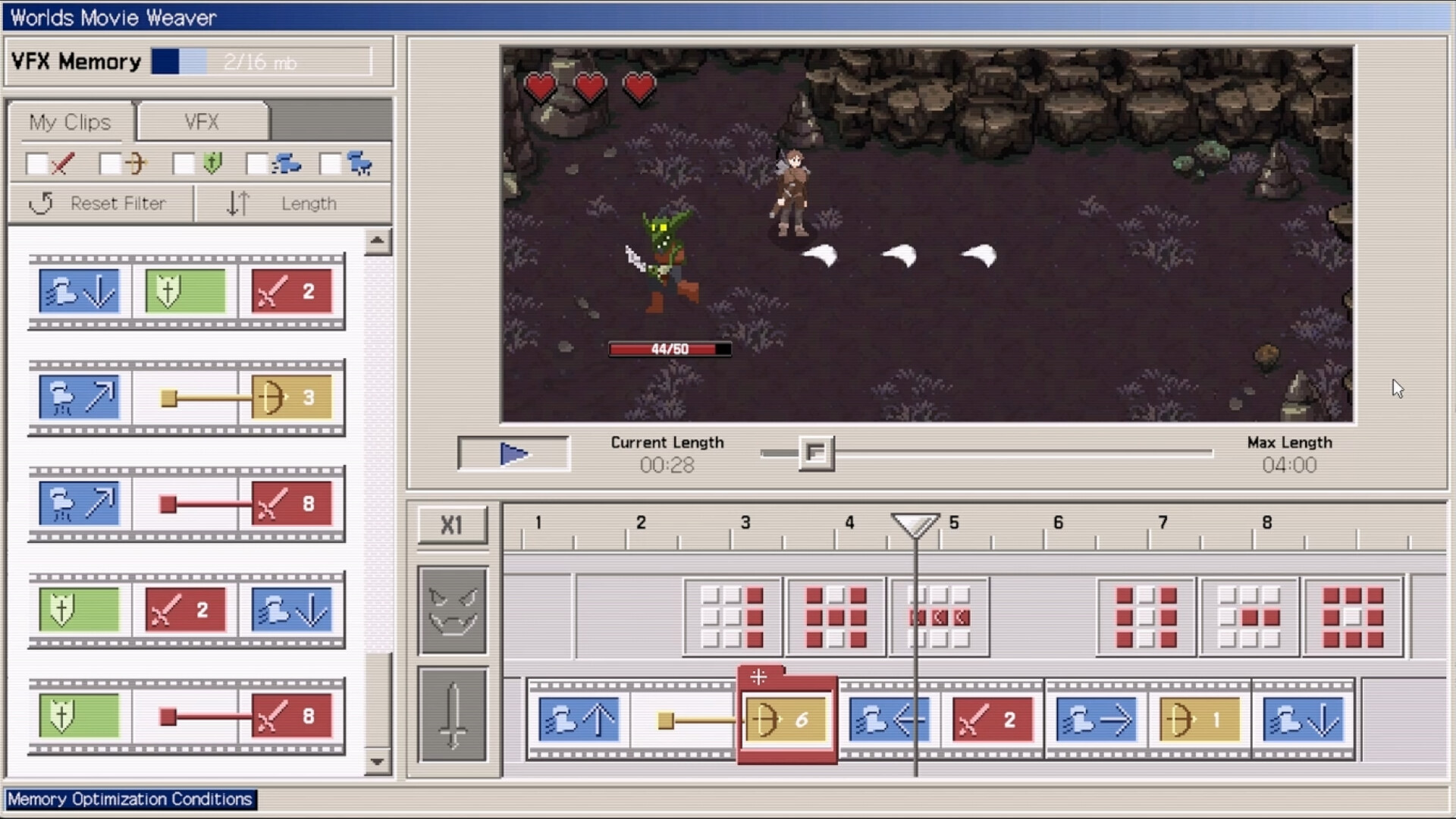
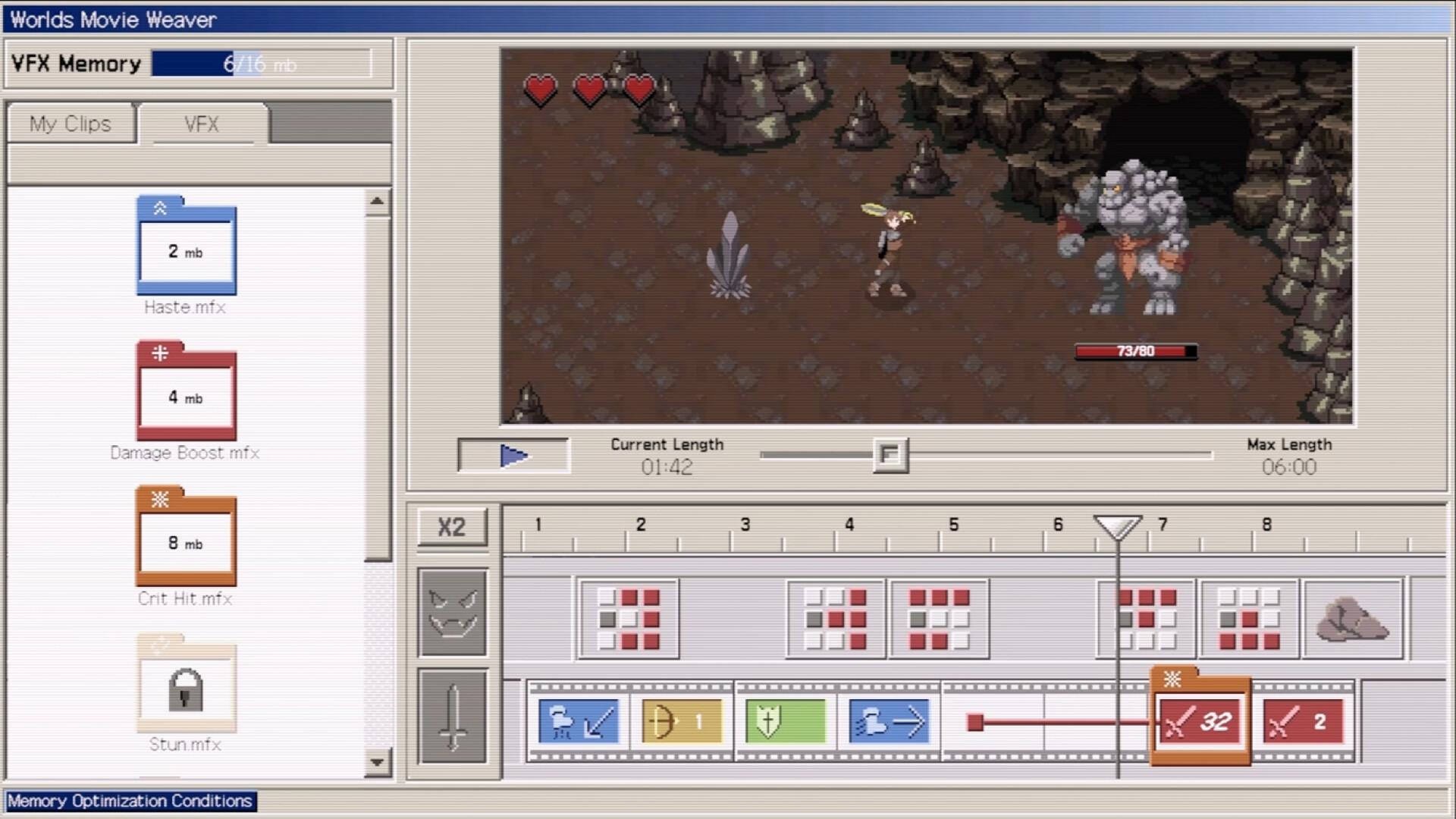
Post‑processing lets you transform basic actions into spectacular visual effects. A simple walk can become a Teleport, and a weak jab can be turned into a Critical Hit, adding flair to the edited footage.
Applying VFX can transform an action's impact, such as turning a weak jab into a Critical Hit that overwhelms enemies. This helps convince the in‑game spectators that the warrior performed extraordinary feats.
- Use Teleport VFX on Move clips for dramatic entrances.
- Apply Critical Hit VFX sparingly to highlight key attacks.
04 / THE GUIDE
Optimization Goals
The game presents optional goals such as "Fill All Timeline Slots," "Land 2+ Effective Hits," and "No Damage Taken." Meeting these goals is encouraged as part of the editing challenge.
Meeting these goals increases your available memory capacity, giving players clear targets to aim for while arranging clips and VFX.
- Try to occupy every tick to satisfy the Fill All Timeline Slots goal.
- Plan at least two effective hits to meet the Land 2+ Effective Hits target.
05 / THE GUIDE
Platform Features
The title is available on Windows through Steam and includes single‑player mode, Steam Achievements, custom volume controls, adjustable difficulty, the ability to save anytime, Steam Cloud synchronization and Family Sharing support.
These features allow you to edit at your own pace, resume later with Steam Cloud synchronization, and share the experience with family members without requiring timed input.
- Enable Steam Cloud in the settings to keep your edited videos across installations.
- Adjust difficulty if you prefer a more relaxed editing environment.
COMMUNITY
Player discussion