 GameWiki
GET YOUR BEARINGS
About Trombone Champ
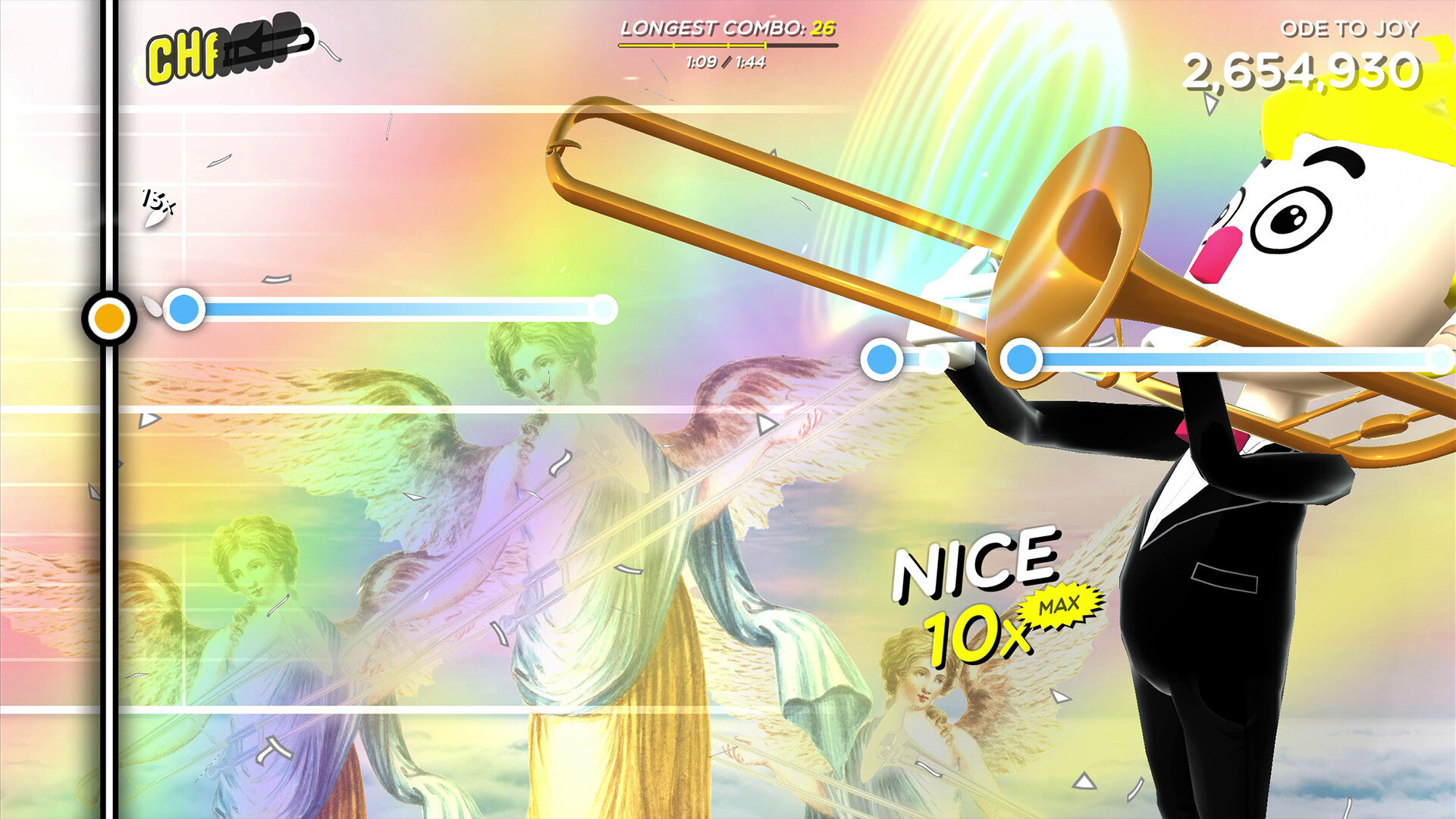
Trombone Champ is a trombone‑focused rhythm game that lets players slide notes freely while a track plays. Over 60 songs span anthems, marches, classical pieces, electronica, folk classics and guest‑artist contributions, each with its own animated background. The game rewards accurate timing with “toots,” which can be spent on Tromboner Card packs to unlock new tromboners, colors and other mysteries. It features a single‑player mode, a level editor, Steam achievements and a quirky abundance of baboons on almost every screen.
01 / THE GUIDE
Freeplay Mode
Freeplay lets you improvise without following a preset note track, giving total freedom to play any melody at any time. The game still scores you based on how close your notes are to the underlying music. Because you can create your own performances, Freeplay serves as a sandbox for experimenting with the slide mechanics and discovering hidden aspects of the Trombiverse.
- Try matching the rhythm even when improvising to maximize toots.
- Use Freeplay to practice slide movements before tackling harder tracks.
02 / THE GUIDE
Tromboner Cards
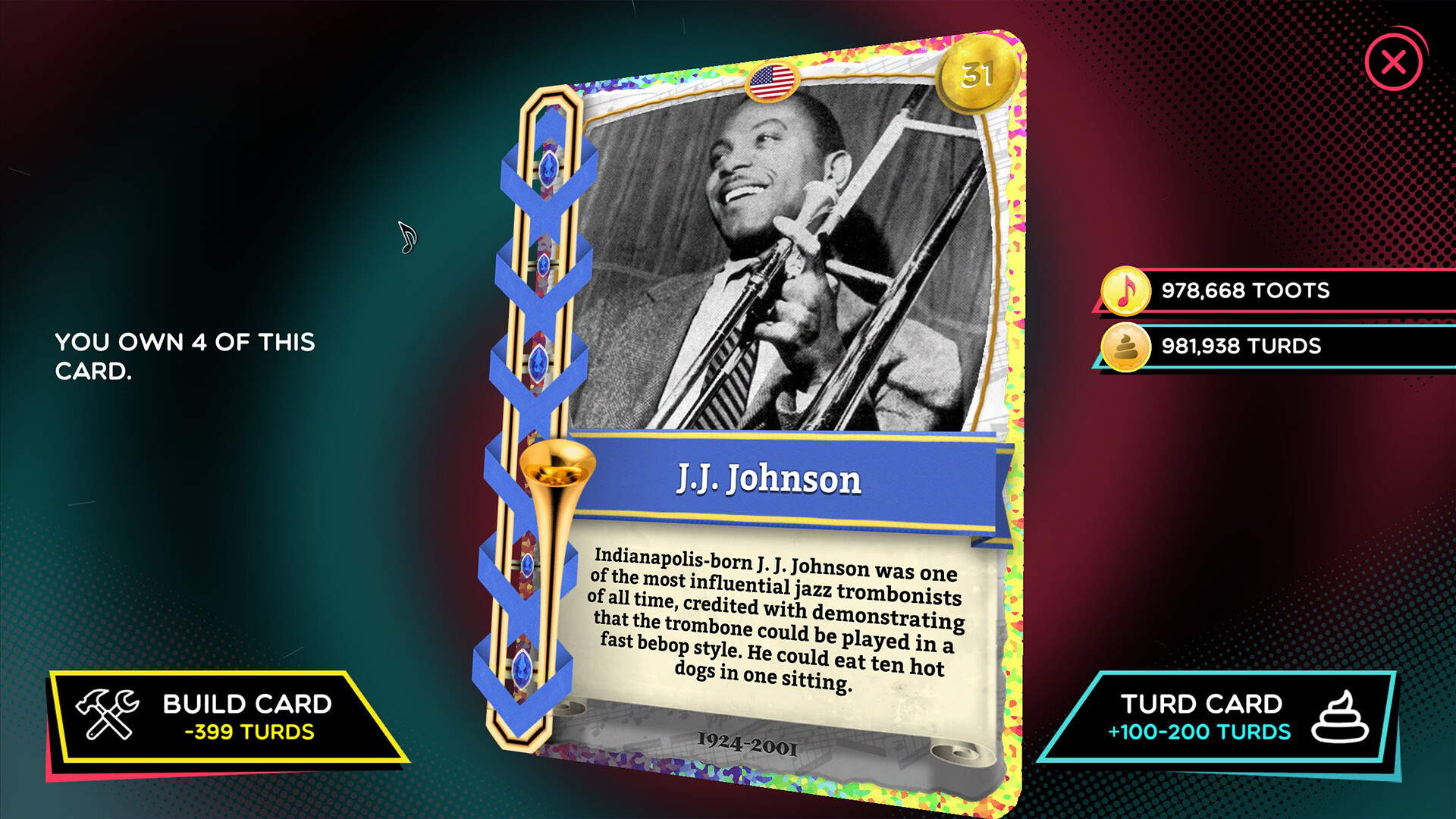
Toots earned from playing songs can purchase sacks of Tromboner Cards. These cards unlock new tromboners, trombone colors and other mysteries within the game. Collecting all 50 cards is presented as a goal, encouraging repeated play and exploration of the card rewards system.
- Spend toots regularly to keep a steady flow of new cards.
- Track which cards you still need to reach the 50‑card collection.
03 / THE GUIDE
Baboons
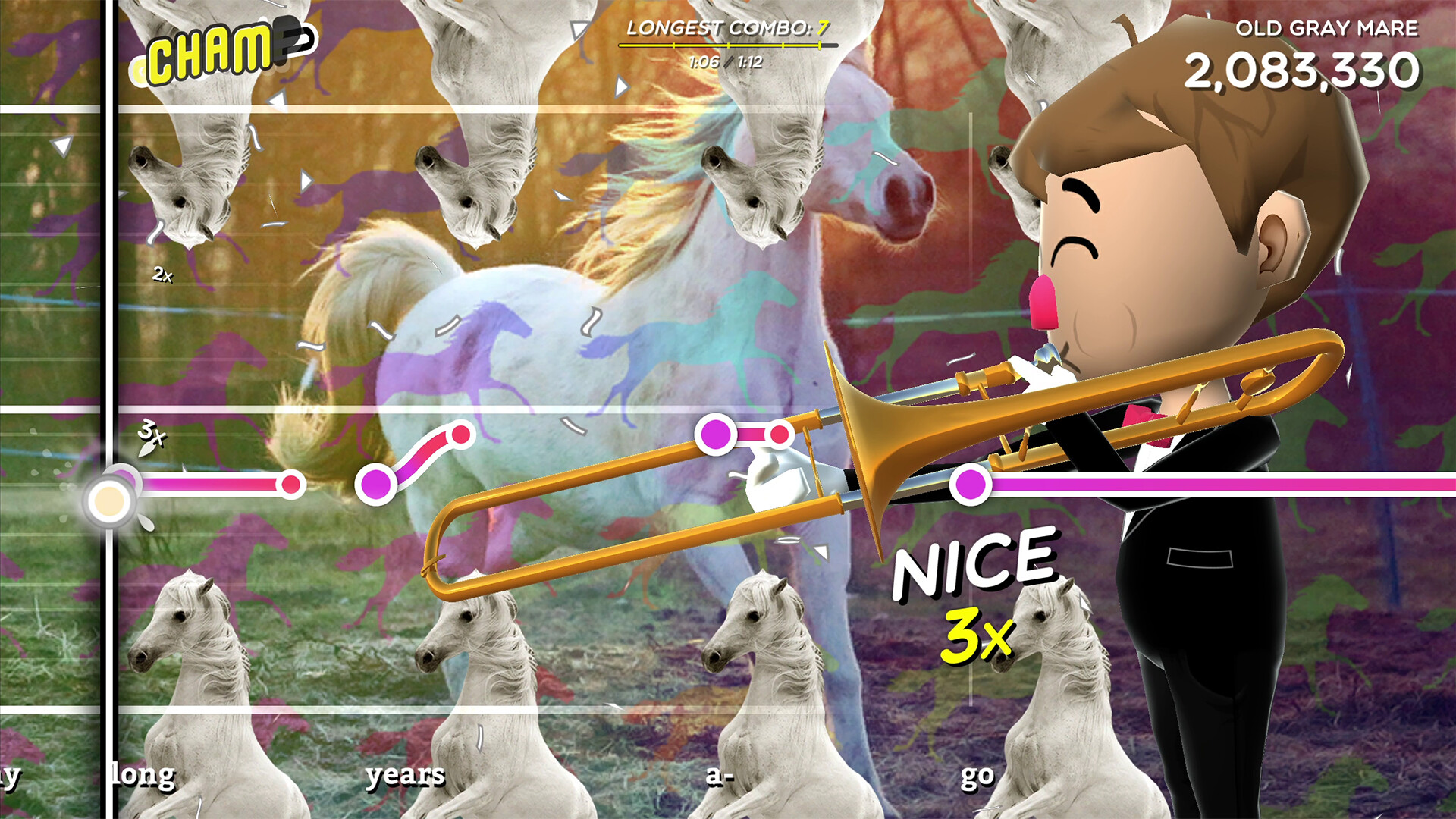
Baboons appear on nearly every screen, starting from the main menu, adding a humorous visual motif throughout the experience. The game suggests their purpose may become clearer as you uncover more of the Trombiverse. The game hints that baboons may have a purpose tied to the secrets you discover, though their exact role is left to player interpretation.
- Notice baboon placements for possible visual clues.
- Enjoy the recurring humor; it doesn’t affect gameplay performance.
04 / THE GUIDE
Track Variety
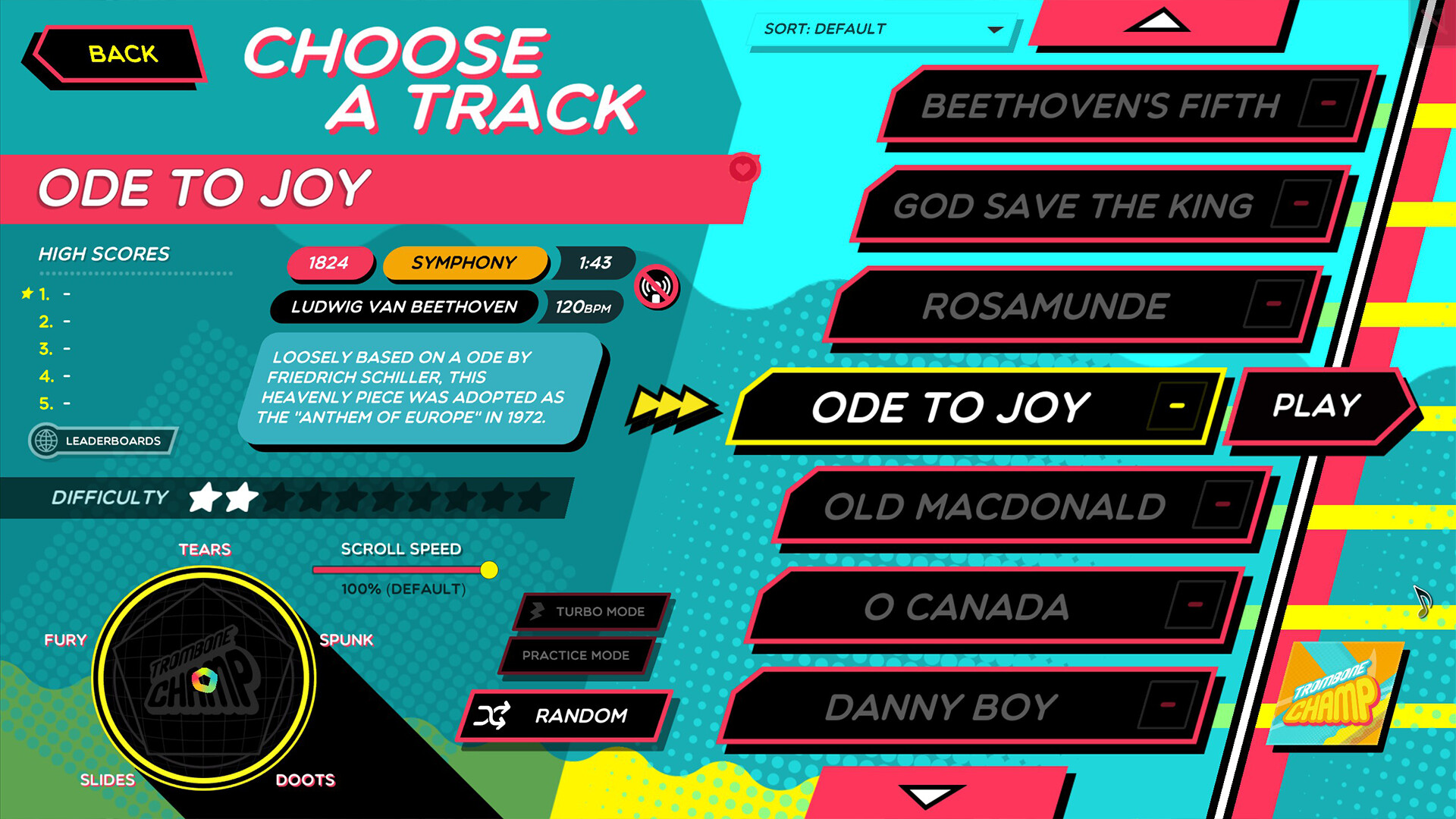
The soundtrack includes over 60 tracks covering anthems, marches, classical pieces, electronica, folk classics and guest‑artist contributions. Each track is paired with a unique animated background that moves with the music. This diversity lets players experience many musical styles while applying the same slide mechanics, keeping the core loop fresh across sessions.
- Explore different genres to find which style matches your slide comfort.
- Watch the animated backgrounds for visual rhythm cues.
05 / THE GUIDE
Controls
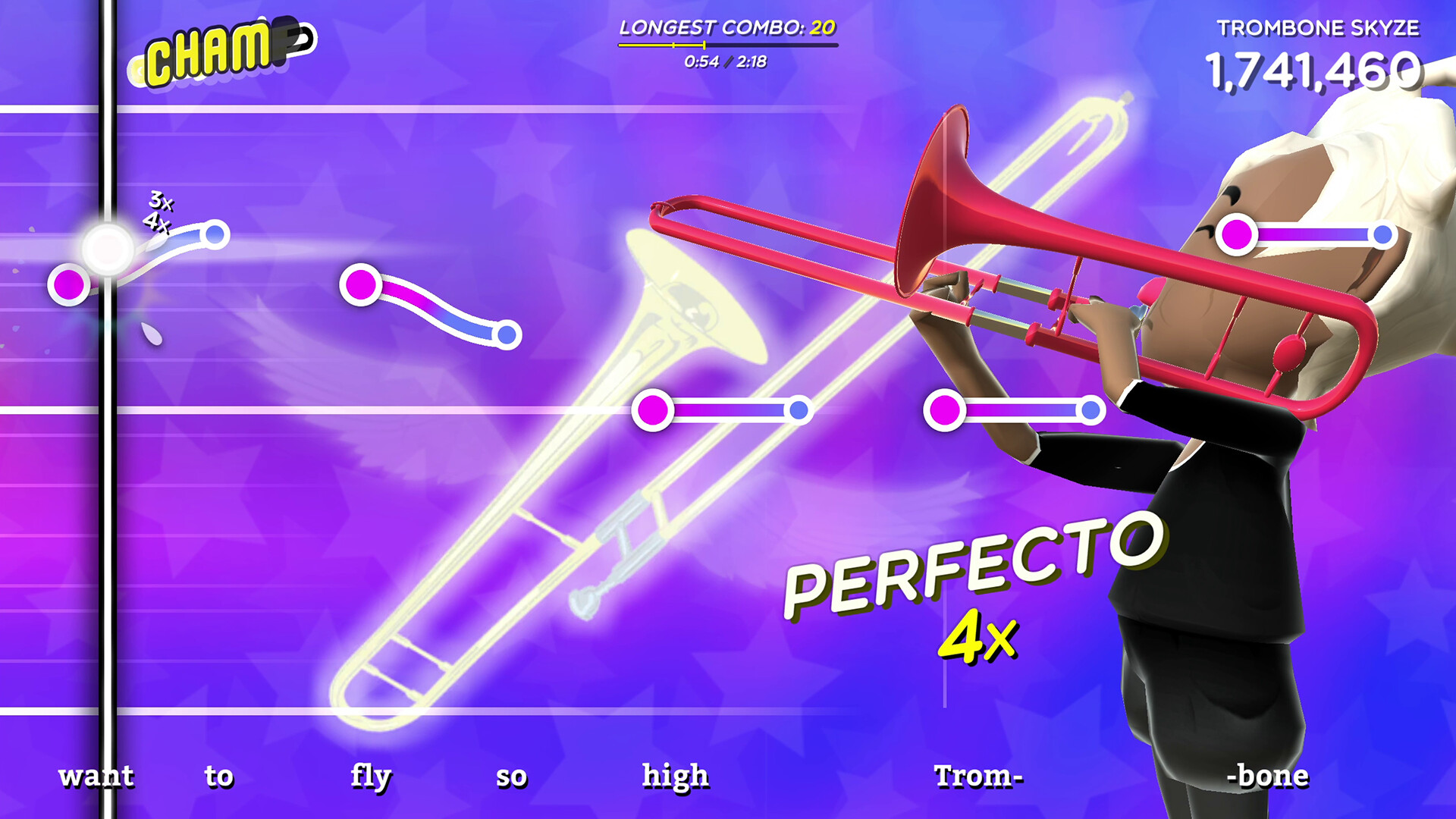
Slide the mouse forward and back to raise and lower the pitch, much like working a real trombone slide. Click or press a keyboard key to blow, producing the sound. Your performance is judged by how closely your pitch matches the track, rewarding higher points for tighter alignment while still allowing free improvisation.
- Practice smooth mouse movements for consistent pitch changes.
- Combine mouse sliding with keyboard blowing for precise timing.
COMMUNITY
Player discussion