 GameWiki
GET YOUR BEARINGS
About Triple Town
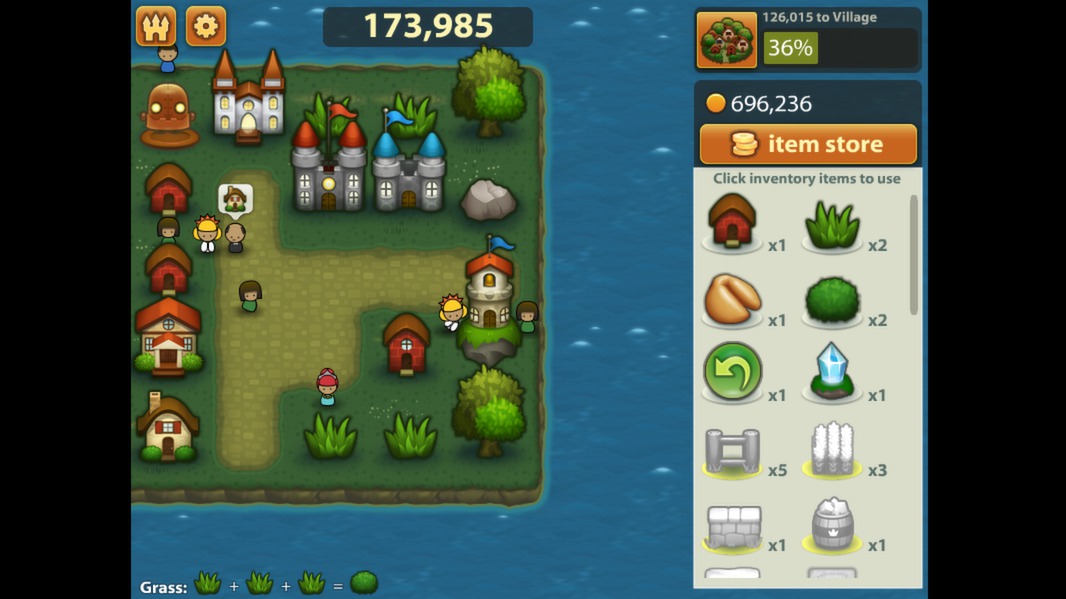
Triple Town is an award‑winning puzzle game where you build a city by matching three or more pieces. Matching grasses creates bushes, bushes become trees, and the chain continues up to houses, cathedrals and castles. The larger the city, the higher your score.
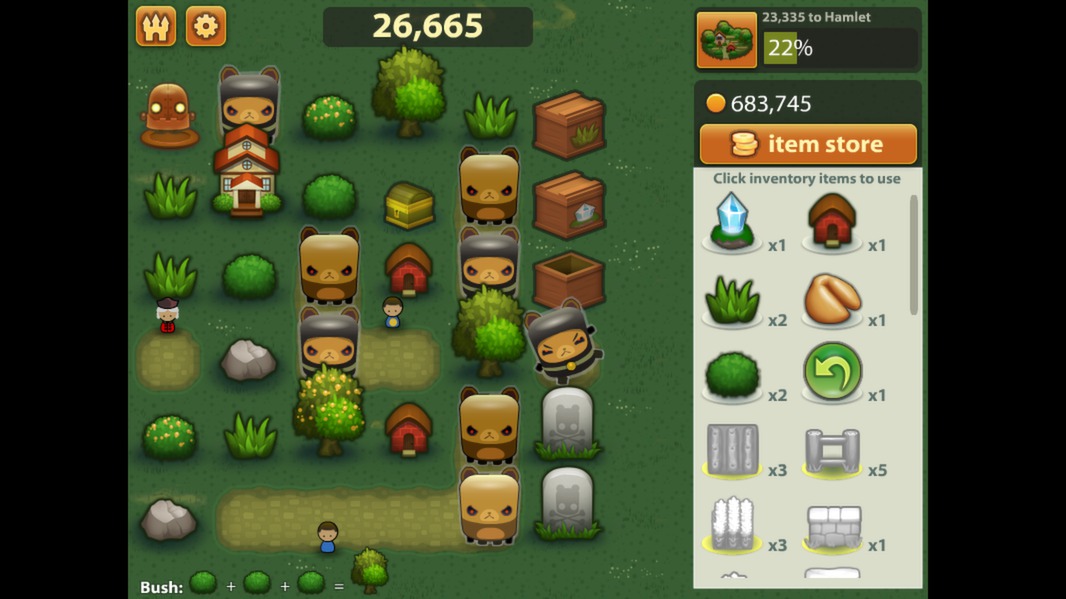
The game challenges you with giant bears that block spaces, forcing strategic placement. It is a single‑player experience with no in‑app purchases or DLC; buying the game provides the complete content on Windows and macOS.
01 / THE GUIDE
Gameplay Mechanics
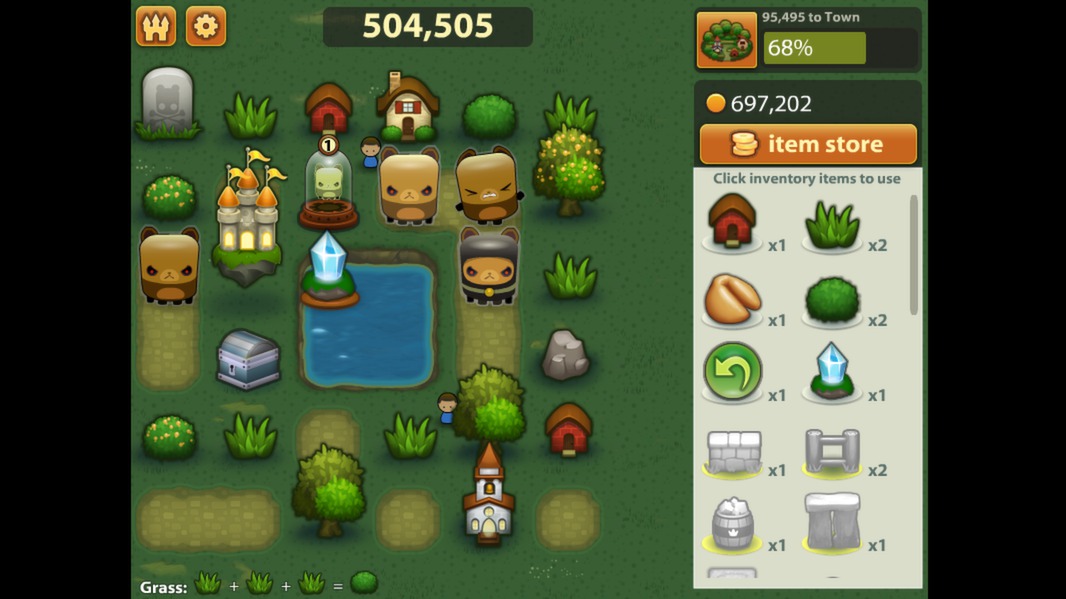
Players grow a city by matching three or more identical pieces on a grid. Each match upgrades the pieces: three grasses become a bush, three bushes become a tree, and so on toward larger structures.
The board fills as you place new pieces, and the game ends when no moves remain. Planning matches to create space is essential for extending play.
- Observe the board for potential chain reactions before placing a piece.
- Prioritize matches that free up space near the edges.
02 / THE GUIDE
Scoring System
Points are awarded based on the size of the city you construct. Larger structures such as houses, cathedrals, and castles contribute more points than earlier matches.
The total score reflects how effectively you managed space and avoided blockages, encouraging players to aim for the biggest possible city before the board fills.
- Focus on creating higher‑tier buildings for bigger point gains.
- Avoid early matches that quickly fill the board with low‑value pieces.
03 / THE GUIDE
Obstacle Bears
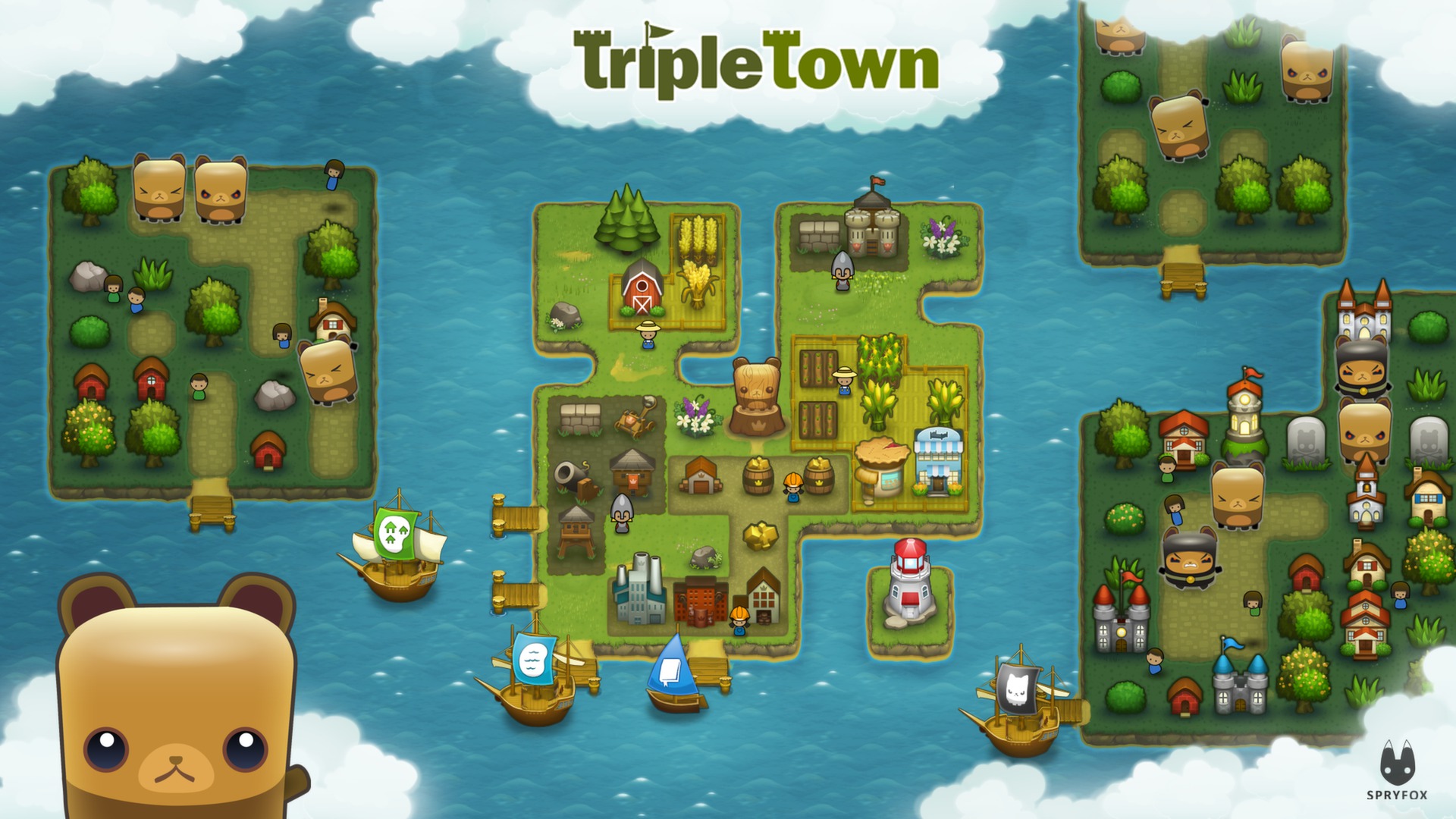
Giant bears appear as obstacles that can block potential matches. They occupy grid spaces, limiting where new pieces can be placed.
Outwitting these bears requires careful planning to route matches around them, ensuring the board does not become prematurely locked.
- Plan matches that route around bear positions to keep space open.
- Use higher‑tier matches to create space around bear positions.
04 / THE GUIDE
Purchase Model
Triple Town contains no in‑app purchases or downloadable content. The single purchase grants access to the full game experience.
All gameplay modes, pieces, and challenges are included with the initial purchase, offering a complete, self‑contained puzzle experience.
- No need to monitor for additional spendable content.
- Enjoy the full set of pieces from the start.
05 / THE GUIDE
Platform Availability
The game is officially released for Windows and macOS platforms. Linux is not listed as a supported operating system.
Players on supported platforms can access the full game through standard distribution channels without additional requirements.
- Check system requirements for Windows or macOS before installing.
- Linux users may need alternative solutions, as it is not supported.
COMMUNITY
Player discussion