 GameWiki

GET YOUR BEARINGS
About TrickShot Simulator
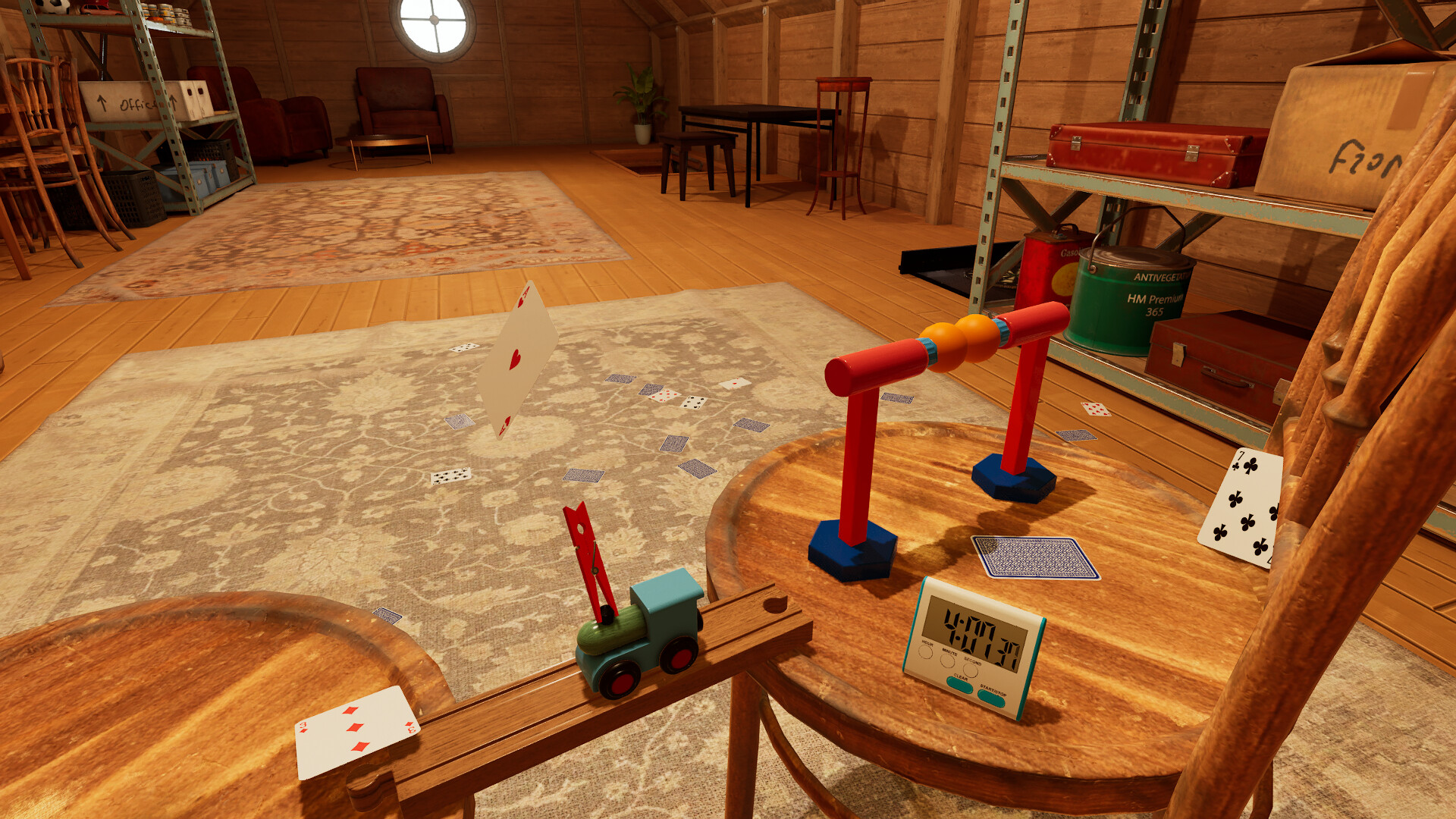
TrickShot Simulator challenges players to master mouse‑based precision by throwing a variety of objects at tiny targets. The single‑player experience rewards patience, as even the slightest mouse movement can alter the result, turning each attempt into a careful experiment.
Successful shots are saved as MP4 replays that can be shared on social media, though these files are not synced via Steam Cloud. The game also includes Steam Achievements, Steam Cloud for save data, and Family Sharing for multiple accounts.
01 / THE GUIDE
Mouse‑Based Precision
All throws are performed with the mouse, giving players fine‑grained control over direction and force. The description emphasizes that tiny adjustments can completely change the outcome, so steady hand movement is essential.
Because the game uses mouse controls for throws, players can experiment with different speeds and angles to discover the most reliable technique for each object.
- Start with slow, deliberate mouse movements to gauge sensitivity before attempting faster throws.
- Compare results across similar objects to notice subtle control differences.
02 / THE GUIDE
Extreme Difficulty
The game is described as extremely challenging; the smallest adjustment can shift the result dramatically. This intentional difficulty creates a high barrier to success.
Some trickshots may require minutes or even hours to perfect, encouraging players to invest time and develop precise timing.
- Set modest time limits for each attempt to keep frustration manageable.
- Break long‑duration shots into shorter practice segments.
03 / THE GUIDE
Replay Recording and Sharing
Every successful trickshot is recorded as an MP4 replay, allowing players to showcase their achievements. These replay files are not supported by Steam Cloud.
Replay videos are not supported by Steam Cloud, meaning they remain outside the cloud‑based save system and must be managed manually.
- Organize replays by difficulty level for easy reference.
- Compress videos before uploading to reduce file size without losing key moments.
04 / THE GUIDE
Streaming and Monetization
The streaming policy states that players are free to stream and upload gameplay videos without any restrictions. This applies to both individuals and corporations.
There are no limits on monetization, so creators can earn revenue from TrickShot content if they choose.
- Add clear titles and relevant tags when uploading to attract viewers interested in precision challenges.
- Consider live‑streaming long‑duration attempts to engage audiences in real time.
05 / THE GUIDE
Steam Features
TrickShot Simulator includes Steam Achievements, giving players milestones to track. It also integrates Steam Cloud for save data, allowing progress to be synced when online.
Family Sharing is supported, so multiple accounts can access the game without separate purchases.
- Review the achievement list regularly to set short‑term goals.
- Enable Family Sharing to let friends try the game without buying another copy.



COMMUNITY
Player discussion