 GameWiki
GET YOUR BEARINGS
About Tree Simulator 2023
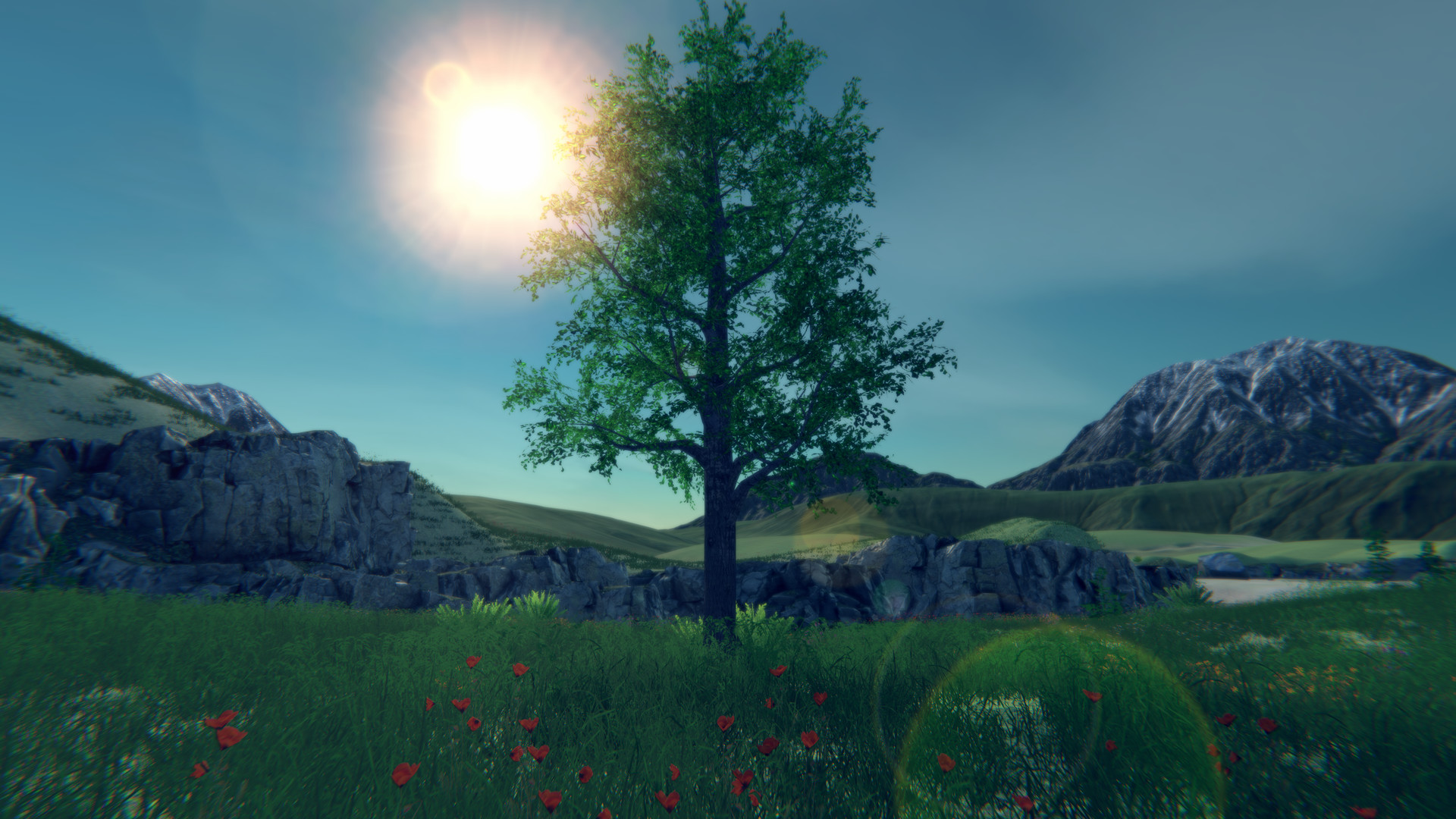
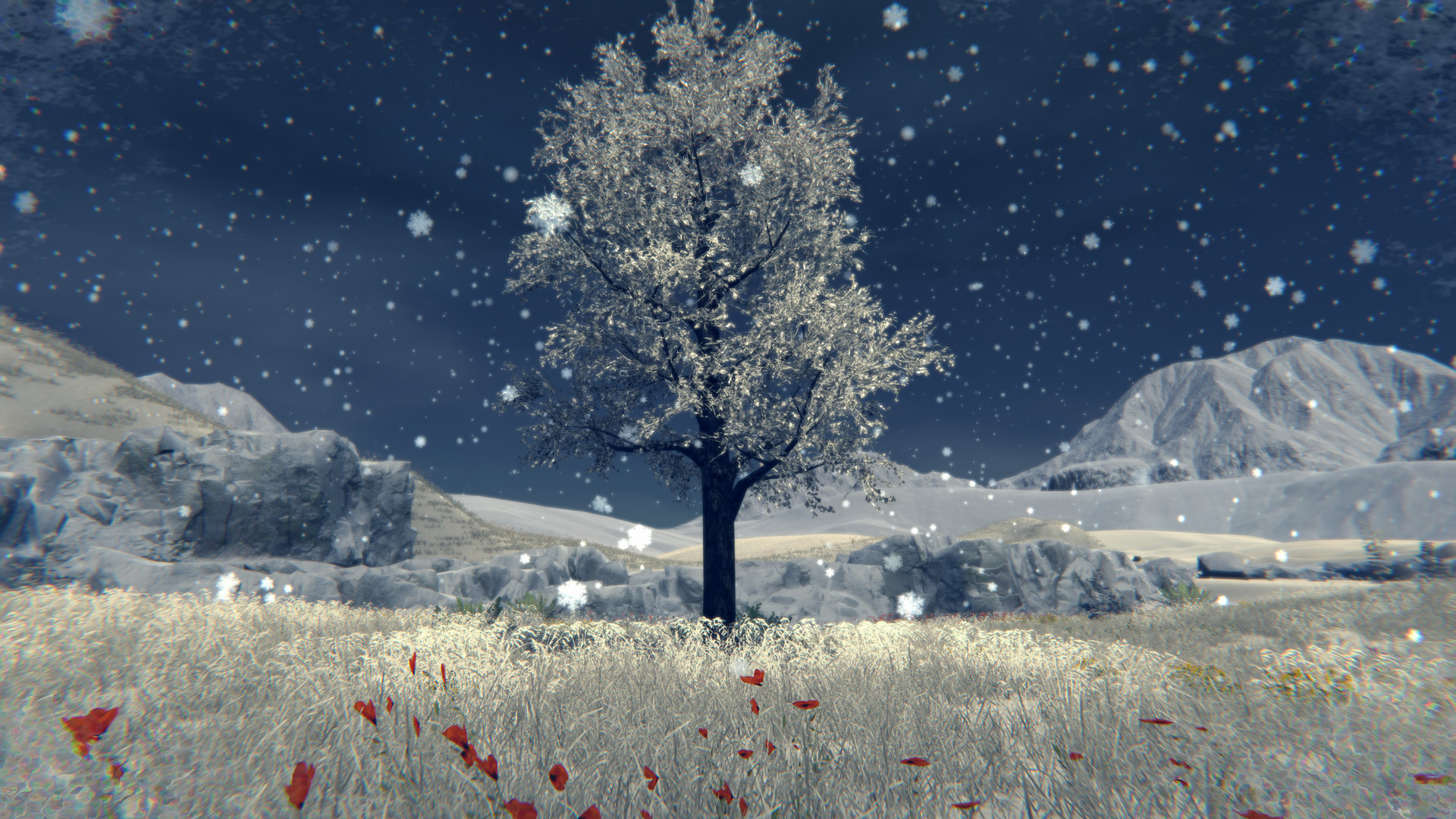
Tree Simulator 2023 lets you experience life as a tree from a third‑person perspective. Choose from 31 tree models, stretch roots, and explore a handcrafted map that now includes a new area, all rendered as a living painting.
The game offers a customizable weather system, day‑night cycle, and seasonal changes that affect visual appearance. Multiplayer supports up to 250 trees, with server browsing, private lobbies, and built‑in text chat.
01 / THE GUIDE
Tree Selection and Configurable Settings
Players select one of 31 distinct tree types, which become the avatar for the session. After selection, a range of configurable tree settings lets you adjust growth, root stretch, and visual details, allowing each tree to feel unique.
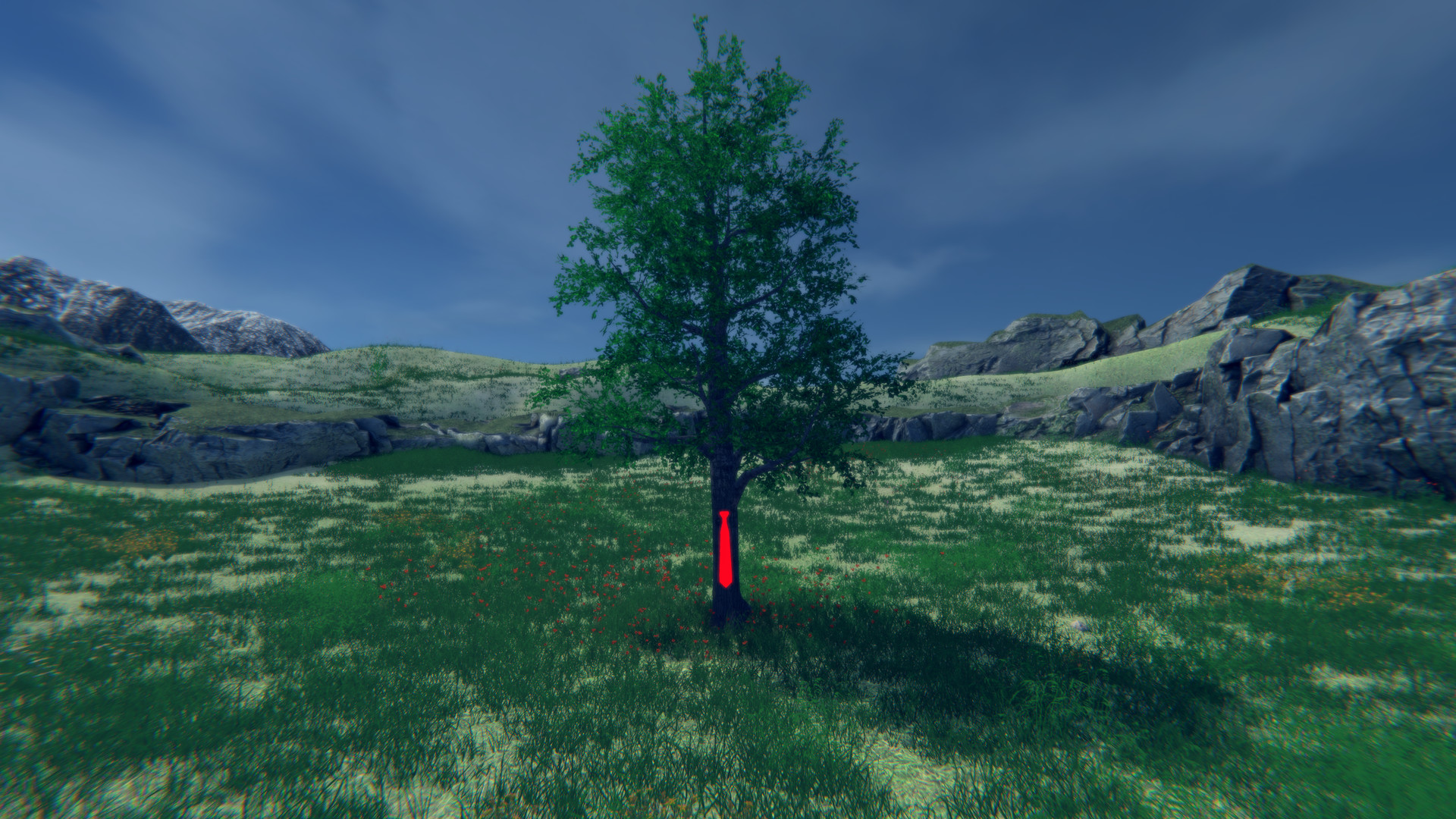
Cosmetic items such as the “Red tie” are available for further personalization. These items offer further personalization for your tree.
- Experiment with several tree types to notice visual differences.
- Try cosmetic items like the Red tie for a personalized look.
02 / THE GUIDE
Weather System and Seasonal Changes
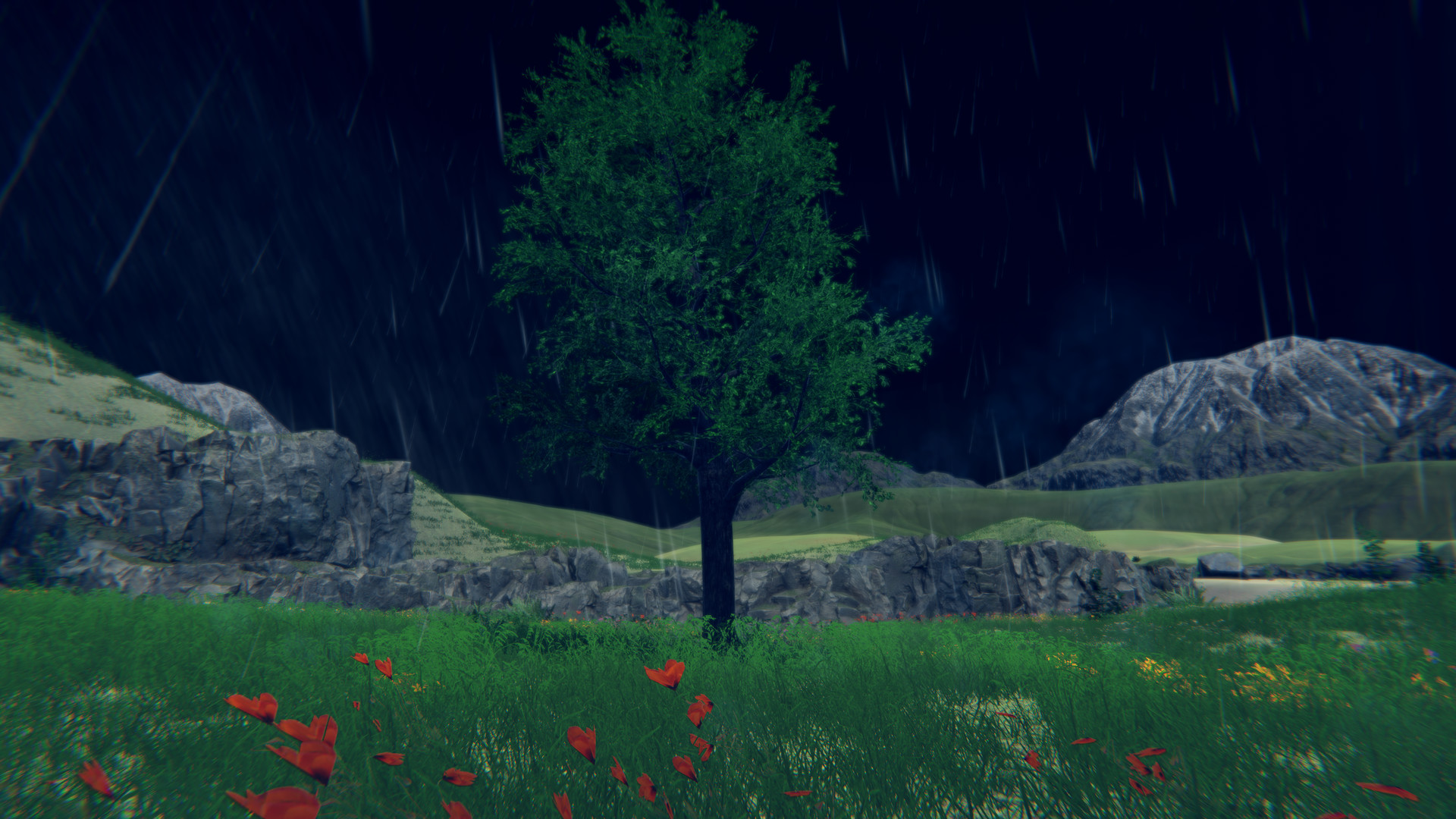
A customizable weather system provides rain, snow, wind, fog, and overcast conditions. You can configure these conditions to set the atmosphere around your tree.
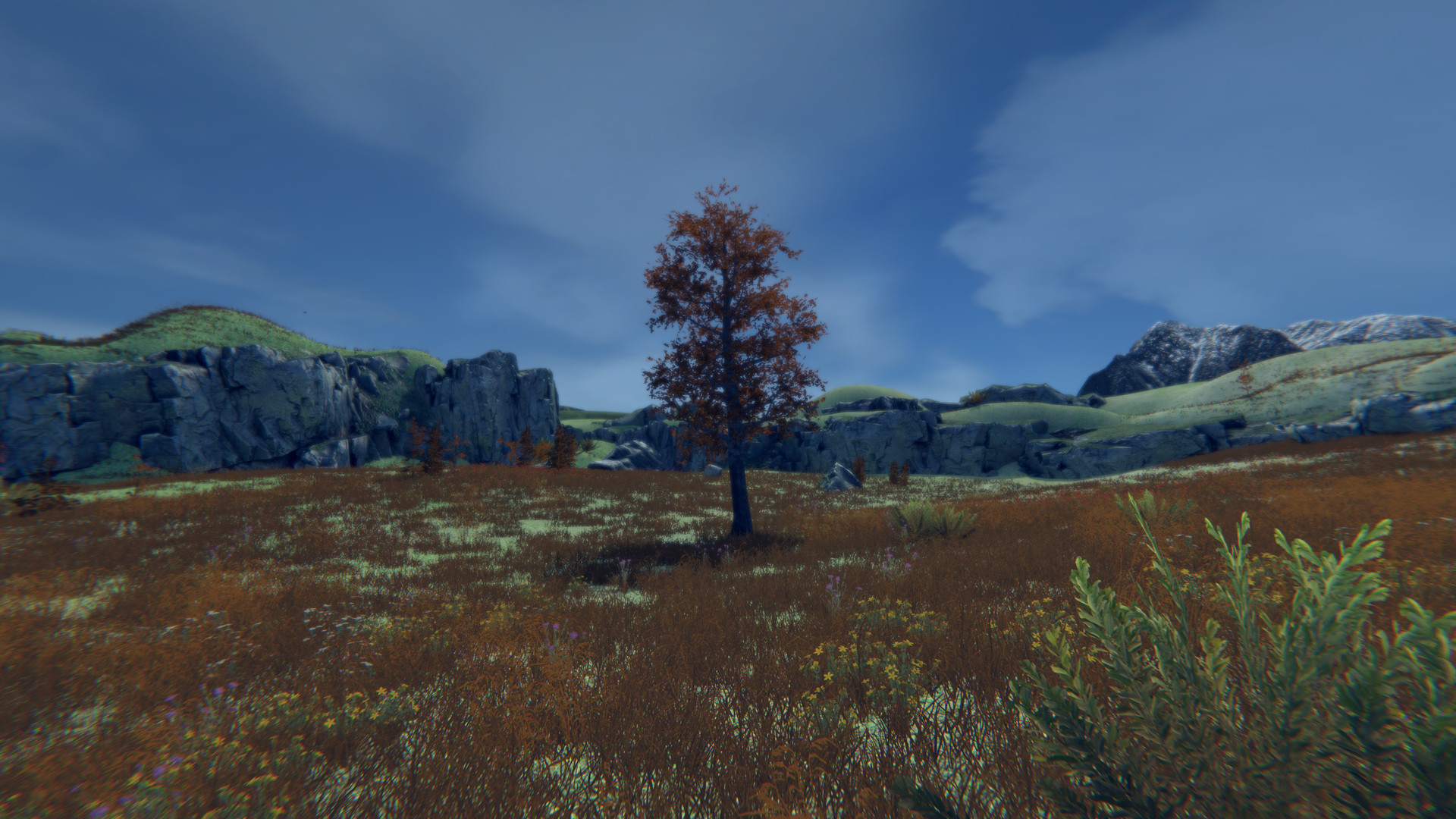
The day‑night cycle and automatic seasonal progression change the tree’s appearance and surrounding environment, so visual cues shift as the year advances.
- Observe how each weather type modifies lighting.
- Capture screenshots during different seasons for comparison.
03 / THE GUIDE
Multiplayer Hosting and Joining
A host can create a server, set a player limit up to 250 trees, and optionally require a password or make the lobby private. Public servers appear in a lobby list for easy discovery.
Players join via the server browser, direct invites, or the Steam overlay. Text‑based chat is provided, while voice chat is not built in; external services like Discord are suggested.
- Use passwords for private sessions to control access.
- Rely on Discord or Steam chat for voice communication.
04 / THE GUIDE
Third‑Person Camera View
The game employs a third‑person camera that follows your tree, allowing you to stretch roots and move while keeping the avatar in view. This perspective supports both exploration and visual appreciation.
Windowed mode is available, though it may exhibit minor quirks, and ultra‑wide monitor support expands the field of view for broader scenery.
- Try ultra‑wide mode for a wider visual field.
- Move and stretch your roots to find pleasing framings of your tree.
05 / THE GUIDE
Platform Availability and Controller Support
Tree Simulator 2023 runs on Windows and includes full controller support for Xbox and PS4 controllers. The game also integrates with Wallpaper Engine and supports family sharing.
While controller support is confirmed, the description does not specify other input methods, leaving keyboard or mouse usage undocumented.
- Connect an Xbox or PS4 controller for seamless play.
- Enable Wallpaper Engine for dynamic background visuals.
COMMUNITY
Player discussion