 GameWiki
GET YOUR BEARINGS
About Tree Simulator 2022
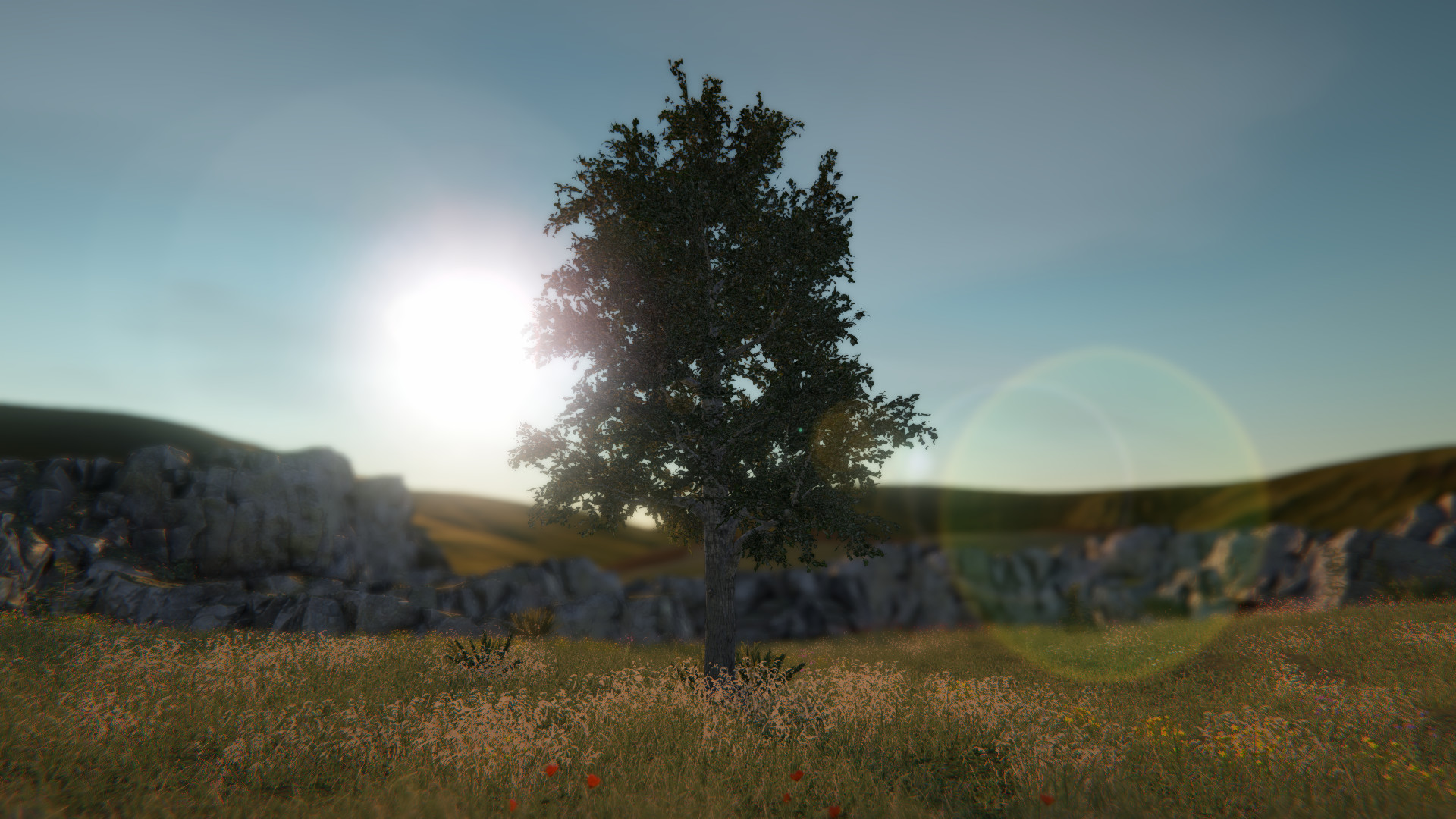
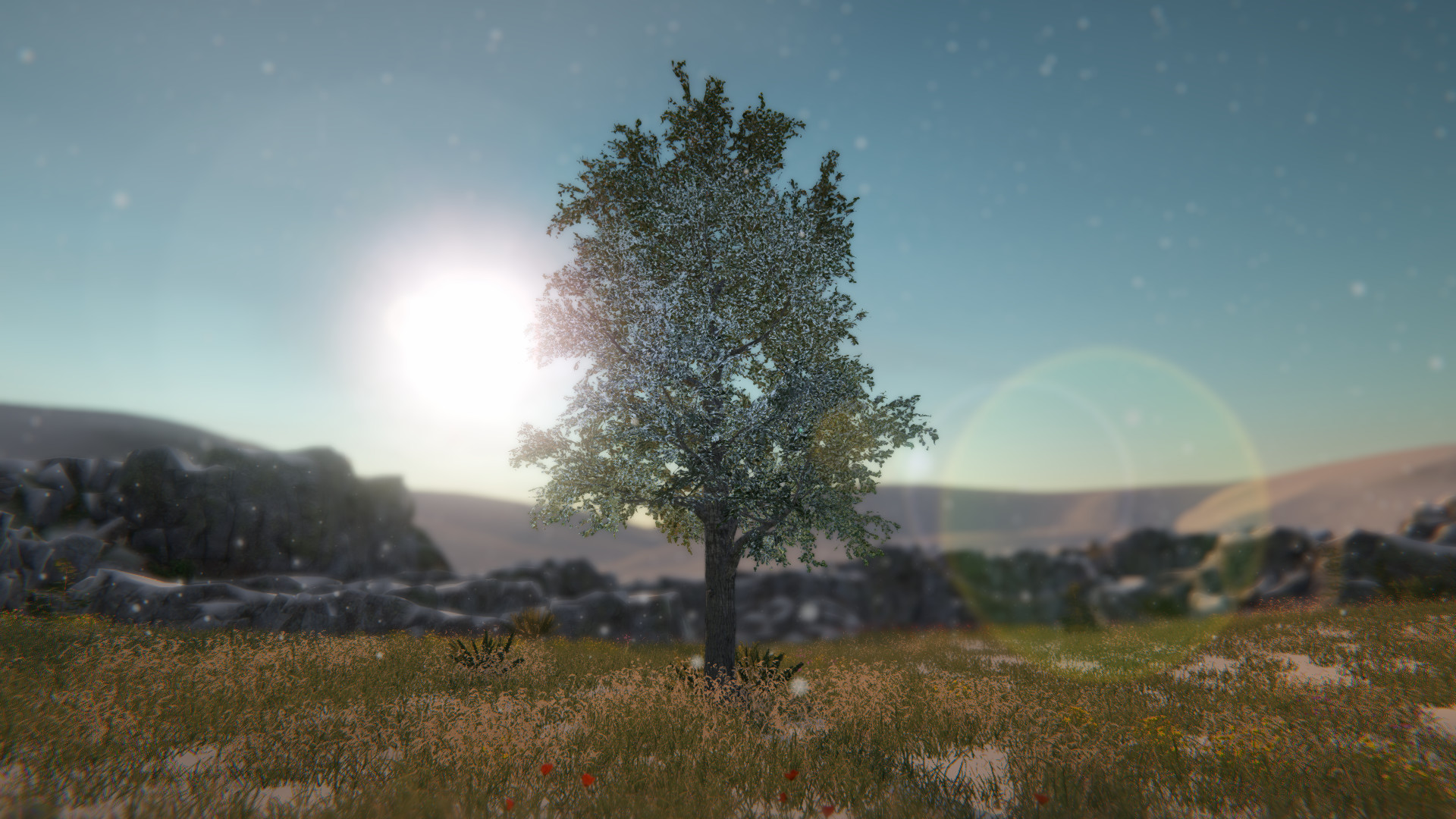
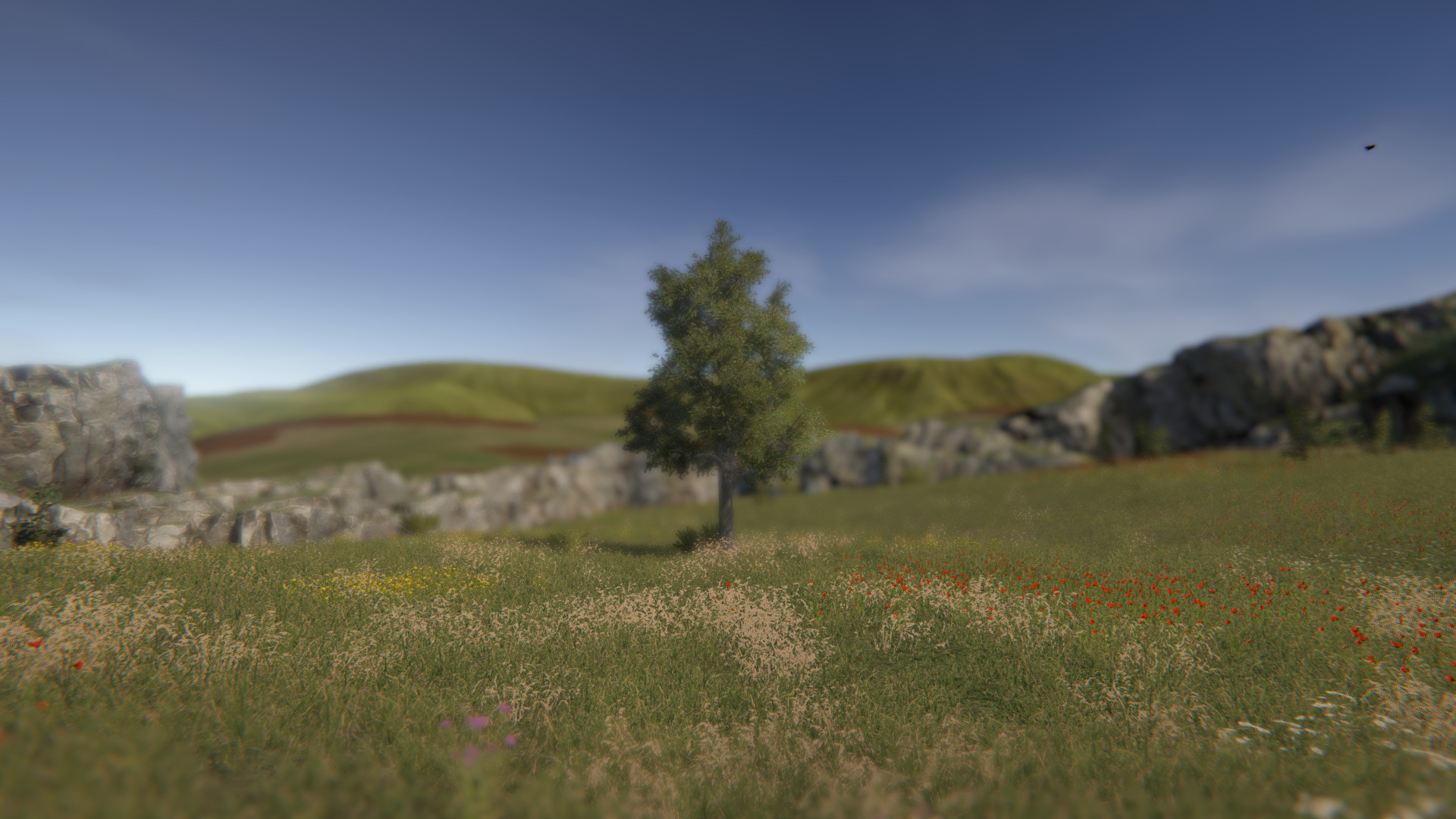
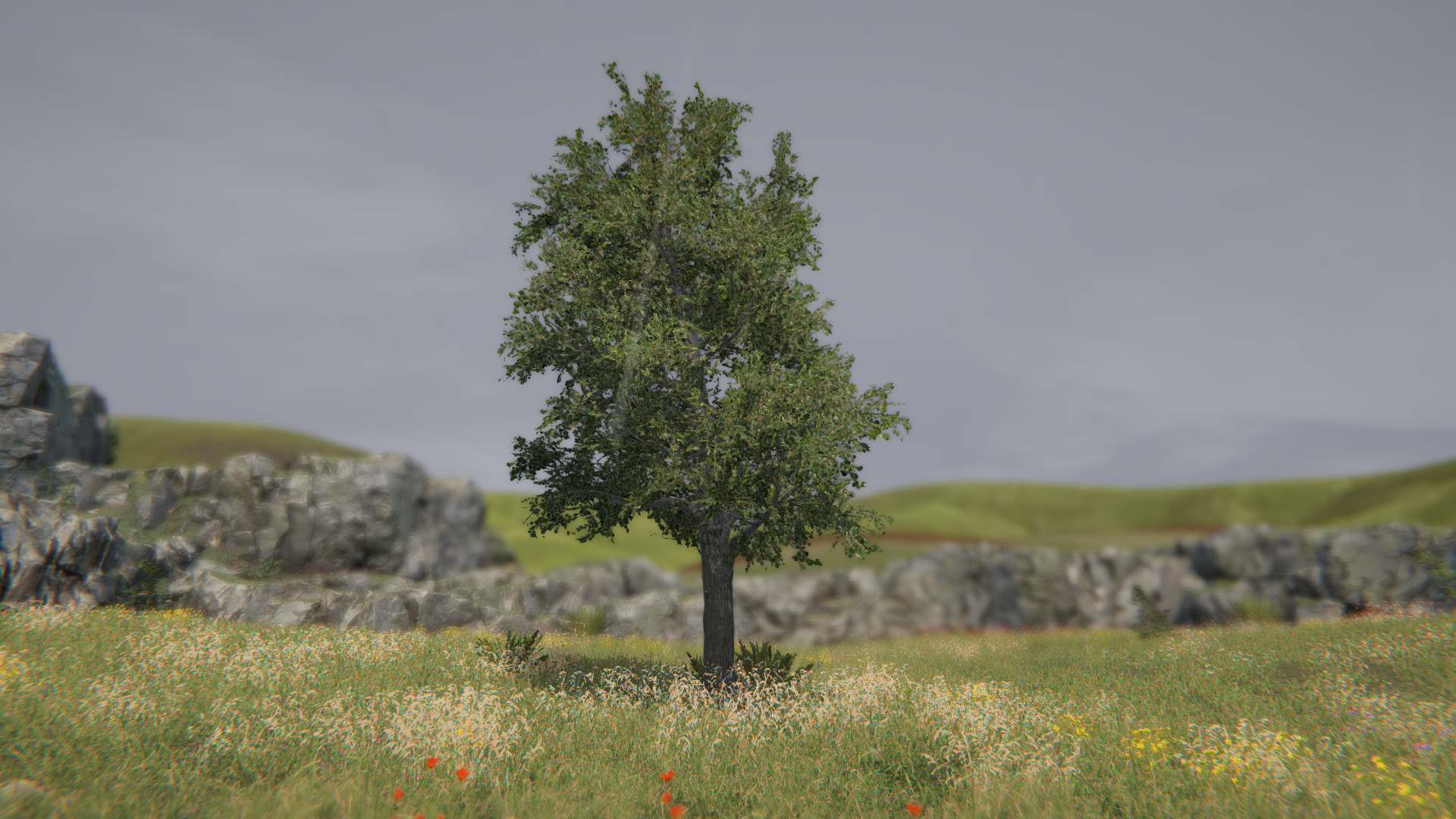
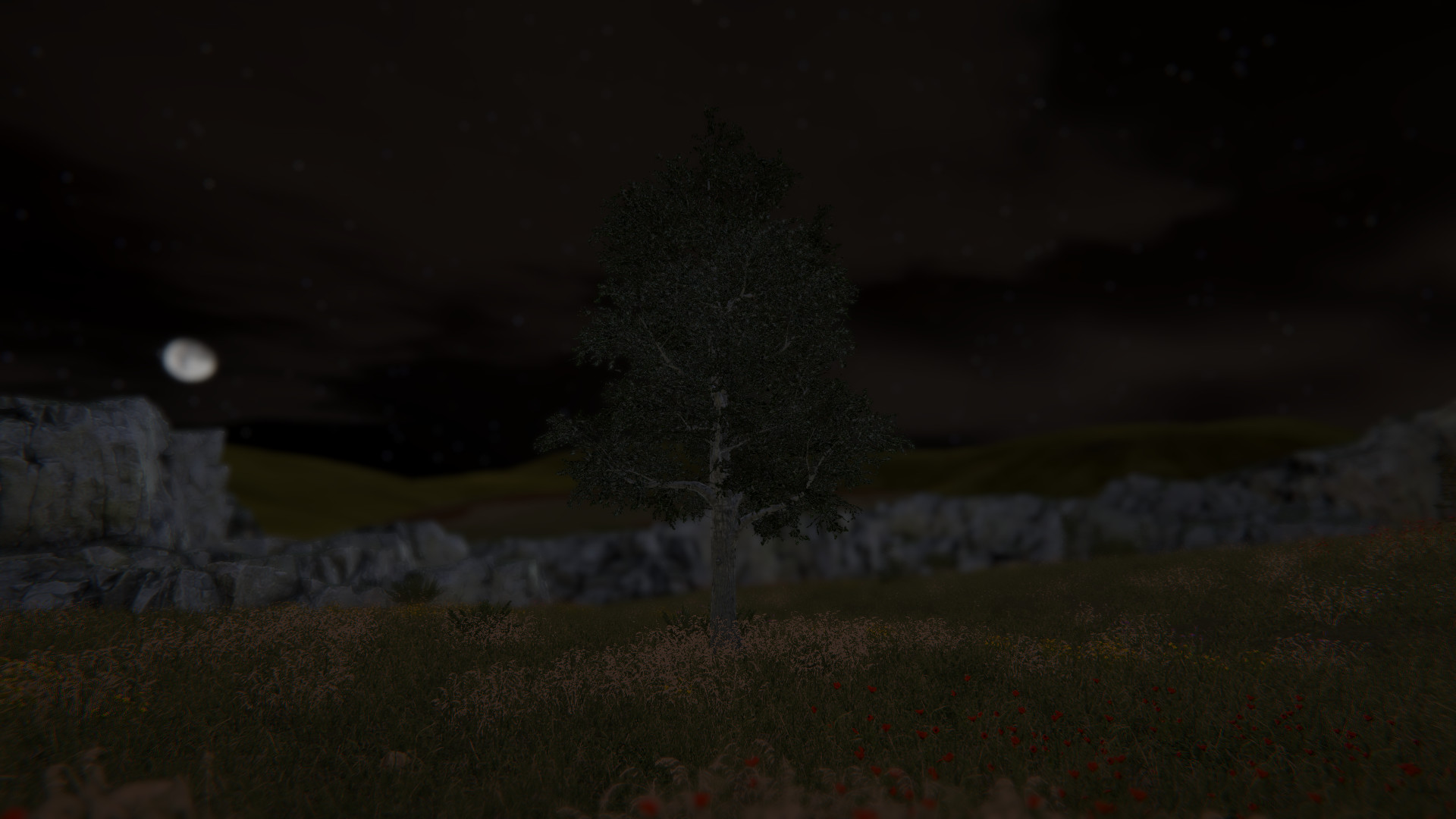
Tree Simulator 2022 puts you directly in the role of a tree, inviting you to explore growth and forest ambience through a minimalist, artistic lens. The description stresses becoming the best tree you can be and discovering what it means to exist within a woodland.
The game adds a multiplayer mode that can host up to one hundred trees, though testing confirms stable sessions with four. It runs on Windows via Steam and includes Steam Achievements, online co‑op, and Family Sharing.
01 / THE GUIDE
Tree‑Centric Simulation
The core premise is that you are a tree, with the stated goal of being the best tree you can be. The description calls the experience a work of art and asks players to embrace the forest, indicating a focus on observation rather than combat or resource management.
No explicit mechanics beyond existing as a tree are listed, so the simulation revolves around visual presence within the forest environment. Players are encouraged to contemplate the role of a tree, matching the calm, artistic tone presented.
- Notice how the visual style reinforces the artistic intent.
- Compare the pacing with other simulation titles to gauge expectations.
02 / THE GUIDE
Online Co‑op Forest
Multiplayer allows a host to invite up to one hundred trees, though the description notes testing with four participants. Trees numbered 5 and 6 are rocks, while all other numbers represent normal trees, defining the participant types.
The host initiates the session by pressing Escape, selecting “Invite trees,” and using the invite dialog. Other players start the game, open the Steam overlay with Shift + Tab, and click “Play Game” in the chat window to join.
- Use an external voice platform like Discord for coordination.
- Confirm the host has opened the invite menu before sending invitations.
03 / THE GUIDE
Keyboard Controls
Camera rotation is bound to A and D, while zoom is controlled with W and S. Pressing Escape opens the menu and settings, providing a simple navigation scheme for the simulation.
These bindings let the player view the forest from a stationary perspective, matching the game's emphasis on observation rather than direct interaction with the environment.
- Practice smooth rotation with A/D before adjusting zoom.
- Keep Escape accessible for quick menu access.
04 / THE GUIDE
Windows Release & Steam Integration
Tree Simulator 2022 is released for Windows through Steam, with no macOS or Linux versions listed. The Steam page includes features such as Steam Achievements, Online Co‑op, and Family Sharing.
Family Sharing lets another Steam account launch the game without a separate purchase, while achievements provide progress tracking within the Windows client.
- Watch the Steam overlay for achievement notifications.
- Enable Family Sharing to let friends try the game easily.
05 / THE GUIDE
Indie Development & Genre Blend
Developed by Revmatek, the title is tagged with Action, Adventure, Casual, Indie, and Simulation. The mix suggests a relaxed experience with occasional interactive elements, though the description centers on the simulation aspect.
As an indie project, the game likely prioritises artistic expression and experimental design over conventional genre expectations, aligning with the stated emphasis on being a work of art.
- Match the genre tags against the described gameplay to set realistic expectations.
- Explore other Revmatek releases for stylistic consistency.
COMMUNITY
Player discussion