 GameWiki
GET YOUR BEARINGS
About Treasure Beach
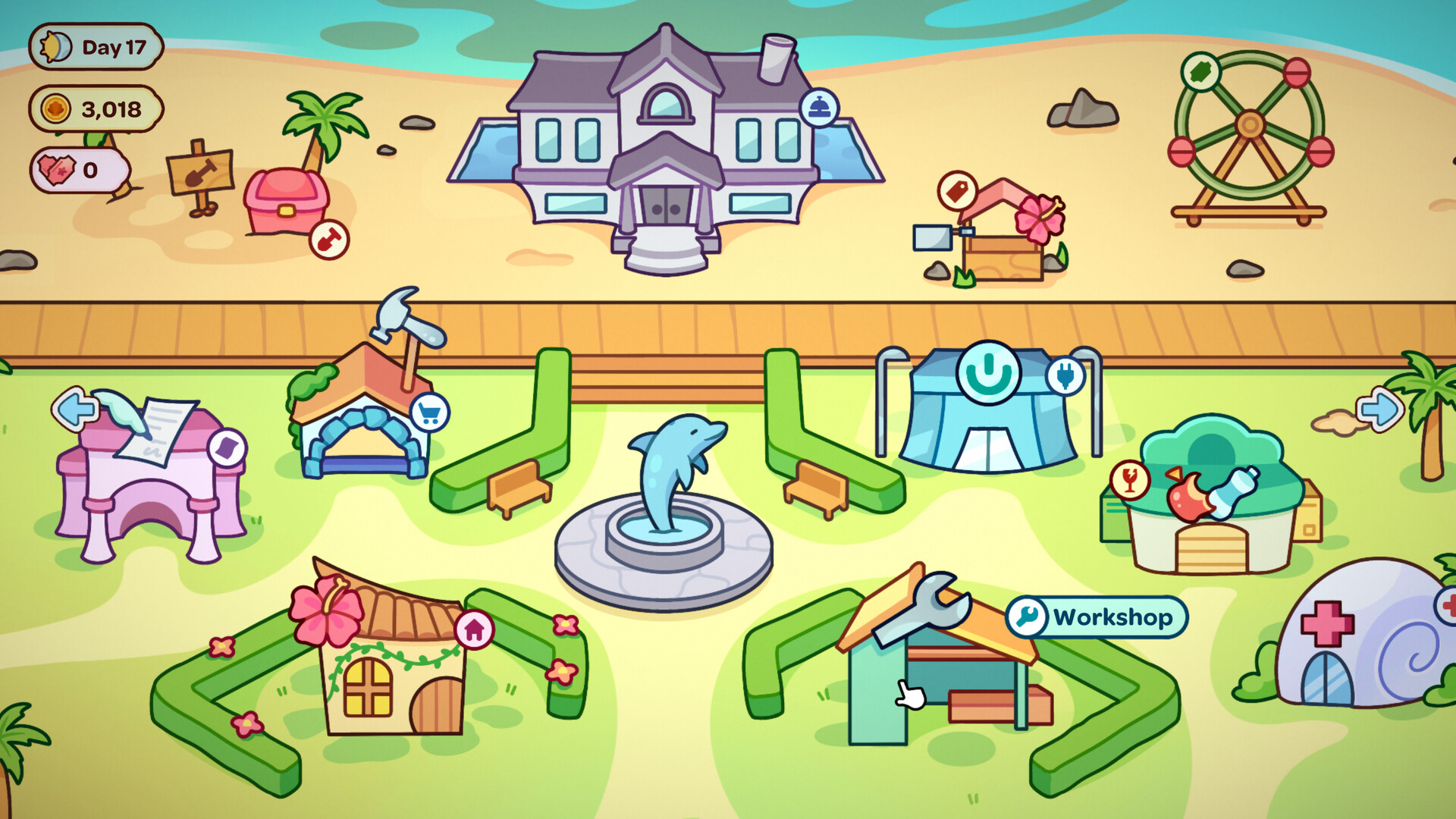
Treasure Beach is a cozy trinket‑shop simulation where you wander a sunny coastline, dig up items, clean and repair them, then sell the results to quirky customers. Each day the tide brings new objects, and you balance digging time with the rush of the incoming sea.
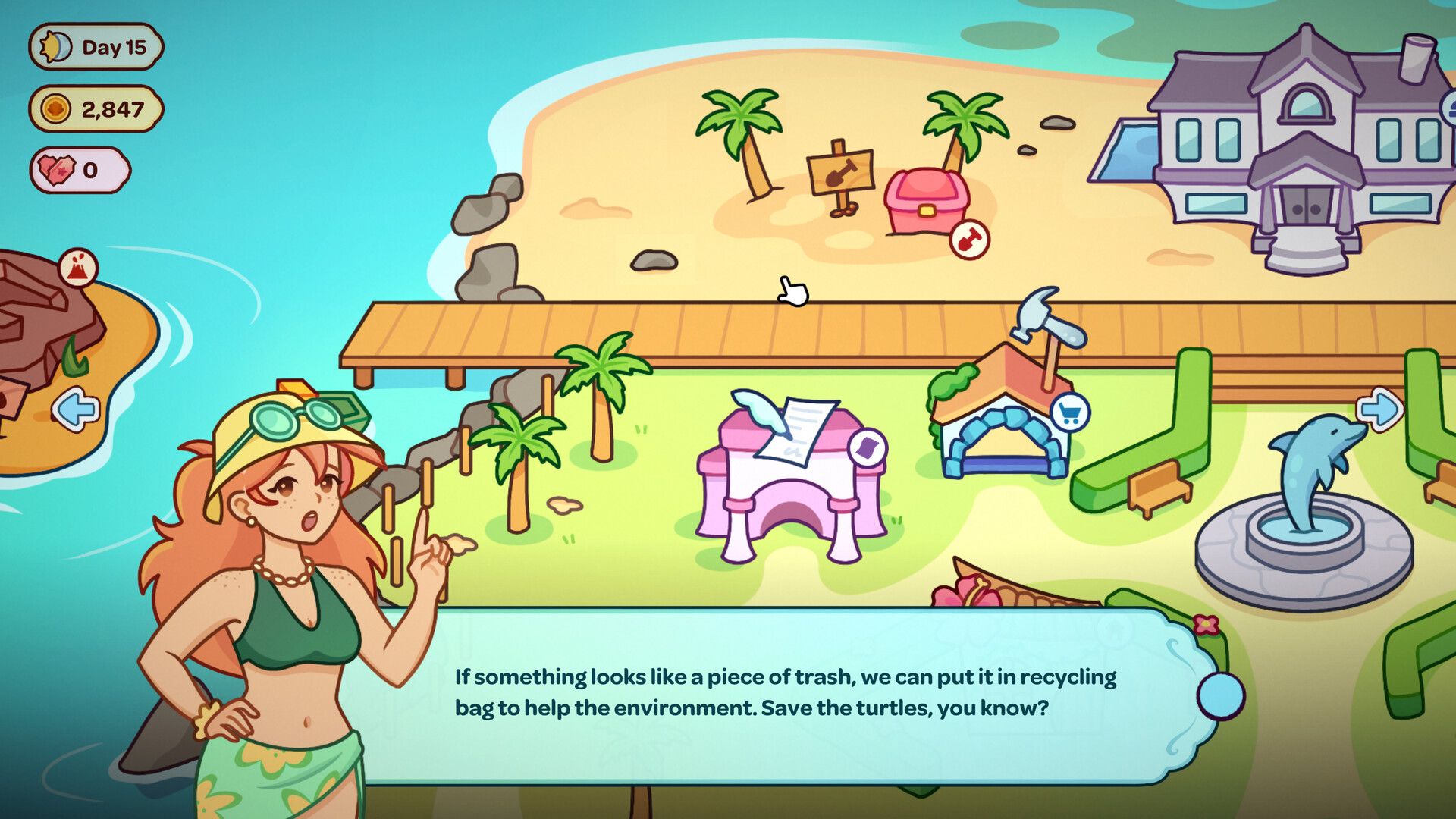
Profits let you upgrade your workshop and shop, gradually buying back the beach from a greedy hotel. Along the way you can play daily beach‑fair mini‑games, fill collection books, and enjoy a relaxed, loop‑focused experience.
01 / THE GUIDE
Exploring the Shore
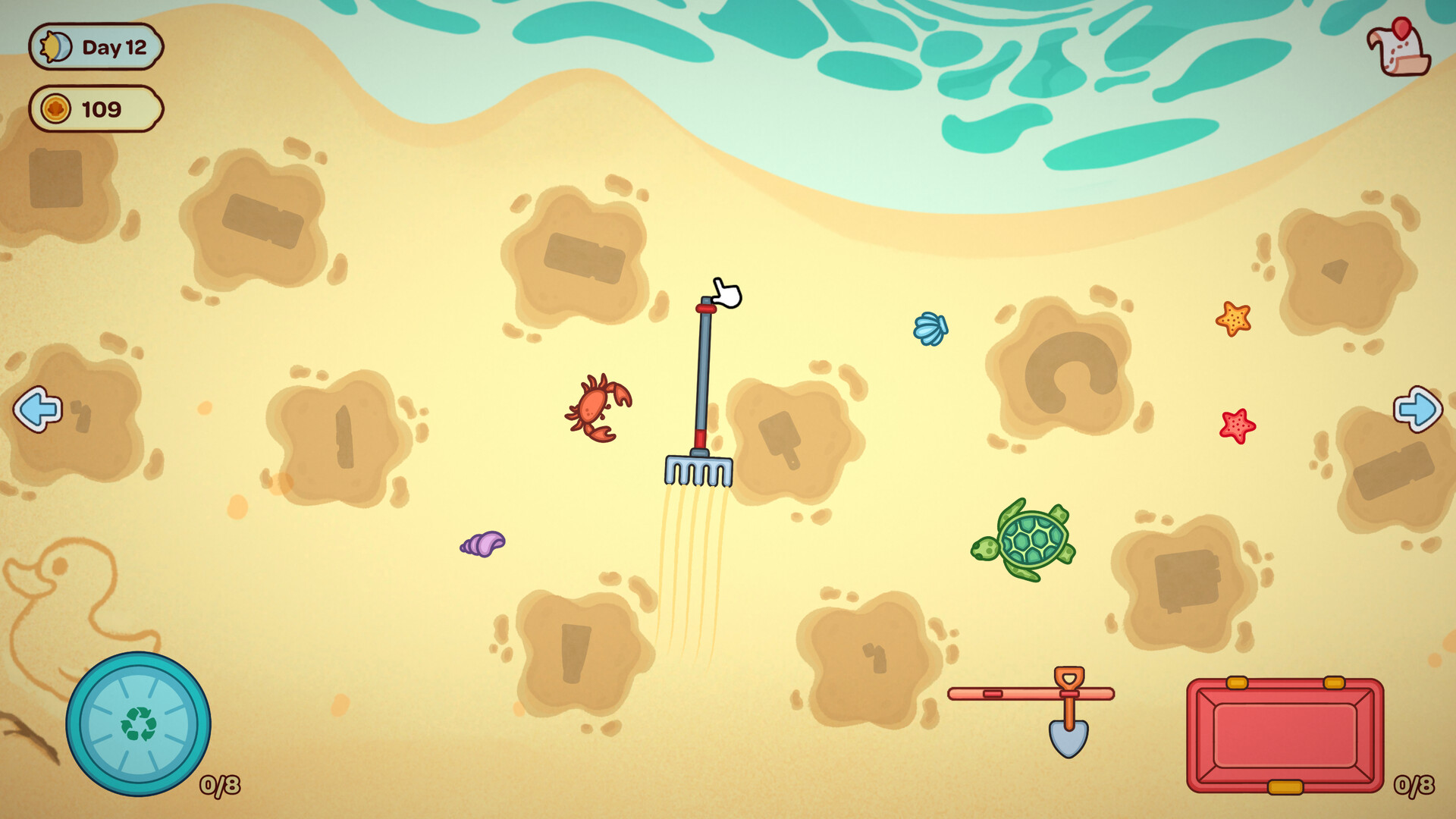
Every day the beach receives fresh items that wash ashore. You can grab valuables, toss trash, rescue sea creatures, and use a shovel to dig deeper for buried treasure.
Digging consumes time, and the tide returns quickly, so you must decide how far to excavate before the water comes back.
- Observe how quickly the tide returns and plan your digging depth accordingly.
- Prioritize items that look valuable before the tide washes them away.
02 / THE GUIDE
Tinkering in the Workshop
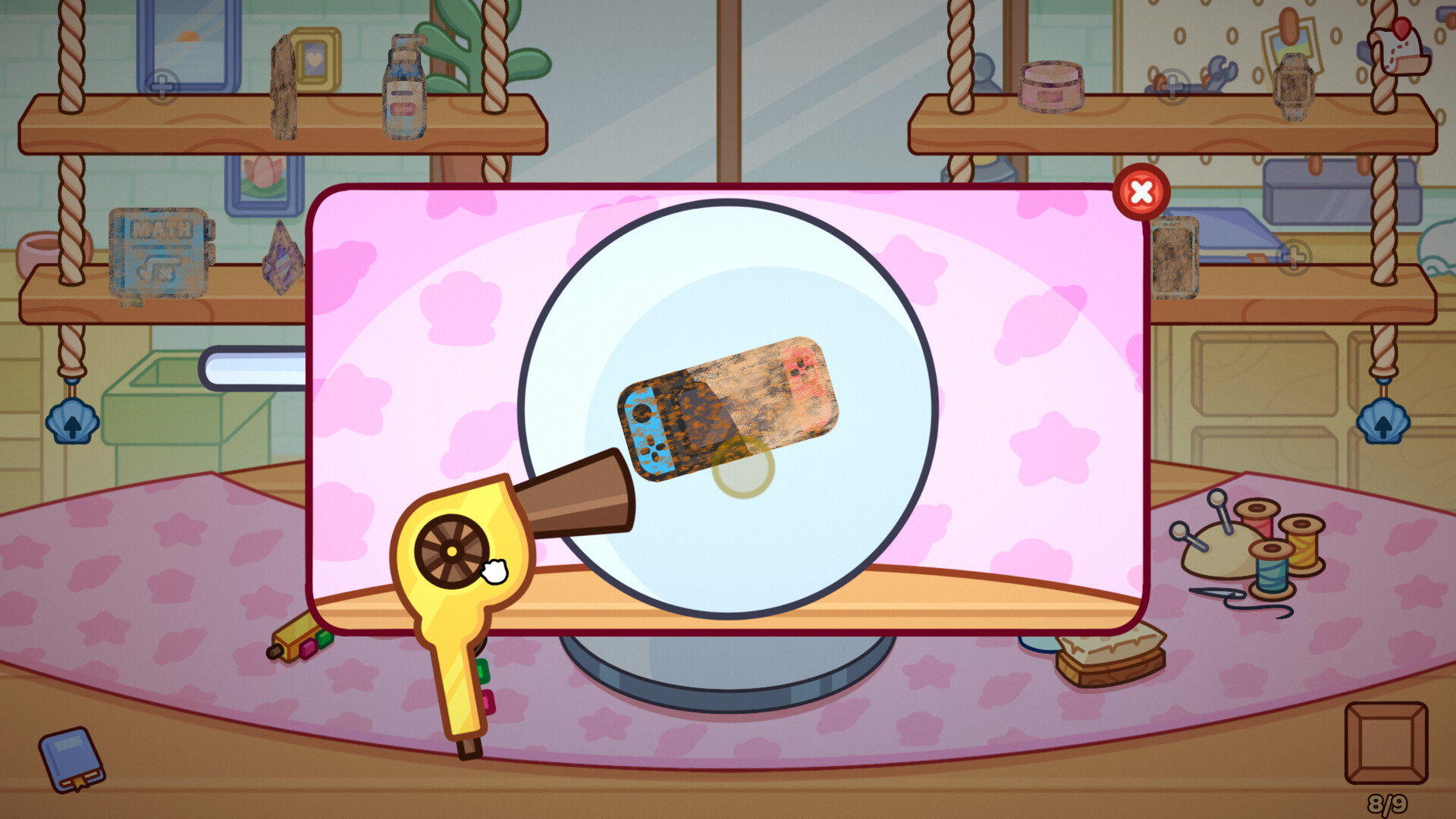
Found objects can be dried, cleaned, polished, and repaired in your workshop. Improving an item raises its star rating, which increases its sale price.
Some finished pieces can even become wearable accessories, expanding the range of products you can offer.
- Compare the star rating before and after polishing to gauge profit potential.
- Experiment with turning repaired items into accessories for variety.
03 / THE GUIDE
Running Your Shop
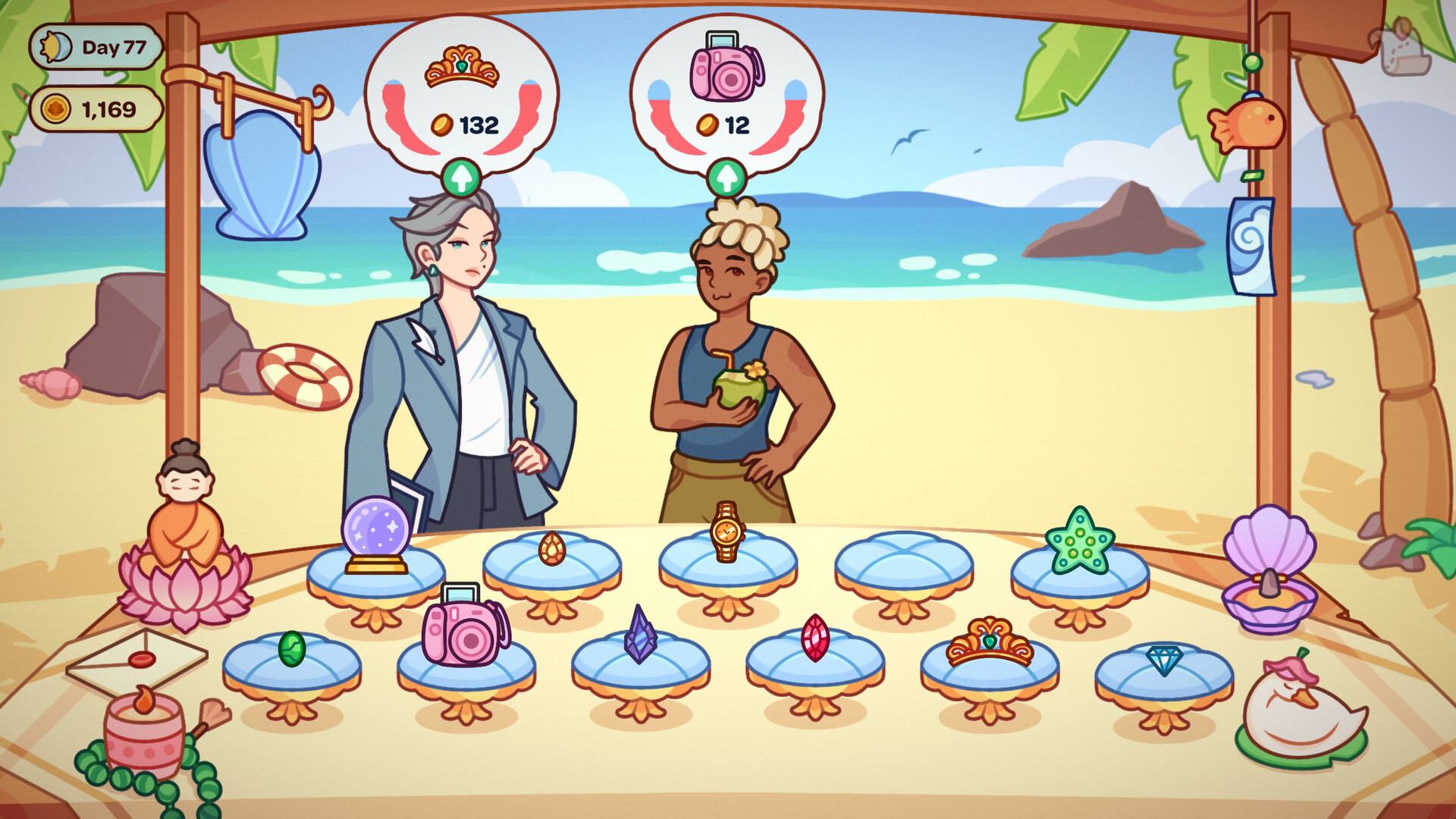
Display your trinkets, set prices, and serve customers who visit your shop. Upgrading the store and tools attracts more visitors and helps grow your business.
Upgrading the store and tools helps grow your business and attract more visitors.
- Adjust prices after upgrades to reflect higher quality items.
- Watch customer flow after each store upgrade to see its impact.
04 / THE GUIDE
Beach Fair Mini‑Games
Daily mini‑games such as shooting ducks or picking coconuts are available at the beach fair. Completing them grants extra rewards that can be used elsewhere.
These games refresh regularly, offering new ways to earn bonuses beyond regular sales.
- Try different mini‑games to discover which yields the best rewards for your playstyle.
- Play daily to accumulate extra bonuses over time.
05 / THE GUIDE
Completing Collections
Every find belongs to a set—pirate relics, sea shells, and more. Filling the Collection Book reveals stories behind each item and marks progress.
Complete sets can provide a sense of achievement and may influence how you value certain objects.
- Track which sets you’re missing to focus your beach searches.
- Read the stories in the Collection Book for added context.
COMMUNITY
Player discussion