 GameWiki
GET YOUR BEARINGS
About Travellers Rest
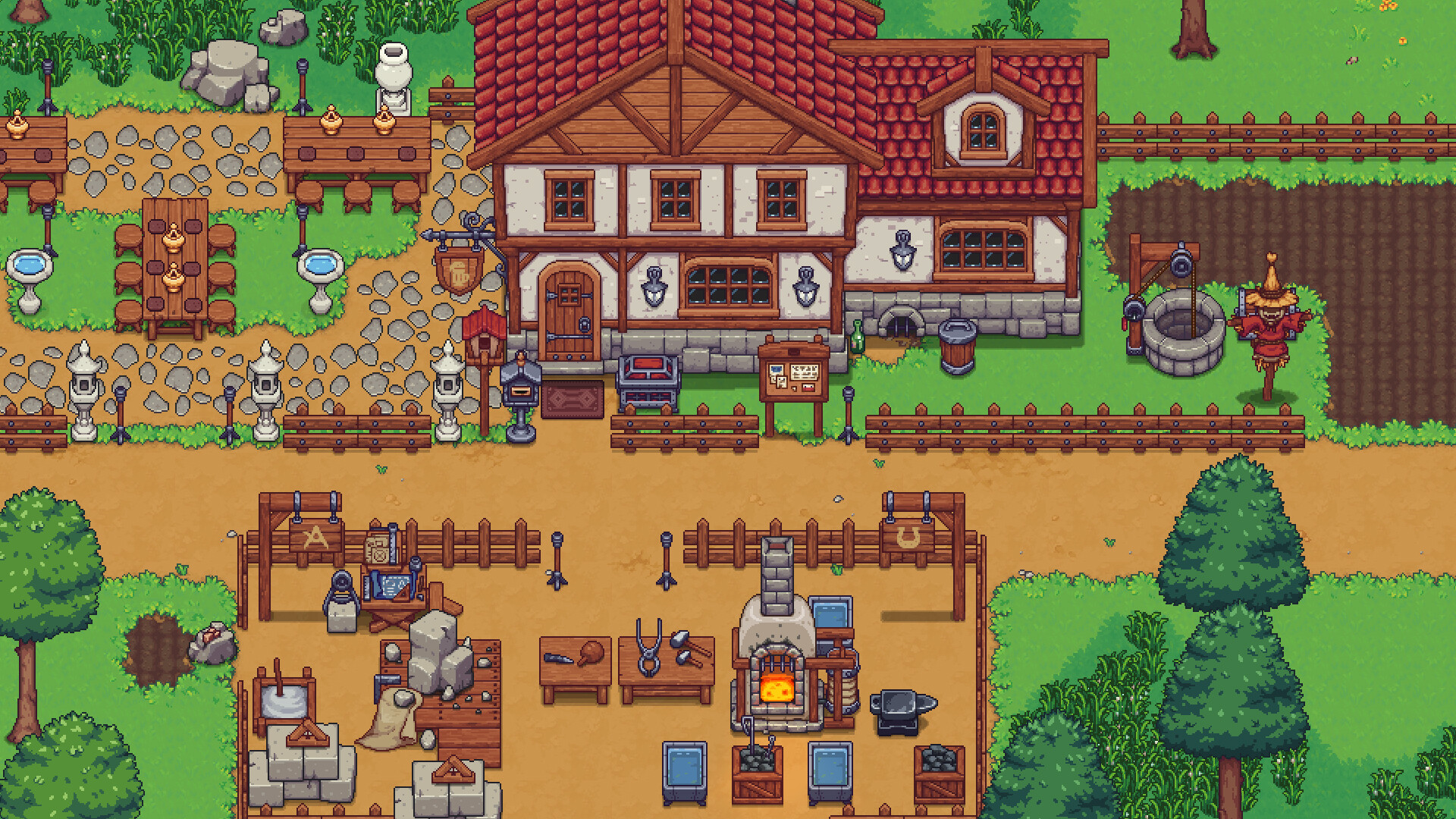
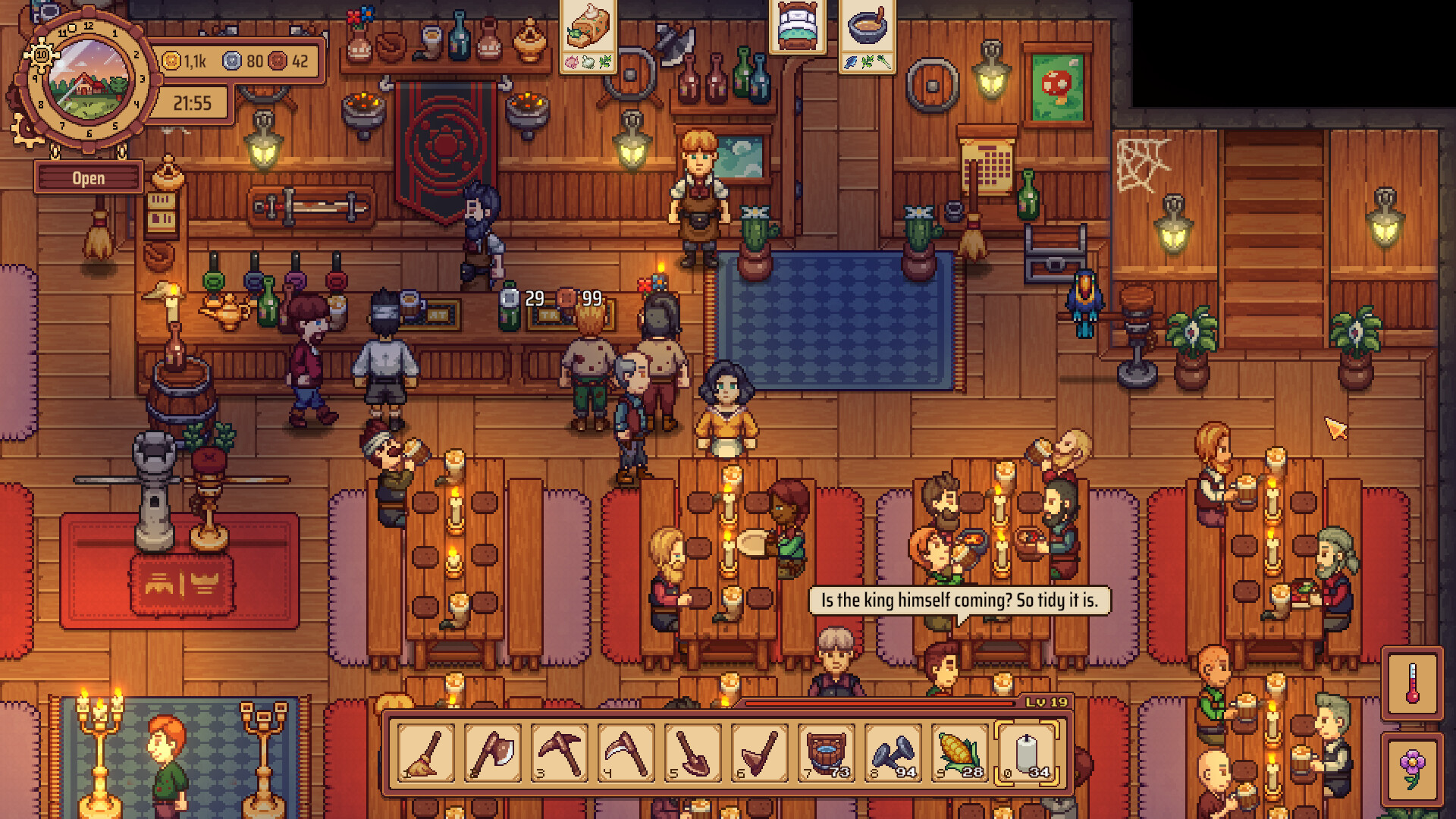
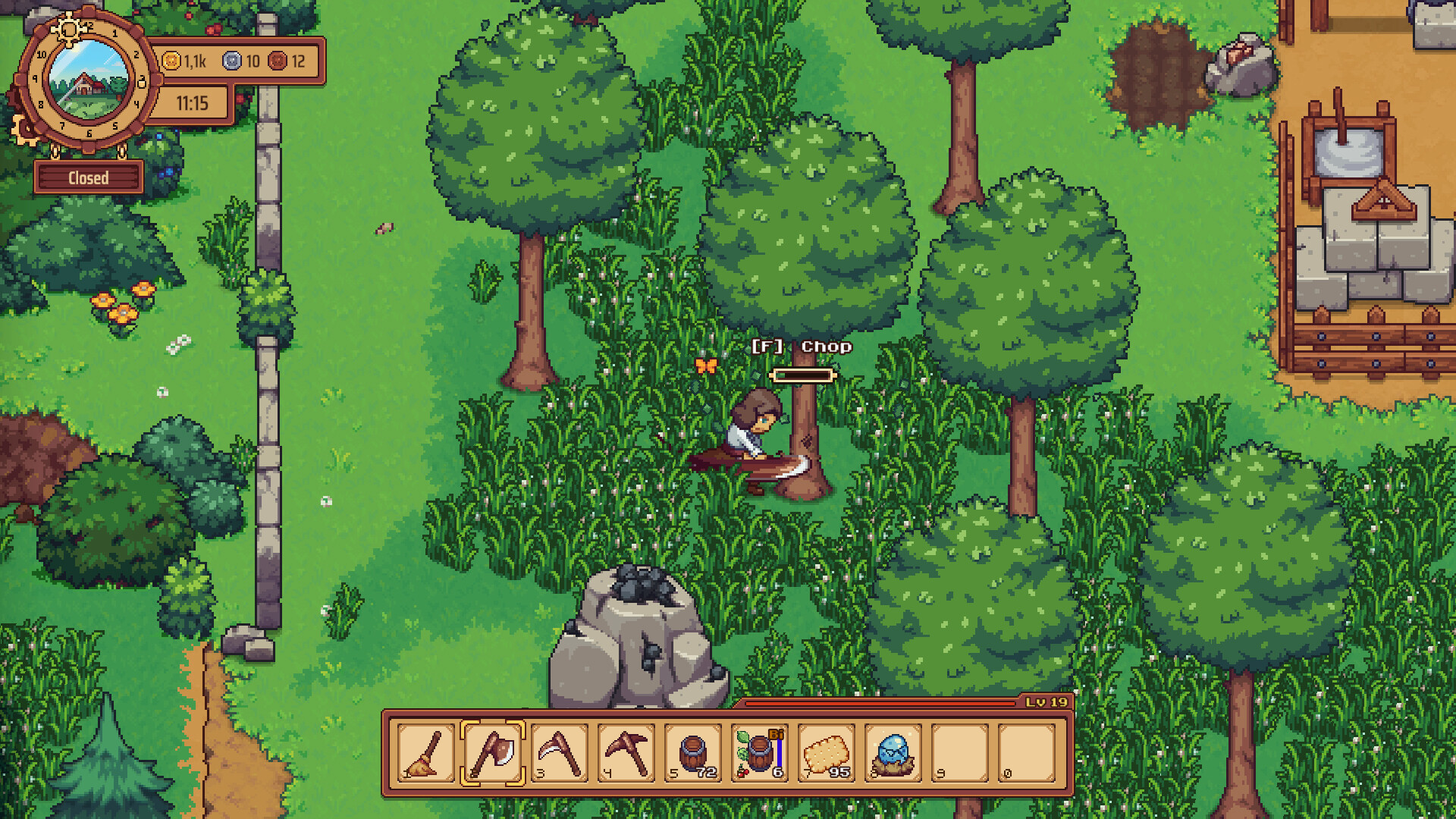
Travellers Rest puts you in charge of a fantasy tavern where you must craft, farm, build, and cook to attract patrons. By customizing furniture, discovering recipes, and exploring the surrounding realm, you work toward becoming the most renowned tavern keeper.
The game supports both solo play and online co‑op for up to four friends, letting you share duties or explore together. Full controller support and Steam features such as achievements and cloud saves round out the experience on Windows.
01 / THE GUIDE
Tavern Management
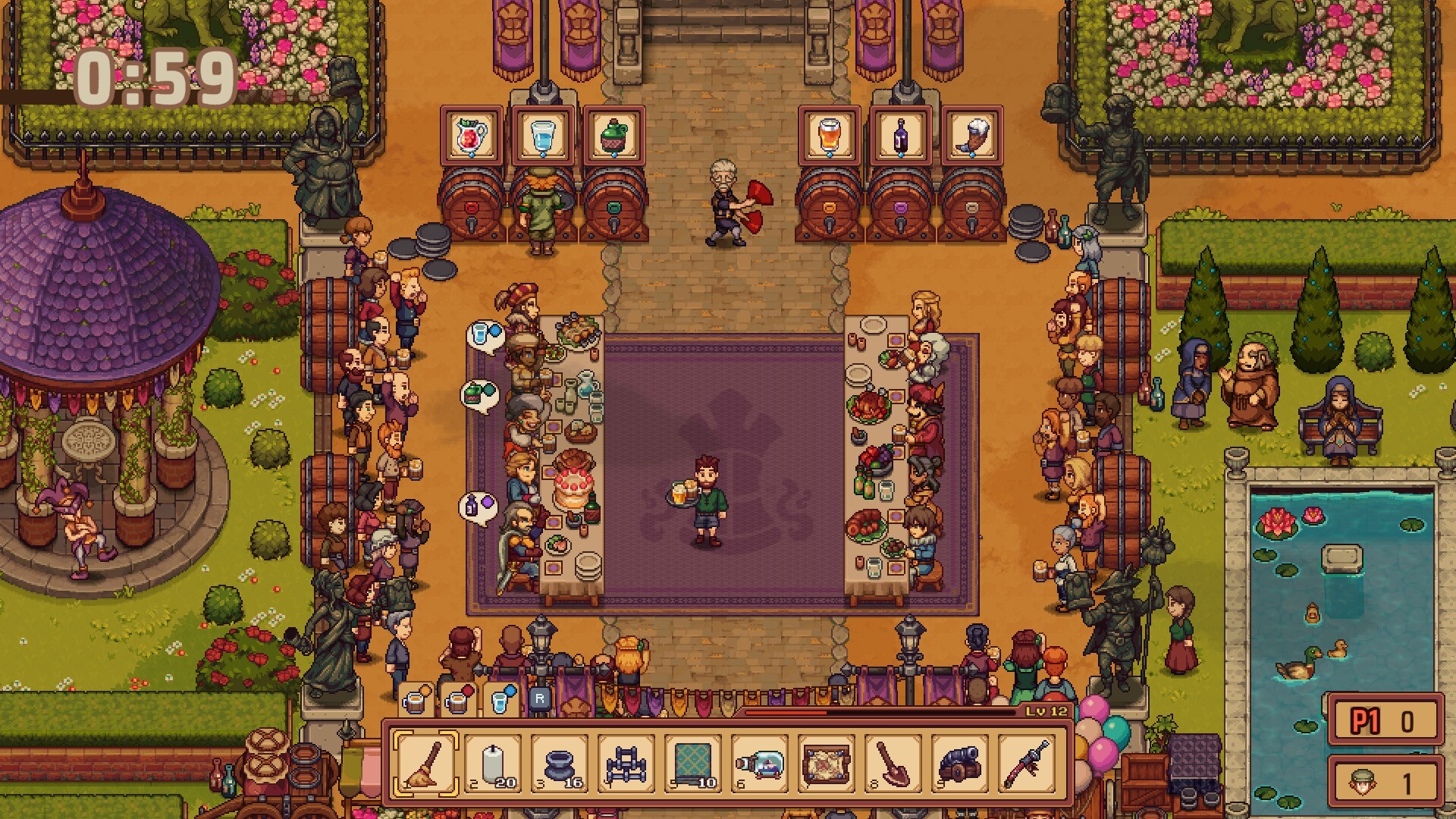
You expand and manage your own tavern, adding furniture and decorative elements to boost reputation. Hundreds of customers await service, and you can serve drinks or ask troublemakers to leave. Earning gold from satisfied patrons lets you improve the establishment further, aiming for the tavern of your dreams.
- Prioritize decorative upgrades that visibly raise reputation.
- Monitor customer reactions to decide when to serve or eject.
02 / THE GUIDE
Crafting & Cooking
Create unique dishes and drinks by gathering the best products and crafting hundreds of items and furniture. New recipes let you please a wide range of customers. Your culinary creations directly affect how much gold you earn and how quickly your tavern climbs the ranks.
- Experiment with ingredient combos to unlock new recipes.
- Balance crafting time with serving customers for steady income.
03 / THE GUIDE
Exploration
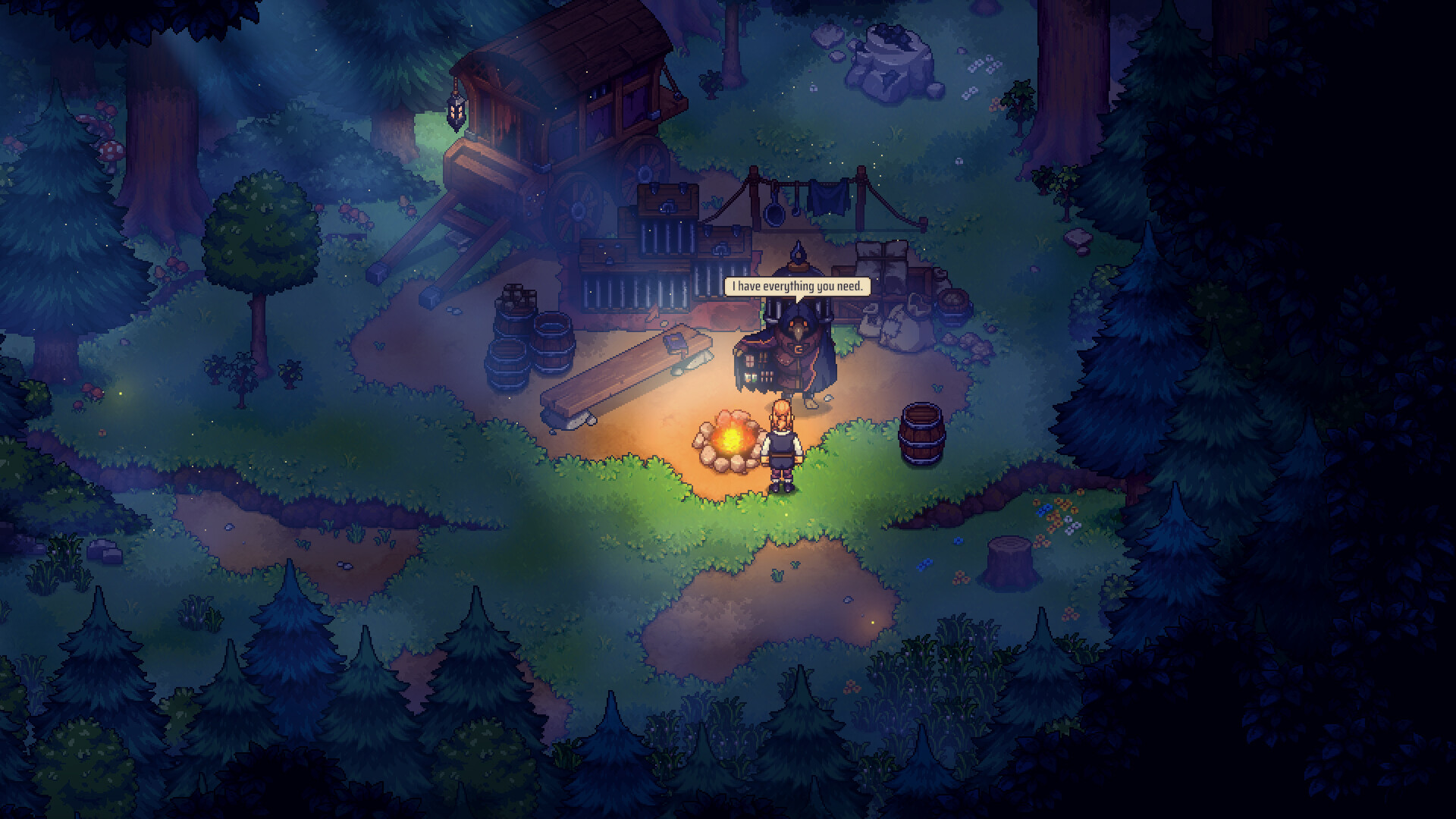
Take days off from tavern duties to wander the realm, meeting colorful characters and finding useful items. Exploration can yield resources that improve your tavern’s offerings. The world is designed for discovery, encouraging players to seek out hidden benefits for their business.
- Visit new locations regularly for fresh supplies.
- Talk to every character to uncover hidden quests.
04 / THE GUIDE
Multiplayer Co‑op
Play online with up to four friends, either exploring together or assigning them tasks at your tavern. Friends can work without receiving gold payment. Co‑op modes include shared/split‑screen options, allowing local collaboration as well as remote play.
- Assign friends to specific tavern stations for efficiency.
- Use split‑screen to coordinate exploration and service simultaneously.
05 / THE GUIDE
Controller & Platform Support
Travellers Rest runs on Windows and offers full controller compatibility, including DualShock and DualSense devices. Steam features such as achievements, cloud saves, and Remote Play Together are supported. Family Sharing and Online Co‑op further extend accessibility across households.
- Enable Steam Cloud to keep progress across machines.
- Test both DualShock and DualSense for preferred feel.
COMMUNITY
Player discussion