 GameWiki
GET YOUR BEARINGS
About Transport Fever 3
Transport Fever 3 puts you in charge of a transport empire, letting you grow from horse‑drawn wagons to jet planes and high‑speed trains. Every delivery generates income while each vehicle adds to operating costs, so you must balance routes, maintenance and upgrades to stay profitable.
The game features a living simulation with dynamic weather, a day‑night cycle and four climate zones, each presenting its own logistical challenges. Multiple modes—including Tycoon, Sandbox and Campaign—let you adjust difficulty, tackle historic missions or build freely using the in‑game map editor and strong mod support.
01 / THE GUIDE
Tycoon Mode
Tycoon mode offers highly adjustable difficulty, letting you set how the world, economy and citizens react to your actions. You can increase challenge by racing to complete contract objectives quickly, or lower pressure by easing economic constraints.
Success in Tycoon mode provides the financial freedom to expand your network and construct world‑famous landmarks, while shortfalls require you to find efficiencies and improve routes to stay afloat.
- Experiment with the difficulty options one at a time to see their direct impact on city growth.
- Monitor profit trends before committing to large landmark projects.
02 / THE GUIDE
Sandbox Mode
Sandbox mode removes economic constraints, allowing you to place any infrastructure and test vehicle combinations without worrying about profit. The focus shifts to creative layout, station design and visual impact.
Strong mod support and the in‑game map editor let you craft custom maps or import community creations, extending the sandbox experience with new terrain, vehicles and buildings.
- Start with a flat map, then use terrain tools to add elevation for routing practice.
- Browse the mod browser for community maps that showcase inventive infrastructure ideas.
03 / THE GUIDE
Campaign Missions
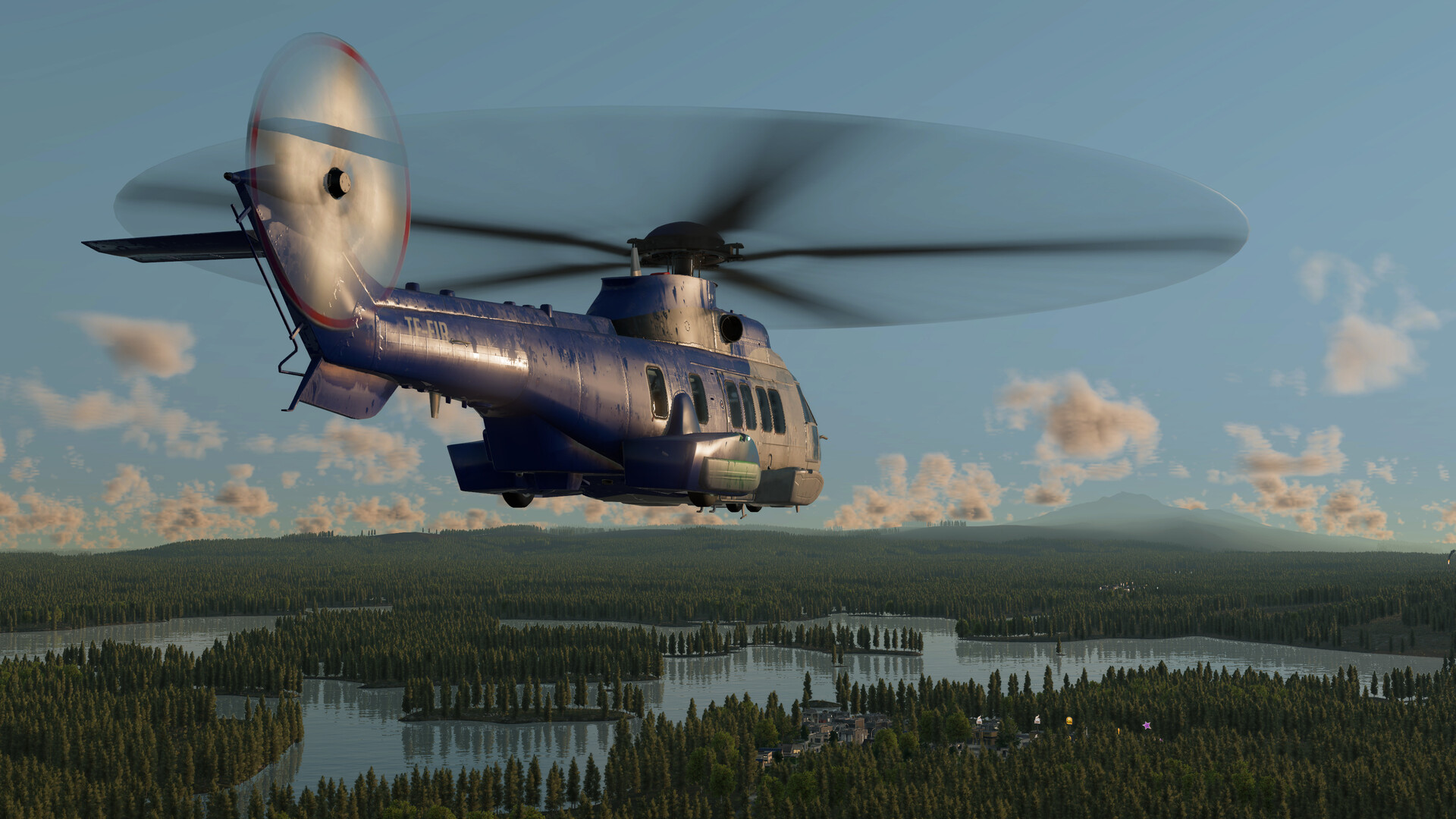
The campaign presents historic transport missions that test planning, efficiency and cunning. Each mission draws inspiration from real events, letting you run steam trains alongside jets as you progress through more than a century of transport evolution.
Missions provide narrative context and specific objectives, offering a structured way to experience the full range of vehicles and infrastructure while confronting period‑specific constraints.
- Read mission briefings carefully to understand historic constraints before laying out routes.
- Balance early‑era and modern vehicles where allowed to meet tight deadlines.
04 / THE GUIDE
Map Editor & Modding
Transport Fever 3 includes a fully featured in‑game map editor, enabling you to sculpt terrain, paint ground textures and place vegetation. You can recreate real locations or imagine new ones, then share them via the built‑in mod browser.
Improved modding tools let creators add new vehicles, buildings and infrastructure, expanding the game's content long after release and keeping the experience fresh.
- Use landscaping tools to create elevation changes that force alternative routing decisions.
- Check the mod browser regularly for vehicle packs that match your preferred play style.
05 / THE GUIDE
Climate Zones & Weather
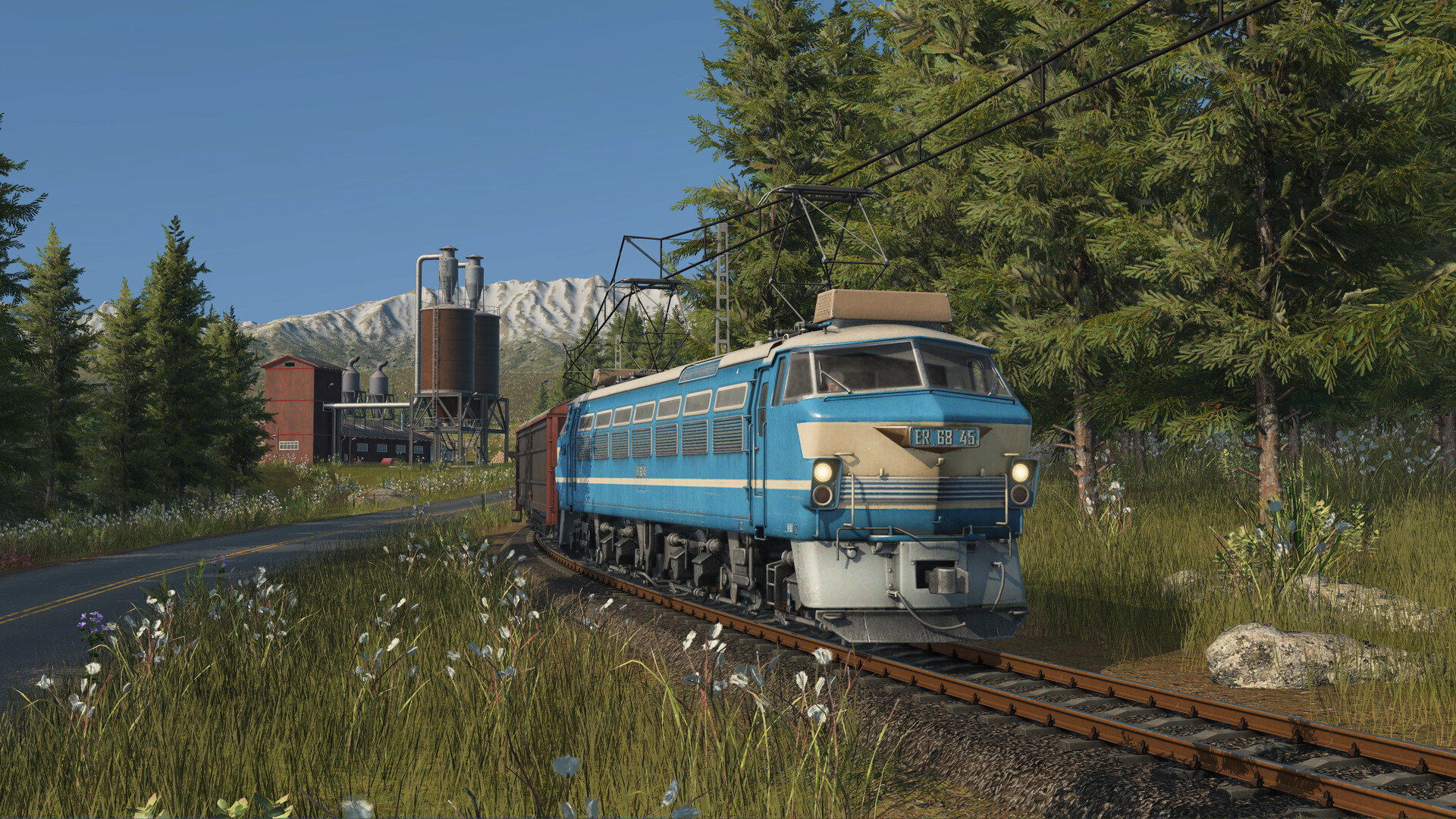
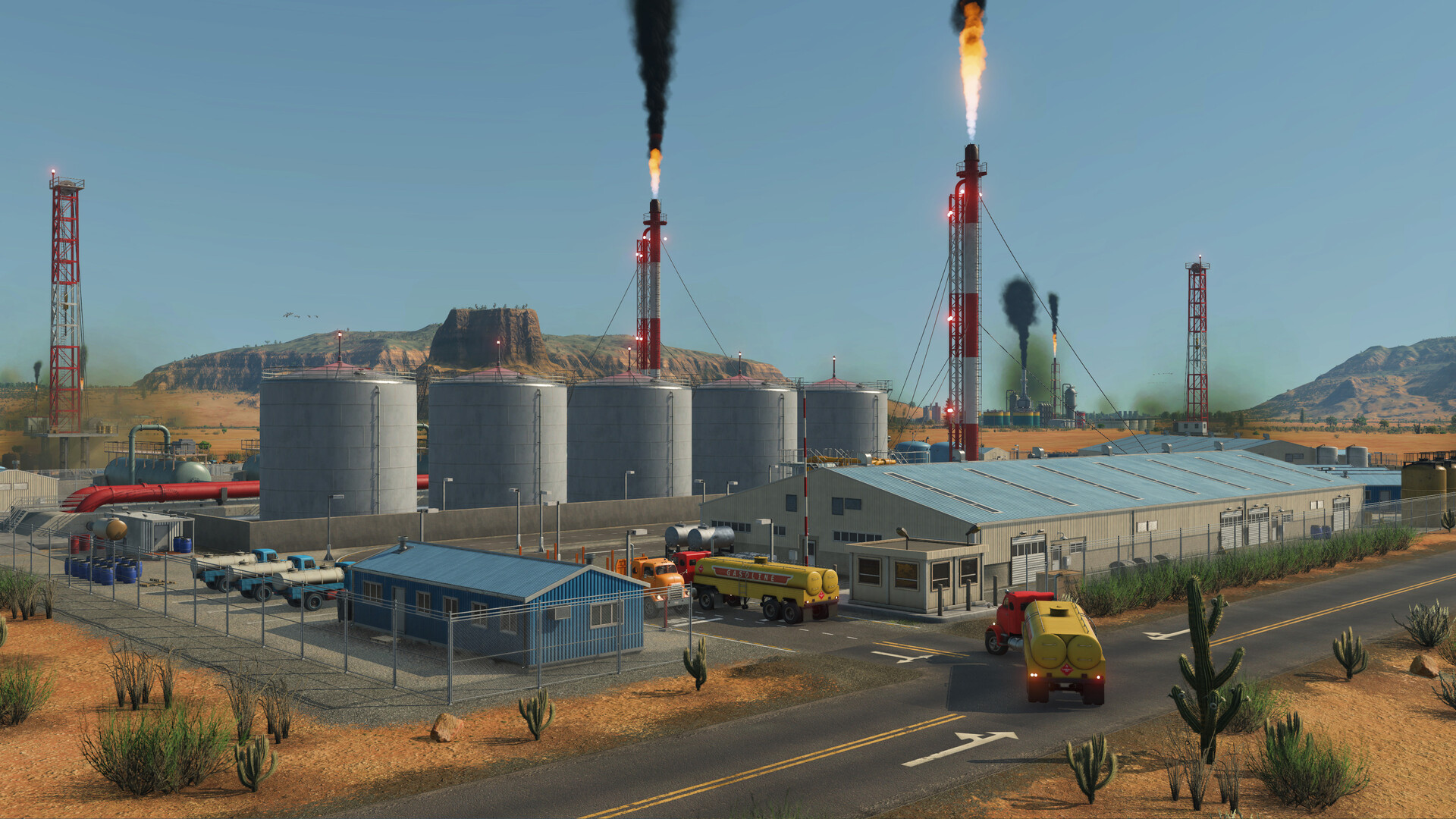
Four climate zones—temperate, sub‑arctic, desert and tropical—each bring unique challenges, such as swamps in sub‑arctic regions or heat in deserts. Dynamic weather and a full day‑night cycle add visual variety to the simulation.
Understanding the conditions of each zone helps you plan routes and choose infrastructure that suits the environment, for example adapting your infrastructure choices to the conditions each zone presents.
- Observe traffic patterns in each climate zone to identify bottlenecks.
- Consider infrastructure types that match the dominant environmental features.

COMMUNITY
Player discussion