 GameWiki
GET YOUR BEARINGS
About Transport Fever 2
Transport Fever 2 expands the classic transport simulation genre, letting players build rail, road, water and air networks from 1850 to the present. The game blends free‑play creativity with historic campaigns across three continents, offering a dynamic economy and detailed vehicle models.
With an intuitive construction system, modular stations and extensive mod support, players can shape landscapes, optimize infrastructure and tackle over fifty achievements while watching cities grow around their transport empire.
01 / THE GUIDE
Free Play Mode
Free play provides a vast world where players configure countless variables, creating unique challenges for each session. The mode includes achievements that reward diverse strategies and infrastructure designs.
Players can experiment with over 200 vehicles, modular stations and terrain editing tools, allowing endless variations in transport networks and city development.
- Start with simple routes to understand traffic layers before expanding.
- Use achievements as milestones to explore new vehicle types.
02 / THE GUIDE
Historic Campaigns
Three campaigns set in different time periods and continents challenge players with specific objectives, supported by voiceovers and cutscenes that enrich the narrative.
Each campaign spans over 20 hours of gameplay, requiring players to adapt transport solutions to evolving economic needs.
- Focus on early‑stage industries to boost later profits.
- Balance passenger and freight routes to meet mission goals.
03 / THE GUIDE
Construction Tools & Infrastructure
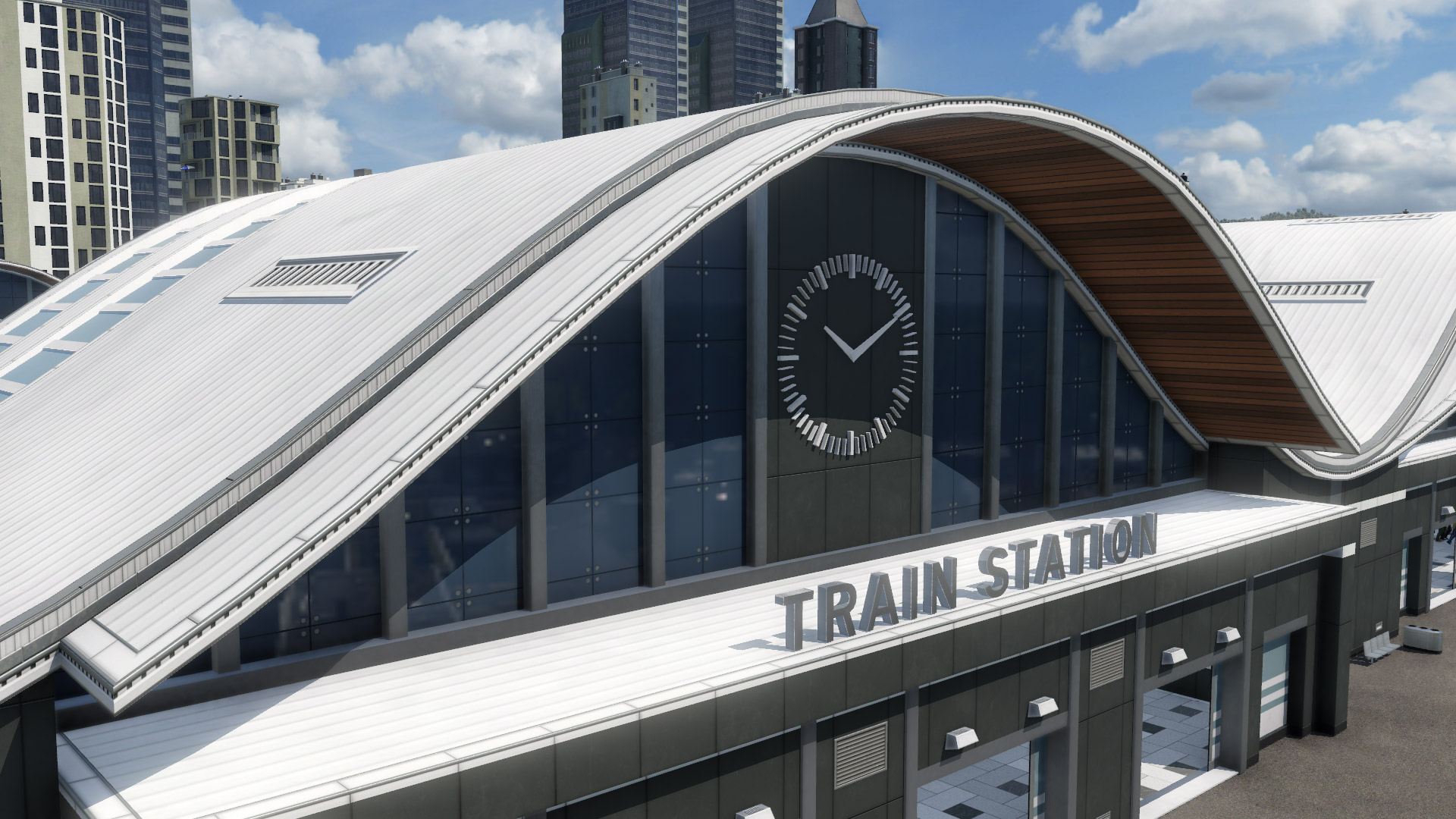
Intuitive rail construction tools and a modular station system let players build and expand networks quickly. Options include bridges, tunnels, switches, signals, one‑way streets, light signals and bus lanes.
Data layers display traffic volumes and emissions, helping players fine‑tune routes and station capacities.
- Use traffic layers to locate bottlenecks before adding new lines.
- Employ one‑way streets and light signals to improve road flow.
04 / THE GUIDE
Map Editor & Terrain Editing
The in‑game map editor lets players create landscapes across three climate zones—moderate, dry and tropical—by painting and adjusting terrain with realistic effects.
Saved games can also be edited, allowing custom scenarios and tailored challenges.
- Design varied terrain to test vehicle performance across climates.
- Save editor projects frequently to avoid loss of work.
05 / THE GUIDE
Modding & Steam Workshop
Extensive modding support via the Steam Workshop enables community‑created vehicles, maps and gameplay tweaks, which can be integrated directly into the game.
Mods are updated regularly, expanding the pool of available content beyond the base 200+ vehicles.
- Browse the Workshop for climate‑specific vehicle packs.
- Test mods in a separate save to ensure compatibility.


COMMUNITY
Player discussion