 GameWiki
GET YOUR BEARINGS
About Trainz Railroad Simulator 2019
Trainz Railroad Simulator 2019 (TRS19) continues the long‑running Trainz series with a focus on driving, AI operation, and route creation. The base install provides one fully editable route, while five additional routes and more free content can be downloaded in‑game. Over 130 locomotives, 500+ rolling‑stock items and more than 17,000 assets give players a broad palette for building and running railways.
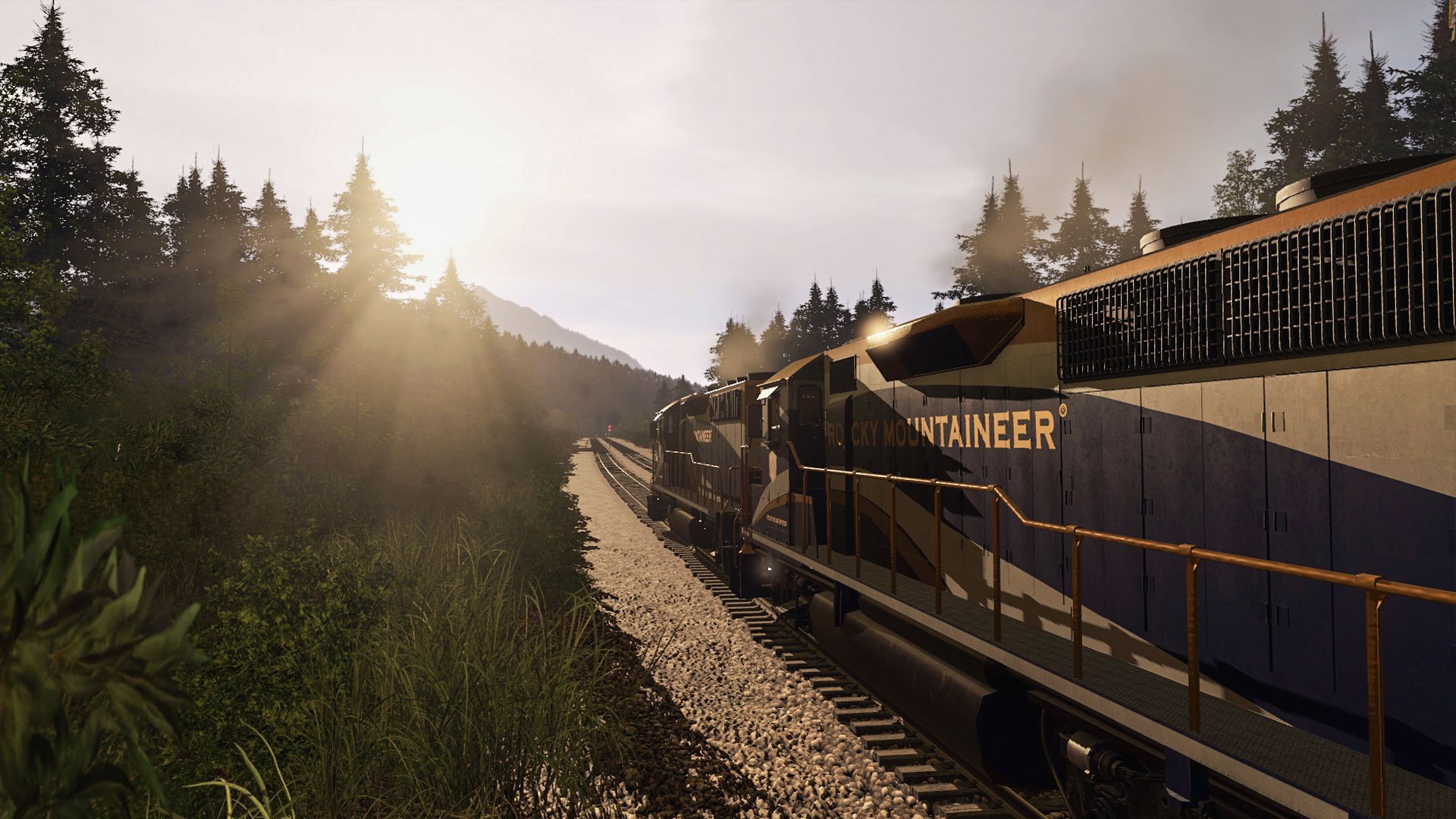
TRS19 adds physically‑based rendering, parallax mapping and HDR lighting for more realistic visuals, plus new world‑building tools such as NVIDIA TurfFX and an enhanced bulk‑replace function. Driving modes switch between Simple, Realistic and AI Command, and a Driver Control Center lets users manage dozens of AI drivers. The game runs on Windows and macOS, supports multiplayer, co‑op, Steam achievements and family sharing.
01 / THE GUIDE
Driving Modes
TRS19 offers three control styles: Simple, Realistic and AI Command. Players can toggle between them instantly via the Train Control Mode switch. Simple mode provides a straightforward interface, while Realistic mode adds more detailed controls, and AI Command lets you issue commands to AI drivers.
The Track Navigation Profile displays key information to aid accuracy, and the Driver Control Center lets you monitor and adjust multiple AI drivers in real time. These tools together support both casual and detailed railway operation.
- Try Simple mode first to learn basic controls before switching to Realistic for deeper simulation.
- Use the Driver Control Center to keep an eye on AI driver performance during busy sessions.
02 / THE GUIDE
World‑Building Tools
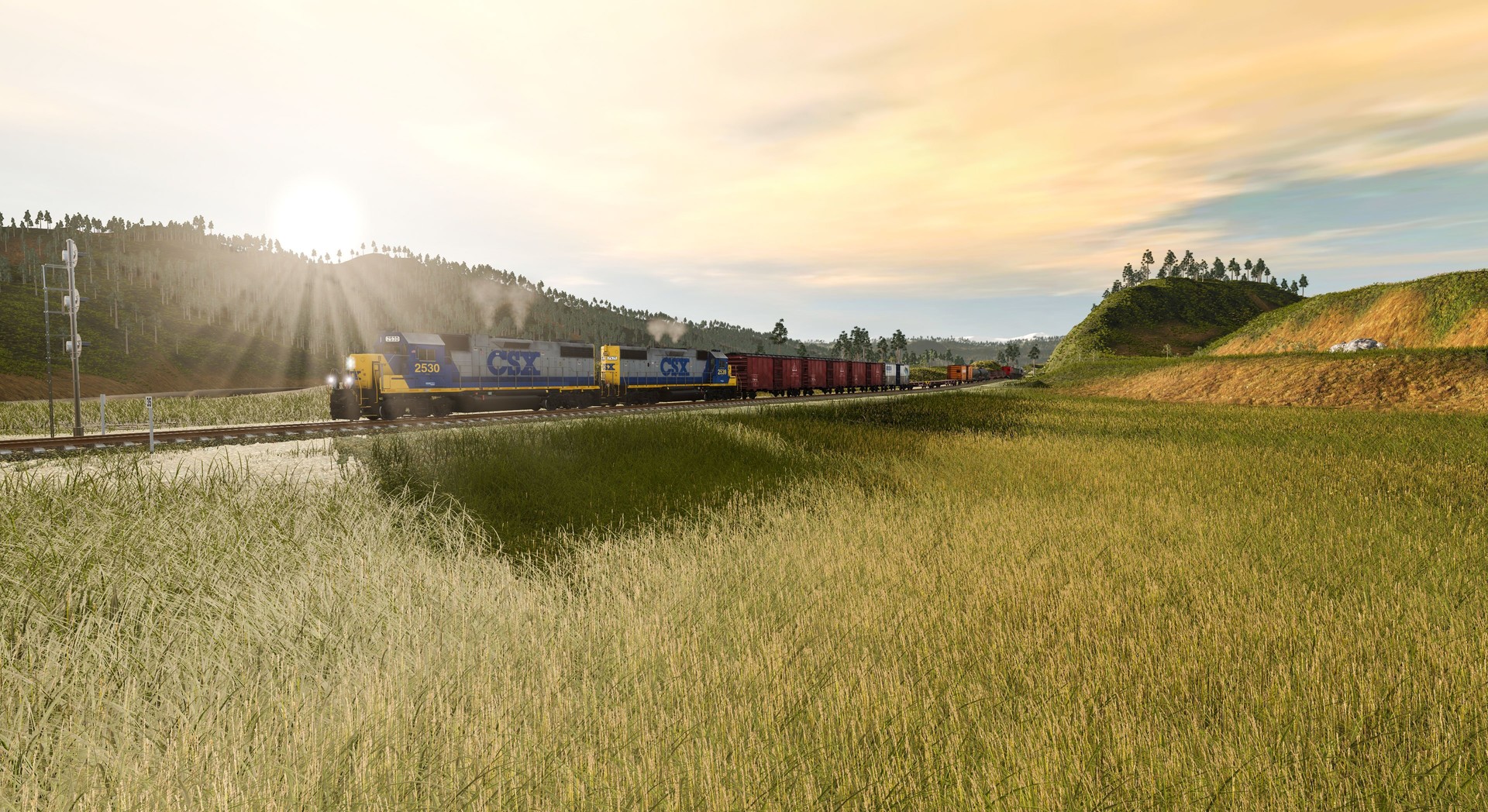
TRS19 introduces NVIDIA TurfFX for animated ground cover that reacts to wind, and Customisable Ground Clutter for placing micro‑detailed objects. The Enhanced Bulk‑Replace tool lets you quickly update existing routes to the new standards.
All built‑in routes are fully editable; you can modify terrain, ground textures, track, and scenery density. Edits can be shared via the Trainz Download Station, allowing community distribution of custom content.
- Use TurfFX to add realistic grass movement on open plains.
- Bulk‑replace similar objects to maintain visual consistency across a route.
03 / THE GUIDE
Content Library
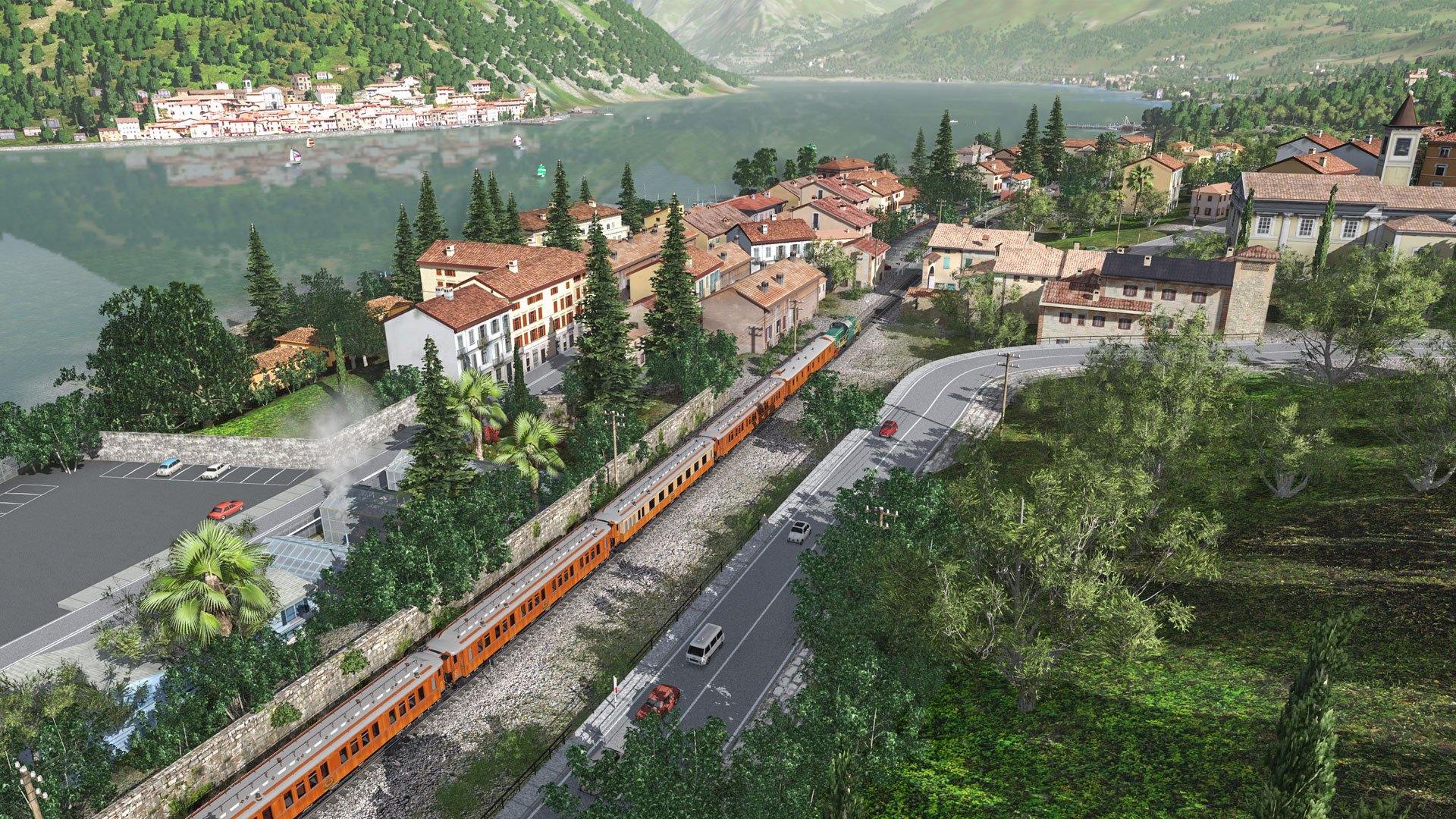
The game ships with over 130 drivable locomotives, 500+ rolling‑stock items and more than 17,000 total assets. One route is installed by default; the remaining five routes download free of charge through the in‑game Asset Download menu.
Additional free content is available from the Trainz Download Station, and a First Class Ticket can increase download speeds and lift the 100 MB daily limit for DLS content.
- Browse the new menu UI to filter content by type, source or region.
- Tag favorite locomotives for quick access during session setup.
04 / THE GUIDE
Multiplayer & Co‑op
TRS19 supports both multiplayer and cooperative play, allowing multiple users to operate trains on the same route. The game also includes Steam achievements and Family Sharing.
The Driver Control Center lets you issue commands to AI drivers, supporting the operation of dozens of trains.
- Coordinate AI driver commands with teammates to avoid conflicts on shared tracks.
- Check achievement lists to see which multiplayer milestones you have earned.
05 / THE GUIDE
Platform Support
TRS19 runs on Windows and macOS; Linux is not listed as a supported platform. TRS19 supports Raildriver controllers.
Mac users should note that TurfFX is limited to DirectX mode on PC, so the feature is disabled on macOS, though the rest of the experience mirrors the PC version.
- If using a Raildriver controller, verify its connection before starting a session.
- On macOS, expect TurfFX to be unavailable but all other tools remain functional.
COMMUNITY
Player discussion