 GameWiki
GET YOUR BEARINGS
About Train Valley 2
Train Valley 2 is a train‑tycoon puzzle game that moves a railroad company from the Industrial Revolution into the future. Players build rail networks, direct traffic, upgrade locomotives and keep schedules without delays or accidents, serving the needs of valley cities and industries.
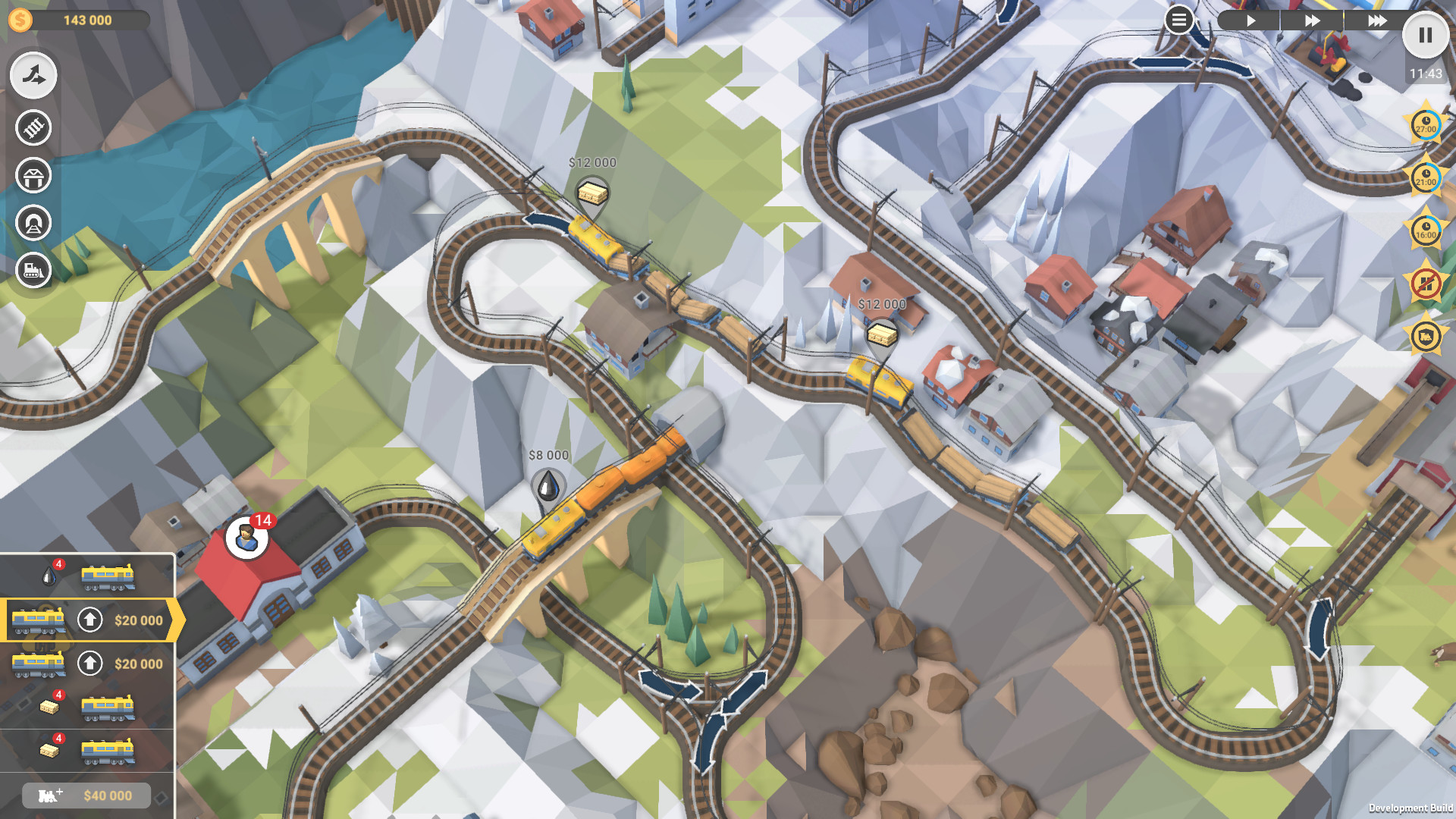
The title uses a low‑poly, minimalistic visual style and includes a built‑in level editor. Over 2 500 community‑made levels are available through Steam Workshop, and a new Company Mode adds a 50‑level campaign.
01 / THE GUIDE
Gameplay Basics
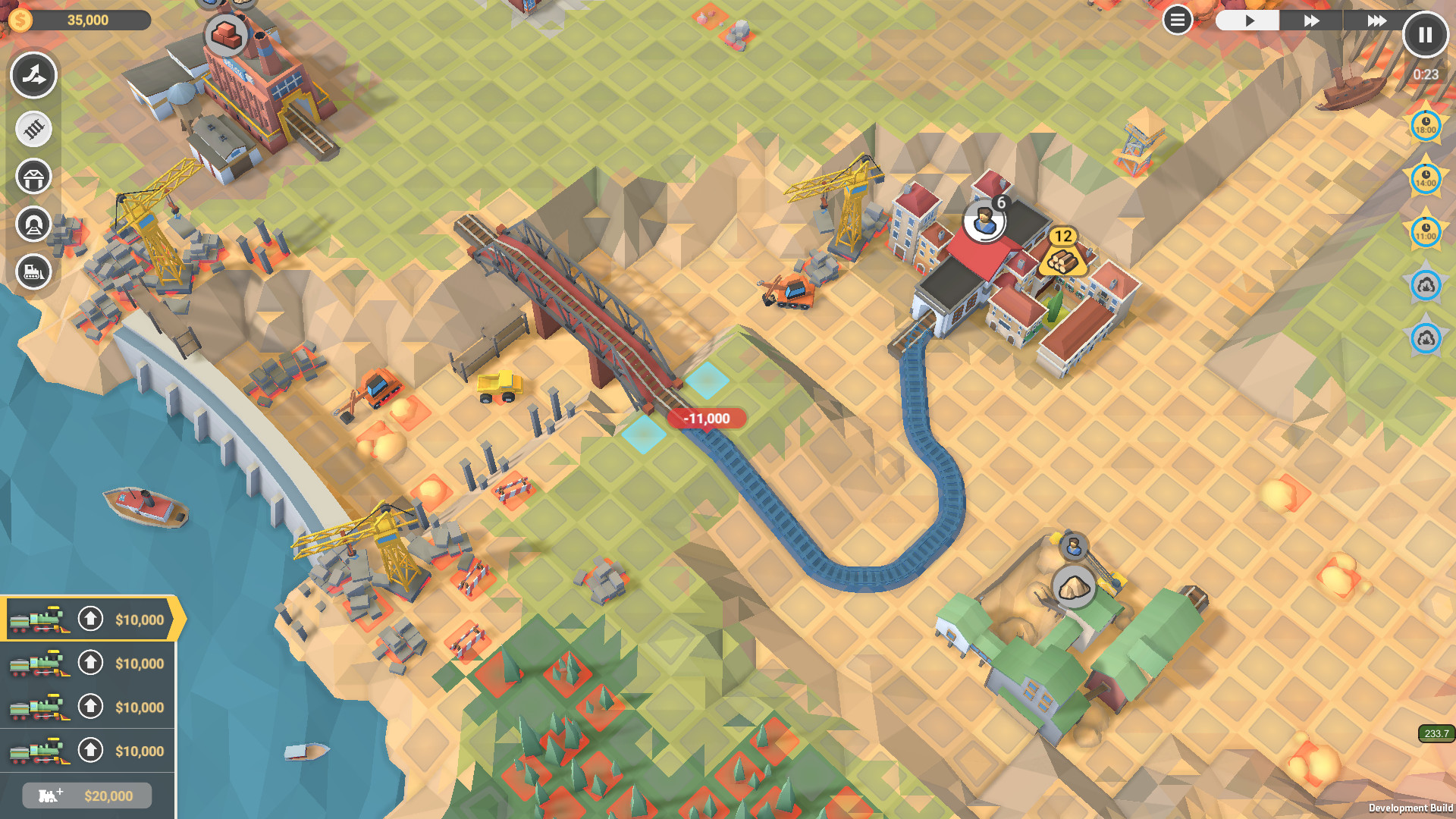
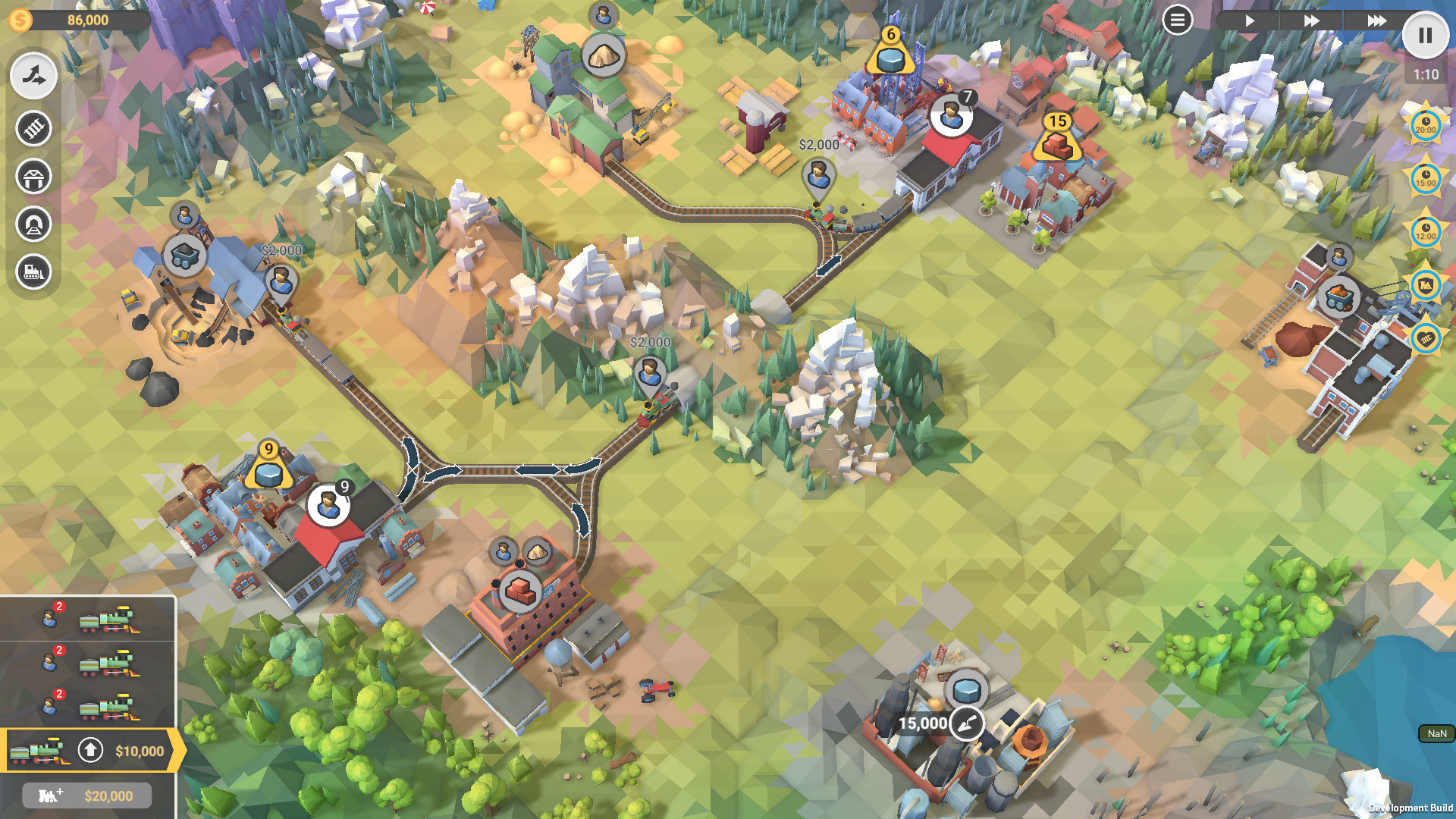
The core loop asks you to construct rail tracks, place stations and schedule trains so that each city and industry receives the required service. Success is measured by avoiding collisions and keeping every train on time, which creates the puzzle challenge.
Micromanagement appears through traffic control and locomotive upgrades. As the valley grows, more trains run simultaneously, so arranging routes efficiently becomes essential to meet higher demand without causing accidents.
- Plan track loops before adding many trains to keep traffic orderly.
- Upgrade locomotives early to handle increasing train counts.
02 / THE GUIDE
Company Mode
Company Mode offers a dedicated campaign of 50 levels that progress from early industrial settings toward more advanced scenarios. Each level introduces new city and industry requirements that must be satisfied with the rail network you create.
The mode emphasizes scaling your operations: as you advance, traffic volume rises and timing windows tighten, requiring you to refine routes and locomotive choices to stay on schedule.
- Map out high‑traffic corridors early in each level.
- Reuse successful track patterns across similar levels.
03 / THE GUIDE
Level Editor & Steam Workshop
Train Valley 2 includes a built‑in level editor that lets players design custom puzzles using the same visual assets and train types found in the main game. Completed maps can be shared online through Steam Workshop.
Through Steam Workshop, the community has contributed more than 2 500 levels, providing endless new challenges. Players can browse, download, and play these community maps directly from the game interface.
- Test your own level repeatedly to catch unintended dead‑ends.
- Explore popular Workshop maps for ideas on difficulty pacing.
04 / THE GUIDE
Locomotive and Car Variety
The game features 18 locomotive models and more than 45 train‑car types. These options become available as you progress, allowing you to assemble trains that suit the routes and cargo demands you face.
Choosing different locomotives and car combinations influences how efficiently a train can travel a given route, helping you balance cost and performance as the valley’s requirements become more demanding.
- Experiment with different car mixes to see which handle longer routes best.
- Match your locomotive choice to the overall length of your train for smoother operation.
05 / THE GUIDE
Visual Aesthetic and Platform Features
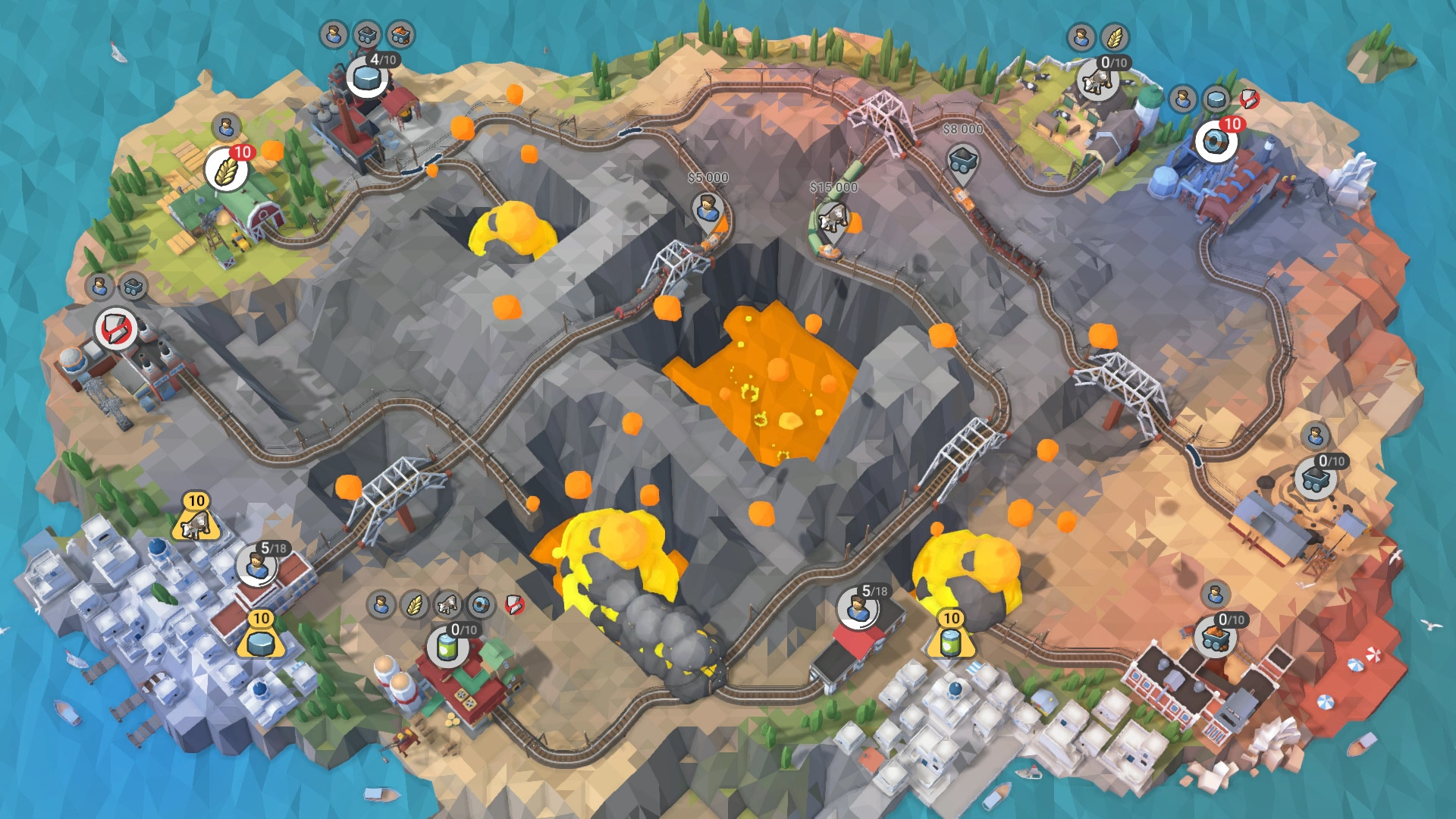
Train Valley 2 adopts a low‑poly, minimalistic art style that keeps tracks, stations and moving trains visually clear. This aesthetic supports quick identification of key elements during puzzle solving.
The game runs on Windows, macOS and Linux, offers a Mouse Only Option, a Touch Only Option, and full controller support (DualShock and DualSense). Steam Cloud synchronises saved progress across devices.
- Use the mouse‑only mode if you prefer precise track placement.
- Enable Steam Cloud to keep your progress available on multiple computers.

COMMUNITY
Player discussion