 GameWiki
GET YOUR BEARINGS
About Train Simulator Classic
Train Simulator Classic offers a railway simulation built by railfans for railfans. It features historic steam, modern high‑speed, and heavy freight locomotives across three real‑world countries, providing more than 400 km (250 mi) of detailed routes.
The game includes officially licensed trains, realistic signalling and brake systems, 25 career scenarios, a Quick Drive option, and a full editor with Steam Workshop support for community‑created content.
01 / THE GUIDE
World of Railways
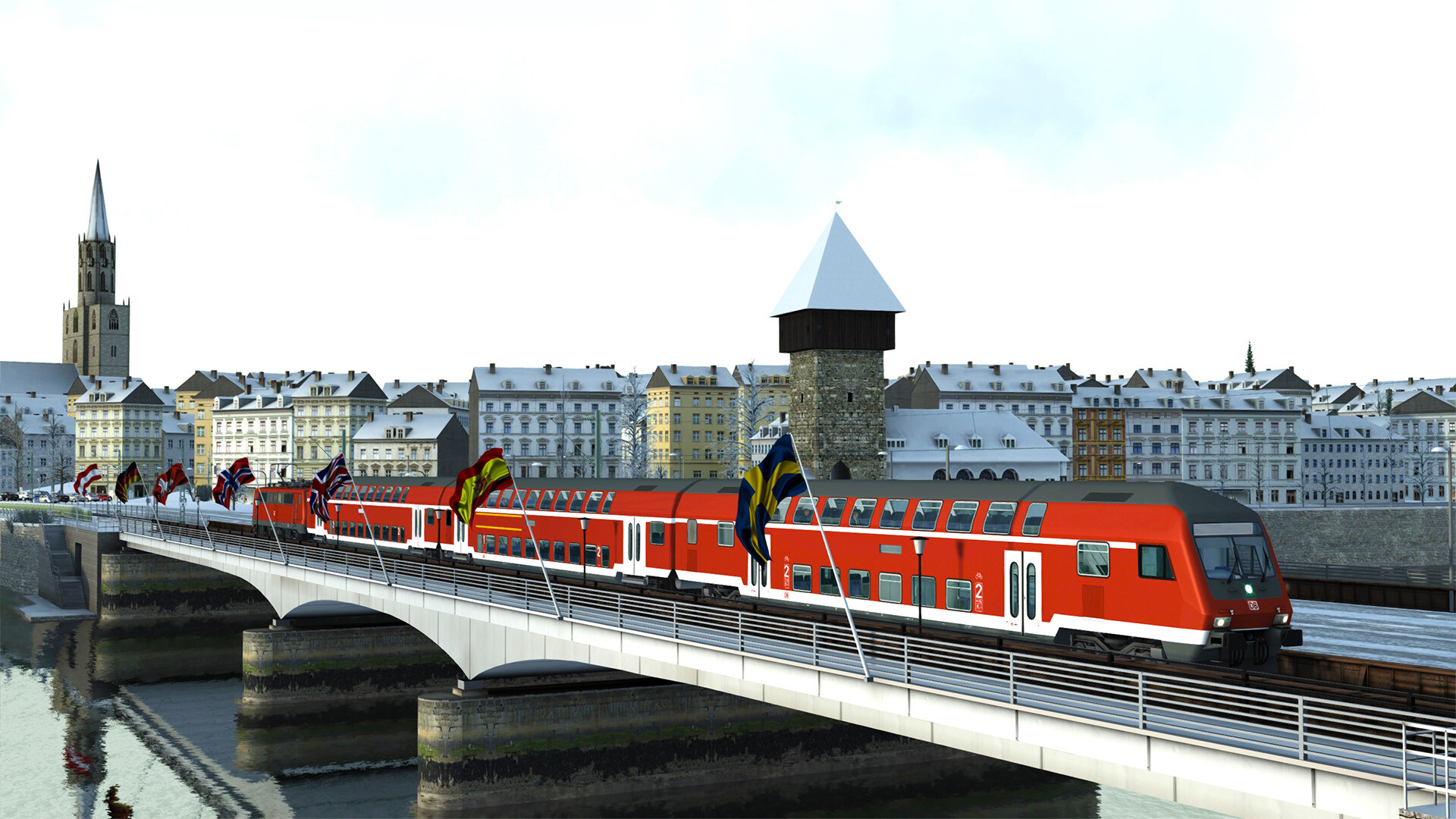
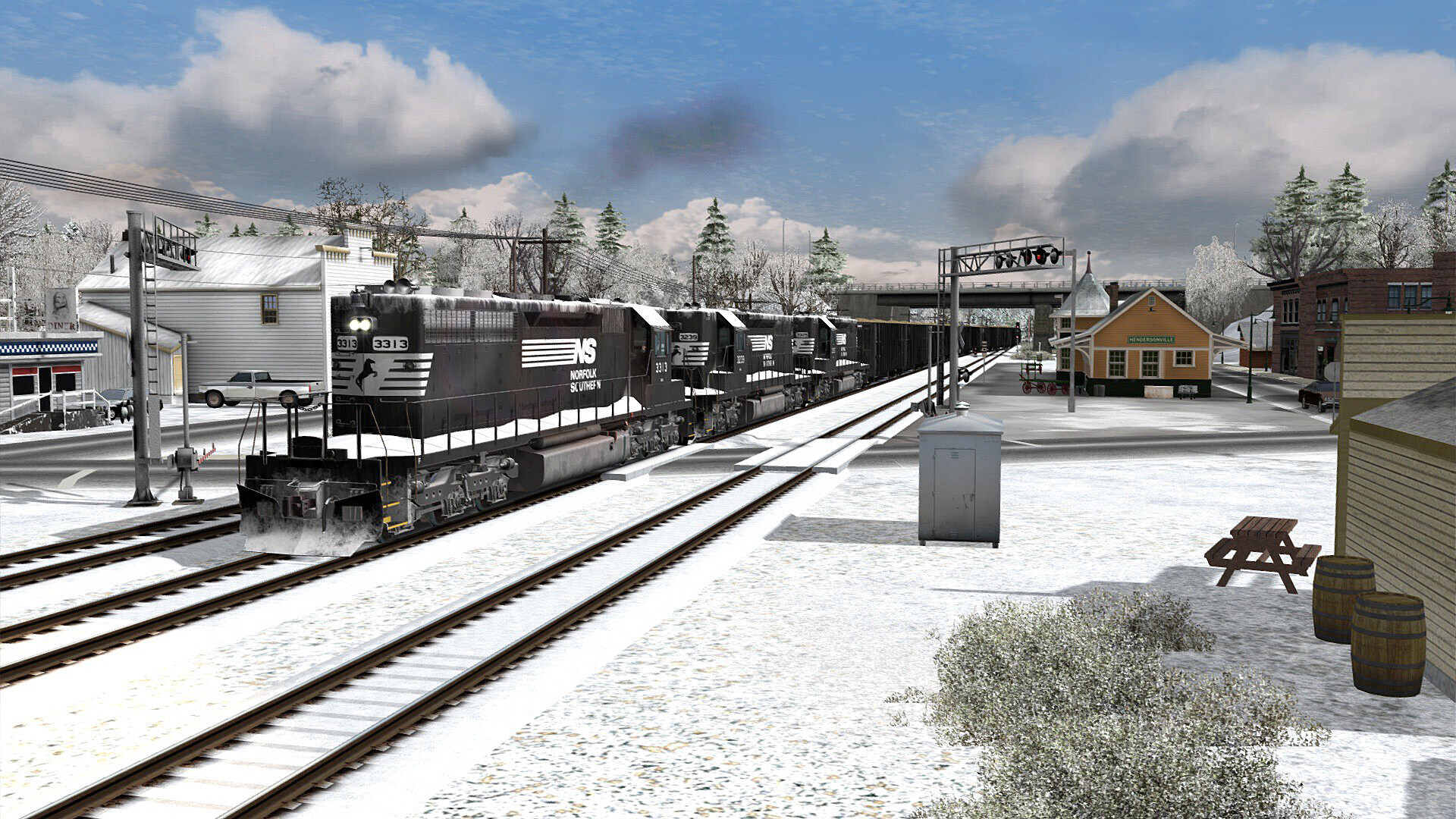
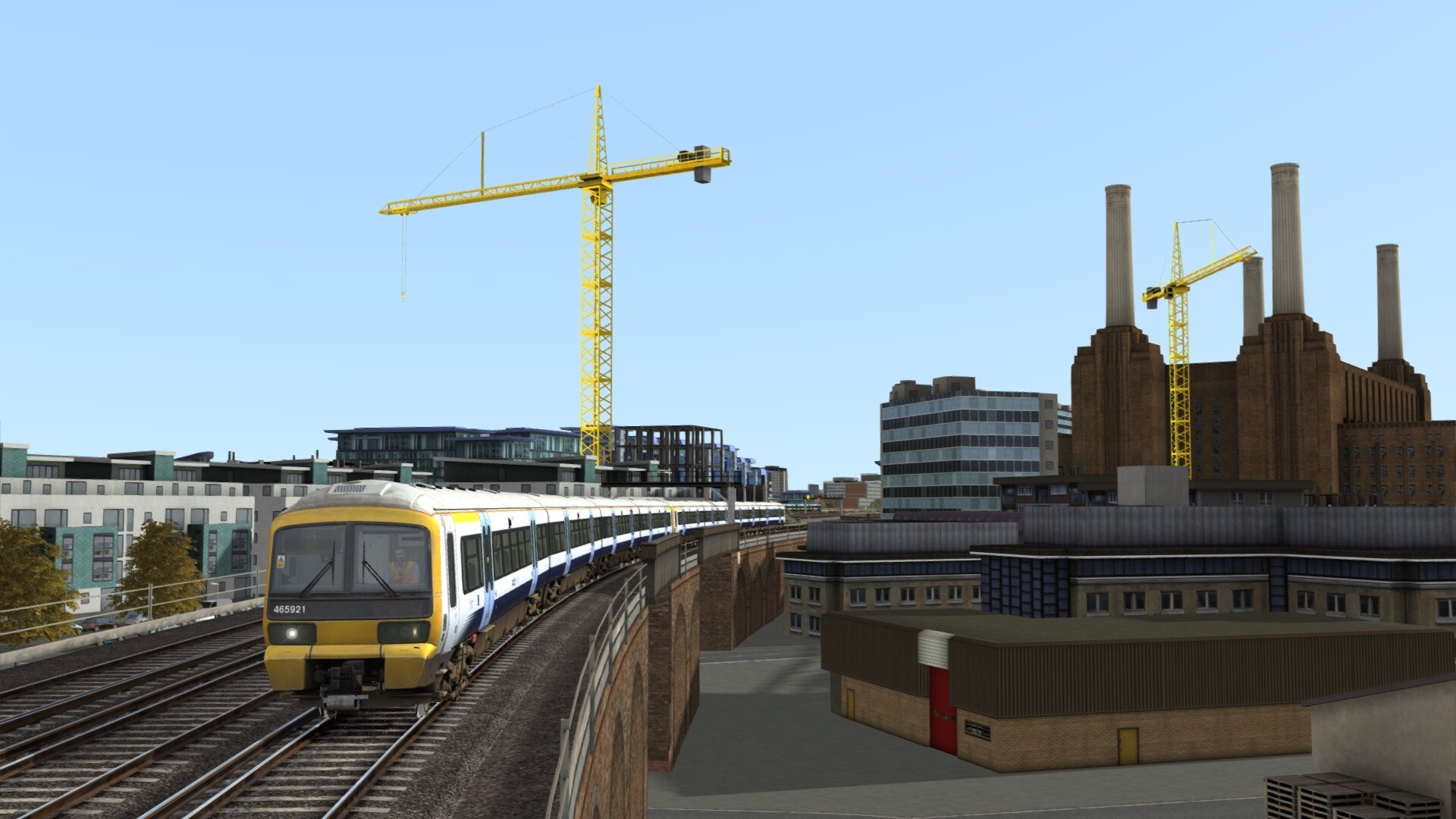
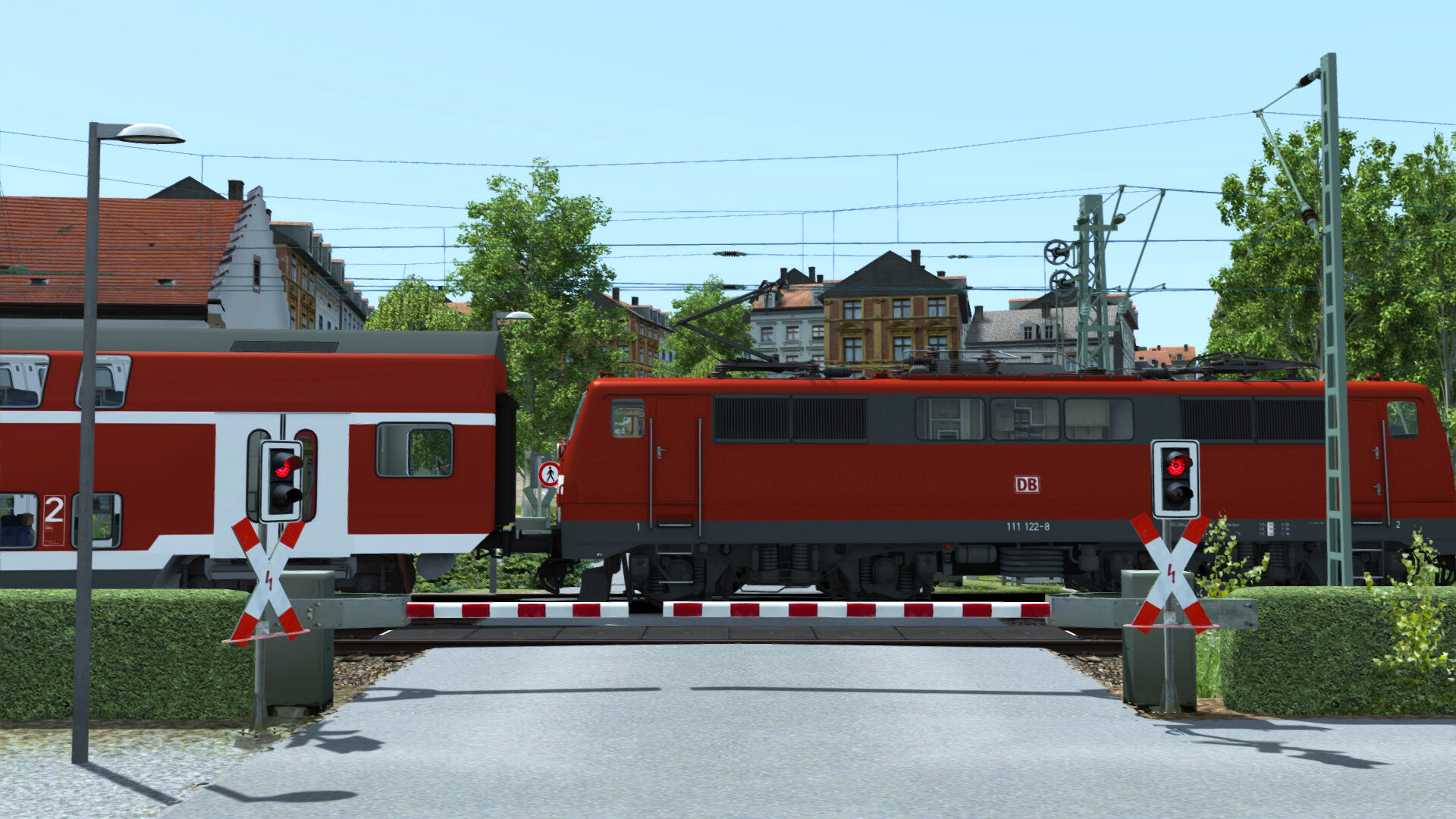
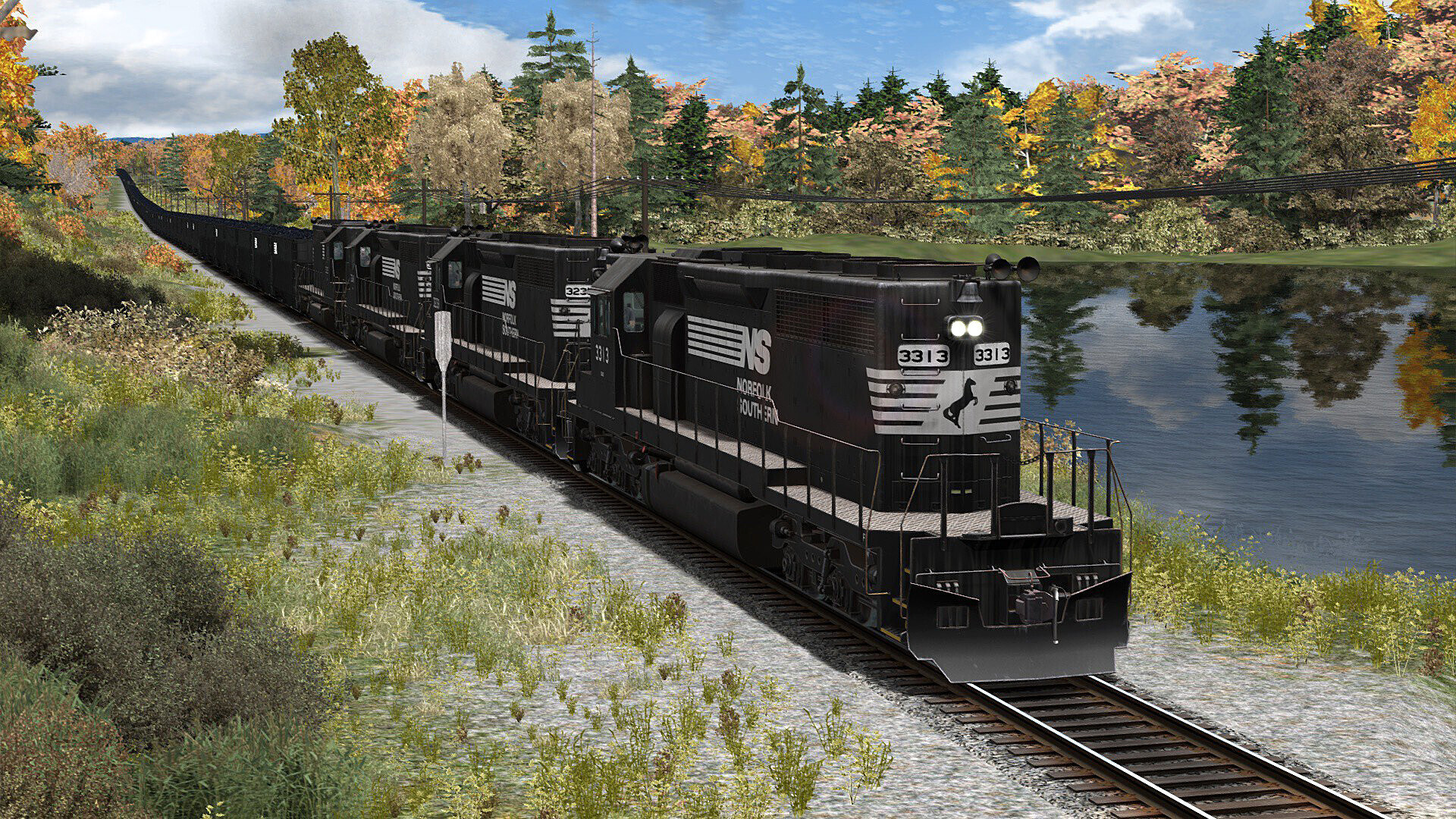
Three countries are represented, delivering over 400 km of accurately modelled track. Players can haul freight on the USA’s Saluda Grade, run passenger and freight services on Germany’s Hochrheinbahn, and travel between Dover, Ramsgate and London in England.
Each route contains stations, freight yards and weather effects that change during play, giving distinct operational challenges within a single product.
- Begin with the German route to become familiar with signalling before tackling the steep US grade.
- Adjust the in‑game weather to practice under varied conditions.
02 / THE GUIDE
Licensed Trains
All locomotives are officially licensed by operating companies, including Southeastern Class 465, 375 and 395, Deutsche Bahn BR111 and BR189, and Norfolk Southern EMD SD40‑2 and GP35 units. Liveries match real‑world appearances.
These trains use authentic brake controls and signalling interfaces, so handling and performance reflect the characteristics of the real vehicles.
- Review each locomotive’s brake layout in the tutorial before attempting steep grades.
- Switch between liveries to become comfortable with visual cues for each class.
03 / THE GUIDE
Career Mode & Quick Drive
Career mode presents 25 scenarios that teach signalling, safety systems and locomotive operation across the included routes. Completing scenarios builds a foundation for more complex runs.
Quick Drive lets players start any train on any route without scenario constraints, offering immediate access to the simulation’s core systems.
- Finish a few career scenarios first to learn signalling before using Quick Drive.
- Check the Steam leaderboard after runs to track personal progress.
04 / THE GUIDE
Editor & Steam Workshop
The Train Simulator Editor supplies tools for building custom routes, scenarios and services. Users can place track, stations and assets to craft their own railway experiences.
Full Steam Workshop integration allows creators to upload their work and download thousands of community‑made routes, expanding the playable content beyond the base game.
- Start with the editor’s preset assets before assembling a full route.
- Upload finished scenarios to receive feedback from other railfans.
05 / THE GUIDE
Localization & Platform
The interface is available in English, French, German, Italian, Polish, Russian, Simplified Chinese and Spanish, though localisation depth varies by developer. This helps players navigate menus and tutorials in their native language.
The game runs on Windows, supports full controller input, Steam Cloud and family sharing. No macOS or Linux versions are listed.
- Select your preferred language in settings for clearer instructions.
- Enable Steam Cloud to keep progress synced across multiple Windows PCs.
COMMUNITY
Player discussion