 GameWiki
GET YOUR BEARINGS
About Train Sim World 6
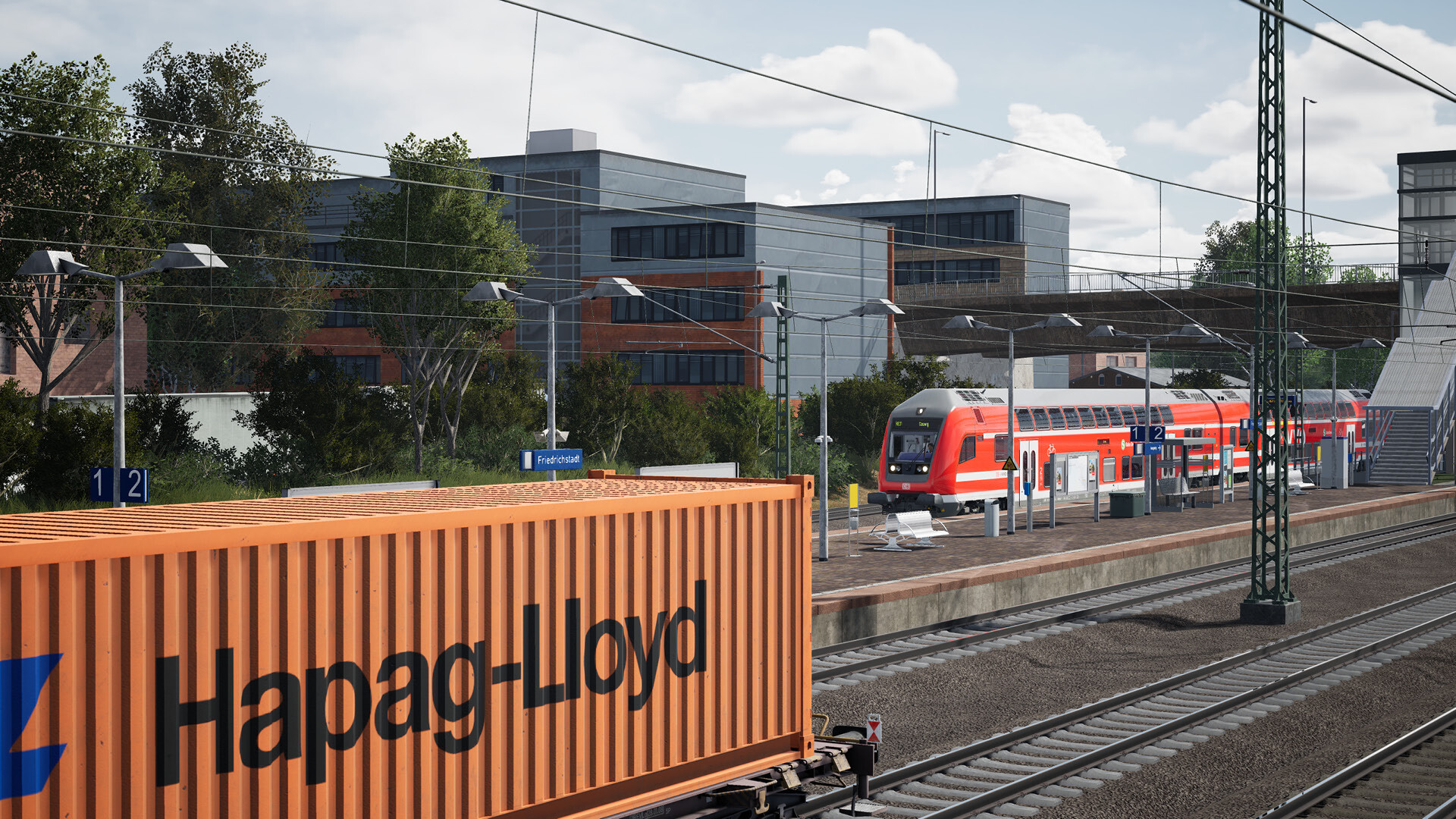
Train Sim World 6 lets players operate realistic rail services on three brand‑new routes: New Jersey’s Morristown Line, England’s Riviera Line along the Dawlish Sea Wall, and Germany’s Leipzig‑Dresden corridor. Each corridor includes a mix of historic and modern locomotives, with deluxe‑edition extras such as the ALP‑45DP, Class 220 and DB BR 294 expanding the roster.
The title adds free‑roam travel, a conductor‑focused ticket‑checking mode, and a Creators Club that supplies livery and formation designers. Random events, audible announcements and passenger ambience aim to deepen immersion, while multiple editions let newcomers start with a training pack and veterans keep existing content.
01 / THE GUIDE
New Routes and Trains
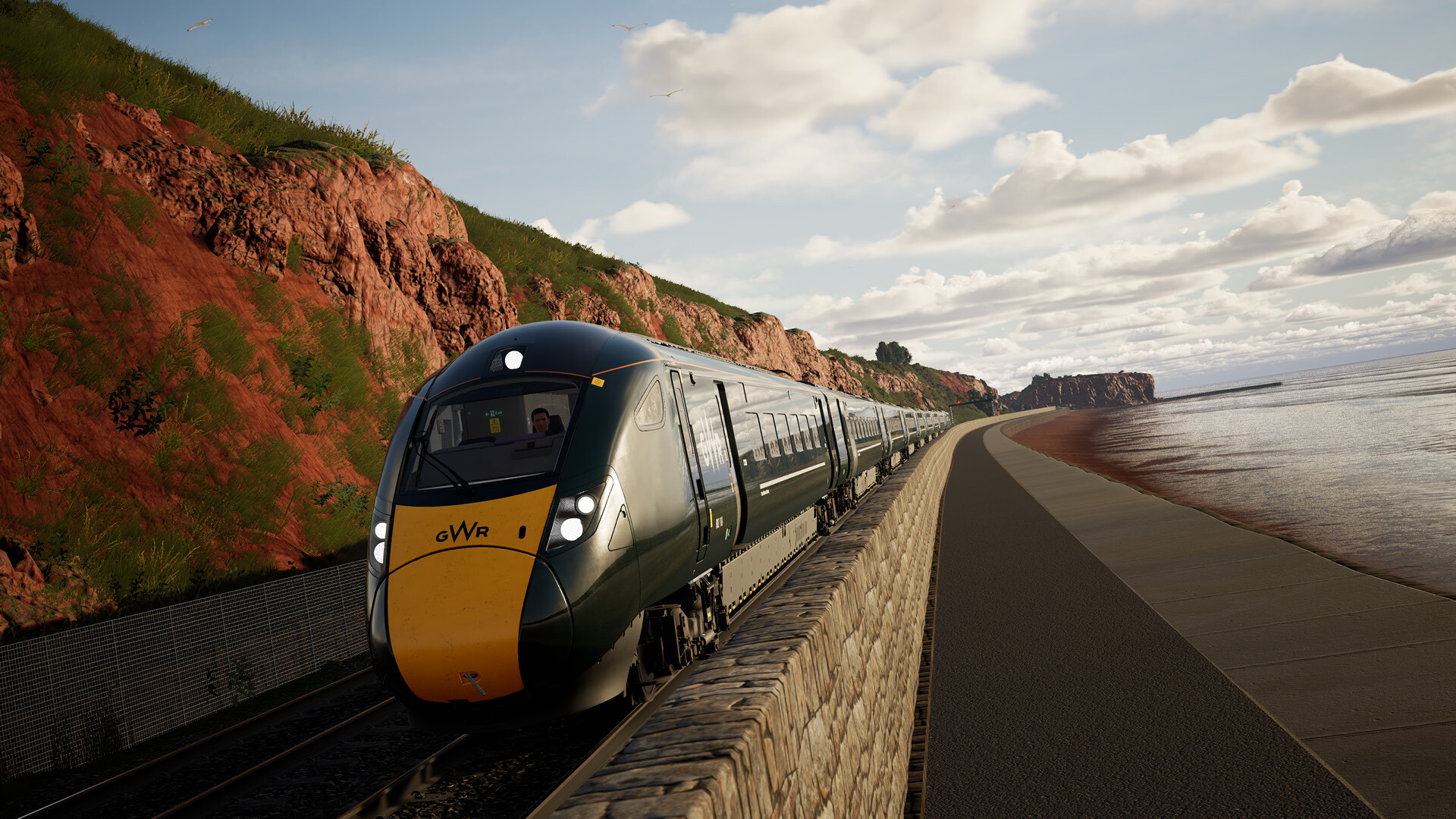
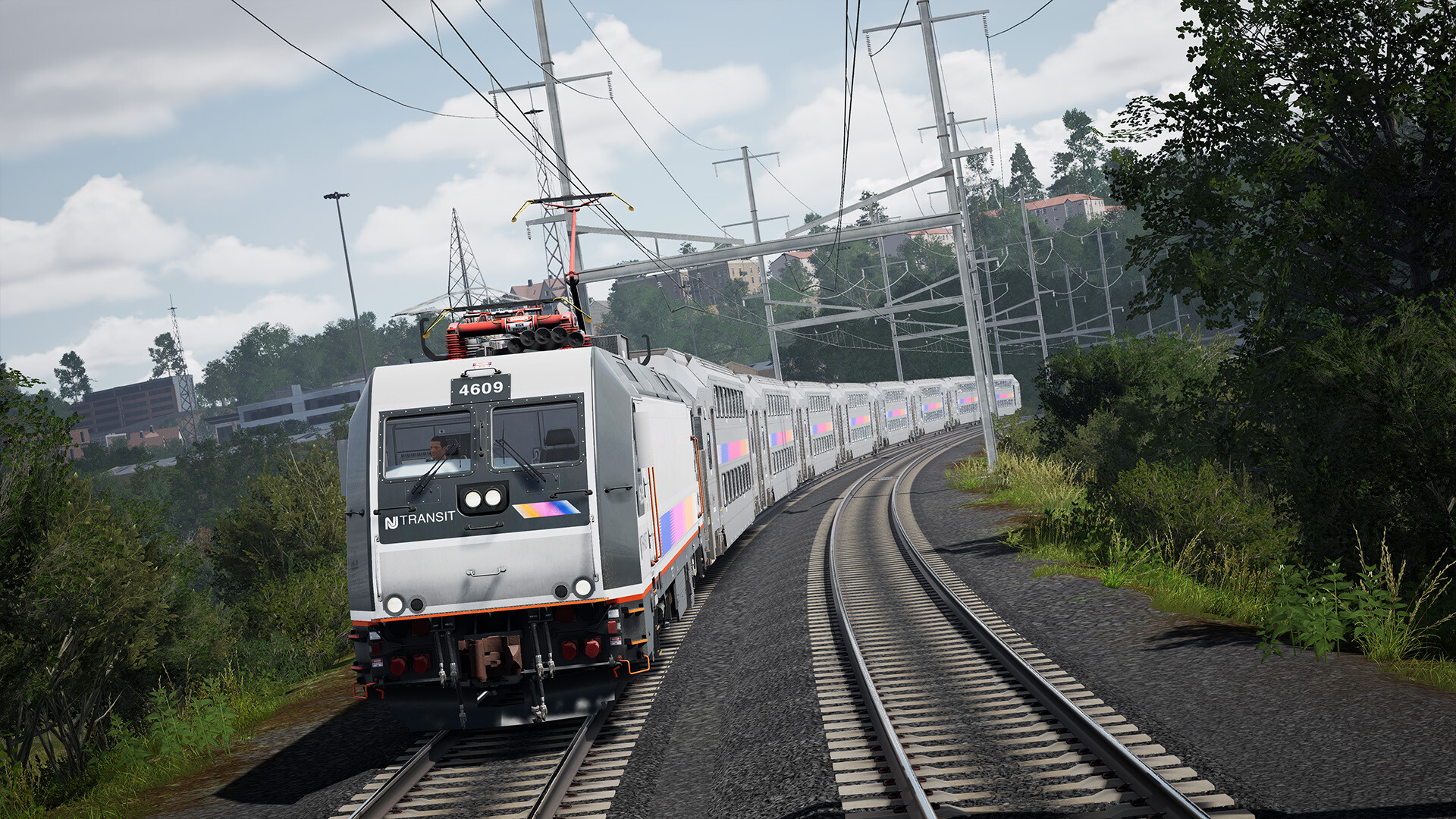
TSW 6 introduces three fresh corridors: the electrified NJ Transit Morristown Line, the English Riviera’s Dawlish Sea Wall, and the Leipzig‑Dresden line in Germany. Each route features a core set of locomotives, from the Arrow III EMU on the Morristown Line to the ICE‑T on the German line.
Deluxe‑edition owners receive additional units, including the dual‑mode ALP‑45DP for New Jersey, the cross‑country Class 220 for the Riviera, and the shunting DB BR 294 for German yards. These trains broaden operational options without altering the base route layouts.
- Begin with the core locomotives to learn each route’s signalling before adding deluxe‑edition units.
- Use the in‑game map to locate key stations and compare timetable spacing across the three corridors.
02 / THE GUIDE
Random Events and Faults
During a run, the game may present random events such as longer signal clearances, temporary speed restrictions, or equipment failures that require player intervention. These occurrences are announced through audible platform and train messages, giving players contextual clues.
When a fault appears, the affected system is highlighted on the cab interface, allowing the player to diagnose and resolve the issue using the appropriate controls. Successful resolution restores normal operation and lets the journey continue.
- Listen for the specific wording of announcements; they often indicate which subsystem is affected.
- Keep an eye on the cab’s fault indicators to identify the exact component needing attention.
03 / THE GUIDE
Free Roam Exploration
Free Roam lets you select any owned train and travel the entire length of a route without adhering to a timetable. You may run alone or mix with scheduled services, giving full control over departure times and speed choices.
The mode encourages scenic appreciation, as longer stretches between stations allow you to focus on landscape details while still managing all operational aspects such as signals, speed limits and train handling.
- Use Free Roam to practice complex sections before attempting timed services.
- Experiment with different locomotives to see how each handles gradients and curves.
04 / THE GUIDE
Conductor Mode
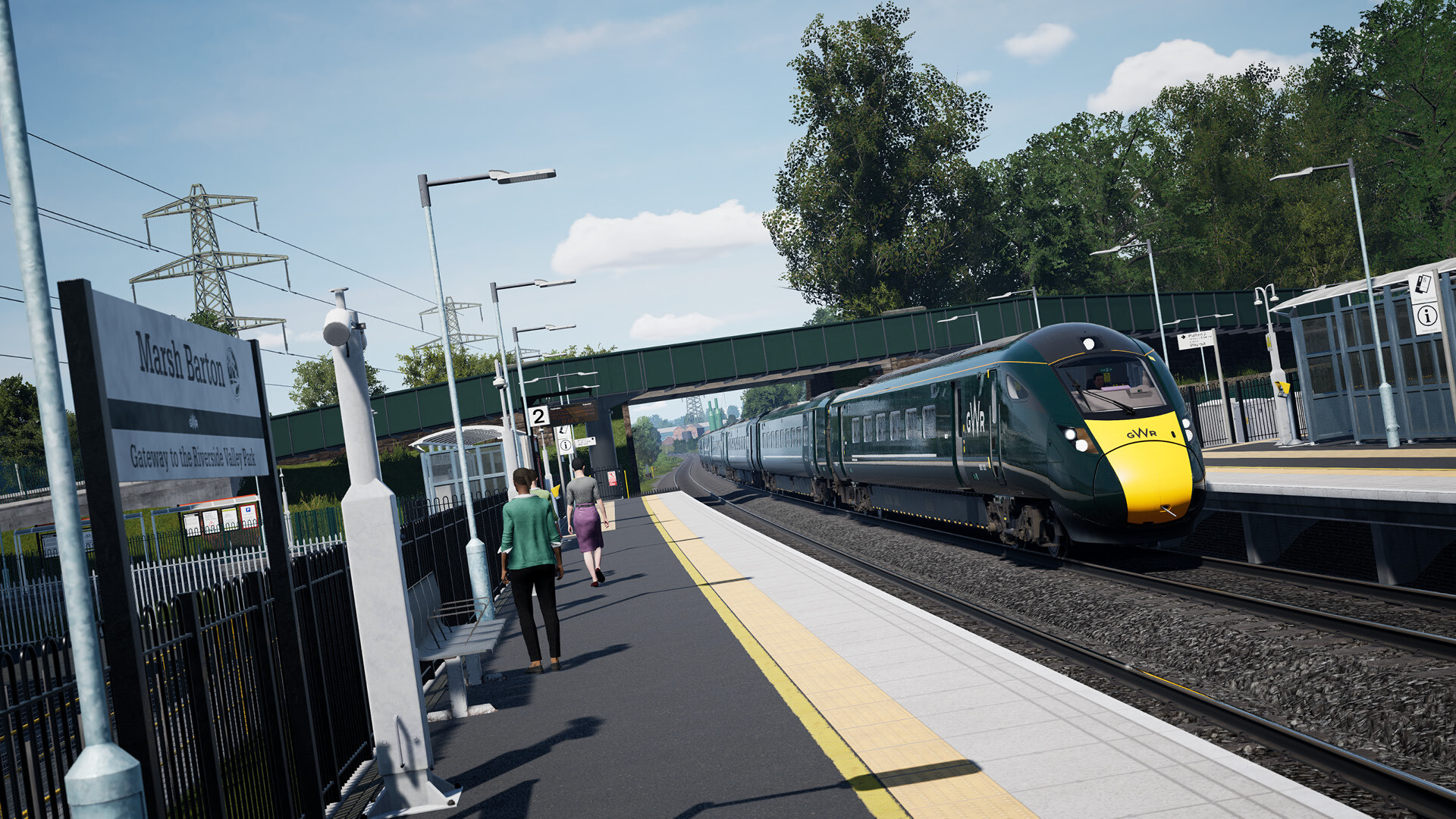
Conductor Mode shifts the focus from driving to passenger service. At each stop you must check tickets and operate doors, ensuring passengers board and alight safely before the train departs.
The slower pace provides more time to view interior details and scenery, making it suitable for players who enjoy the atmospheric side of rail travel rather than high‑speed operation.
- Verify ticket checks before closing doors to avoid in‑game penalties.
- Take advantage of the relaxed tempo to explore cabin instrumentation.
05 / THE GUIDE
Creators Club Customisation
The Creators Club offers a Livery Designer for painting locomotives and a Formation Designer for assembling custom train sets from your owned stock. Creations can be saved and used in Free Roam or the Scenario Planner.
Completed designs may be shared online via Dovetail Live, allowing other players to download and use them. This community workflow extends the game’s replay value beyond the built‑in content.
- Start with simple colour changes in the Livery Designer before tackling full graphics.
- Test a new formation on a short free‑roam run to confirm coupling and brake settings.

COMMUNITY
Player discussion