 GameWiki
GET YOUR BEARINGS
About Train Sim World 4
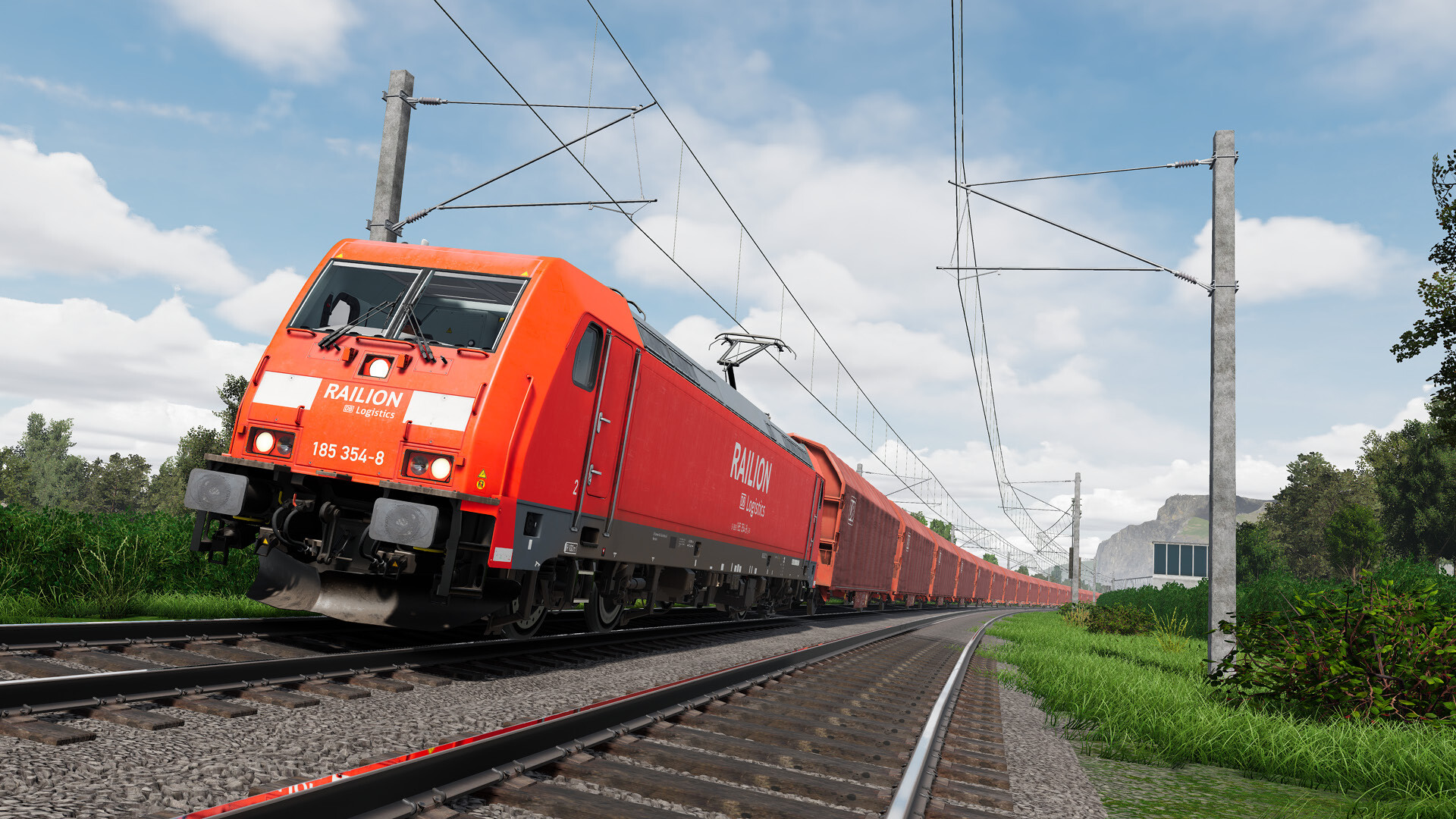
Train Sim World 4 puts the rail hobby in your hands, letting you drive iconic routes and a wide range of diesel, steam and electric locomotives. The game blends realistic vehicle dynamics with creative tools, so you can both learn the basics in the Training Center and explore any line you like.
Beyond the core simulation, you can customise liveries, plan scenarios, snap photos, and share creations through the Creators Club. New routes such as the East Coast Main Line and Los Angeles Metrolink expand the collection, while upgrades from earlier titles carry over your progress.
01 / THE GUIDE
Training Center
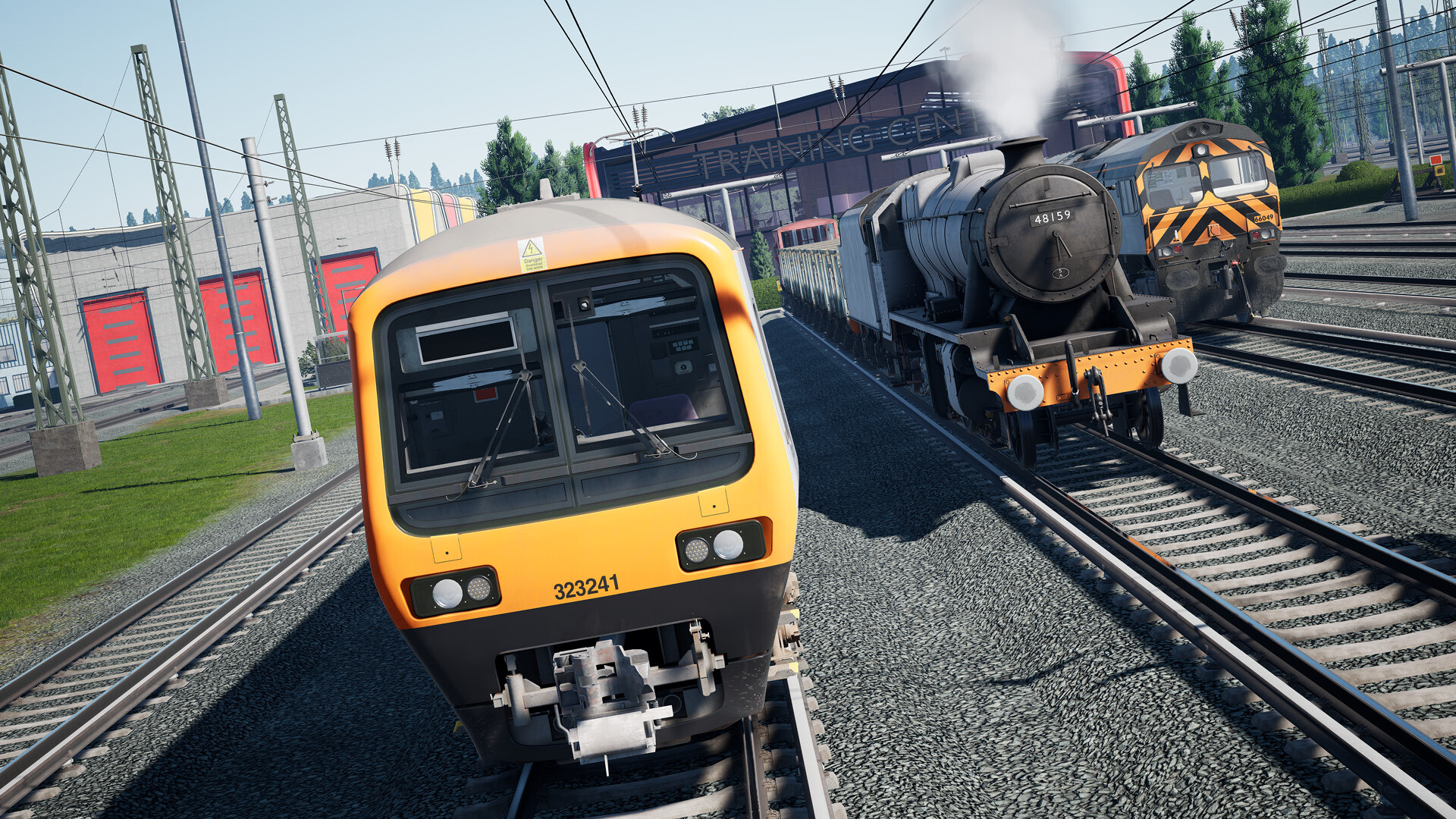
The Training Center introduces players to diesel, steam and electric traction, featuring the Class 323, Class 8F and Class 66. It offers basic operation lessons and new difficulty ratings that hint at content complexity.
These lessons let you build confidence before tackling real‑world routes, providing a low‑pressure environment to master controls and procedures.
- Start with the lowest difficulty to become comfortable with each locomotive type.
- Compare the handling of diesel versus electric units to notice the engine‑specific nuances.
02 / THE GUIDE
Free Roam
Free Roam lets you pick any train and drive it wherever you choose, giving complete control over route execution. You can explore the landscape at your own pace, without the constraints of a scheduled scenario.
This mode encourages experimentation, allowing you to test routes, practice maneuvers, or simply enjoy the scenery without the constraints of a scenario.
- Use Free Roam to test braking distances on steep grades before attempting timed scenarios.
- Explore the landscape at your own pace to find scenic spots for future Photo Mode shots.
03 / THE GUIDE
Photo Mode & Gallery
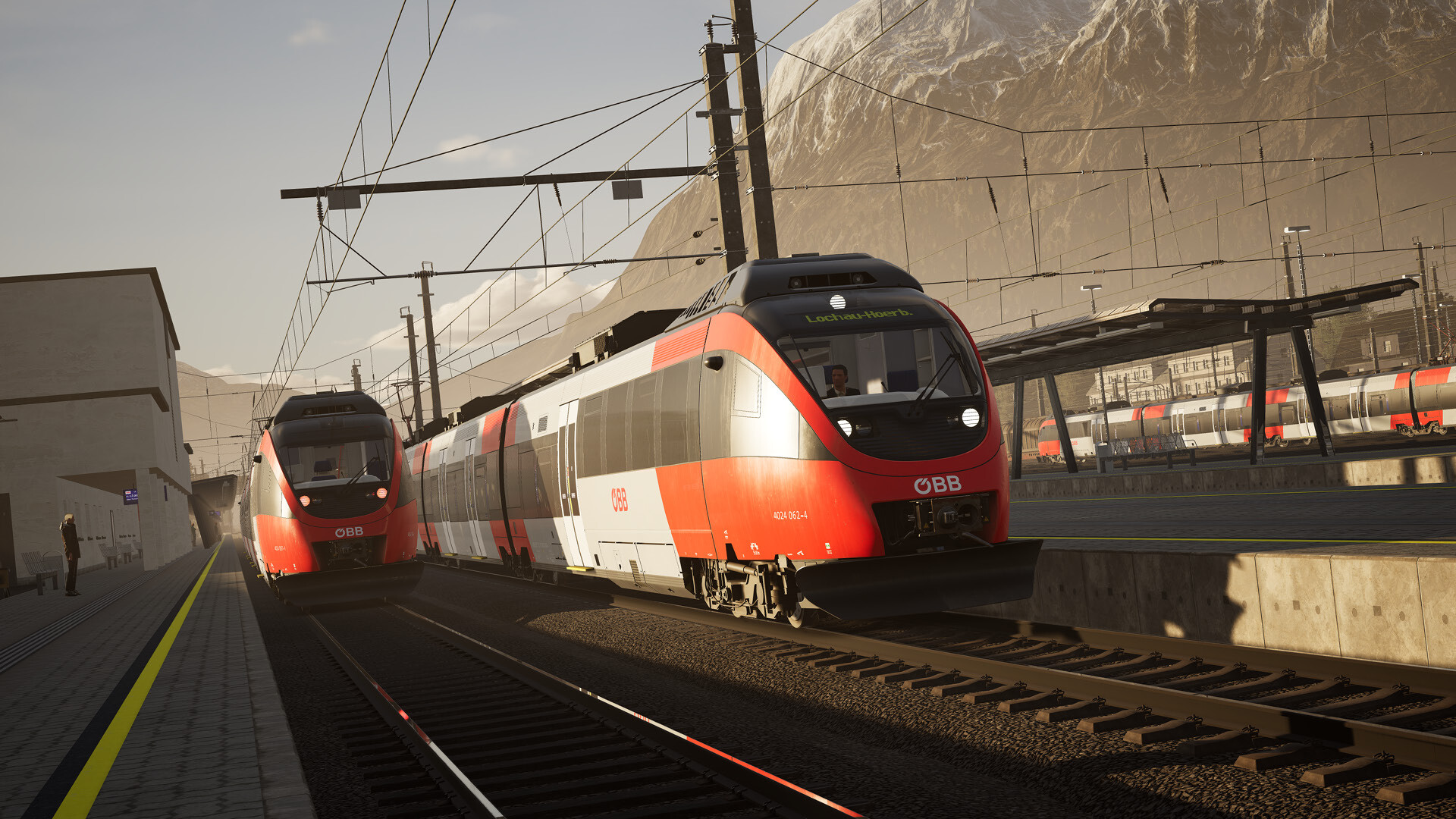
Photo Mode pauses the action so you can compose a perfect shot, then saves it to an in‑game gallery. The feature is designed for players who want to capture memorable moments.
The gallery lets you revisit your images later, adding a personal archive to your simulation experience.
- Pause at scenic landmarks to capture clear, unobstructed images.
- Experiment with different camera angles to highlight locomotive details.
04 / THE GUIDE
Scenario Planner & Livery Designer
The upgraded Scenario Planner and Livery Designer provide additional tools for fine‑tuning custom experiences. You can build custom scenarios and paint unique liveries, using the additional tools and options to fine‑tune your personalised train experience.
These tools feed into the Creators Club, where you can share your custom scenarios and designs with other players, extending the community’s content pool.
- Start with a simple scenario before adding complex timetable constraints.
- Match livery colors to the real‑world railway you’re emulating for authenticity.
05 / THE GUIDE
Routes, Trains & Upgrades
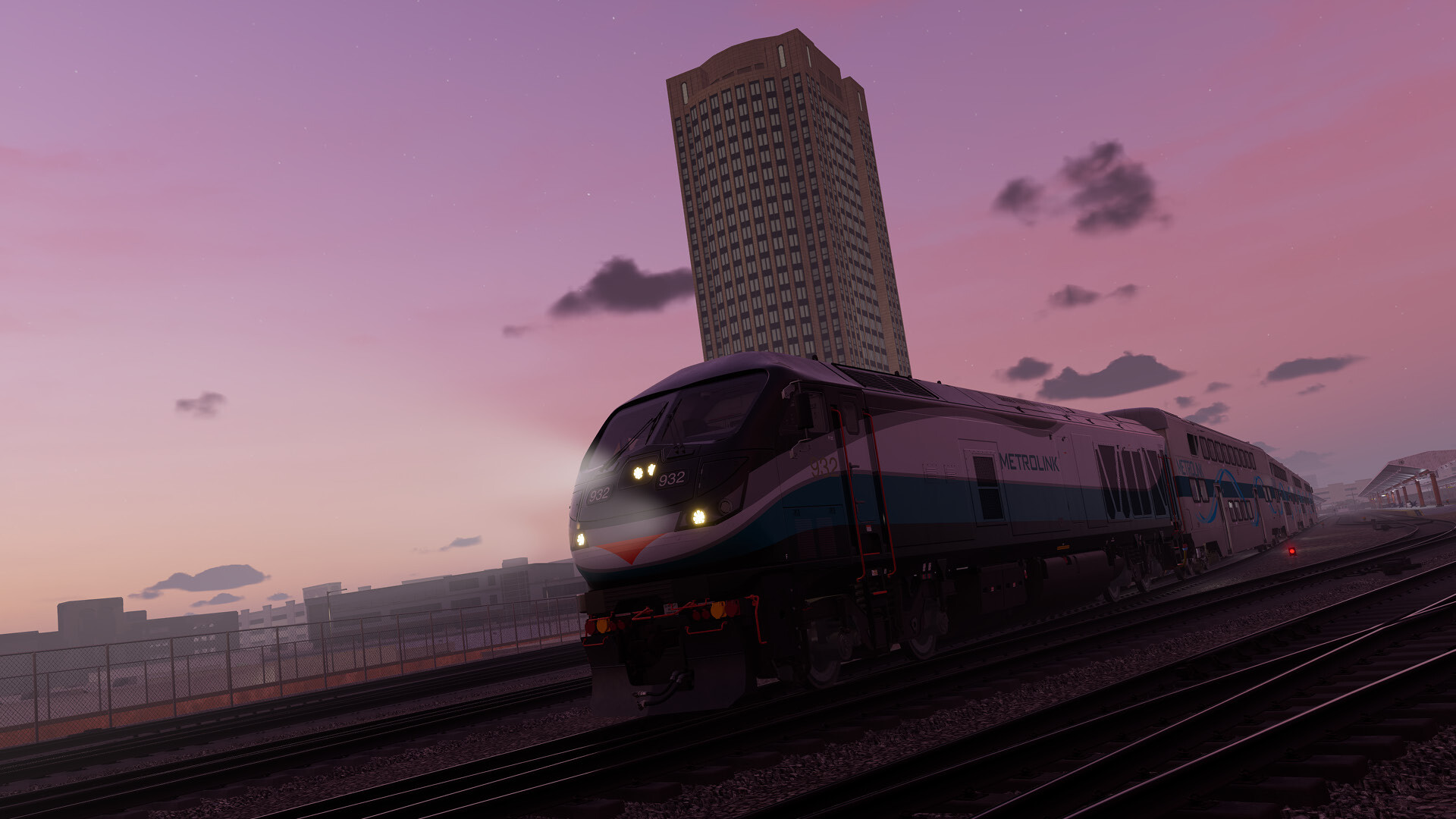
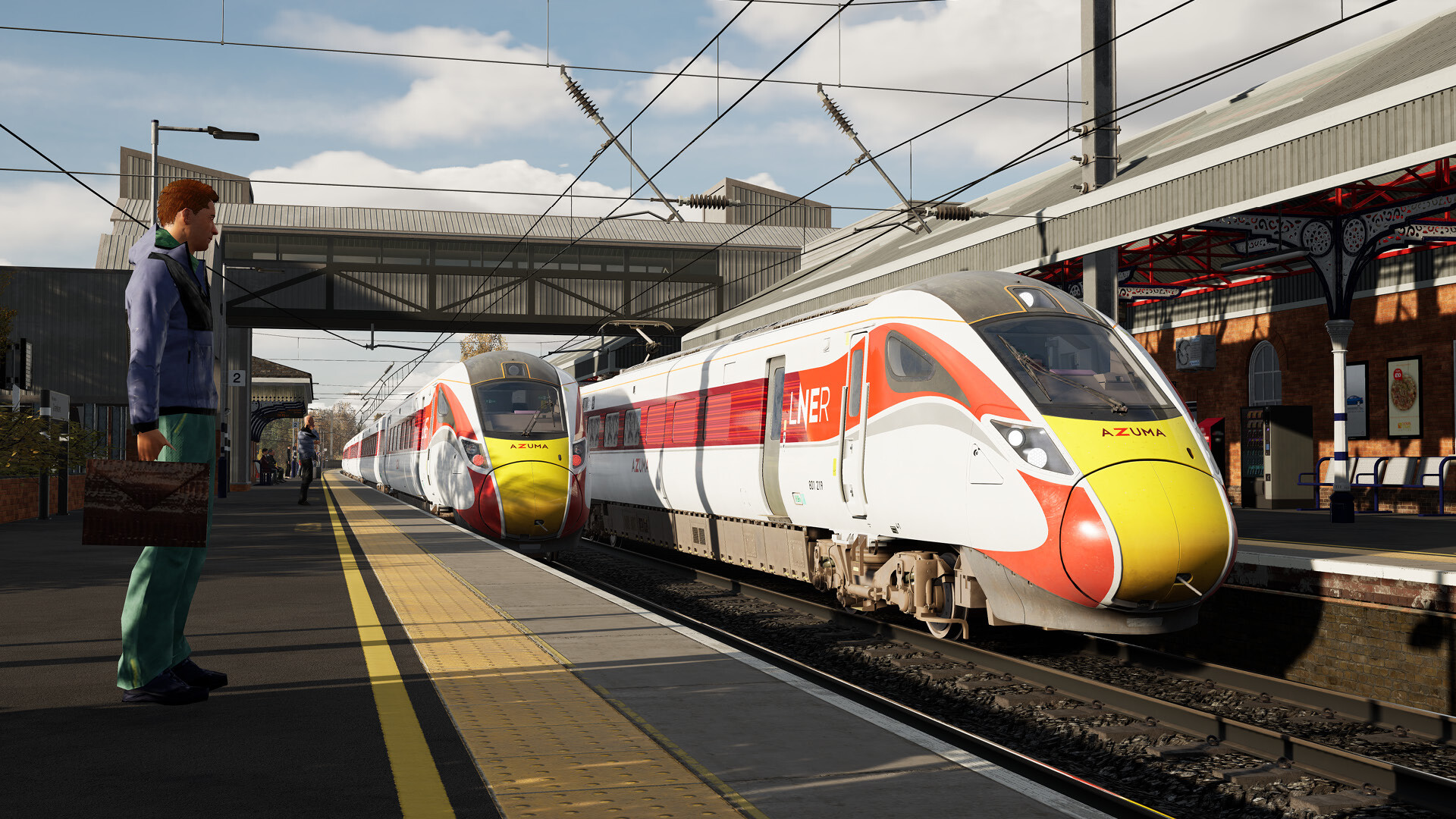
Train Sim World 4 adds new routes such as the East Coast Main Line (Peterborough‑Doncaster) and the Los Angeles Metrolink F125, plus deluxe editions like the Flying Scotsman. Existing collections and profile progress migrate from earlier titles, preserving your library.
Upcoming and TSW Compatible content is planned, so the collection can keep growing over time.
- Check the route list for familiar corridors before purchasing new DLC.
- Keep an eye on upcoming compatible content to plan future expansions.
COMMUNITY
Player discussion