 GameWiki
GET YOUR BEARINGS
About TRAIN CREW
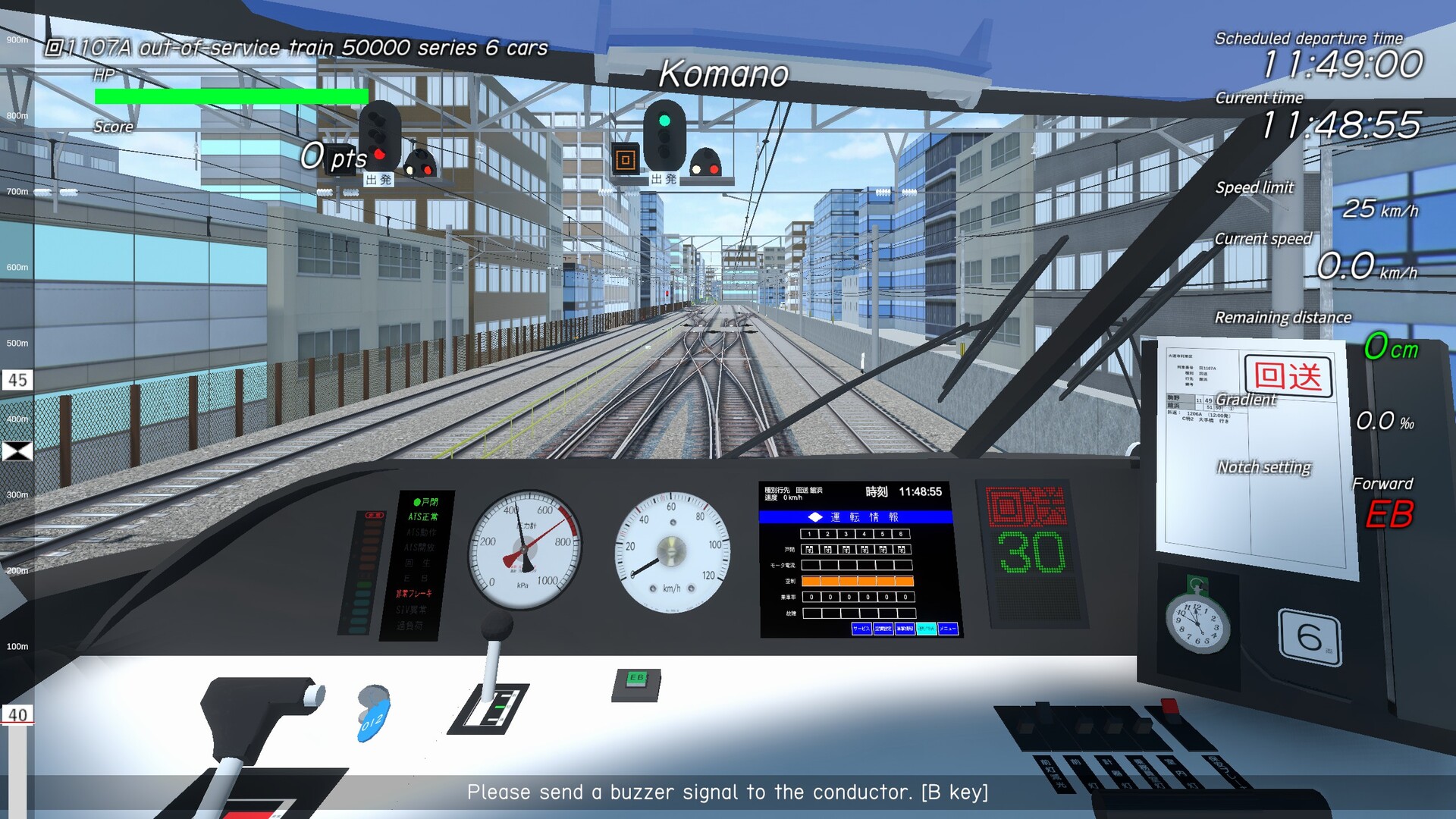
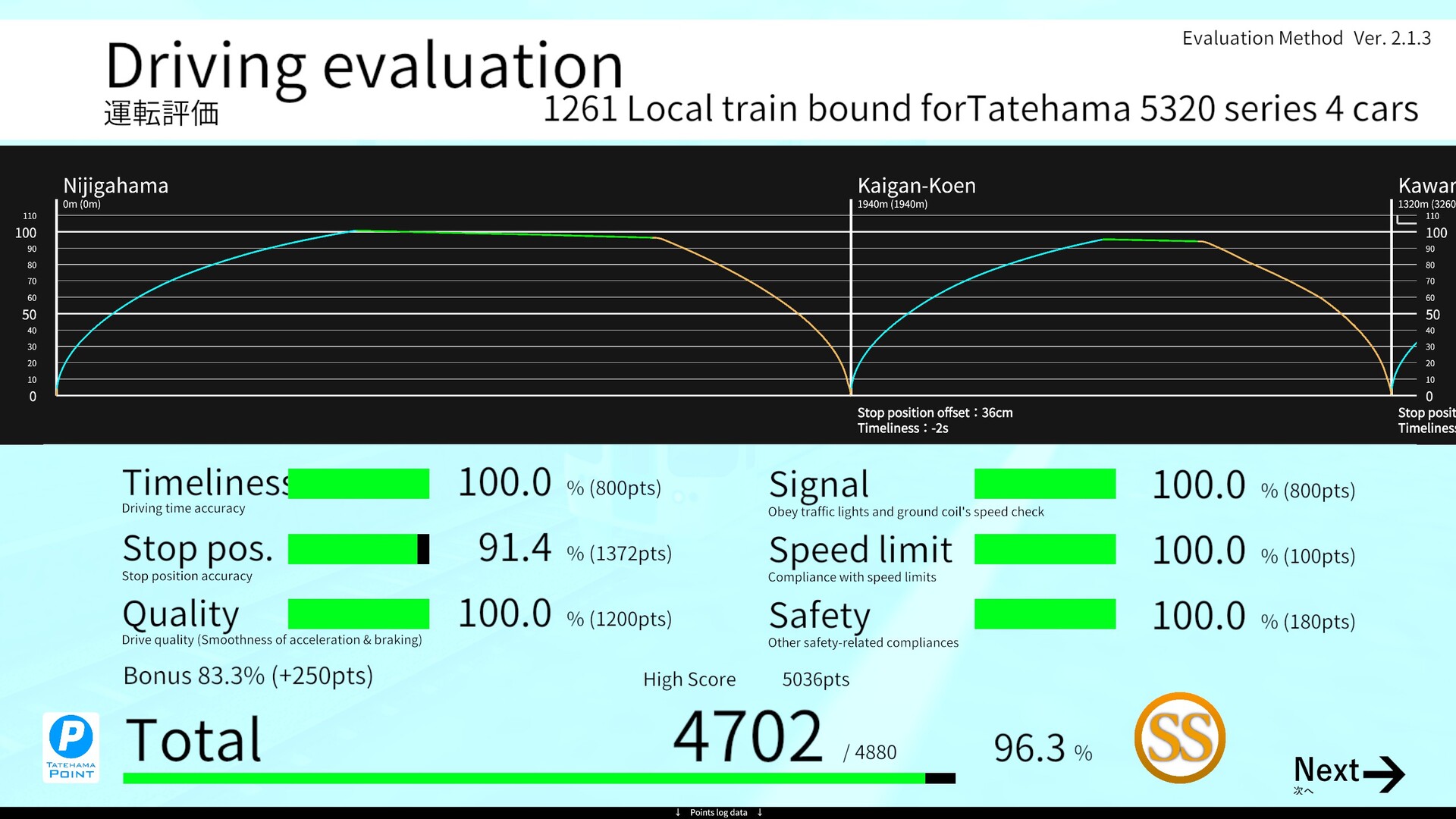
Train Crew puts you in charge of the Tatehama Electric Railway, letting you drive a train by moving a master controller handle forward to accelerate and backward to brake. The game records your handling and provides a post‑run driving rating.
It also includes horn, buzzer, and viewpoint controls, supports live streaming with monetisation, and runs on Windows with both keyboard‑only and partial controller options. Adjustable difficulty and family sharing are listed among its features.
01 / THE GUIDE
Master Controller Operation
The primary method of train operation is tilting the master controller handle back and forth. Pushing the handle toward you increases speed, while pulling it back applies the brakes, and this motion is required to keep the train moving along the line.
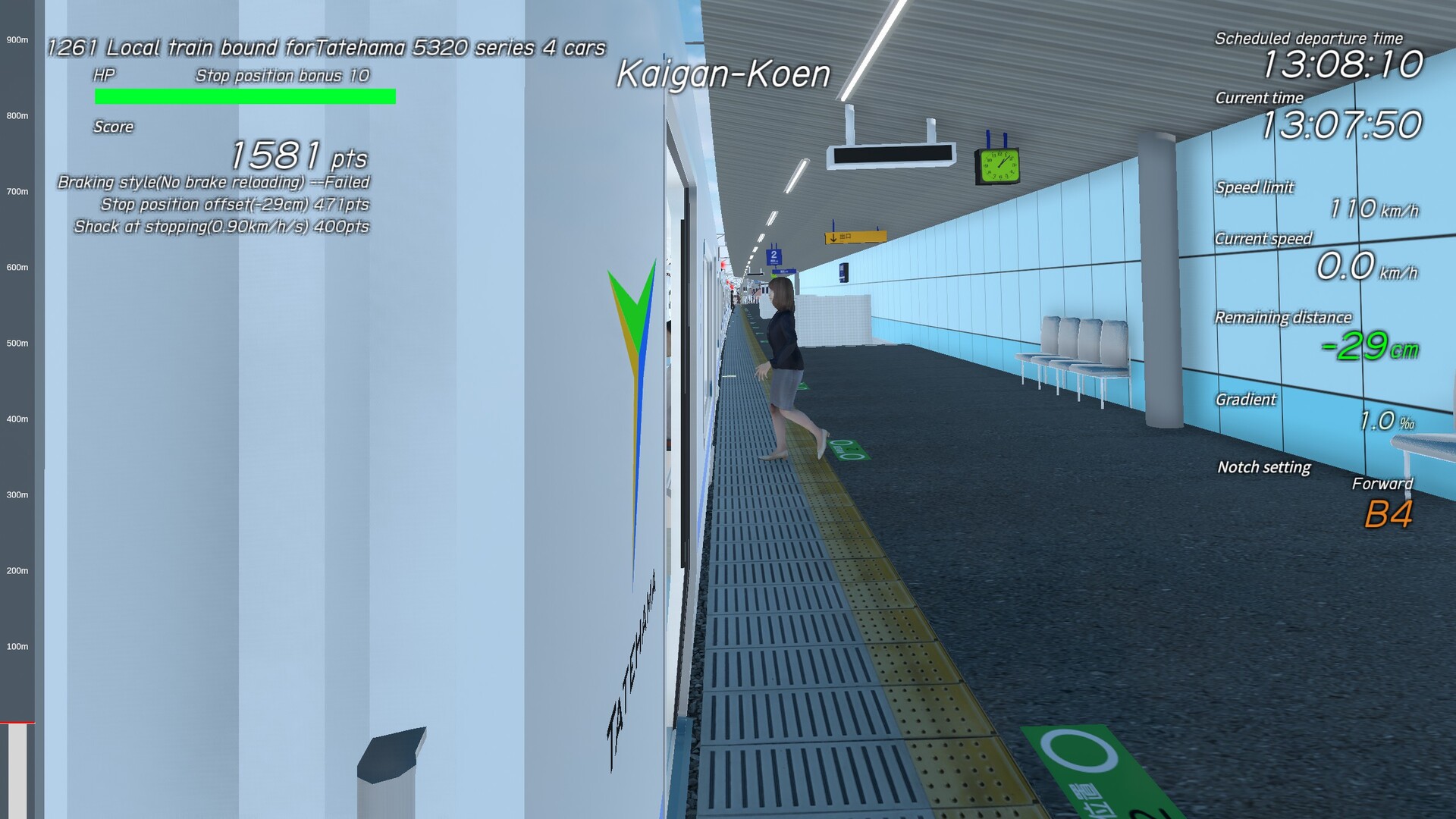
After a run, the game presents a driving rating that you can check to review your performance.
- Maintain steady, moderate pushes to avoid abrupt speed changes.
- Watch the rating breakdown to see which sections affected your score most.
02 / THE GUIDE
Auxiliary Controls
In addition to the master controller, you can activate a horn, use a buzzer to contact the conductor, and switch between different camera viewpoints. These actions are separate from the speed control and do not influence the train’s motion directly.
The conductor handles door operations, announcements, and safety checks, while the auxiliary controls give you visual and audio feedback useful for both gameplay and streaming presentations.
- Use the horn sparingly to keep audio clear for recordings.
- Switch viewpoints when approaching stations to better judge stopping points.

03 / THE GUIDE
Route Coverage
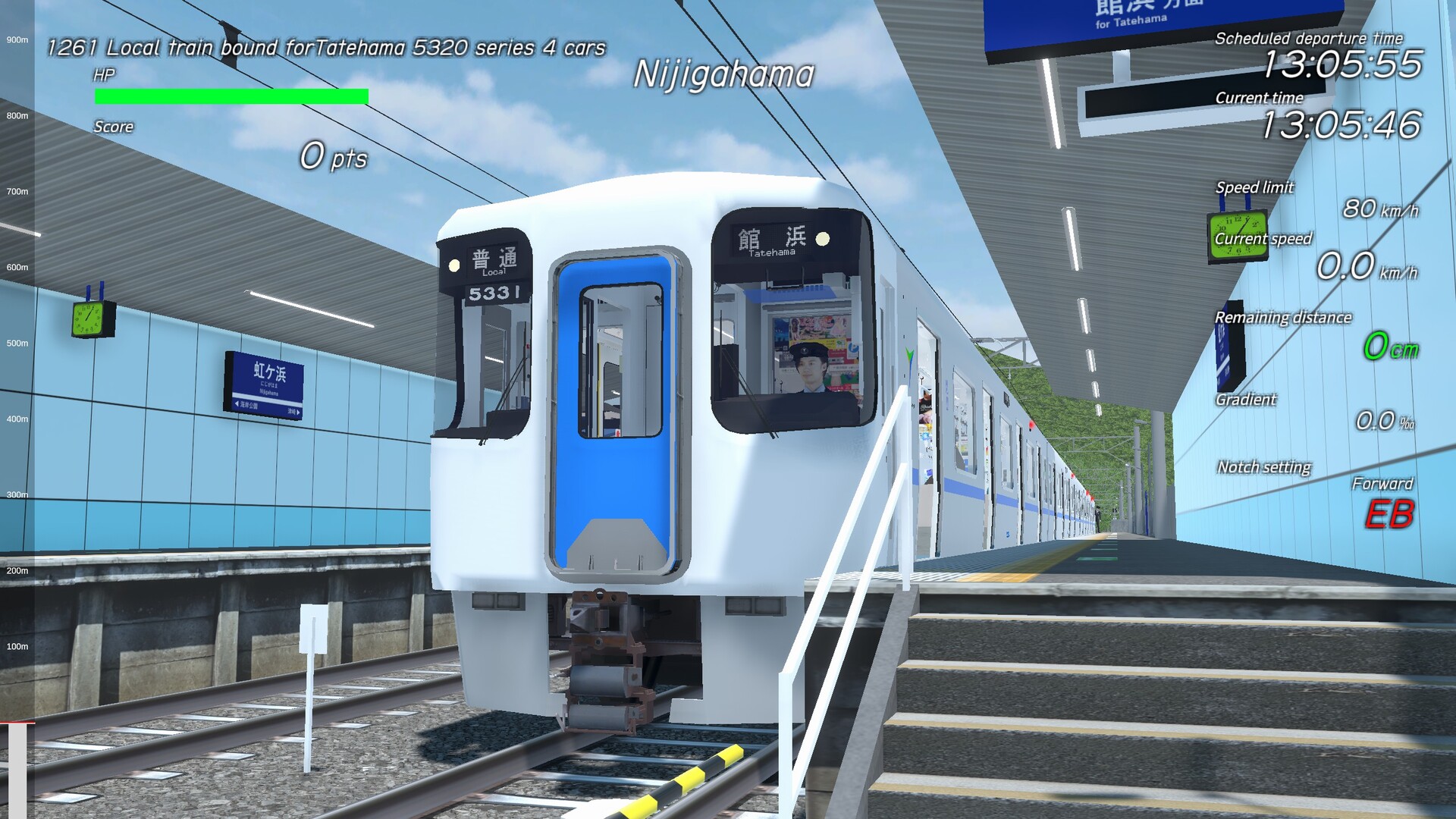
The game models the Tatehama Electric Railway main line, which links Otebashi Station to Tatehama Station. Currently the playable segment runs 28 km between Akayamacho Station and Tatehama Station in both directions.
All runs occur on this defined stretch, so station spacing, gradients, and track layout are consistent each time you start a session, providing a fixed environment for practice and rating comparison.
- Run the line in both directions to become familiar with braking zones.
- Note the distance between stations to plan acceleration and deceleration.
04 / THE GUIDE
Streaming‑Friendly Design
Train Crew is explicitly approved for live video capture and distribution. The game permits creators to stream or record gameplay, and monetisation of those videos is allowed.
Because the game’s core actions are visual and auditory, it lends itself well to commentary and on‑screen overlays that can enhance viewer understanding of the driving rating system.
- Add on‑screen graphics that show controller input for clearer tutorials.
- Explain rating outcomes during streams to keep the audience engaged.
05 / THE GUIDE
Platform Features
Train Crew is available on Windows and includes single‑player mode, custom volume controls, adjustable difficulty, a keyboard‑only option, partial controller support, and family sharing. Each tag confirms the presence of that specific feature.
These features do not imply additional functionality beyond what is named; for example, partial controller support indicates some controller input is usable, but does not replace the master controller or keyboard options.
- Try the keyboard‑only option if you lack a compatible controller.
- Use family sharing to let multiple accounts access the game on the same PC.
COMMUNITY
Player discussion