 GameWiki
GET YOUR BEARINGS
About Trading Card Inspector
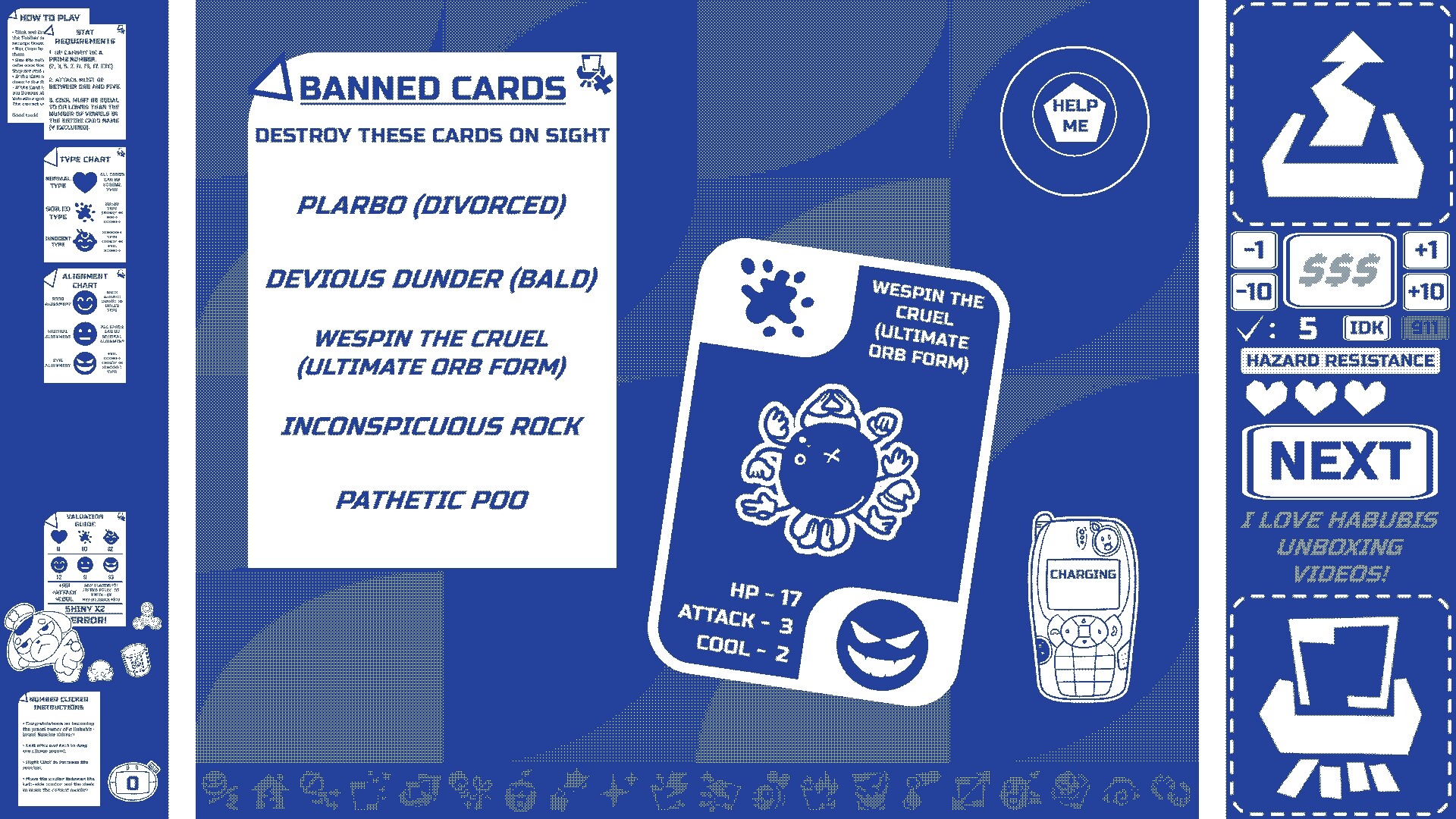
Trading Card Inspector drops you into the absurd bureaucracy of Habubis Corporation, where you act as the company’s new premier Trading Card Inspector. In Story Mode you examine hand‑drawn cards, decide their validity, and assign values while uncovering a tale of friendship, corporate espionage, and murder.
Endless Mode lets you keep inspecting cards indefinitely, adding difficulty modifiers that raise both risk and payment. The game’s 1‑bit aesthetic is fully customizable with dozens of color palettes, desk patterns, and desk‑widgets, letting you craft a personal workspace within corporate guidelines.
01 / THE GUIDE
Story Mode
In Story Mode you progress through a narrative that introduces the Habubis Corporation’s world, shady characters, and a mystery called “The Truth.” Each card you inspect contributes to the unfolding plot and unlocks new gameplay modifiers.
The mode gradually raises difficulty, teaching you how to use guideline notes, errata memos, and reference lists to determine a card’s validity before you either appraise its value or shred it.
- Compare early cards with later ones to notice how the difficulty modifiers change the inspection process.
- Take notes on guideline patterns; they often reappear in later chapters.
02 / THE GUIDE
Endless Mode
Endless Mode continues the inspection loop after Story Mode, letting you work until you die. New modifiers unlocked in Story Mode become available here, increasing both challenge and payout per card.
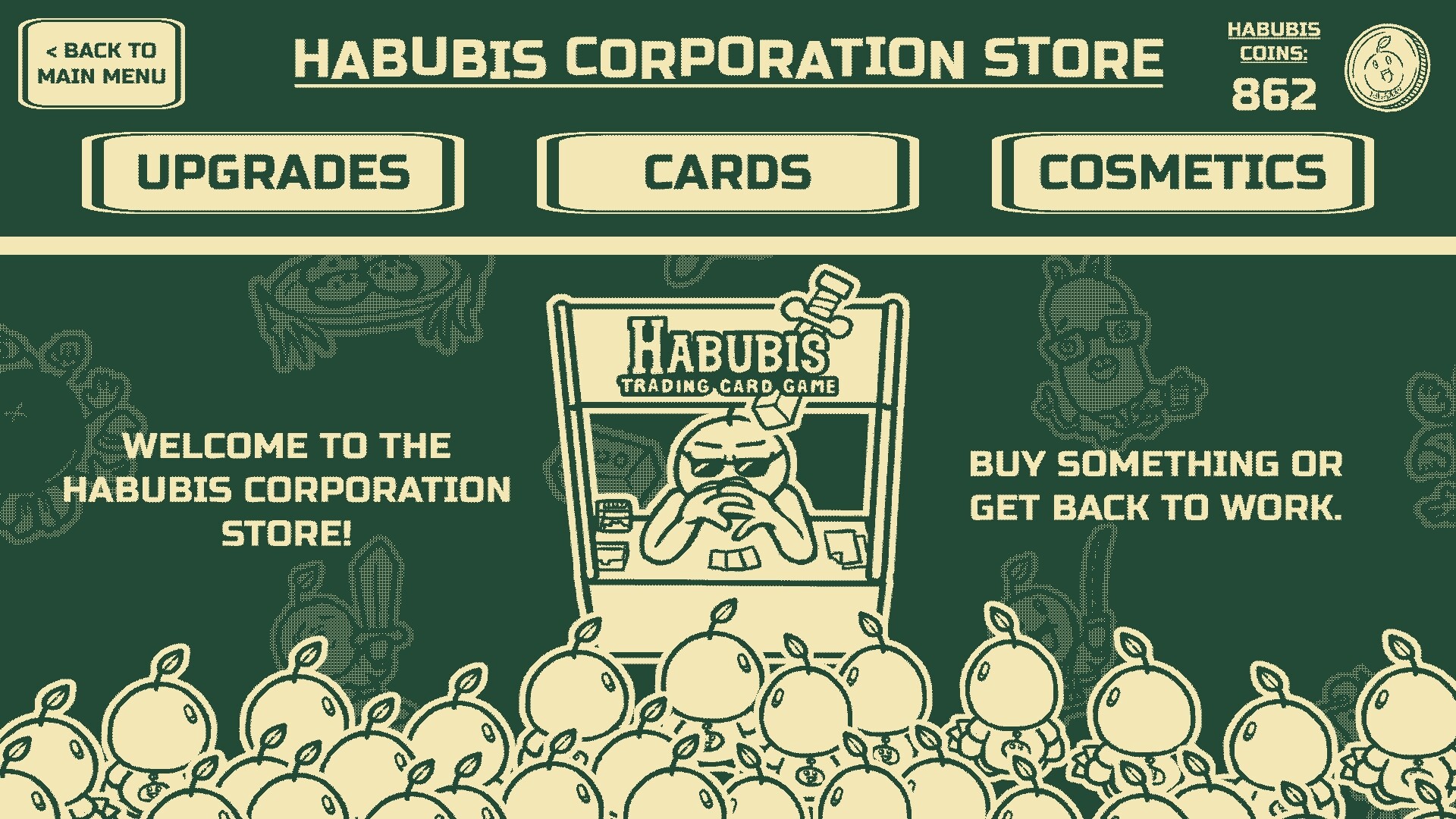
Your score can be beaten repeatedly, and cash earned in this mode is spendable in the Habubis Company Store, encouraging risk‑vs‑reward decisions.
- Activate only one new modifier at a time to gauge its impact on your grading speed.
- Watch your cash flow; higher payouts can be offset by faster failure rates.

03 / THE GUIDE
Card Gallery
Over 160 unique, hand‑drawn trading cards are collectible and viewable in the Card Gallery. Each card includes its own backstory, adding lore depth beyond the inspection mechanics.
The gallery lets you revisit the cards you have unlocked and enjoy their artwork and stories.
- Use the gallery to spot visual cues that may hint at a card’s validity.
- Re‑reading card stories can help remember guideline exceptions.
04 / THE GUIDE
Visual Customization
The game’s 1‑bit style is highly customizable. Players can unlock 40 color palettes and 20 desk patterns, plus a range of desk‑widgets, to personalize their inspection workspace.
Customization lets you personalize your workspace within company guidelines while you focus on the inspection task.
- Experiment with contrasting palettes to reduce eye strain during long sessions.
- Choose desk patterns that keep important UI elements clearly visible.
05 / THE GUIDE
Difficulty Modifiers
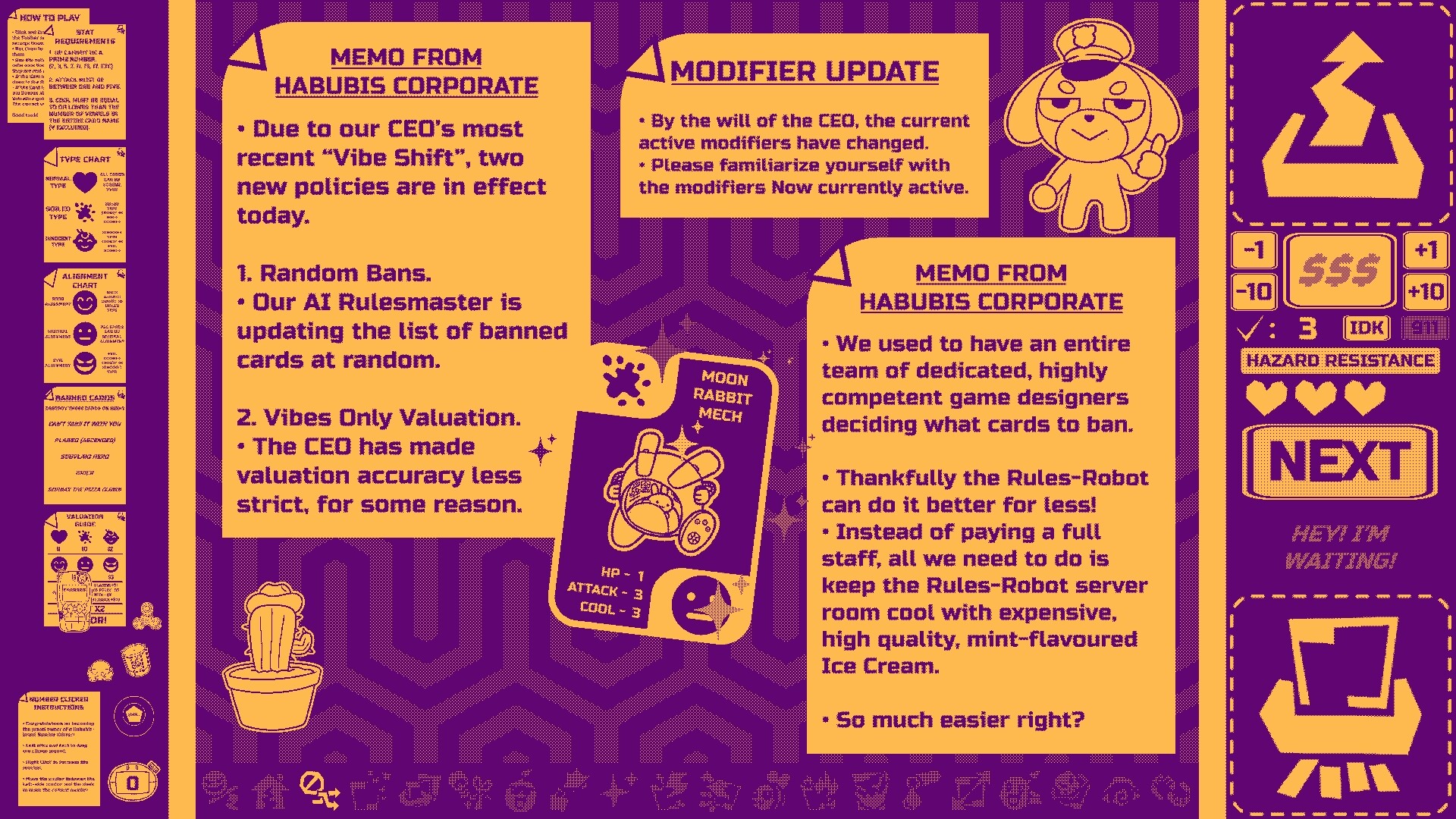
Modifiers alter gameplay and mess with your perception as the difficulty creeps up. They are unlocked through Story Mode and can be toggled in Endless Mode.
Each added modifier raises the payment per correctly graded card, but also increases the chance of failure, demanding careful risk assessment.
- Start with low‑impact modifiers to learn their effects before stacking multiple.
- Balance the number of active modifiers with your current skill level to avoid premature death.

COMMUNITY
Player discussion