 GameWiki
GET YOUR BEARINGS
About Tracks - The Train Set Game
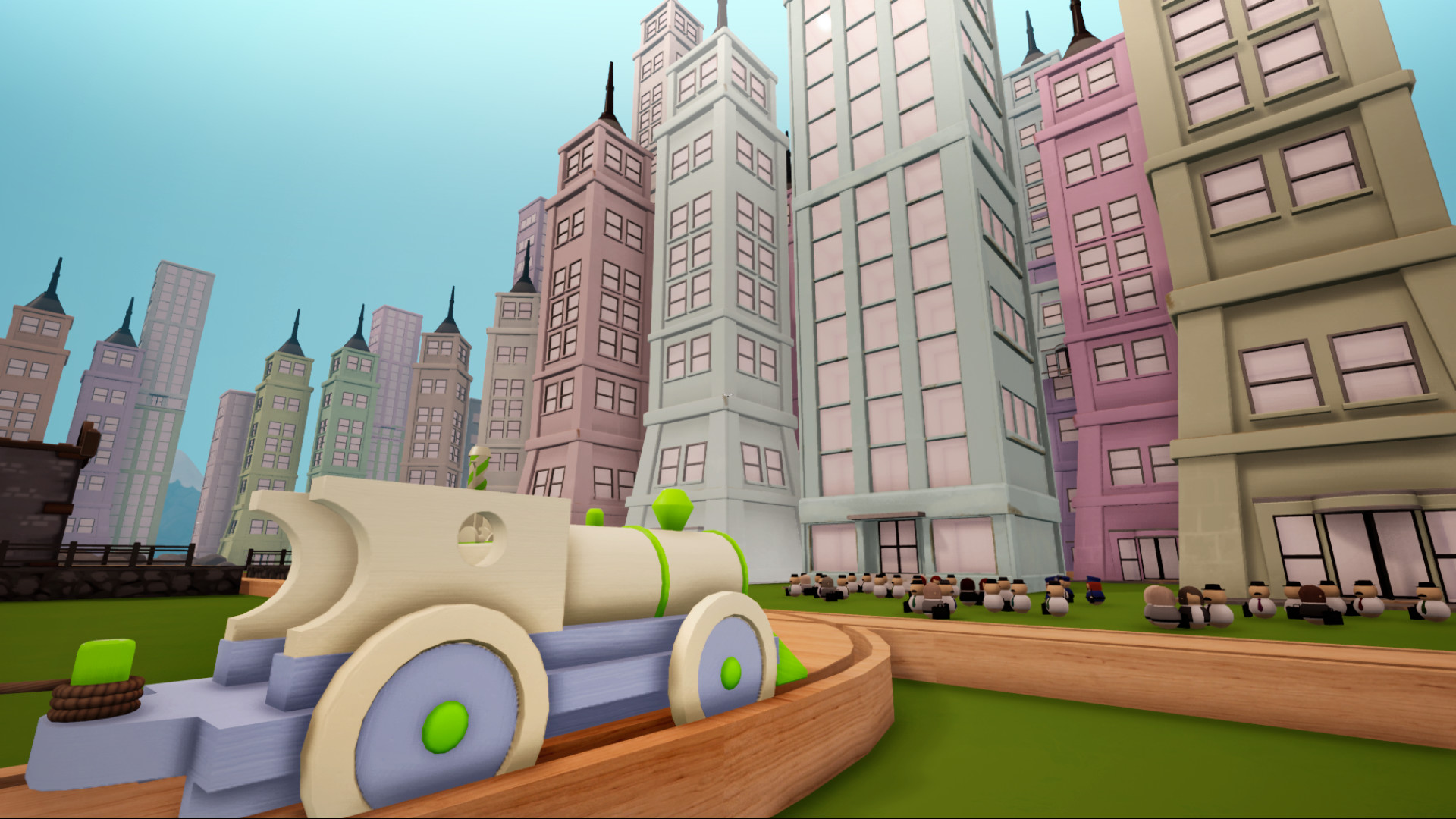
Tracks – The Train Set Game offers a sandbox where you can place track pieces, build bridges, and populate worlds with trees, buildings, animals, and other decor. The toolset is described as easy to get to grips with, letting you shape terrain and fog colours while customizing train colours and patterns.
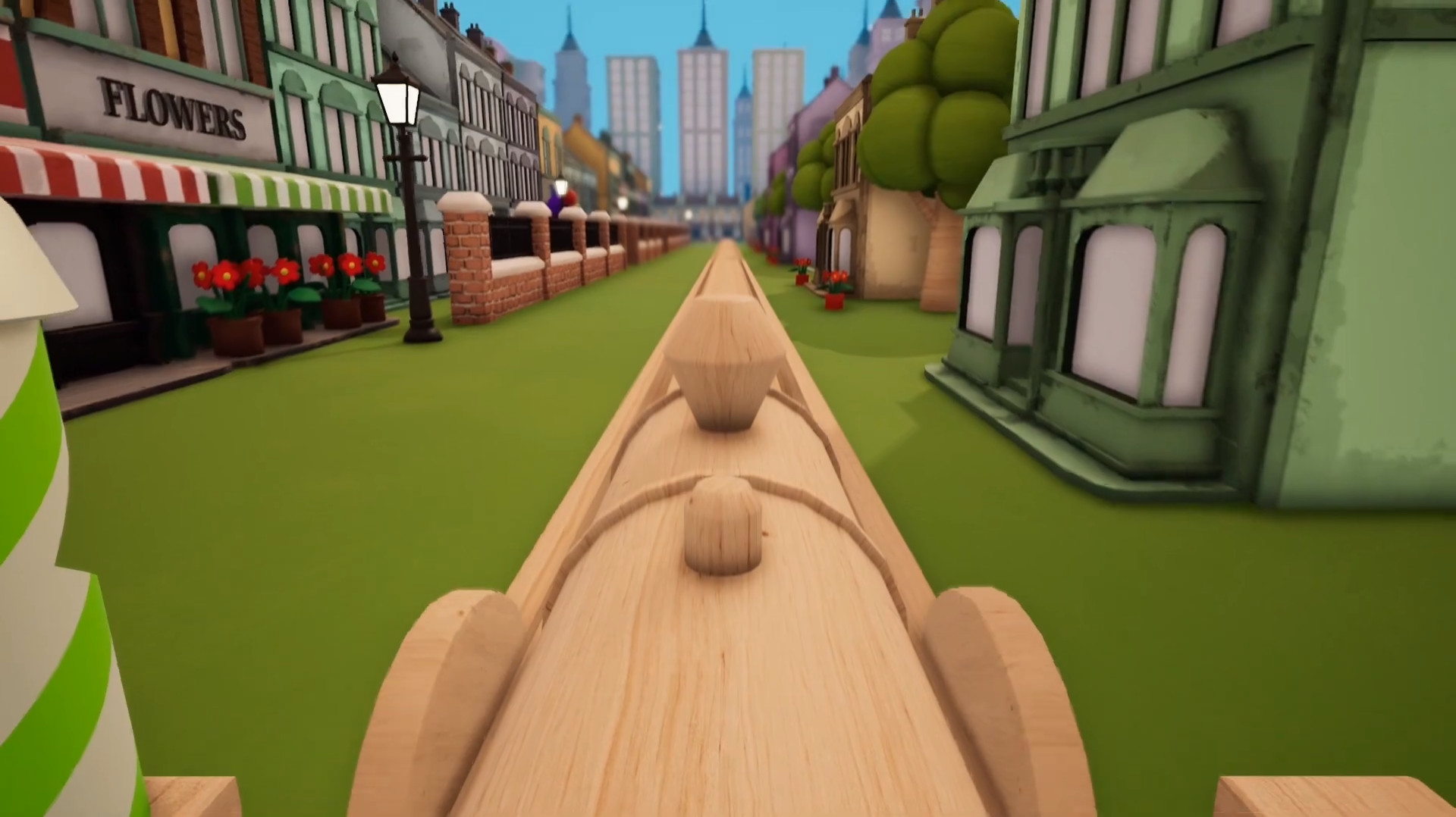
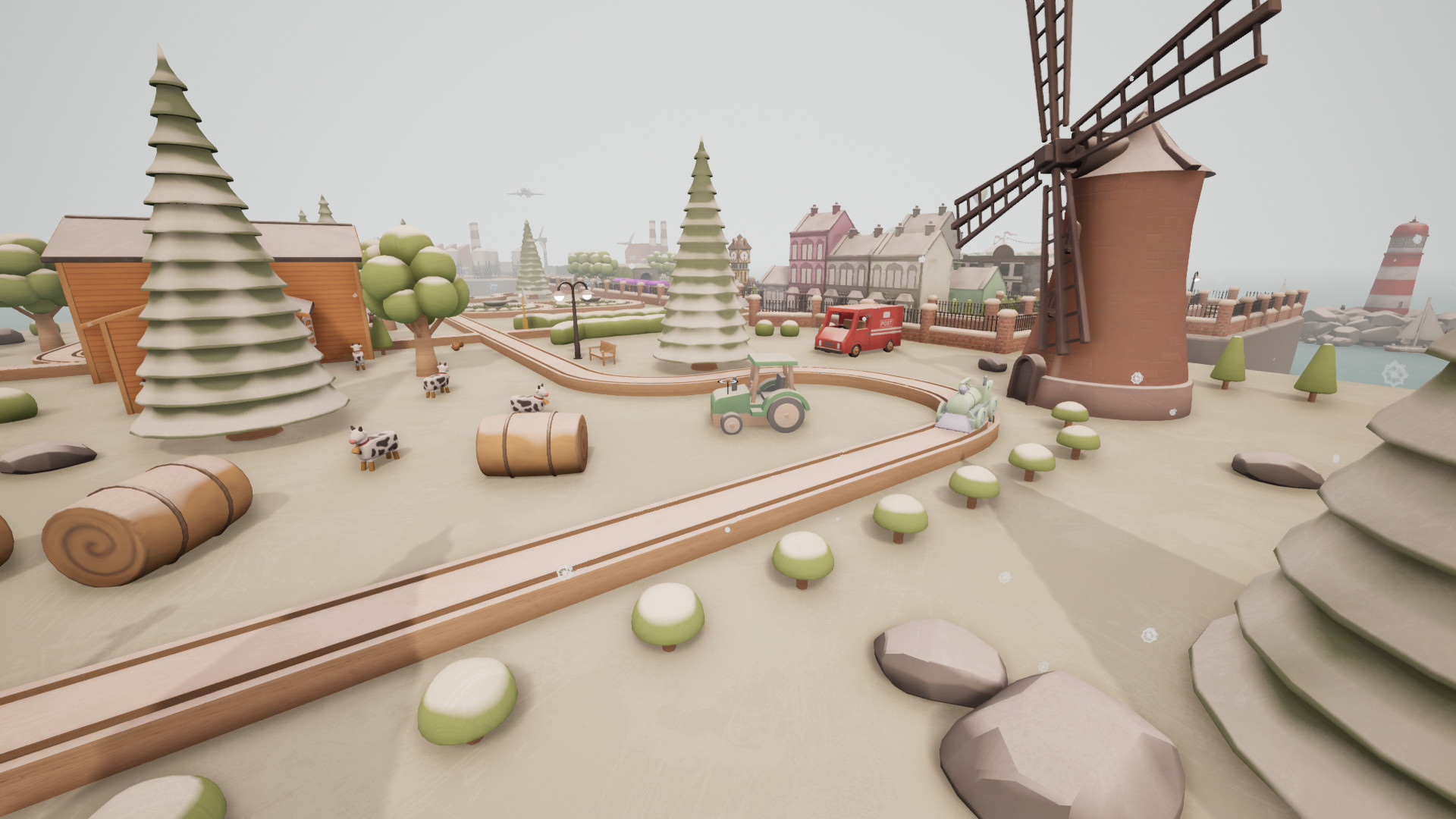
After constructing a layout, you can enter a first‑person driver seat to control speed and direction. The game provides pre‑made environments such as a modern lounge or a night‑time winter wonderland, as well as a completely blank canvas for unrestricted creation.
01 / THE GUIDE
Sandbox Building
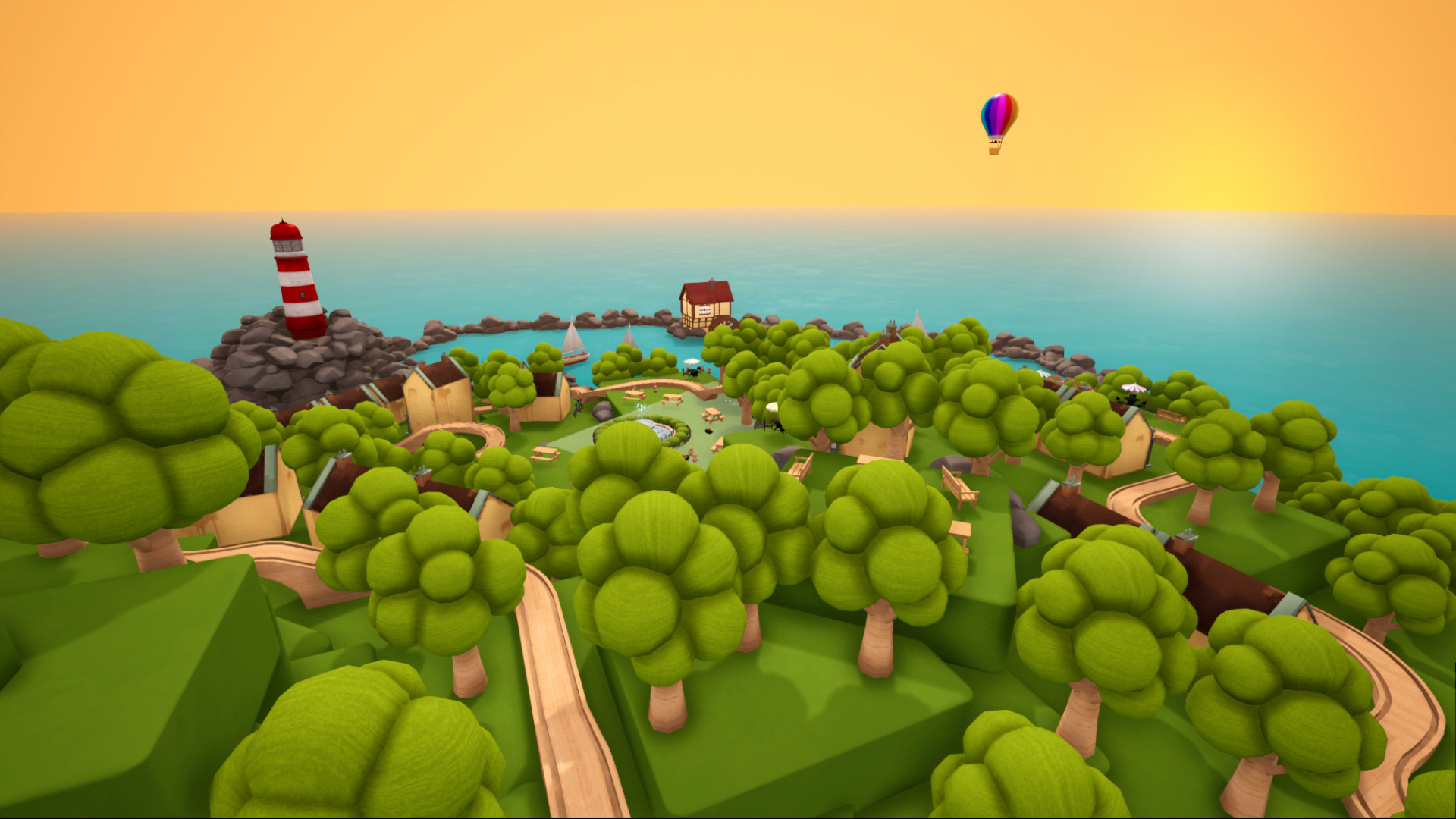
The core of Tracks is an expansive sandbox where any track piece can be placed, allowing bridges and towns to be constructed freely. The description emphasizes “lay down track pieces, create bridges and build towns” as central actions.
World customization extends beyond tracks: trees, foliage from various biomes, buildings, stations, animals, vehicles, and decor can be added, while terrain and fog colours are adjustable. This breadth of assets lets players shape environments ranging from countryside to desert towns.
- Mix foliage from different biomes to see visual contrast.
- Adjust fog colour after terrain changes to notice atmospheric shifts.
02 / THE GUIDE
Pre‑Made Environments
Players may begin building in a pre‑made setting, such as a modern lounge or a night‑time winter wonderland, providing a ready‑made backdrop for immediate play. These environments act as starting points without requiring a blank canvas.
Each pre‑made world includes its own lighting and ambience, which can affect how added terrain and fog colours appear. This offers a quick way to explore different aesthetic themes before customizing further.
- Select a night‑time environment first to test lighting impact.
- Use a modern lounge to gauge indoor lighting with fog adjustments.
03 / THE GUIDE
Train Customisation
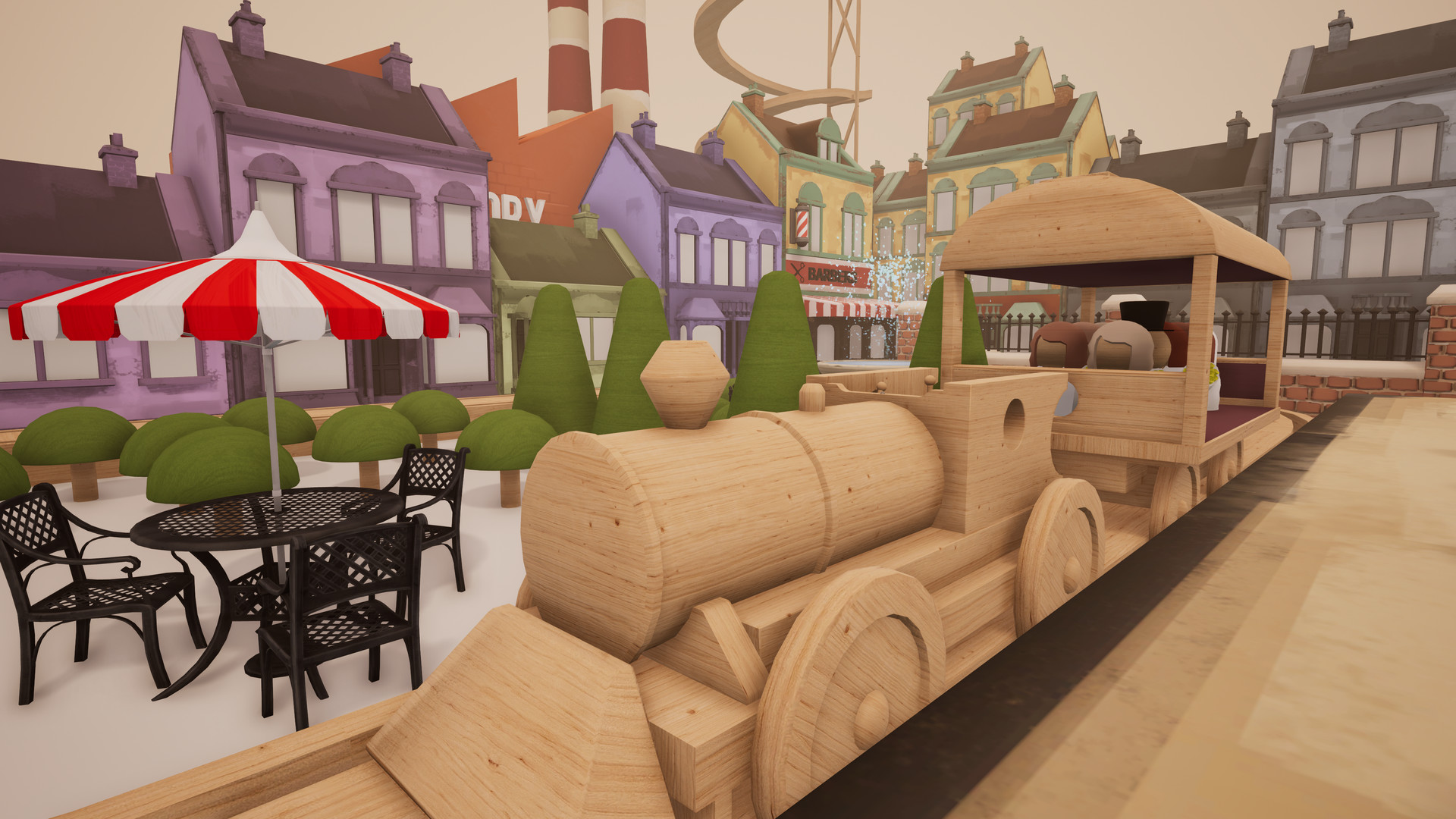
Trains can be personalised by selecting colours and patterns, allowing each vehicle to reflect the creator’s taste. The description notes “Make your train your own, selecting colours and patterns.”
Optional accessories such as boosters, musical bells, and ramps can be attached, providing functional and aesthetic variety beyond the basic train model.
- Combine a bright colour scheme with musical bells to highlight movement.
- Add boosters to a simply patterned train to observe speed changes.
04 / THE GUIDE
Multiple Trains and Junctions
For more complex railway systems, the game allows the addition of junctions and the introduction of multiple trains, enabling intersecting routes and coordinated runs. This is explicitly mentioned as a way to expand the railway.
Using junctions together with several trains can create layered traffic, so planning track placement carefully is a sensible approach. The description suggests this as a method for building “sprawling” setups across varied landscapes.
- Place a junction before a bridge to test shared structure use.
- Start with two trains on parallel tracks to compare movement patterns.
05 / THE GUIDE
Platform Features
Tracks is released for Windows and lists single‑player mode, Steam Achievements, full controller support, and Family Sharing. These features are presented without implying additional functionality beyond their names.
Family Sharing is listed among the game’s Steam features, while full controller support indicates that a controller can be used on Windows, though specific mappings are not detailed.
- Enable Family Sharing to let another household member try the sandbox.
- Check controller compatibility if you prefer handheld input.
COMMUNITY
Player discussion