 GameWiki
GET YOUR BEARINGS
About Toy Shop Simulator
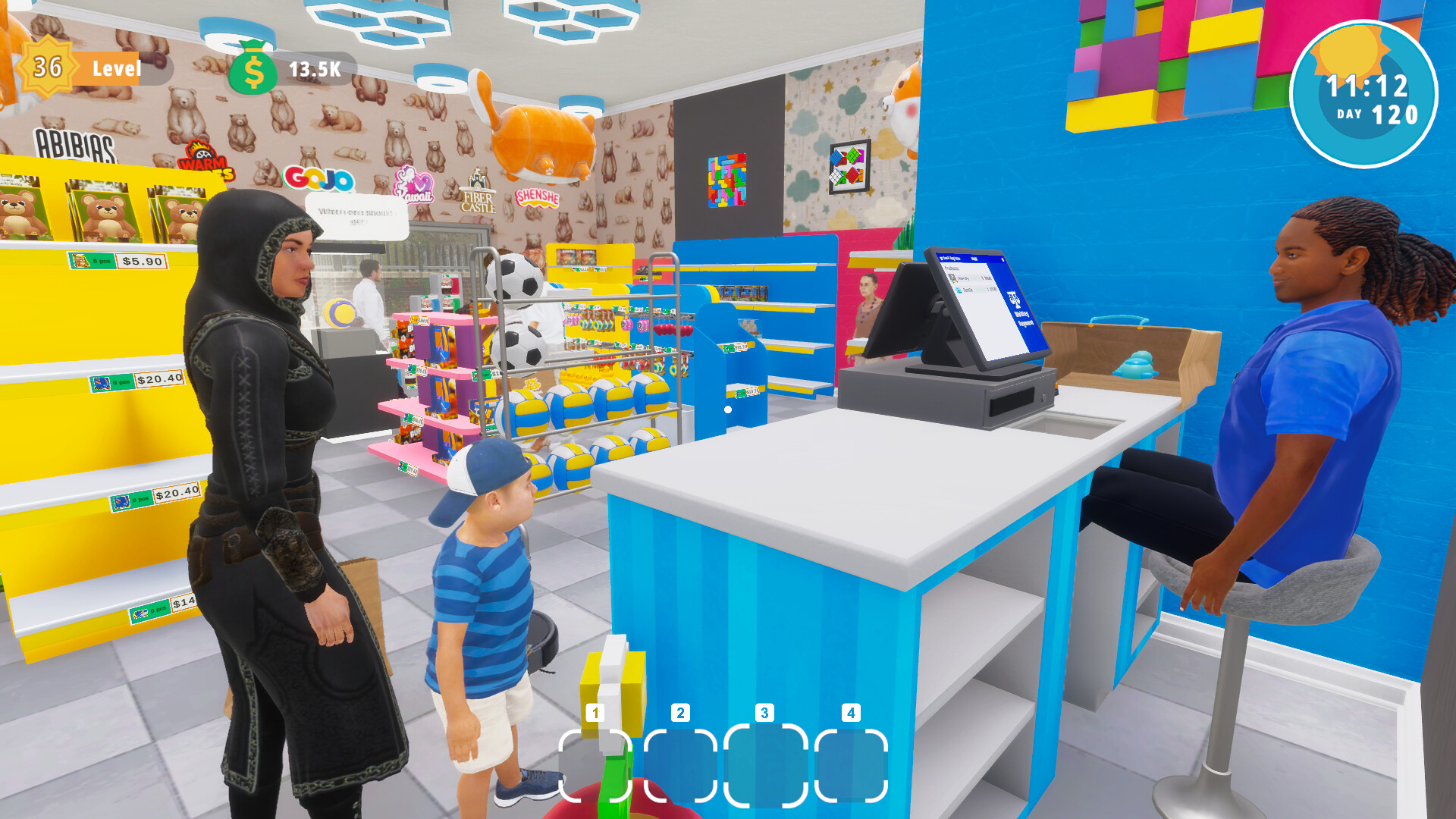
Toy Shop Simulator puts you in charge of a bustling toy store in a vibrant city. You arrange shelves, serve customers, and grow your business by expanding space, buying brand licenses, and handling online orders.
The single‑player title includes employees, a Cleaning Bot, random events such as shoplifters, and a Discord community for sharing experiences. Steam achievements and stats let you track progress while you design a personalized shop.
01 / THE GUIDE
Store Layout & Decoration
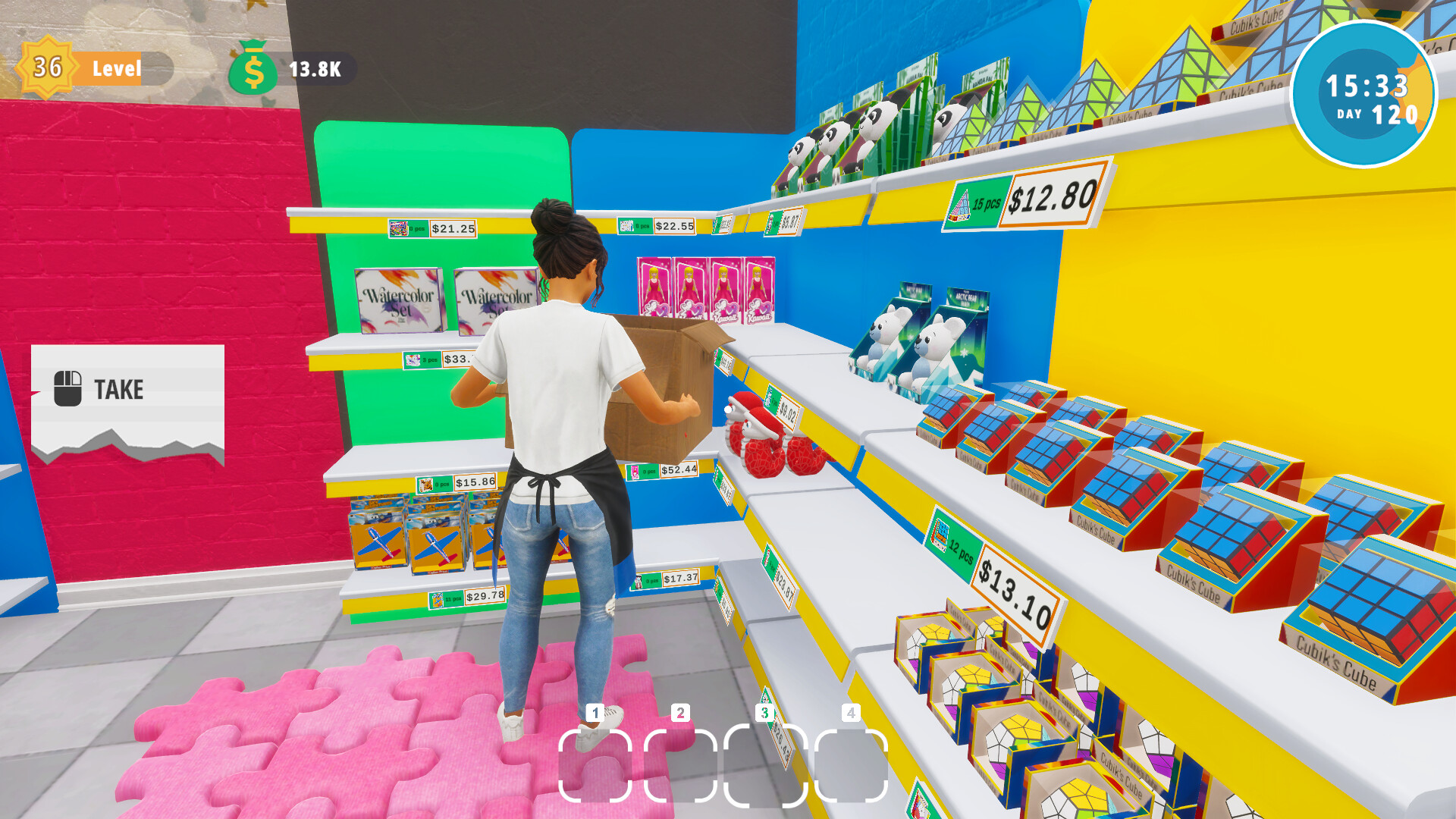
Arrange toys on shelves and tweak the store layout for both aesthetics and efficiency, creating an inviting shopping experience.
Every corner can be customized, letting you craft a charming environment that encourages customers to linger and purchase.
- Balance visual appeal with clear navigation paths.
- Use décor to highlight high‑traffic product zones.
02 / THE GUIDE
Brand Licenses & Inventory
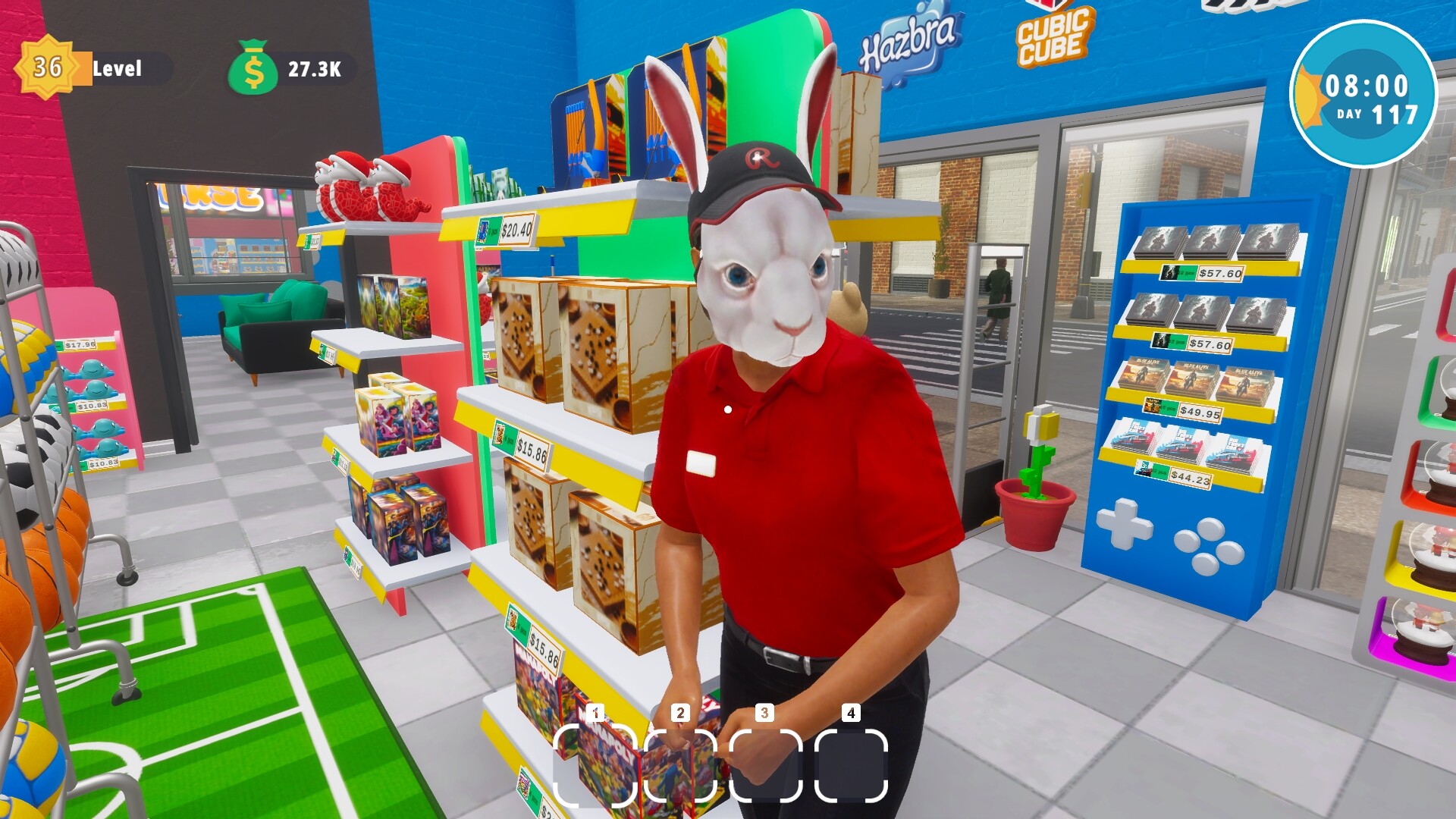
Buy licenses from top brands to stock a wider range of toys, adding variety that attracts more customers.
Manage warehouse space and keep popular items in stock while making room for new licensed products.
- Prioritize licenses that match current demand trends.
- Rotate stock regularly to avoid over‑filling shelves.

03 / THE GUIDE
Employees & Cleaning Bot
Hire employees to handle stocking and checkout tasks, directly influencing customer satisfaction and flow.
A Cleaning Bot roams the store, keeping the environment tidy without manual effort.
- Employees handle stocking and checkout, helping service run smoothly during busy periods.
- Let the Cleaning Bot roam and handle the tidying on its own.
04 / THE GUIDE
Online Orders & Delivery
Process online orders and dispatch them with a scooter, ensuring timely and accurate delivery.
Delivery logistics tie into inventory; keep enough stock to meet both in‑store and online demand.
- Check stock levels before confirming an online order.
- Plan scooter routes to reduce travel time.
05 / THE GUIDE
Random Events & Shoplifters
Random events include thieves trying to steal toys; catching them protects your profits.
These events can affect daily earnings, encouraging proactive monitoring and quick response.
- Keep an eye on the store floor during busy periods.
- Respond quickly when a thief shows up to protect your profits.

COMMUNITY
Player discussion