 GameWiki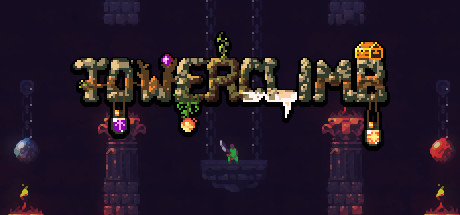
GET YOUR BEARINGS
About TowerClimb
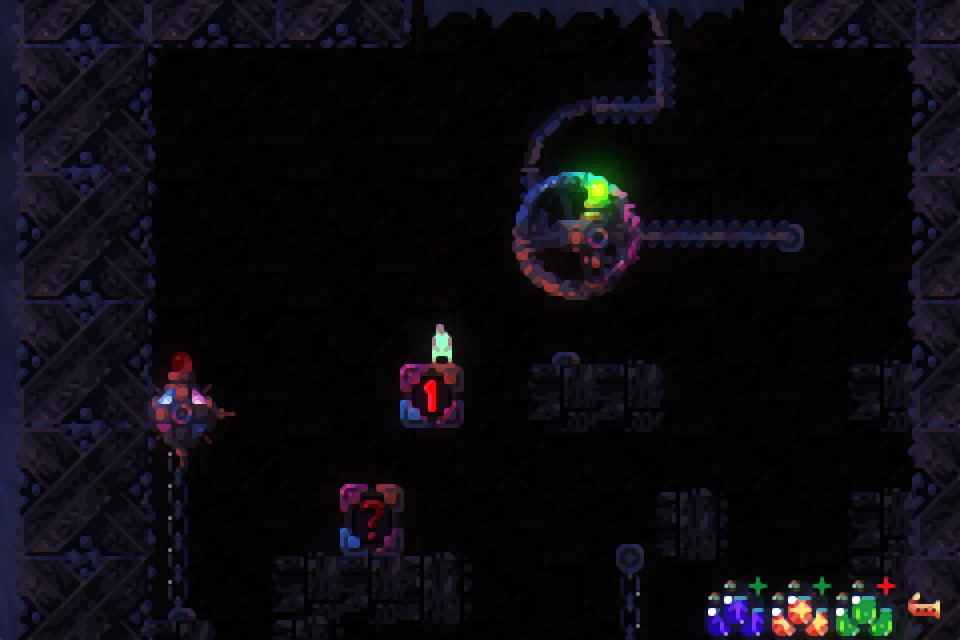
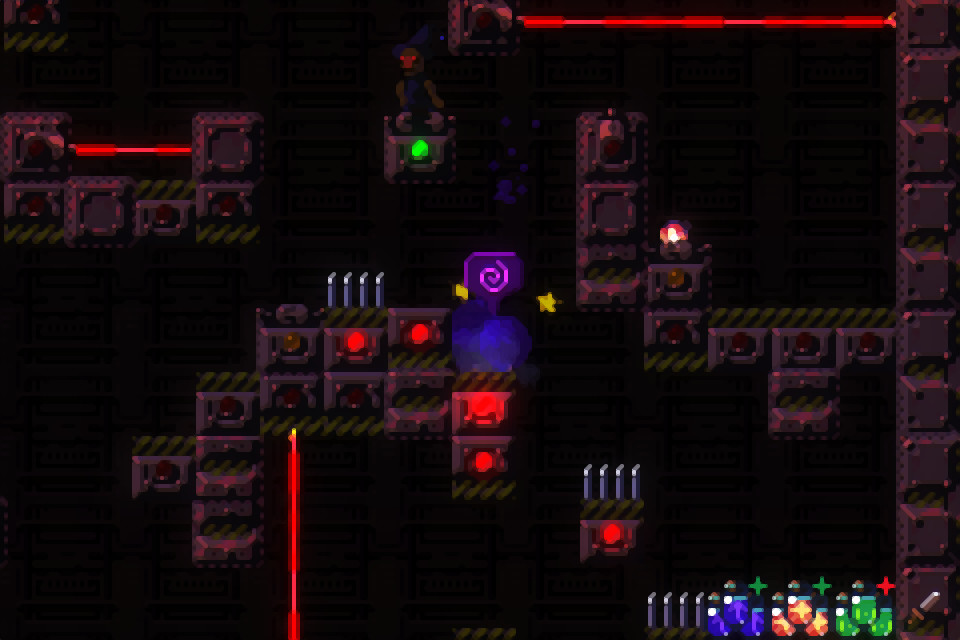
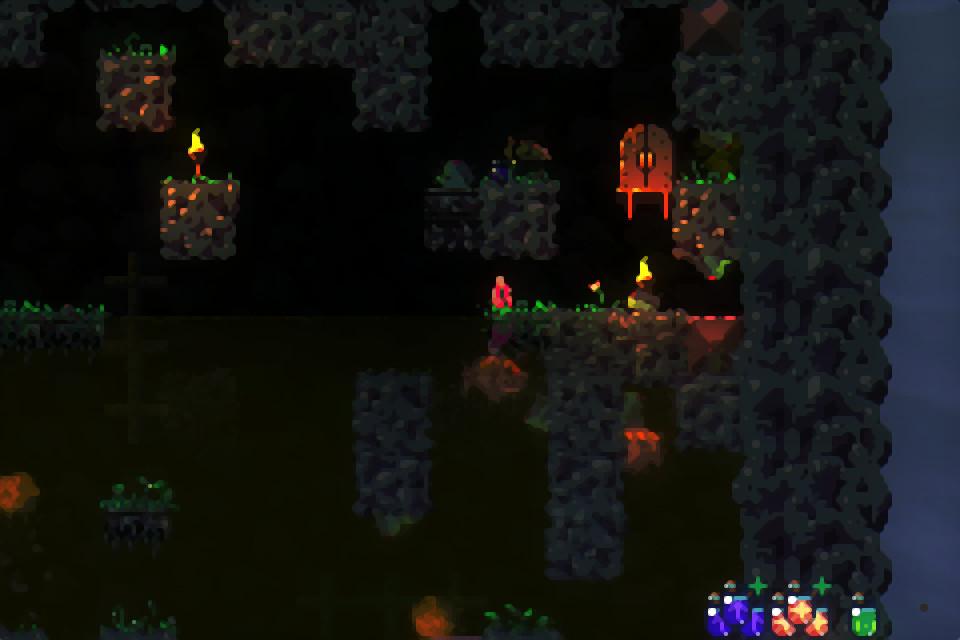
TowerClimb is a procedurally generated platformer set in a fantasy world where massive towers rise toward the heavens. Players control a human driven by an iron will, using run, climb, jump, swim and fly actions to survive lethal environments.
The game mixes tight platforming with roguelike‑style progression, offering a fresh tower layout each run, local multiplayer split‑screen support, and many hidden areas that keep the experience challenging and varied.
01 / THE GUIDE
Procedurally Generated Levels
Every attempt creates a new tower layout, so no two climbs are identical. Random events and rare items can appear, forcing players to adapt their strategy for each ascent.
Because the level system reshuffles worlds and hazards each run, players must continually devise fresh approaches, making each climb a distinct problem‑solving exercise.
- Take note of recurring event types to anticipate hazards.
- Note which rare items you find across runs so you can recognize them faster.
02 / THE GUIDE
Roguelike Aspects
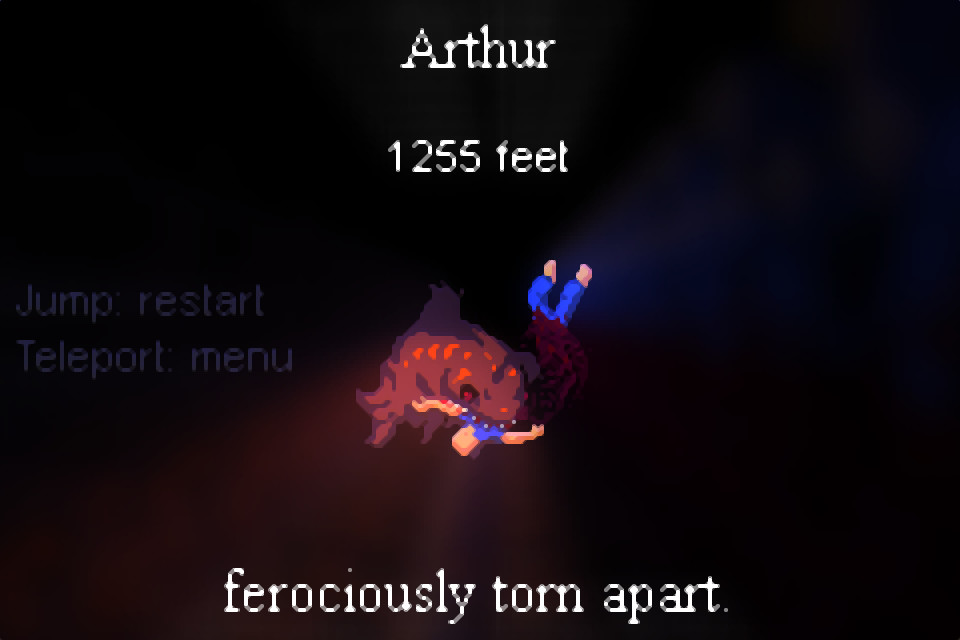
TowerClimb records a screenshot of each death together with its cause, providing a visual log of every failed attempt.
The game’s difficulty encourages players to accumulate knowledge over many runs, rewarding improved skill and understanding of the tower’s mechanics.
- Review death screenshots to spot common mistakes.
- Focus on learning one mechanic at a time to reduce early failures.

03 / THE GUIDE
Tight Platforming Mechanics
Running, climbing, jumping, swimming and flying are combined with responsive controls, demanding constant awareness of surroundings.
New worlds introduce additional movement challenges, so players must evolve their play style as they climb higher.
- Practice each movement type in early sections to build muscle memory.
- Adjust your approach when entering a world with fresh mechanics.
04 / THE GUIDE
Local Multiplayer Support
The game offers split‑screen or single‑screen local multiplayer for up to 25 simultaneous players, though only four Xinput controllers are directly supported.
Additional participants can use the keyboard, and programs such as Xpadder can map extra controllers to keyboard inputs, enabling larger groups.
- Assign controller and keyboard roles before starting to avoid input conflicts.
- Use the keyboard for extra players to reach the 25‑player limit.
05 / THE GUIDE
Content and Secrets
The tower contains many areas and hidden secrets, promising a long exploration period for players who aim to see everything.
Bonus modes become unlockable on top of the main game, and because each run reshuffles levels, uncovering all content requires multiple attempts.
- Explore off‑the‑beaten‑path routes to increase chance of finding secrets.
- Keep a simple list of unlocked bonus modes to plan future sessions.
COMMUNITY
Player discussion