 GameWiki
GET YOUR BEARINGS
About Towards Future
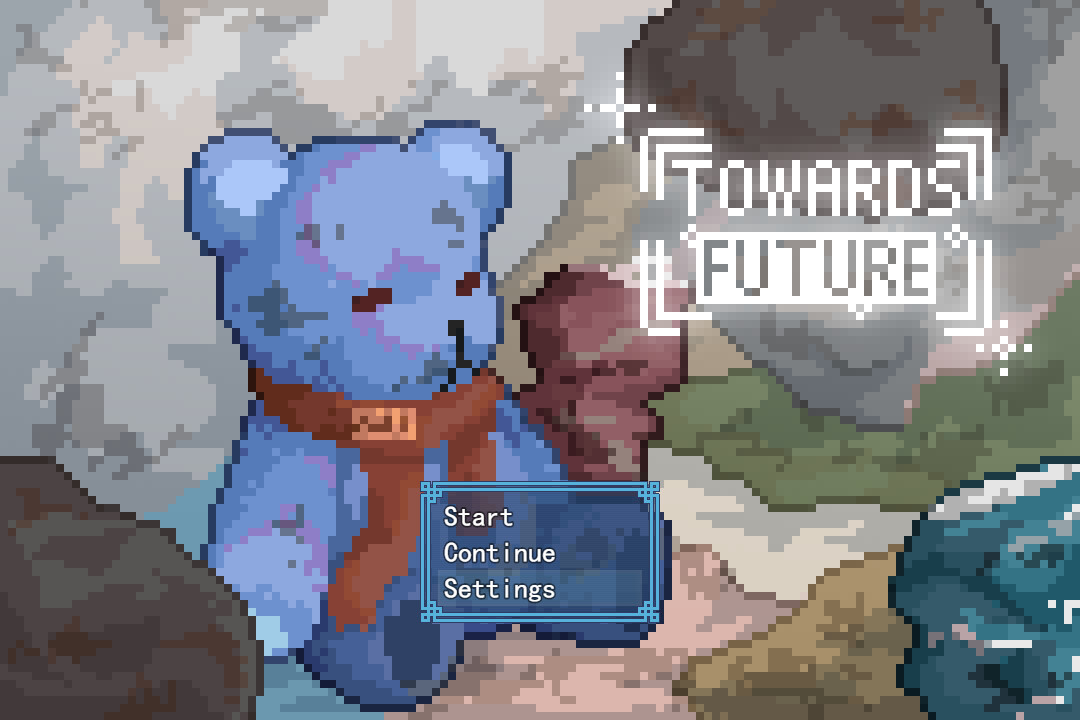
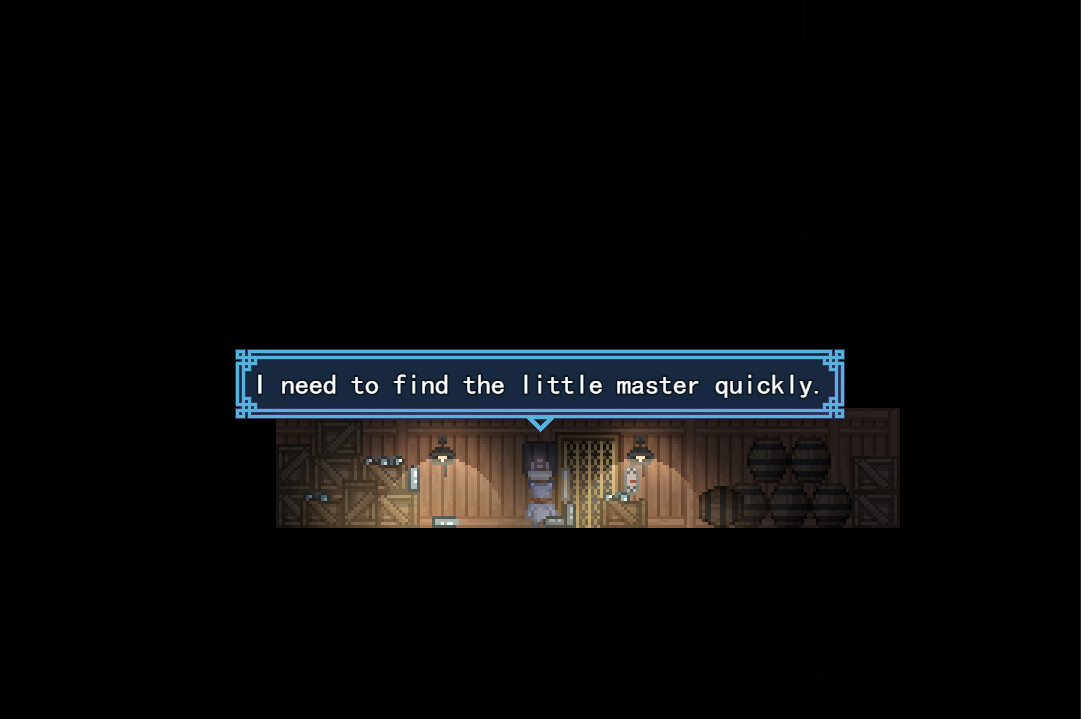
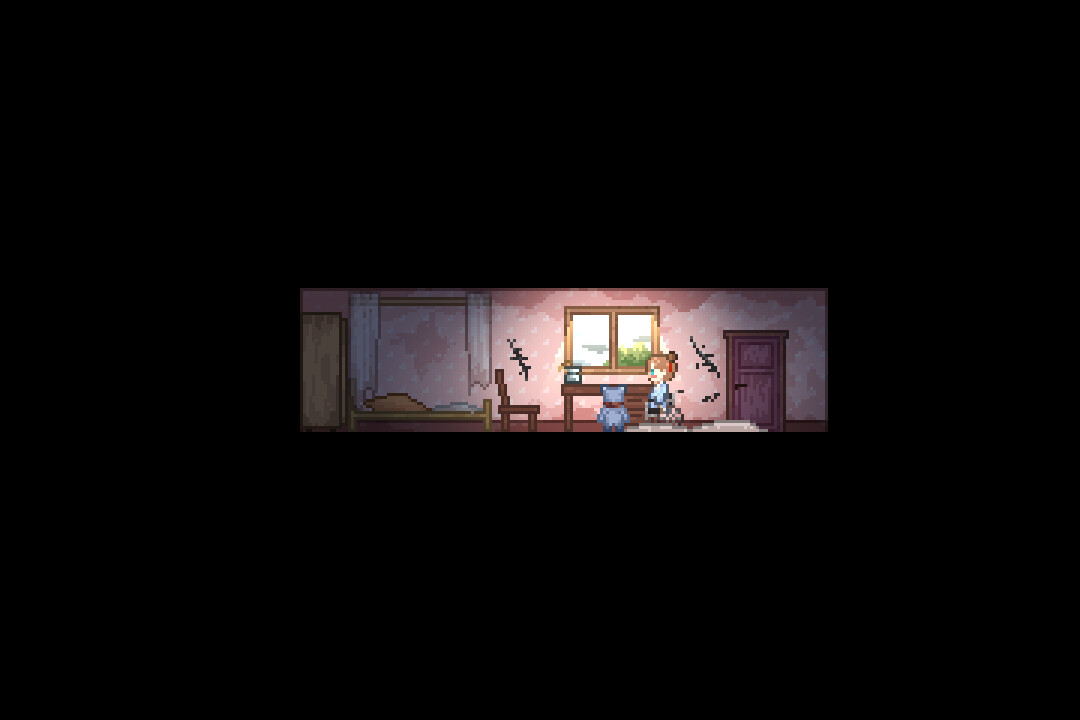
Towards Future is a short, post‑apocalyptic exploration puzzle game. Players guide Gill, a teddy‑bear AI, through a dark base while an administrator AI, FifteenFour, assists in the search for the missing little master.
A single playthrough lasts about 30‑40 minutes and offers two distinct endings. The focus is on relaxed storytelling, simple puzzles, and optional collectables that do not affect the outcome.
01 / THE GUIDE
Controls and Interaction
Movement uses the arrow keys, while Z, Space, or Enter confirm actions. X or Esc serve as the cancel input, and holding Space speeds up cutscenes. No additional button combinations are documented, keeping the scheme straightforward.
These inputs let you explore rooms, interact with objects, and investigate clues. The long‑press on Space is the only documented method to accelerate narrative sequences, allowing quicker progression without skipping content.
- Experiment with each confirm key to see which feels most comfortable for routine interactions.
- Use a long press of Space during longer cutscenes to reduce idle time while preserving story context.
02 / THE GUIDE
Puzzle and Exploration
The game presents simple puzzles that rely on finding hints and collectables. Collectables are optional and do not influence which ending is reached, allowing players to focus on puzzle solutions first.
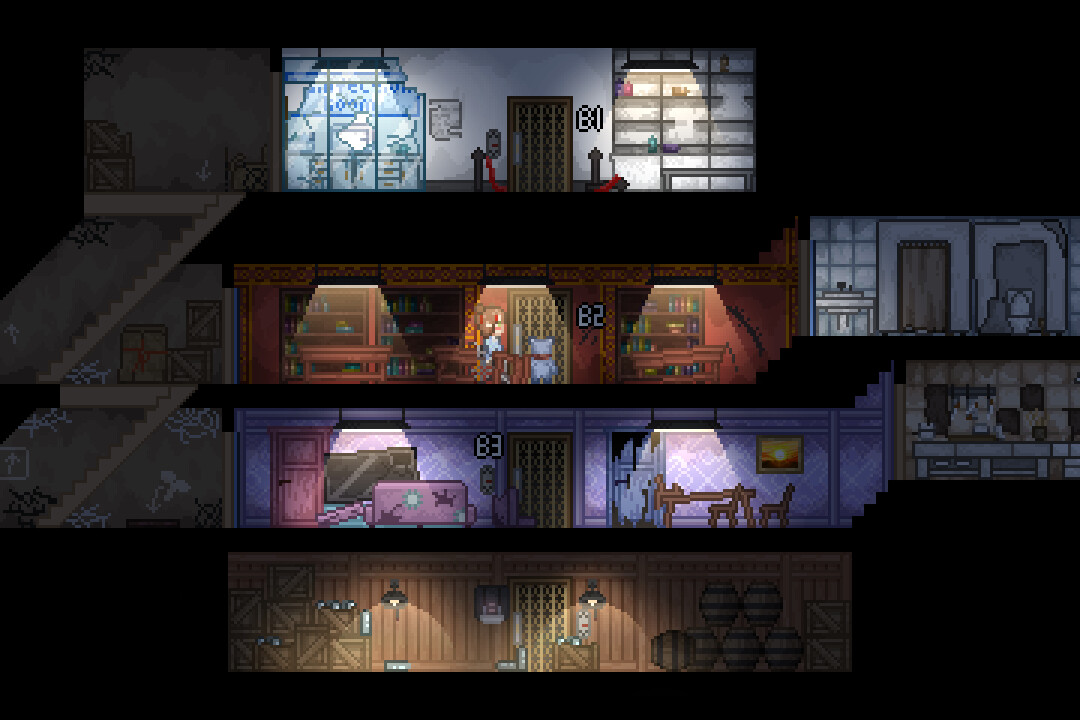
Exploration includes repairing the elevator, moving upward, and searching each area for clues about the little master. The design encourages a relaxed pace, with many hints placed visibly to guide the player.
- Observe visual cues in each room; many hints are placed in plain sight.
- Prioritize solving the elevator repair puzzle before hunting every collectable.
03 / THE GUIDE
Story and Characters
Gill awakens in darkness with fragmented memories of the little master, prompting a search driven by the power outage. This narrative hook establishes the immediate goal of locating the master.
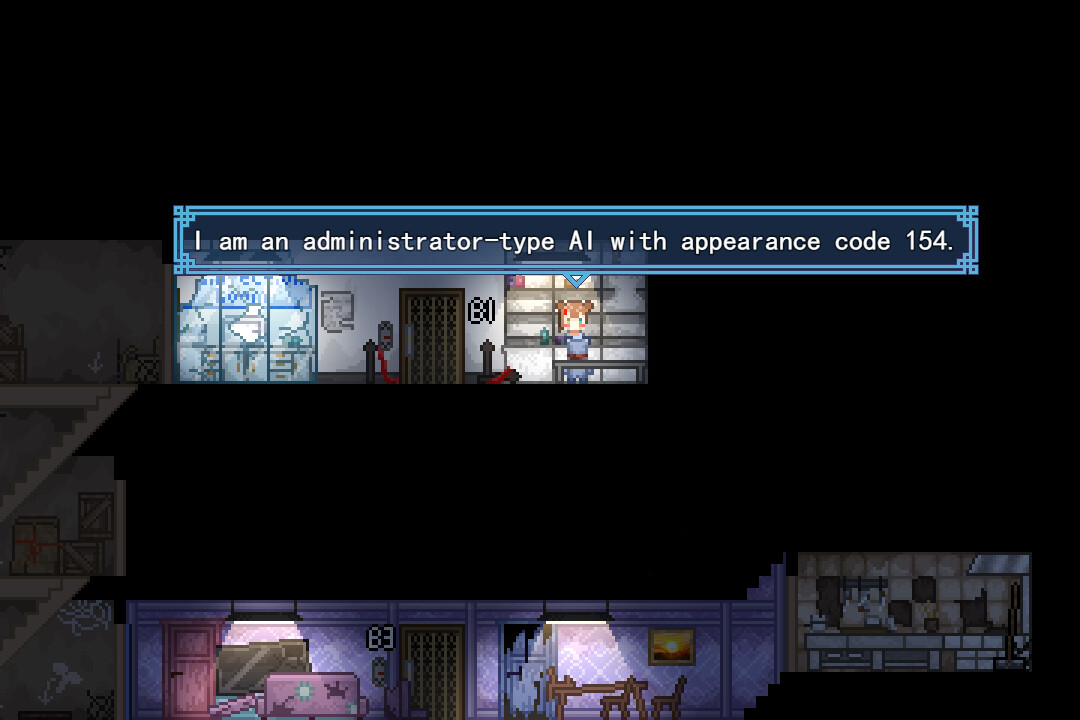
FifteenFour, an administrator AI, provides investigative assistance throughout the base. Their dialogue often points toward the next area of interest, shaping the progression toward the surface.
- Listen to FifteenFour’s dialogue; it frequently indicates where to look next.
- Reflect on Gill’s remembered moments; they add context that can clarify puzzle themes.
04 / THE GUIDE
Duration and Replayability
A typical session lasts 30‑40 minutes, making the game suitable for short play periods. Two distinct endings are documented, encouraging at least one replay to experience the alternate conclusion.
Since collectables do not affect endings, replaying focuses on narrative differences rather than gameplay changes, allowing players to compare story branches without additional mechanical challenges.
- After finishing, note which ending you received and restart to see the other.
- Use a second run to locate any missed collectables for a fuller story picture.
05 / THE GUIDE
Platform and Access
Towards Future is released for Windows by Eternal Dream and supports single‑player mode. Family Sharing is listed as a feature, allowing another account to play without purchasing a second copy.
No macOS or Linux versions are indicated, and no additional platform‑specific features are documented. The game therefore runs only on Windows systems as listed.
- If you have Family Sharing enabled, you can grant access to another user without extra purchase.
- Confirm your Windows system meets basic requirements for smooth performance.
COMMUNITY
Player discussion