 GameWiki

GET YOUR BEARINGS
About Touhou Artificial Dream in Arcadia
Sumireko Usami, a high‑schooler who can enter Gensokyo through her dreams, discovers a sudden clone outbreak threatening the realm. Her only tool against the infestation is a newly‑bought smartphone equipped with a special app.
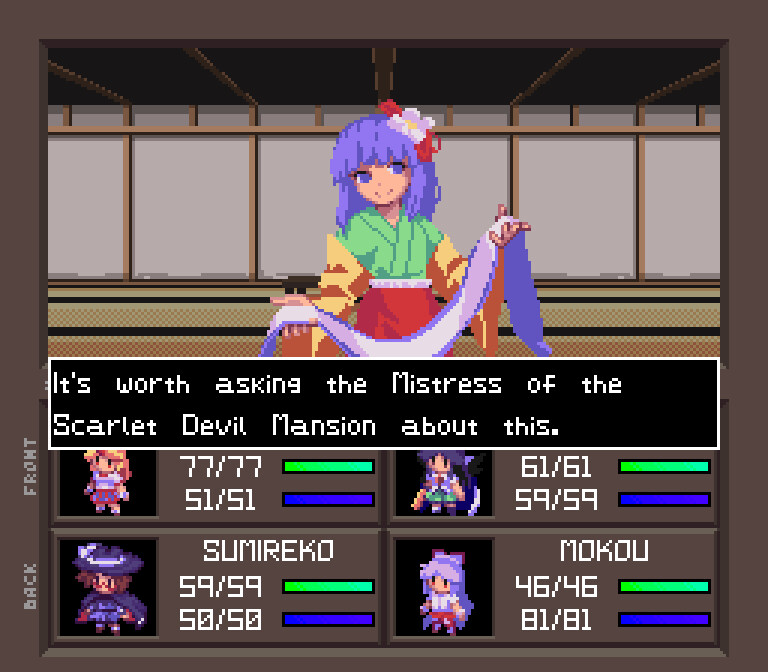
The game places you in first‑person mazes across Gensokyo and beyond. By defeating clone‑like Sleepers in Danmaku duels, you can recruit them for turn‑based battles, manage battery consumption, and even create custom dungeons with the built‑in editor.
01 / THE GUIDE
First‑Person Dungeon Crawling
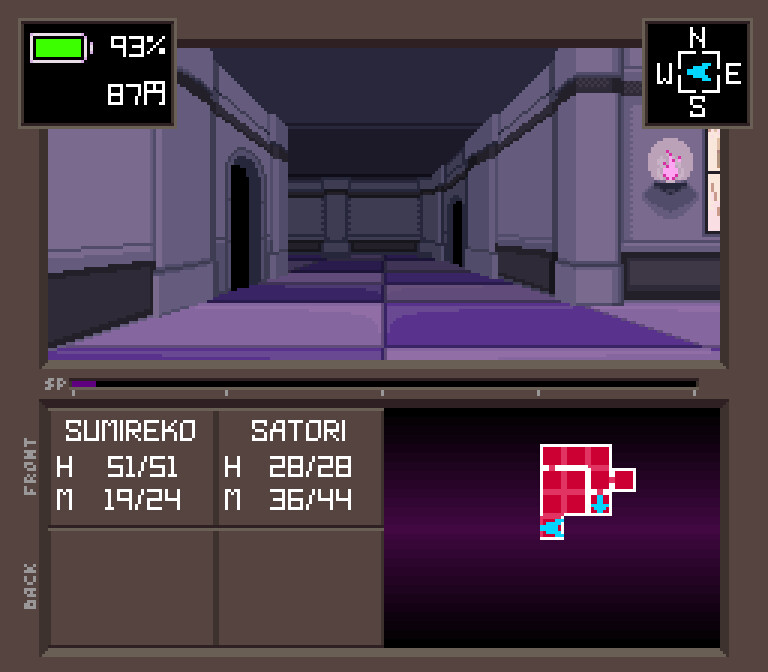
The game presents first‑person mazes that wind through familiar Gensokyo locations, requiring careful navigation and spatial awareness.
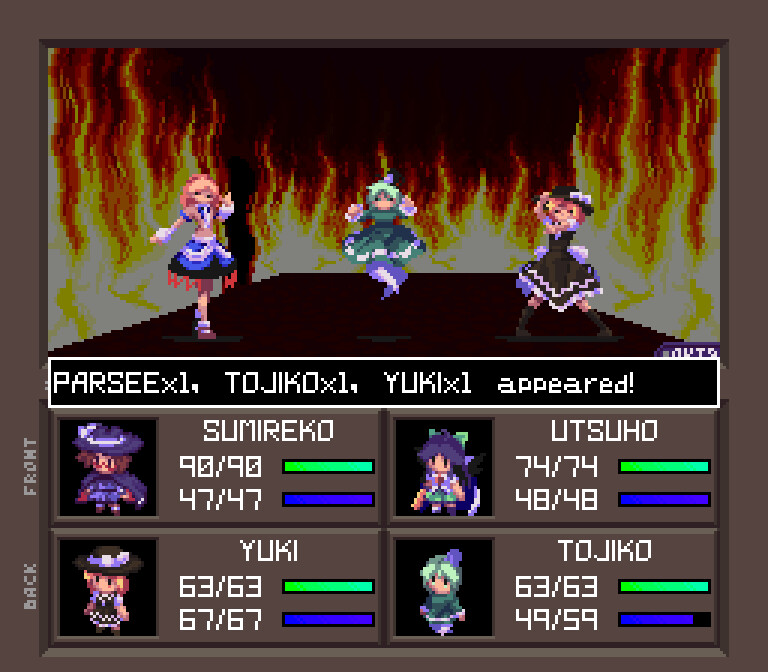
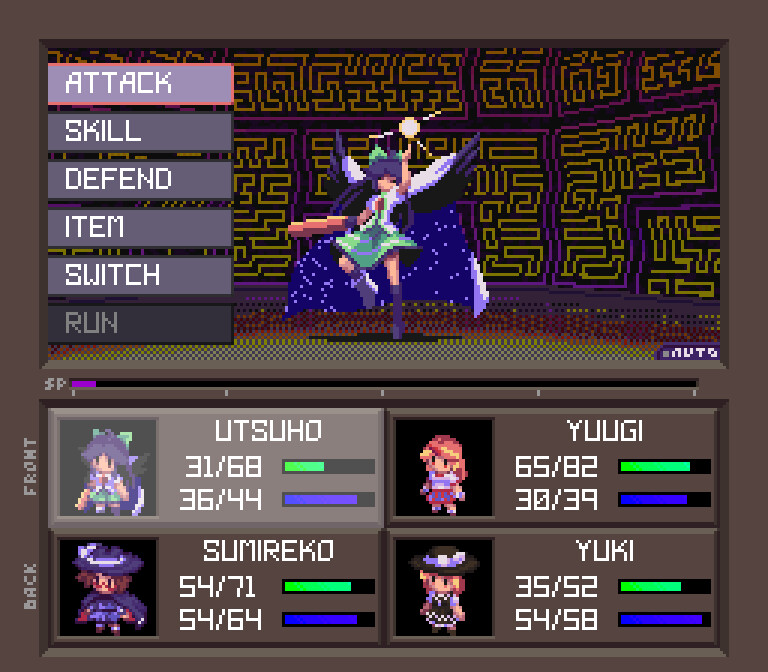
After exiting a maze, the captured allies join a serious turn‑based battle system that resolves the clone threat.
- Take brief pauses to note landmarks.
- Use the map sparingly to conserve battery.
02 / THE GUIDE
Sleepers and Danmaku Capture
Sleepers are clone entities that mimic established Touhou characters and appear throughout the world as roaming opponents.
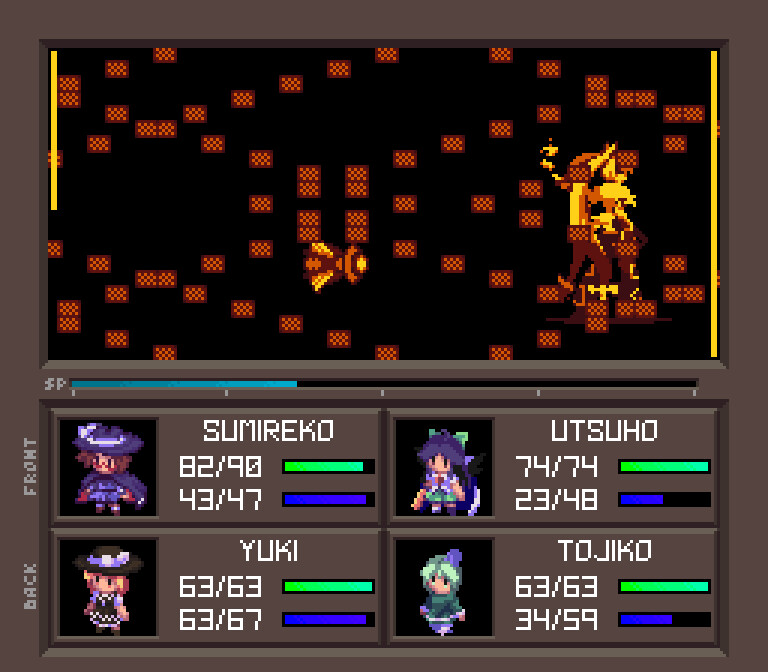
Defeating a Sleeper in a Danmaku duel lets Sumireko’s phone app add it to the party or convert it into an item.
- Observe patterns before engaging.
- Consider converting low‑damage Sleepers into items.
03 / THE GUIDE
Battery Management
Each captured Sleeper draws power from the smartphone, so a larger party accelerates battery depletion during exploration.
When the battery reaches zero, the device disables both the Sleepers and the map, forcing the player to find a recharge before proceeding.
- Monitor the battery icon frequently.
- Plan routes to include recharge points.
04 / THE GUIDE
Level Editor
The built‑in level editor lets players design their own dungeon layouts using a simple tile‑based interface.
Created maps can be saved locally and uploaded to the Steam Workshop for community sharing and download publicly later.
- Start with a small test room.
- Playtest before publishing.
05 / THE GUIDE
Desktop Wallpapers
The installation includes a collection of high‑resolution desktop wallpapers featuring characters and scenes from the game.
These files reside in the \Touhou Artificial Dream in Arcadia\wallpapers folder, ready for users to set as their background.
- Choose a wallpaper that matches your favorite character.
- Rotate images to keep the desktop fresh.
COMMUNITY
Player discussion