 GameWiki
GET YOUR BEARINGS
About Touch Some Grass
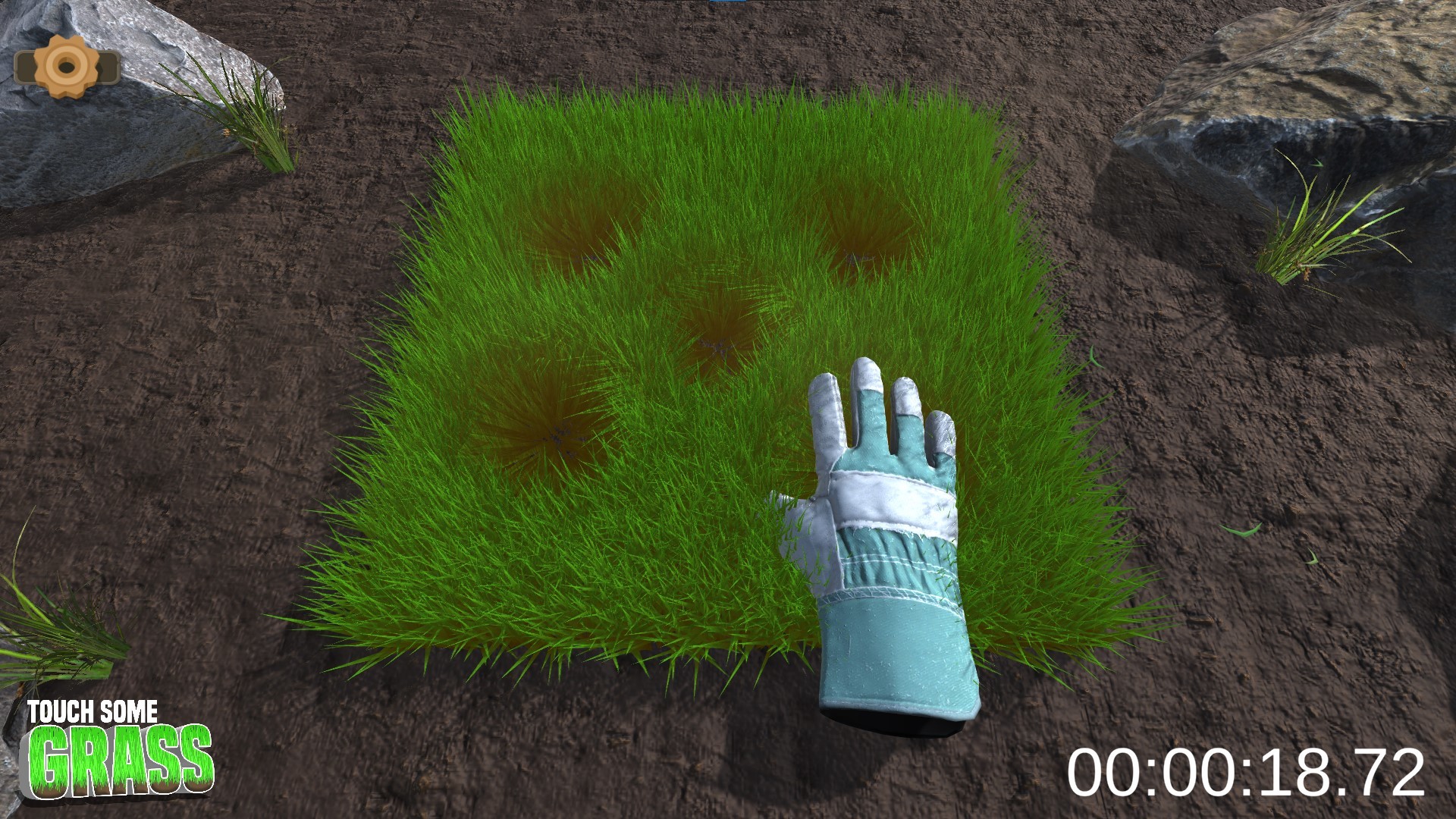
Touch Some Grass is a casual simulation where the player interacts with a virtual patch of grass. Each pat, stroke, or press flattens the blades and triggers visual and audio feedback, creating a simple but tangible loop.
The game offers two distinct modes—Relaxation and Survival—adds a level‑up system tied to total touches, and includes Steam achievements, leaderboards, and the ability to gift extra copies.
01 / THE GUIDE
Prove You Touched Grass
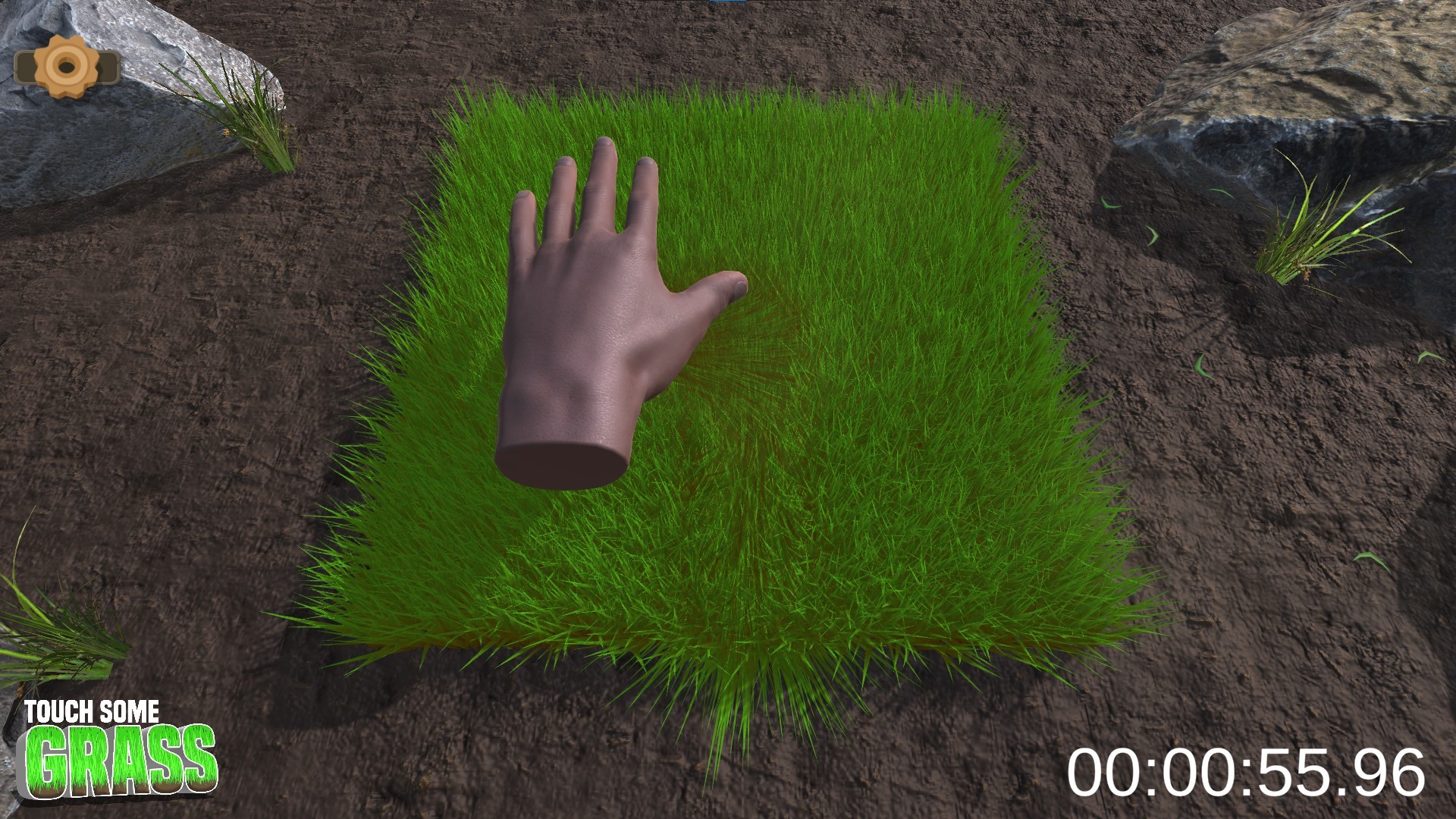
When the player makes contact with the grass, the game awards a Steam achievement that records the action. The description states that this achievement lets you prove you have already touched grass after being told to do so.
The achievement can be shown to others, turning a meme‑based suggestion into a verifiable in‑game milestone.
- Take a screenshot of the achievement to settle online debates.
- Reference the achievement when discussing internet memes with friends.
02 / THE GUIDE
Relaxation Mode
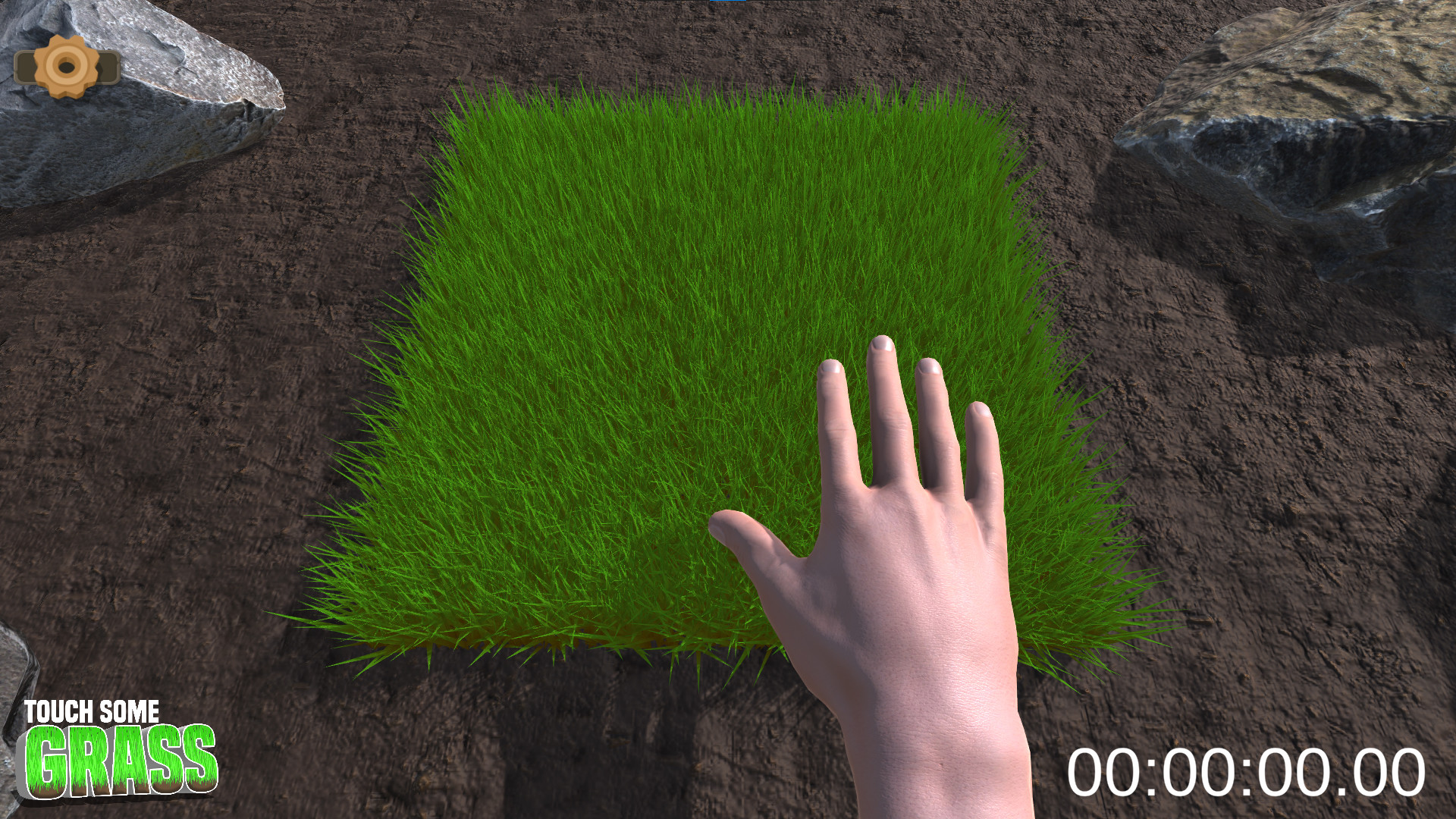
Relaxation Mode removes explicit objectives, allowing the player to touch the grass at a leisurely pace. The description emphasizes peace, tranquility, and the absence of limits.
Visual and audio feedback continue to react to each pat, providing a calm experience without competitive pressure.
- Use this mode when you need a short mental break.
- Observe how the grass flattens under light versus firm strokes.
03 / THE GUIDE
Survival Mode
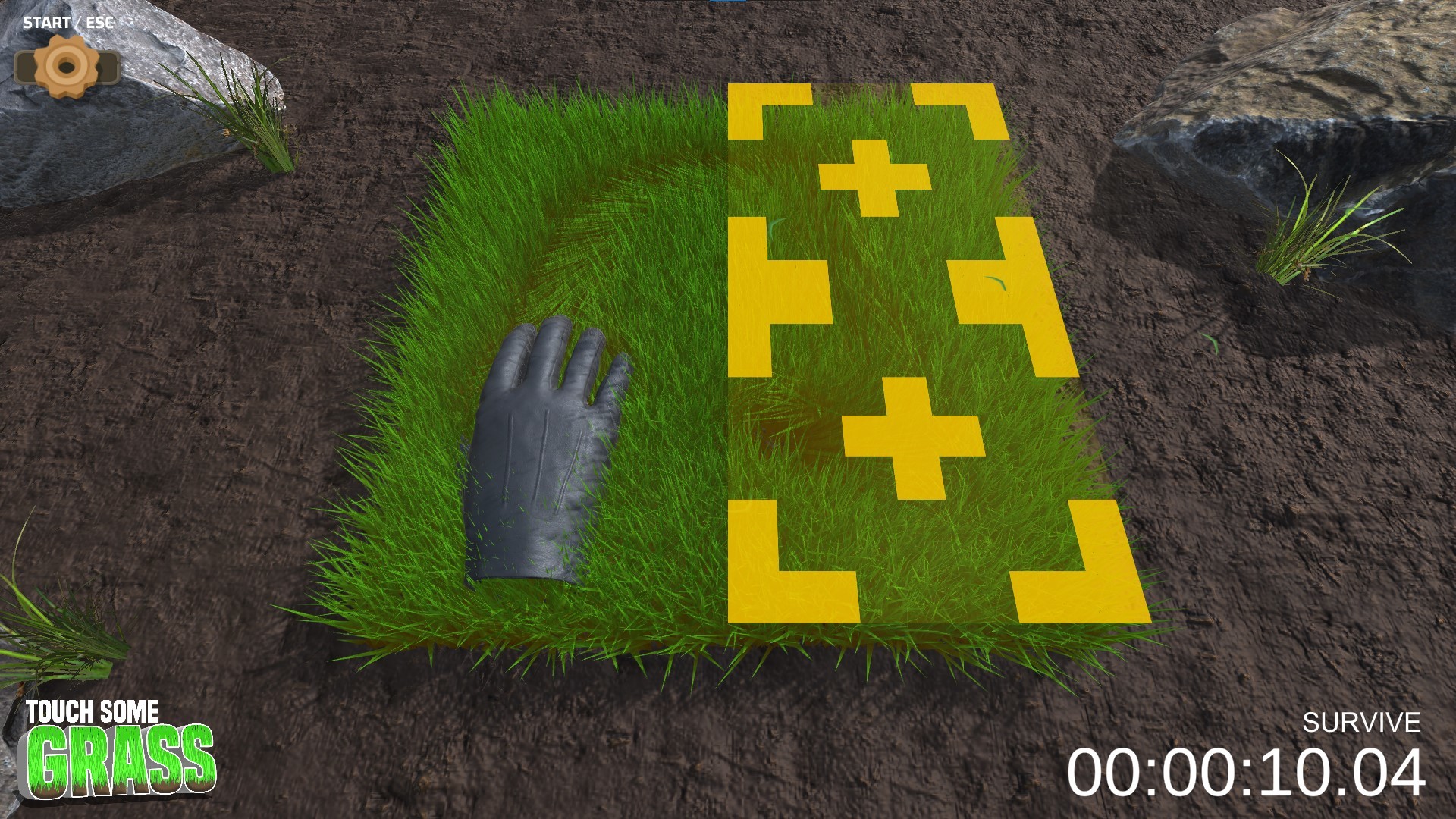
Survival Mode challenges the player to keep touching the grass continuously. The description calls it the ultimate test for “hardcore grass‑grabbers.”
Success is measured by how long the player can maintain contact without stopping, encouraging endurance.
- Set a personal timer to track each session length.
- Compare your longest run with friends to gauge improvement.
04 / THE GUIDE
Level Up & Skins
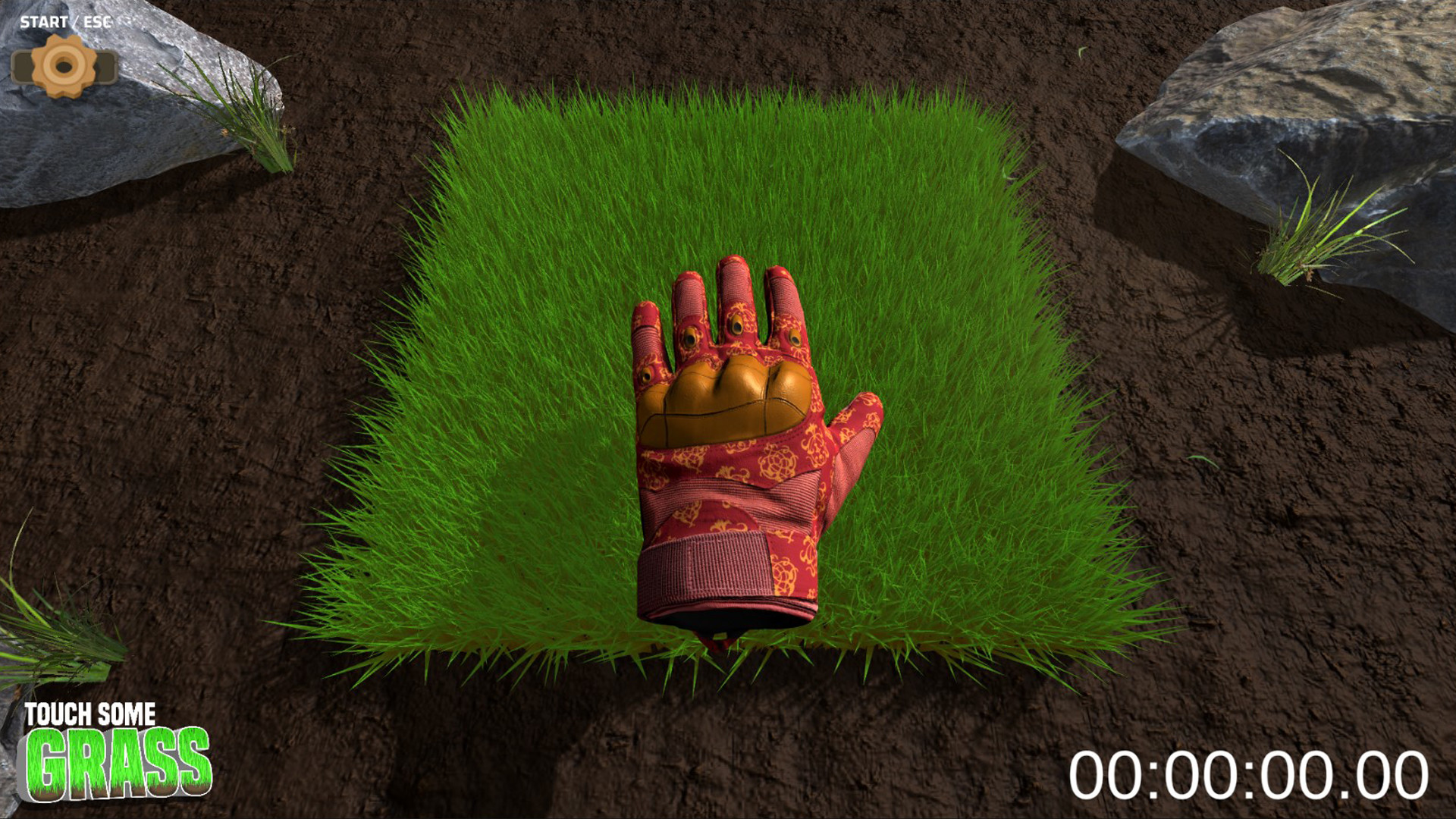
The game records the total number of grass touches; as this count rises, the player’s level increases. Higher levels unlock additional visual skins.
Skins provide additional visual options as your level rises.
- Watch the stats screen to anticipate the next skin unlock.
- Choose skins that contrast with the green background for clearer visibility.
05 / THE GUIDE
Give the Gift of Touching Grass
Players can purchase an extra copy of the game to give to another person. The description frames this as a way to help someone who is “complaining about ridiculous stuff on the internet.”
The gifted copy includes the same achievement system, allowing the recipient to earn their own proof of grass‑touching.
- Gift the game to friends who enjoy meme‑based humor.
- Ask the recipient how the achievement feels compared to your own experience.
COMMUNITY
Player discussion