 GameWiki
GET YOUR BEARINGS
About TORIDAMA2: Brave Challenge
TORIDAMA2: Brave Challenge returns with a collection of 25 distinct mini‑games that gauge your Chicken Level through timing and button presses. The title keeps the casual, quick‑play feel of its predecessor, letting you enjoy short bursts of intense action alone or with others.
Multiplayer lets you compete side‑by‑side while watching each other's screens, and Crazy Mode unlocks worldwide rankings once every mini‑game is accessible. The game also supports Steam’s Remote Play Together, so a single host can share local multiplayer with friends over the internet.
01 / THE GUIDE
Mini‑Game Variety
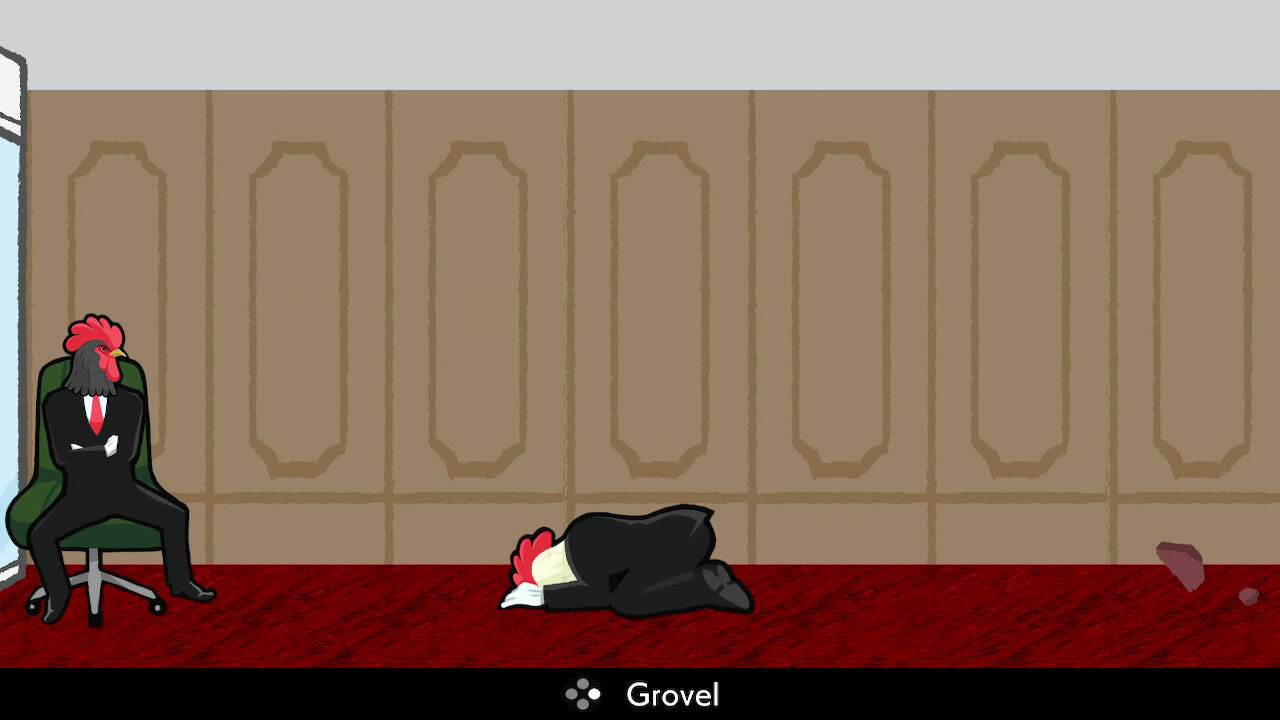
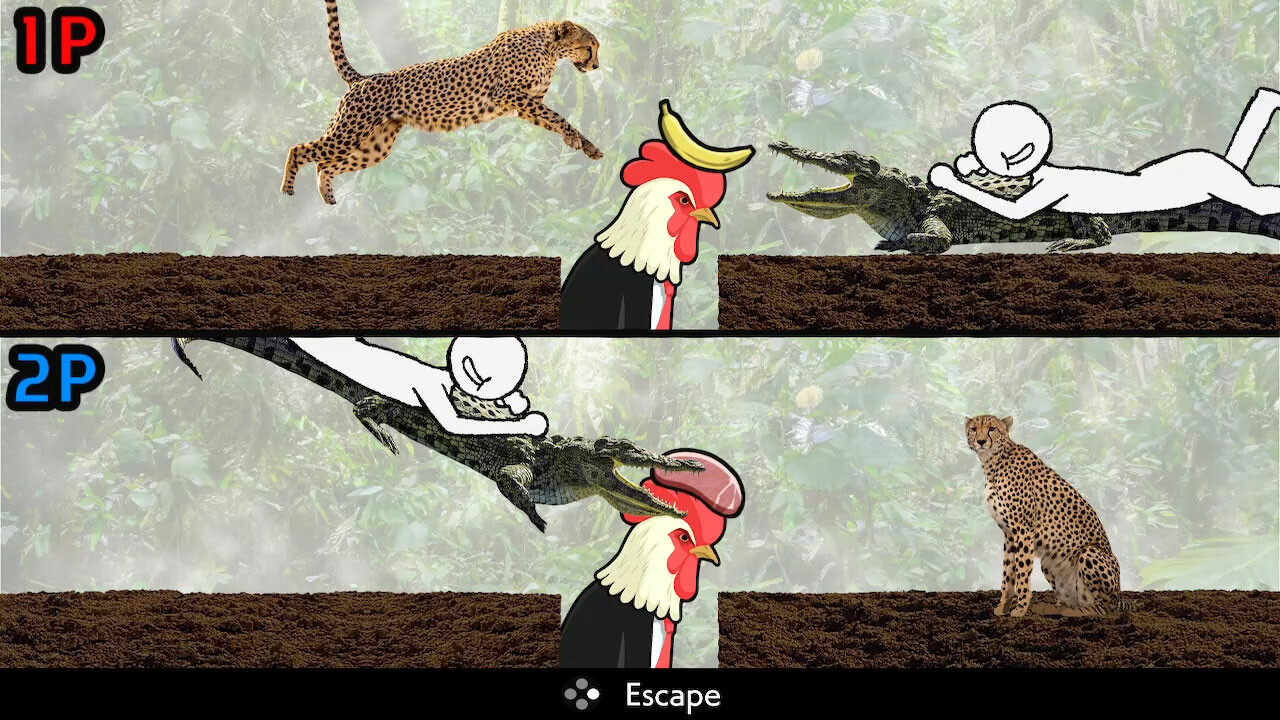
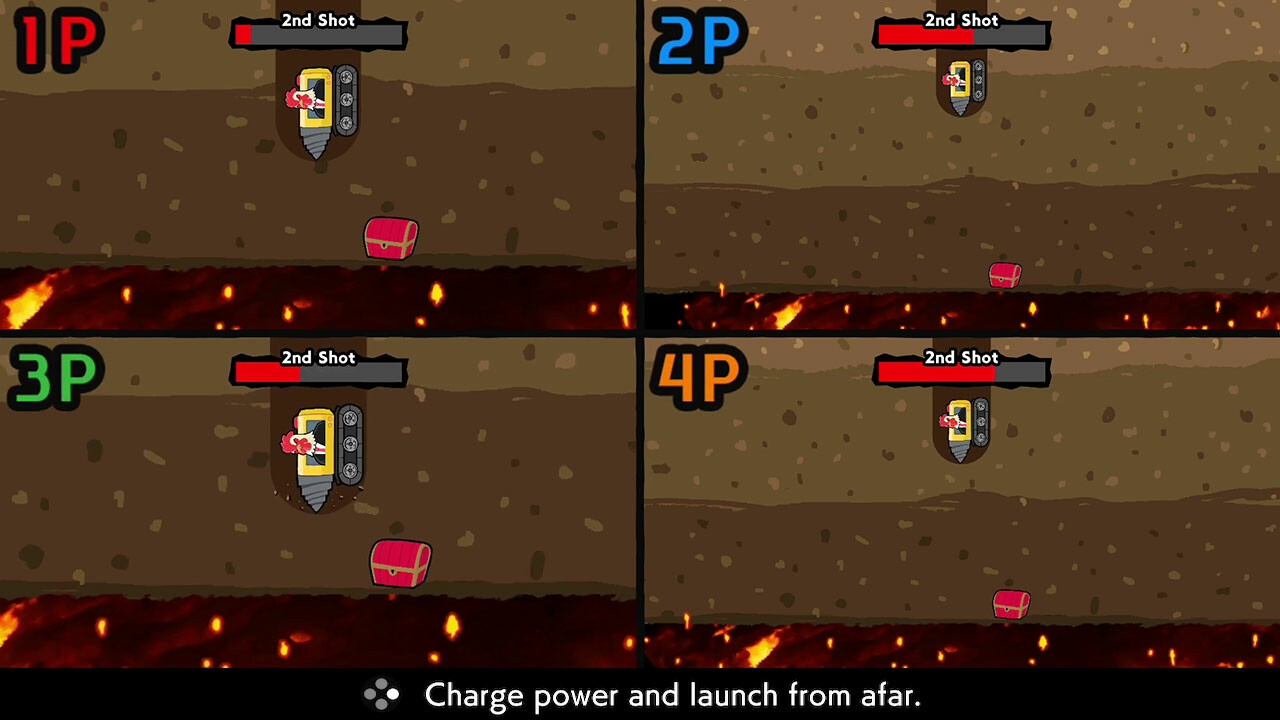
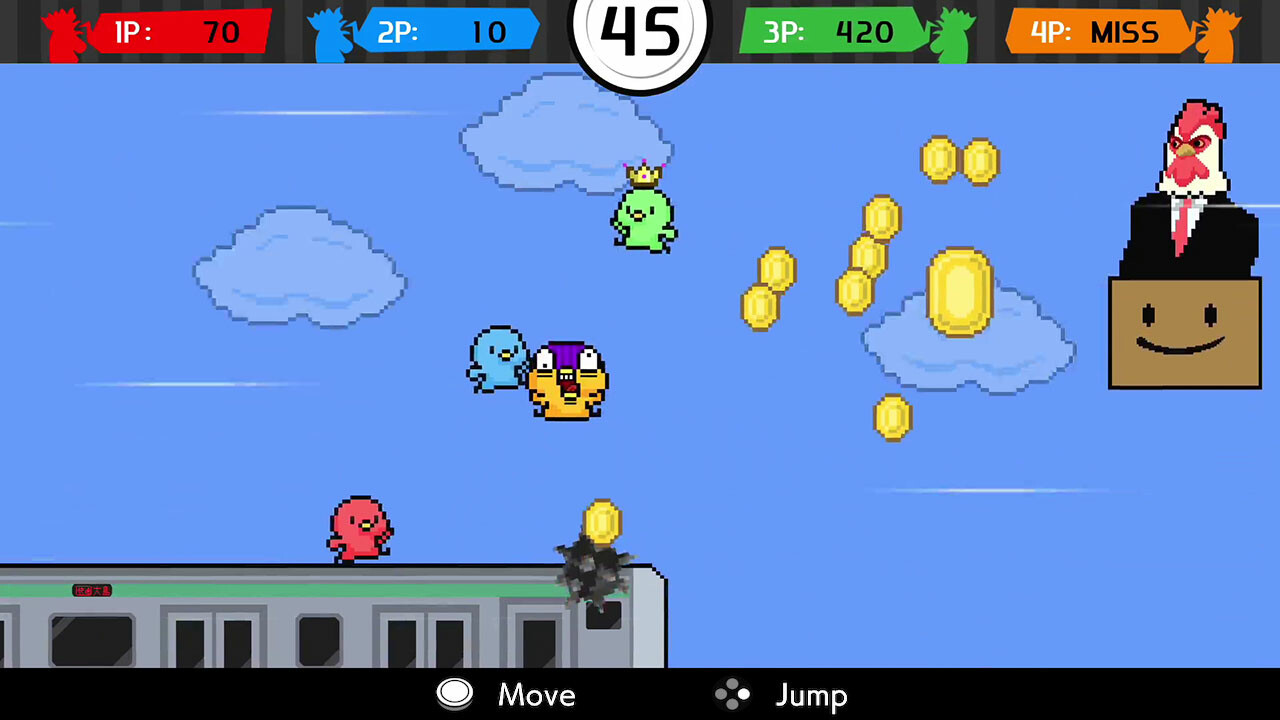
The game now offers 25 separate challenges, ranging from stopping a character before a cliff fall to flipping a bike mid‑air. Each challenge relies on precise timing and rapid button pushes to assess how brave—or chicken—you are.
A single session can present five randomly chosen mini‑games, encouraging quick adaptation as you aim for the highest possible score across diverse scenarios.
- Try a few different mini‑games early to learn each timing pattern.
- Watch visual cues; they often indicate the optimal moment to act.
02 / THE GUIDE
Multiplayer Mode
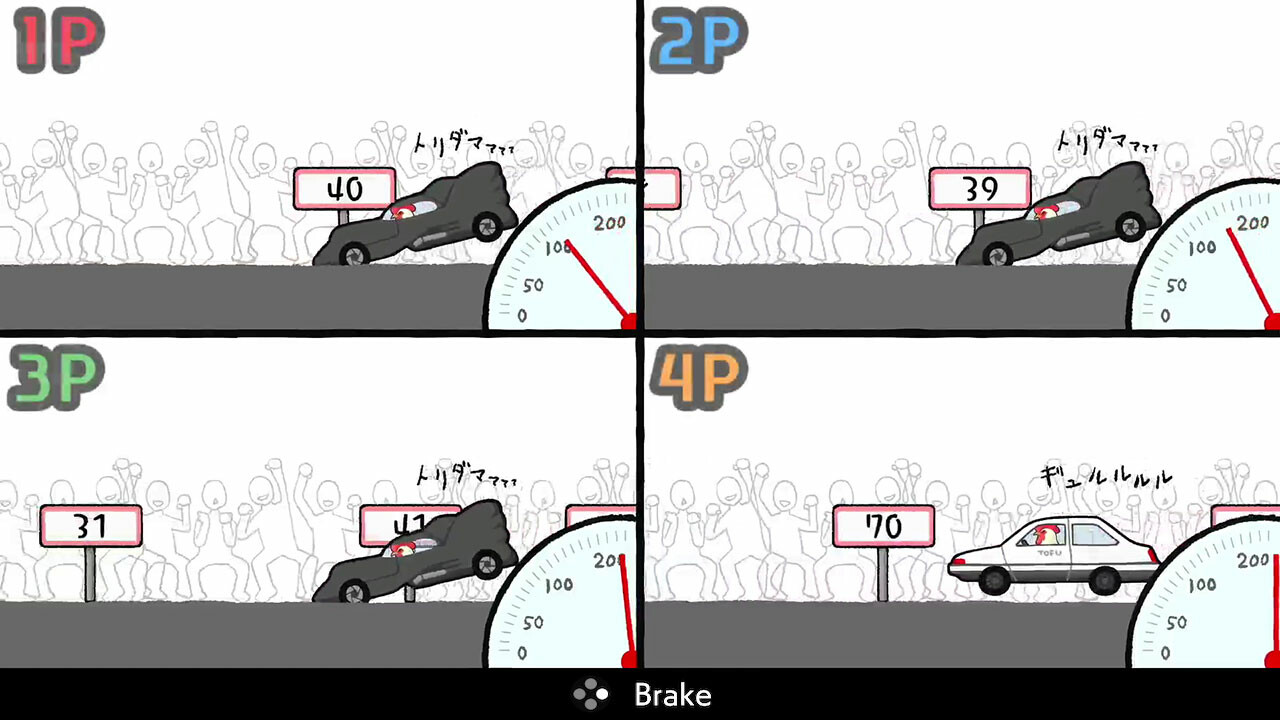
Multiplayer mode lets players compete in Chicken Level challenges while looking at each other’s screens and observing one another’s reactions. The final seconds of a round reveal who reacted most accurately, highlighting the true Chicken Level.
Designed for friends and family, this mode emphasizes shared reactions without requiring separate consoles, making it easy to compare scores in real time.
- Start the same mini‑game together for a fair comparison.
- Focus on the last moments of each round to gauge reaction speed.
03 / THE GUIDE
Crazy Mode & Rankings
Crazy Mode becomes available after all 25 mini‑games are unlocked. It places you on a global leaderboard where you chase the highest “CRAZY” rating against players worldwide.
The mode retains the quick‑play structure of the core game but adds constant comparison, keeping players on the edge of their seats as they strive for top rankings.
- Maintain consistent performance across all mini‑games to raise your Crazy rating.
- After each session, note which challenges lower your score and practice them.
04 / THE GUIDE
Remote Play Together
Steam’s Remote Play Together feature lets one host run the game while friends join over the internet, sharing the local multiplayer experience without each needing a copy of the game.
Performance can vary with the host’s and guests’ network conditions, so occasional interruptions or slower operation may occur.
- Ensure the host has a stable internet connection before starting.
- Run a short test session to confirm everything works smoothly.
05 / THE GUIDE
Controller Support
The game recommends a gamepad and lists DualShock and DualSense controller compatibility, as well as partial controller support. This indicates that a controller is the intended input method for the timing‑focused challenges.
While the description does not detail keyboard usage, the recommendation suggests that using a supported controller may provide the most responsive experience for rapid button presses.
- Try both DualShock and DualSense controllers to see which feels more natural for quick inputs.
- Hold the controller comfortably to maintain steady control during fast actions.
COMMUNITY
Player discussion