 GameWiki
GET YOUR BEARINGS
About Torchlight
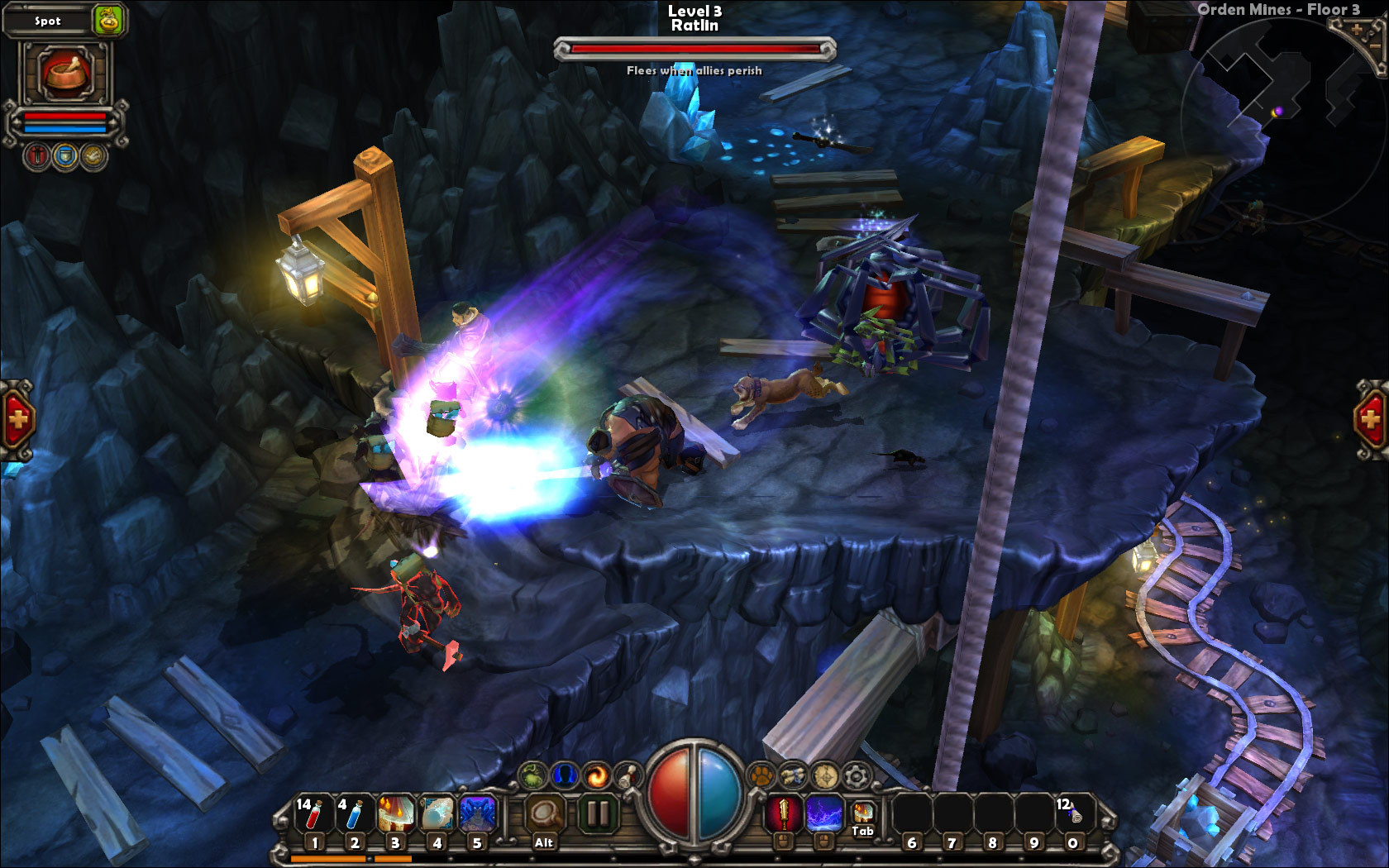
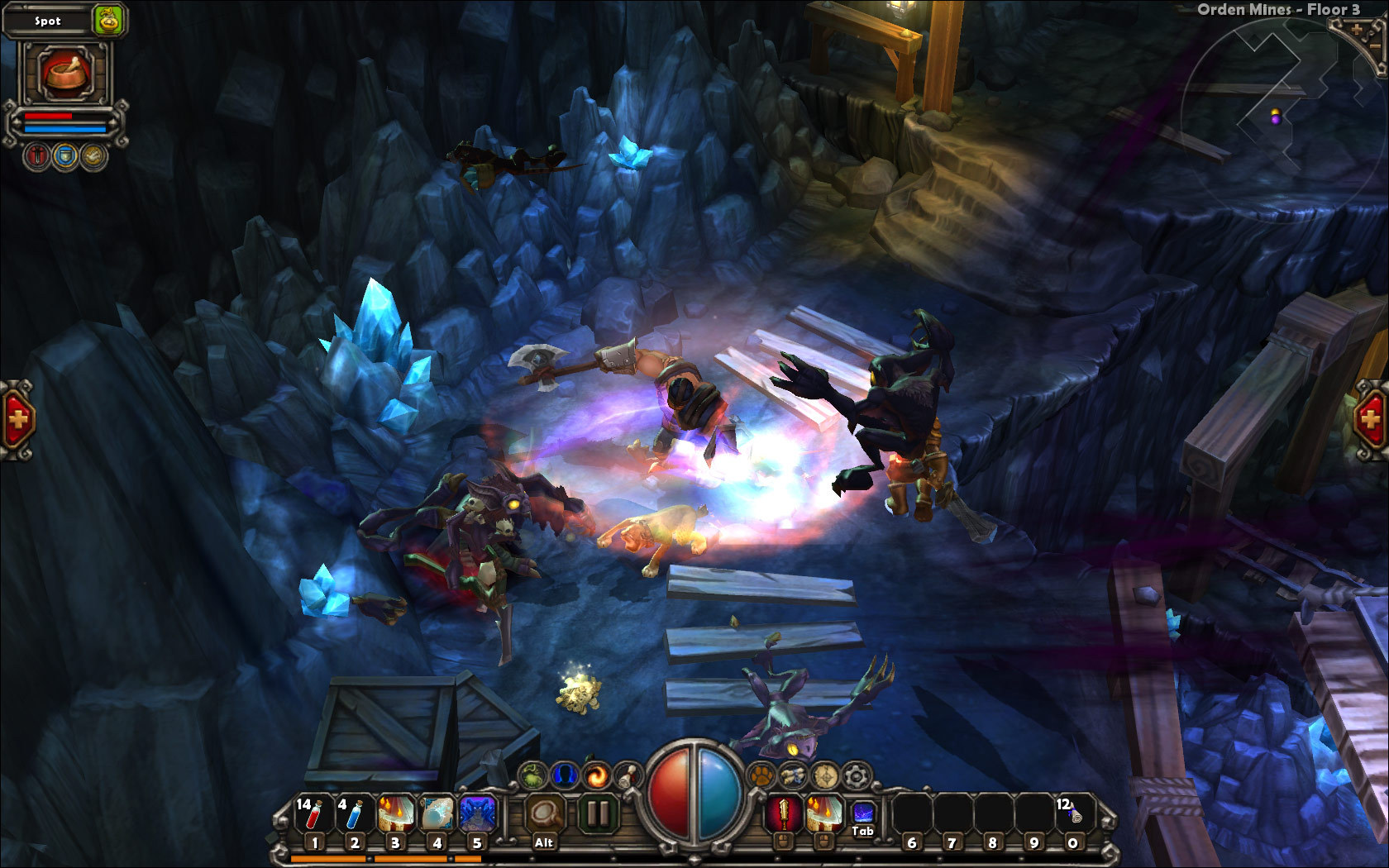
Torchlight is an Action‑RPG set in a sleepy enclave built around the mysterious Ember ore. Three heroes descend into seven randomly generated caverns beneath the town, battling twisted creatures for treasure and glory.
The game includes a level editor (TorchED), pet companions, a fishing activity, and a retirement system that lets you pass a prized item to a new hero. It runs on Windows and macOS with single‑player, Steam achievements, Steam Cloud and Family Sharing.
01 / THE GUIDE
Randomized Environments
Each adventure creates seven distinct environments that are randomly generated. The layout, monsters, treasures, puzzles and items differ each time, ensuring that no two journeys are identical.
Randomization influences both the physical arrangement of each area and the content within it, so exploration can reveal new challenges and rewards on every playthrough.
- Explore each environment thoroughly; random placement can hide valuable items in unexpected spots.
- Take note of puzzle mechanics across runs; similar designs may appear in different locations.
02 / THE GUIDE
Mod Support with TorchED
All the tools used to create Torchlight are provided in the included level editor, TorchED. Players can alter gameplay, design new areas, or build entirely fresh experiences using those tools.
Content created with TorchED can be shared with other players, allowing the community to expand the game beyond its original scope.
- Start with small edits in TorchED to see how changes affect the game before tackling larger projects.
- Browse community‑shared mods for ideas on how others reinterpret the game's systems.
03 / THE GUIDE
Pets & Fishing
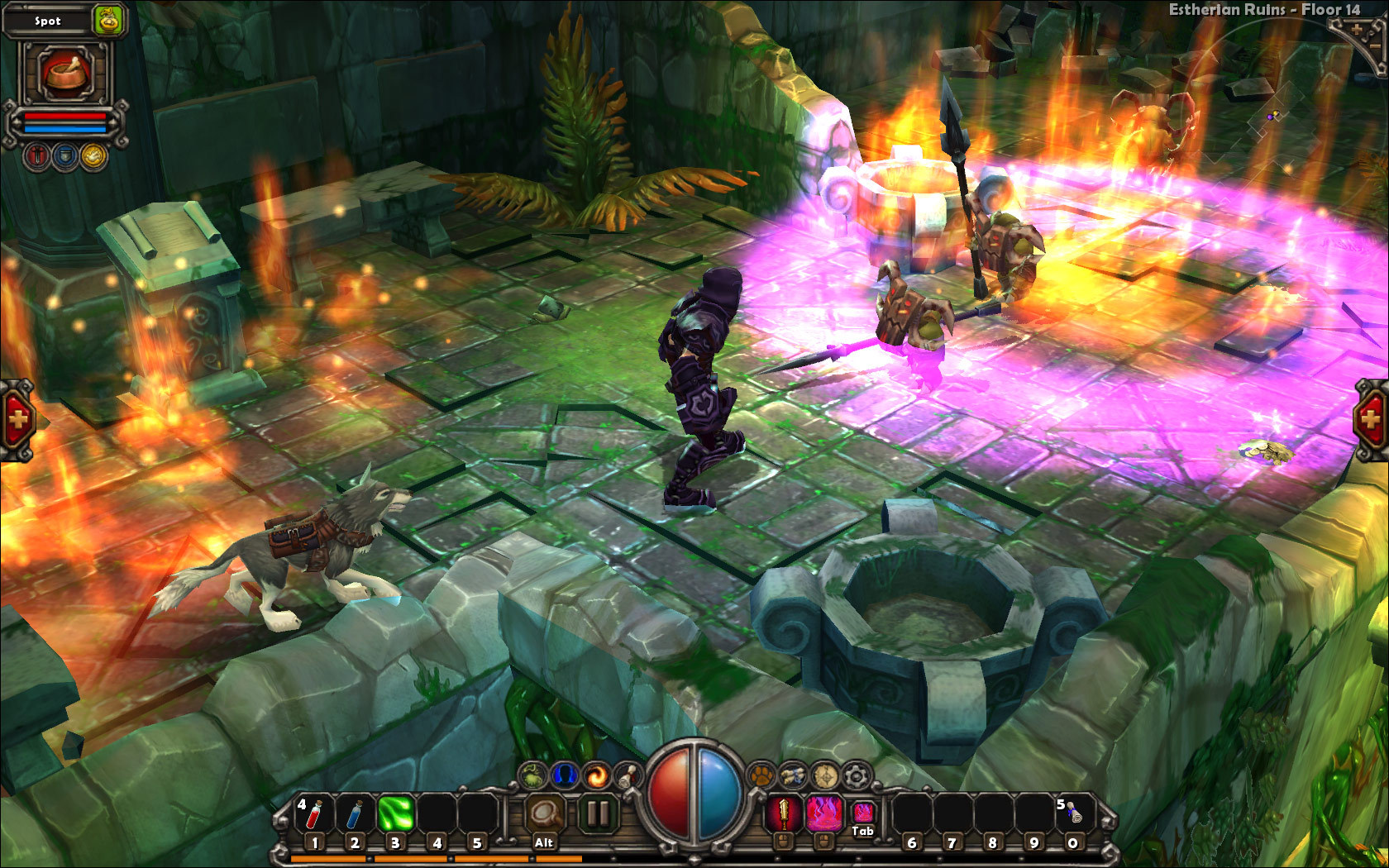
Fishing provides a pause from combat; the fish you catch can aid your journey. Pets travel with you, carry items, and assist in battle.
When you catch the right fish, a pet can transform into a powerful ally, adding another tactical option to your playstyle.
- Experiment with different fish types to discover which ones trigger pet transformations.
- Use your pet’s inventory space to free up your own for larger loot hauls.
04 / THE GUIDE
Retirement System
When you decide to stop playing a hero, you can “retire” them. Retirement lets you pass down a prized item that carries unique attributes to a new hero.
The inherited item can influence the new hero’s early gameplay, extending the overall lifespan of the experience.
- Retire a hero after acquiring a strong, unique item to maximize its impact on the next character.
- Consider the attributes of the retired item when selecting your next hero’s class.
05 / THE GUIDE
Platform & Core Features
Torchlight runs on Windows and macOS and offers single‑player gameplay, Steam achievements, Steam Cloud saves and Family Sharing, allowing flexible access across supported systems.
Steam Cloud keeps saved progress synchronized between installations, while Family Sharing lets another account play without purchasing a separate copy.
- Enable Steam Cloud in the client settings to keep your save data synchronized.
- Use Family Sharing to let friends experience the game without buying another copy.
COMMUNITY
Player discussion