 GameWiki
GET YOUR BEARINGS
About Tomba! 2: The Evil Swine Return Special Edition
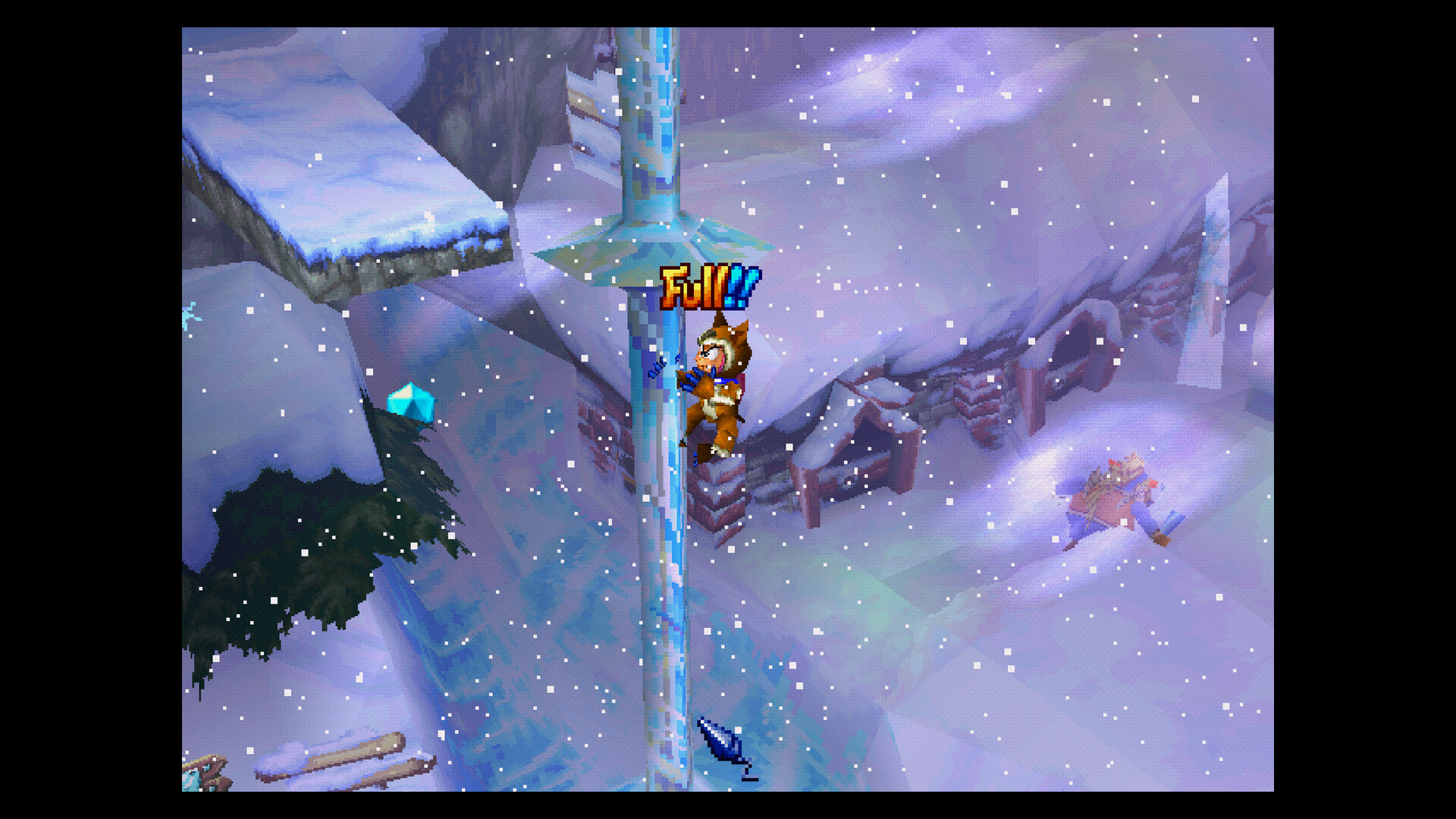
Tomba! 2: The Evil Swine Return Special Edition brings the 1999 sequel to Windows with modern conveniences while keeping the original platforming core. The plot follows Tomba as he chases invading evil pigs and looks for his missing friend Tabby.
The Special Edition adds two gameplay utilities—Save Anywhere and Rewind—and bundles a museum of original packaging, manuals, advertisements, design documents, and high‑resolution artwork, all delivered through Steam for Windows.
01 / THE GUIDE
Save Anywhere
The description states that players no longer need to travel to traditional save points, allowing progress to be stored at any moment. This removes the requirement to backtrack for saving and lets players choose when to record their state.
Because the game is single‑player on Windows via Steam, the Save Anywhere function operates within that environment. It provides a flexible checkpoint system that can be used during platforming sections, puzzles, or narrative moments.
- Consider saving before a known difficult platforming segment.
- Use the save function after entering a new area to secure progress.
02 / THE GUIDE
Rewind
Rewind lets players instantly retry a missed jump or a hit, as noted in the description. This offers an immediate way to correct a mistake without loading a previous save file.
The Rewind mechanic works within the current game session, allowing a quick return to the moment before the error. It is presented as a separate utility from Save Anywhere.
- Activate Rewind right after a failed jump to maintain momentum.
- Use Rewind when taking damage to avoid reloading a saved game.
03 / THE GUIDE
Museum
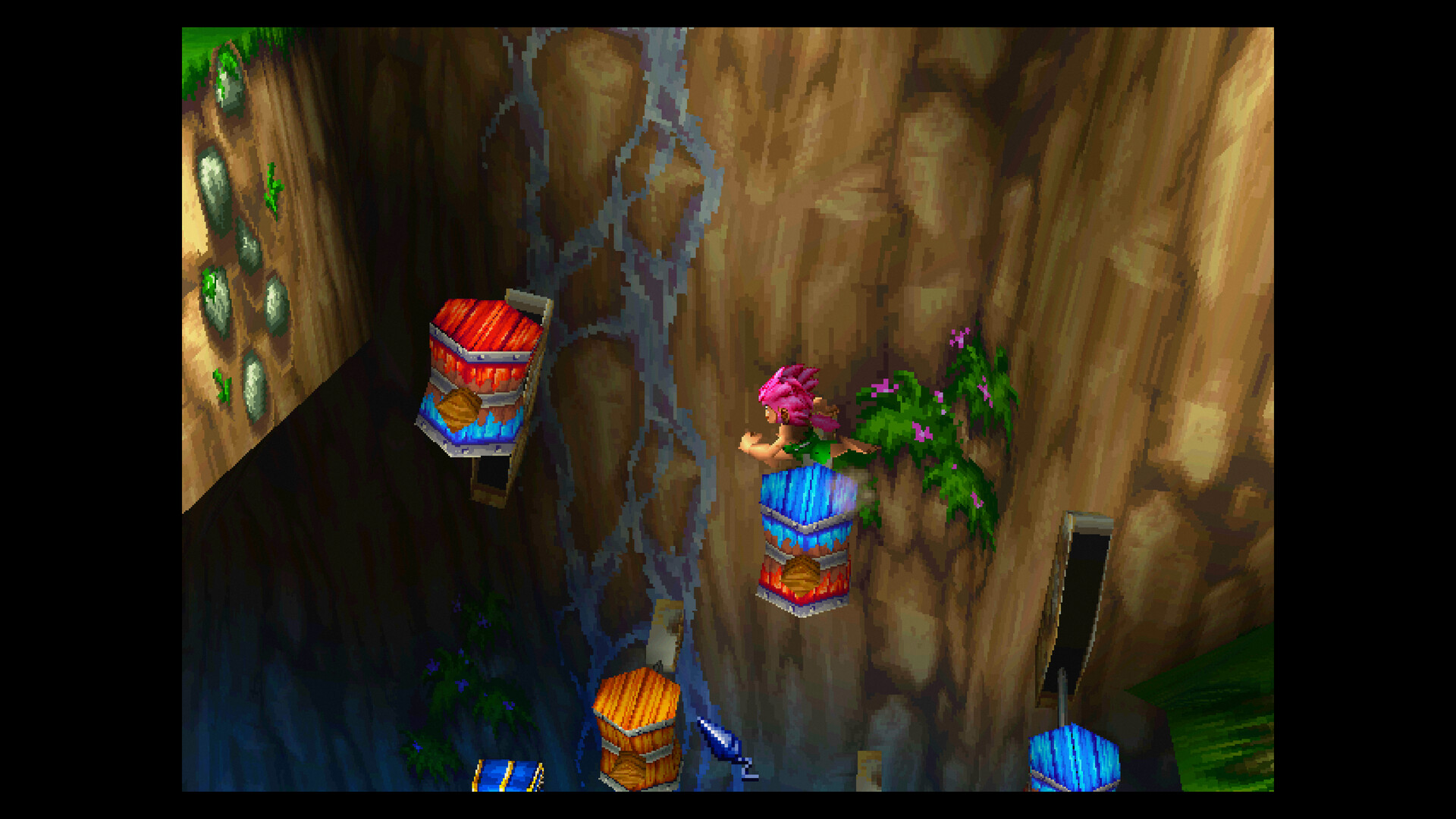
The Special Edition includes a museum filled with classic original packaging, manuals, advertisements, merchandise photos, previously unseen design documents, and high‑resolution artwork. These items are presented as historical material rather than interactive gameplay elements.
Access to the museum is part of the bundled experience on Steam and does not alter the platforming or narrative progression. It serves as a reference for players interested in the game's development background.
- Browse the museum to appreciate the original artwork and design notes.
- Compare museum items with in‑game visuals for contextual insight.
04 / THE GUIDE
Full Controller Support
The feature list includes full controller support, specifically mentioning DualShock and DualSense compatibility and recommending a gamepad. This confirms that controller input is officially supported on Windows via Steam.
No other input methods are detailed in the source, so the documented support focuses on the listed controllers. Players can expect the game to accept signals from these devices without additional configuration notes.
- A DualSense controller is listed as supported for the latest hardware.
- A DualShock controller is also documented as compatible.
05 / THE GUIDE
Steam Cloud & Achievements
Steam Cloud is enabled for the Windows version, allowing saved data to be stored online as described. The game also offers Steam Achievements, providing milestones that can be tracked within the Steam client.
Family Sharing is listed, indicating the title can be shared with other Steam accounts on the same device. These Steam‑related features operate independently of the core gameplay.
- Check the achievement list to set personal goals while exploring.
- Enable Steam Cloud in the client settings to keep progress synced.
COMMUNITY
Player discussion