 GameWiki

GET YOUR BEARINGS
About Tom Clancy’s The Division 2
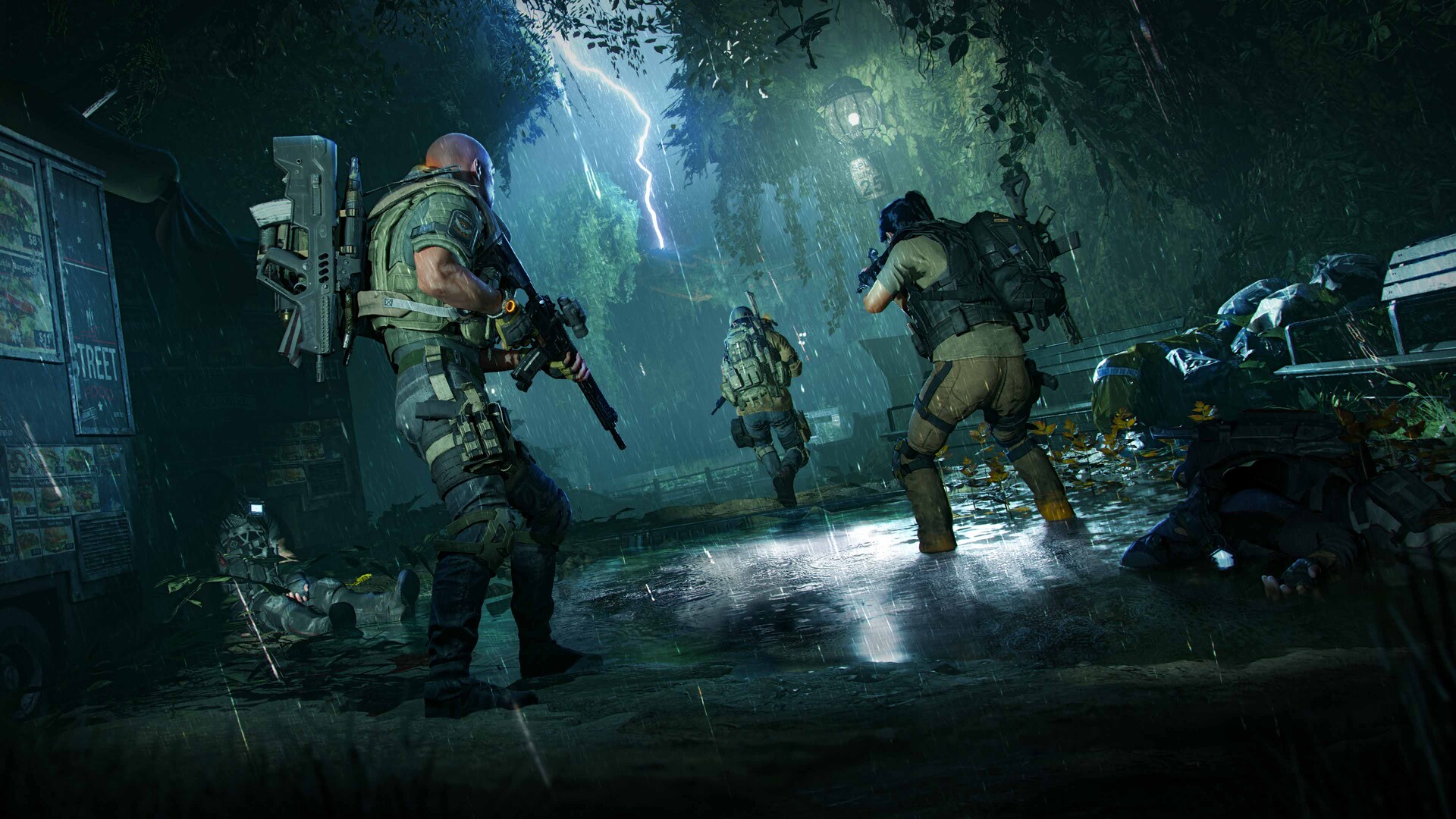
Tom Clancy’s The Division® 2 drops players into a post‑pandemic Washington, D.C., where tactical, cover‑based shooting determines survival. The open‑world setting reacts to weather, faction control, and player actions, creating a constantly shifting battlefield.
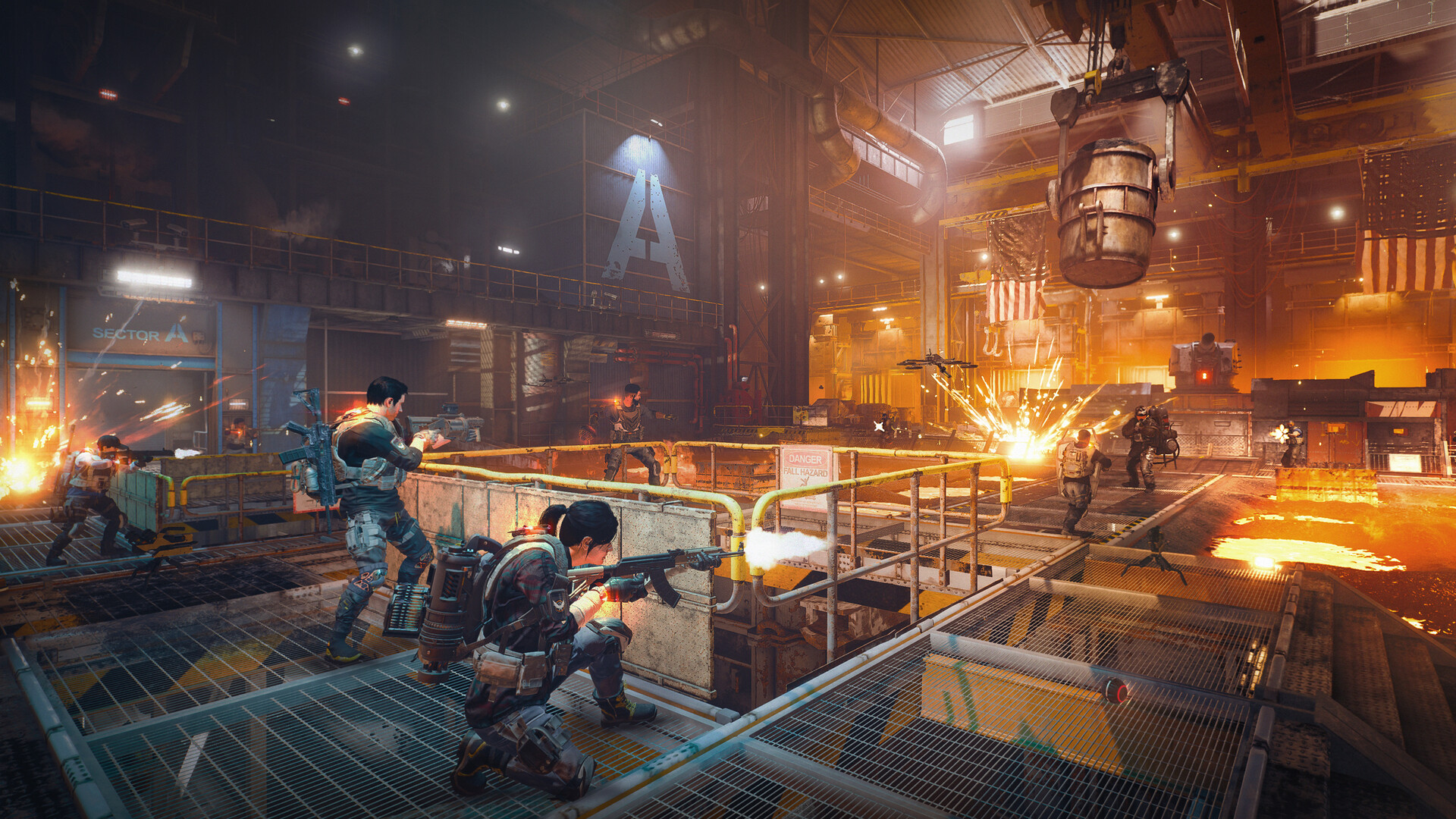
Beyond the main story, the game expands into end‑game missions, PvP arenas, and seasonal events that reward new gear and challenges. Players can team up with three allies, share resources, and combine specialized roles to tackle dynamic objectives.
01 / THE GUIDE
Tactical Combat
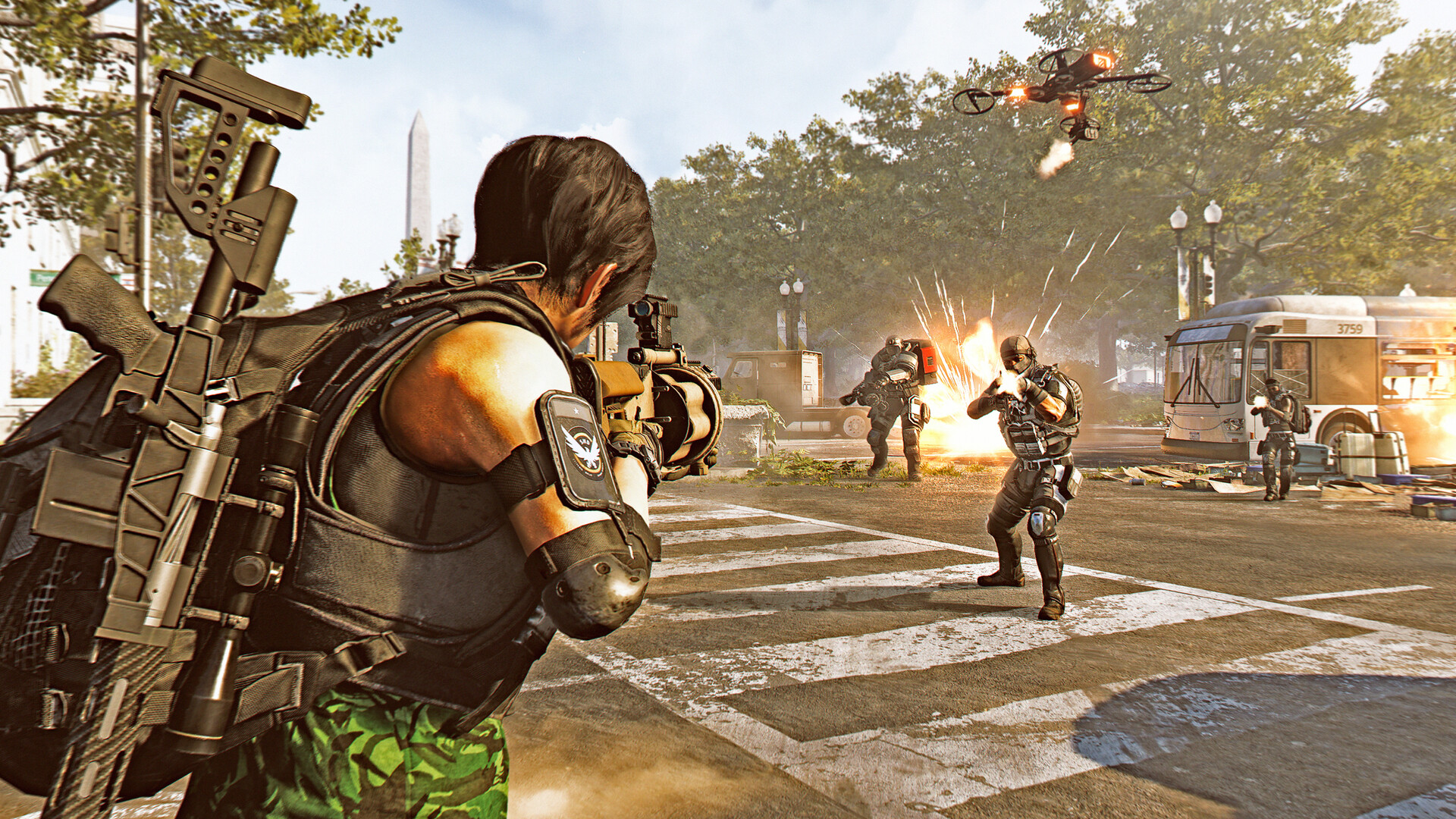
Combat relies on cover, positioning, and utility use, turning each firefight into a strategic encounter. Players must balance aggression with caution to survive intense, enemy‑filled engagements.
Weather changes and faction activity further influence battles, requiring adaptable tactics. Success hinges on reading the environment and employing the right tools at the right moment.
- Use high ground when weather limits visibility.
- Swap utilities based on enemy composition.
02 / THE GUIDE
Gear and Skills
Loot and crafting let players assemble cutting‑edge gear, shaping how they fight. Each item contributes to a customizable combat style, from armor resilience to weapon firepower.
Powerful skills complement equipment, offering additional tactical options. Players can mix and match to create a build that fits their preferred approach.
- Prioritize gear that enhances your primary skill.
- Regularly upgrade crafted items for better stats.
03 / THE GUIDE
Specializations
Specializations introduce distinct roles such as long‑range marksman, demolition expert, or survivalist leader. Each role adds unique abilities and gear options, expanding tactical depth.
Combining different specializations within a squad creates synergy, allowing teams to cover each other's weaknesses and tackle varied challenges.
- Pair a demolition expert with a marksman for balanced offense.
- Swap specializations between missions to test new tactics.
04 / THE GUIDE
Co‑op Play
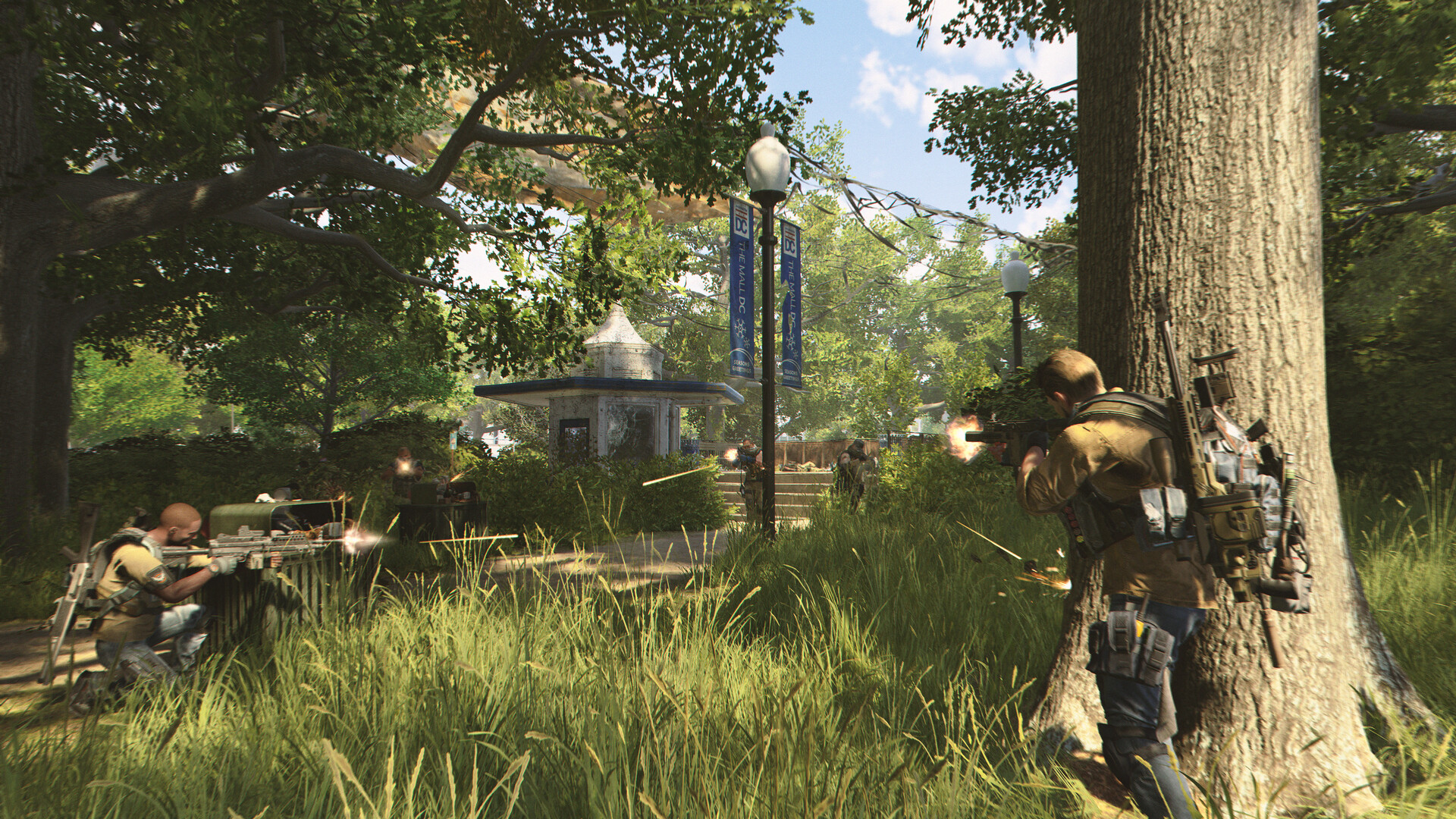
Teams of up to four agents can join forces for co‑op missions, where shared resources and coordinated tactics are essential. The game scales challenges to match squad size.
Synergy between players’ specializations and gear choices can turn difficult encounters into manageable objectives.
- Communicate role assignments before entering a mission.
- Distribute loot evenly to keep the squad balanced.
05 / THE GUIDE
Endgame Content
Reaching max level unlocks high‑stakes missions, PvP battles, and dynamic world events that test skill and teamwork. These activities provide ongoing goals beyond the main campaign.
Each season introduces fresh rewards and challenges, ensuring the endgame remains evolving and competitive.
- Focus on seasonal objectives for the best gear drops.
- Join a consistent PvP group to improve coordination.

COMMUNITY
Player discussion