 GameWiki
GET YOUR BEARINGS
About TOEM 2
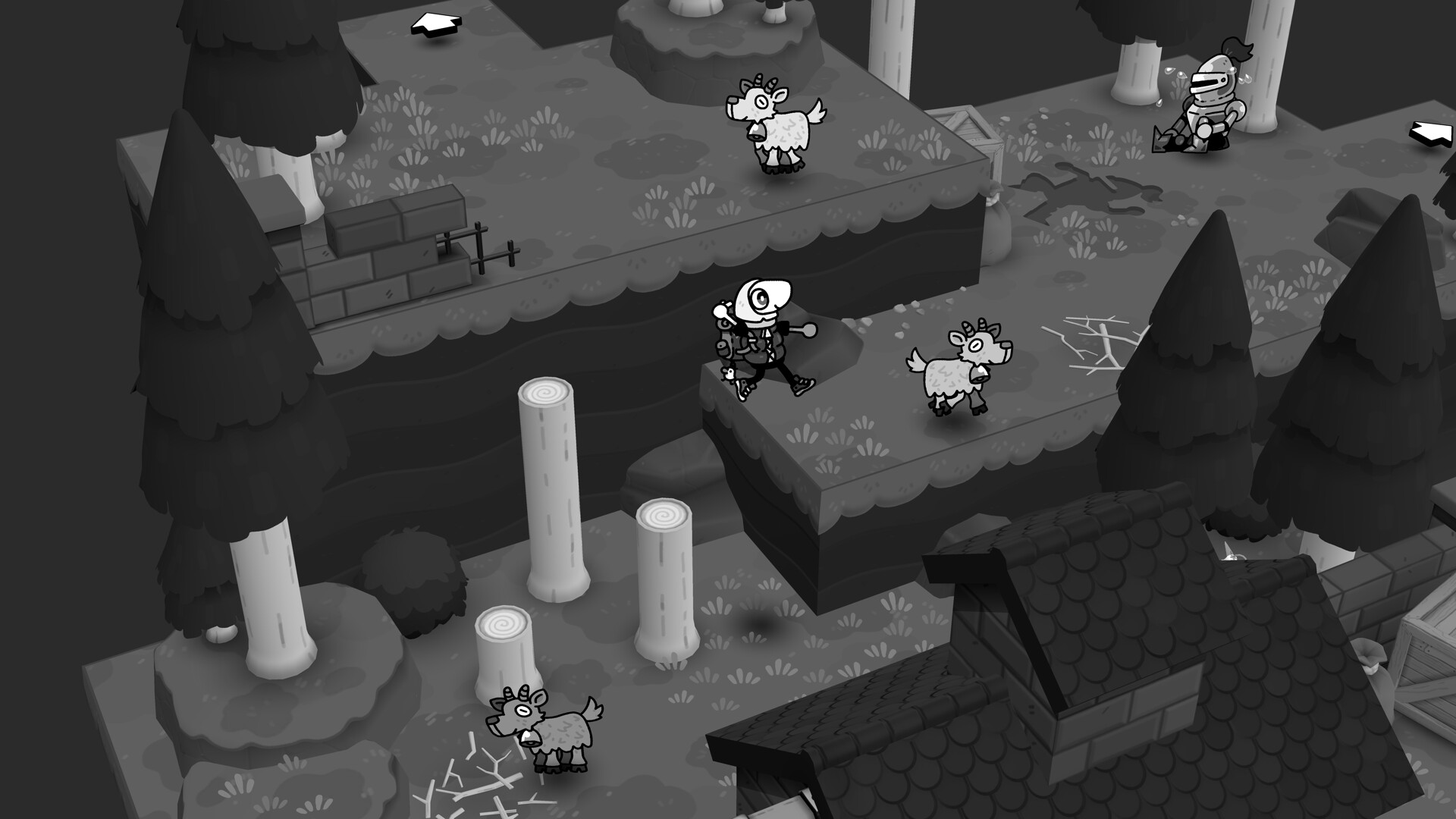
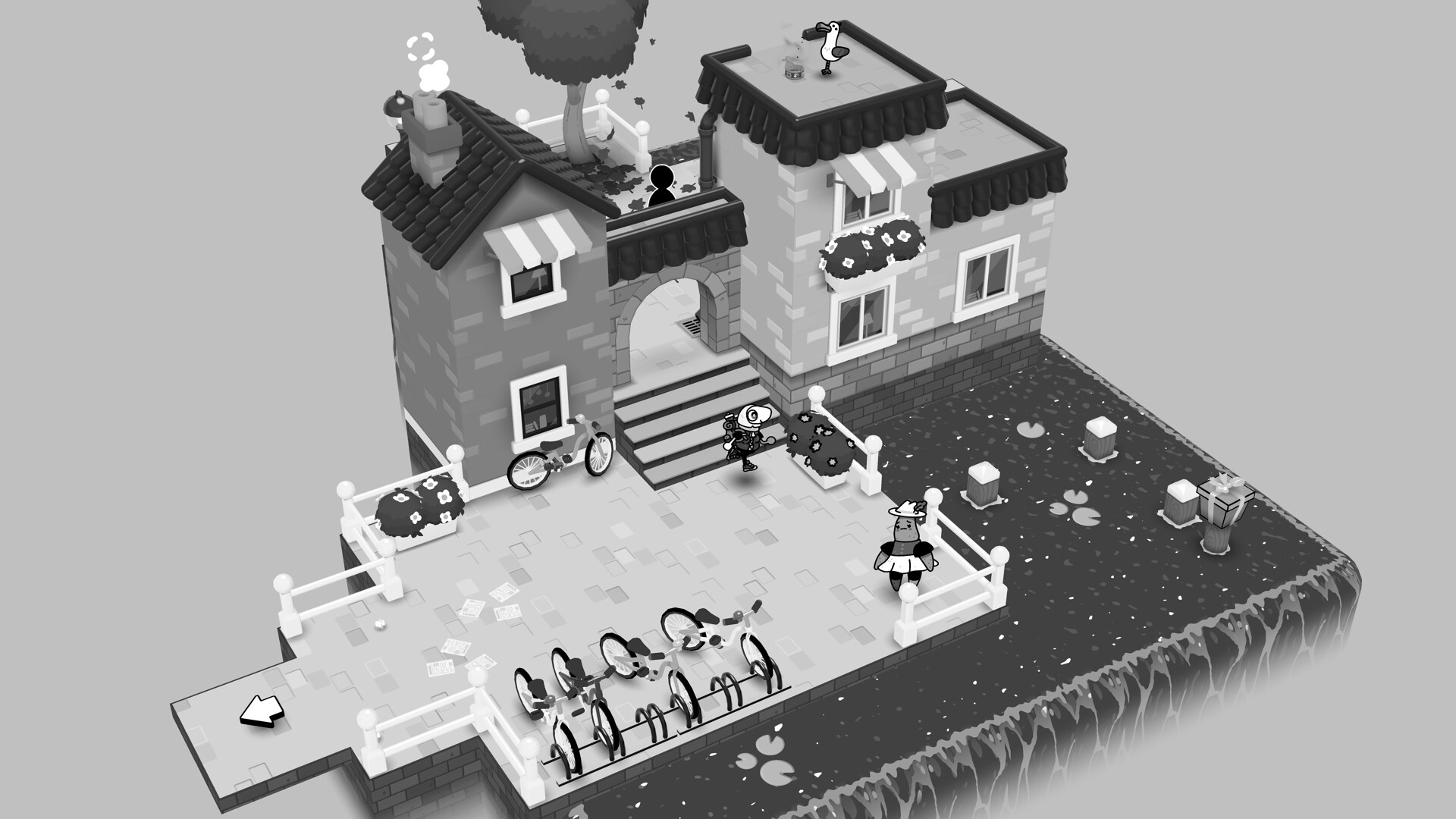
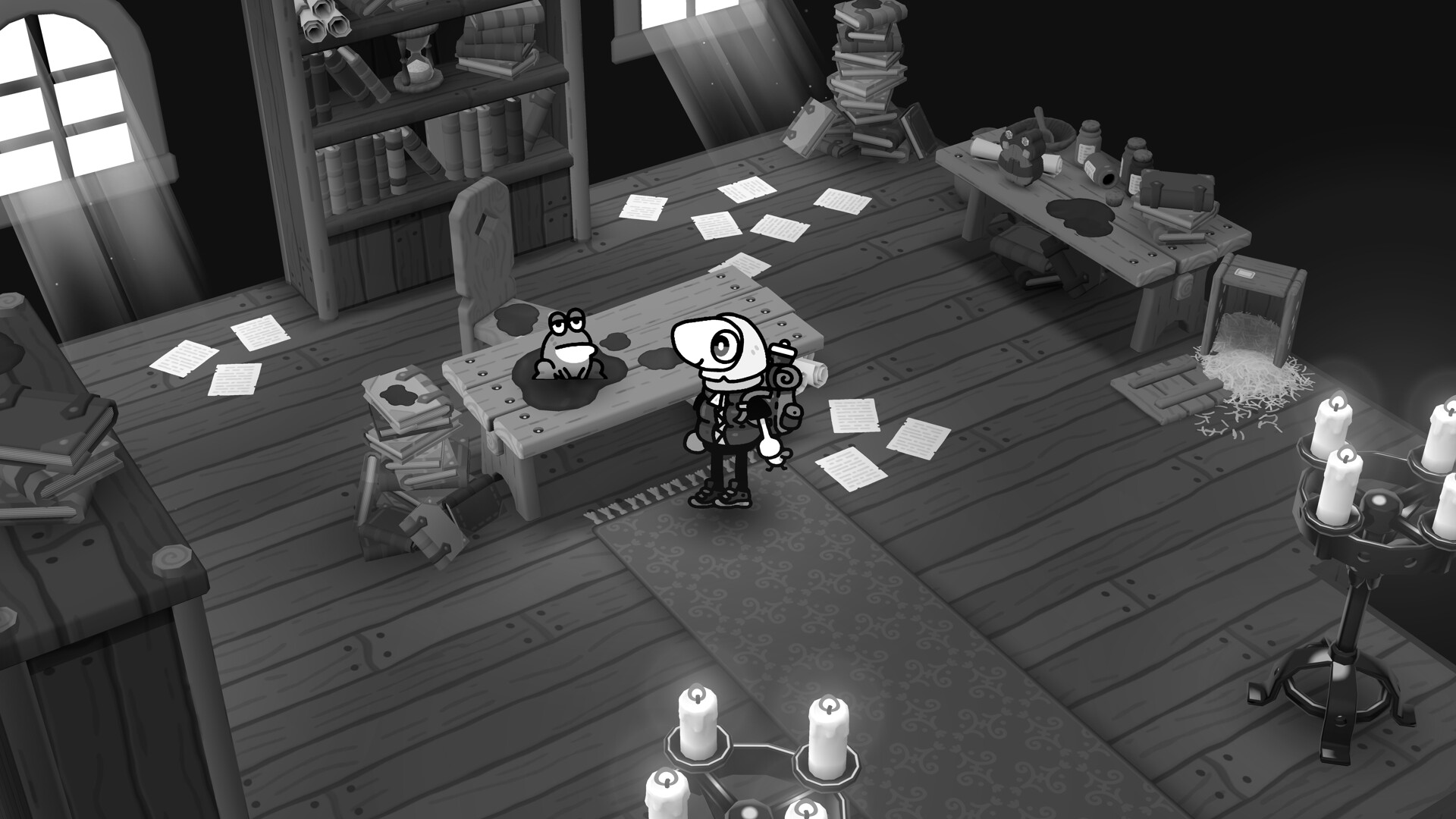
TOEM 2 invites players to wander through new cozy environments, using run, jump and climb abilities to discover hidden paths and scenic spots. The game rewards curiosity, letting you linger over flowers, benches and critters while your upgraded camera captures the world.
Photography drives puzzles and quests: snap pictures, attach new tools, and fill a journal with stamps that unlock subsequent regions. There are no time limits, and the experience can be enjoyed at any pace on Windows, macOS or Linux.
01 / THE GUIDE
Exploration and Movement
The description highlights running, jumping and climbing as core ways to traverse all‑new environments. Hidden paths and scenic viewpoints encourage players to wander and look for small details.
The world is built to reward curiosity, so taking time to explore yields discoveries and visual rewards without any timed pressure.
- Take a slow pace to notice hidden routes that might be missed on a quick run.
- Use the camera as a guide; often a viewpoint hints at a nearby secret path.
02 / THE GUIDE
Photography Mechanics
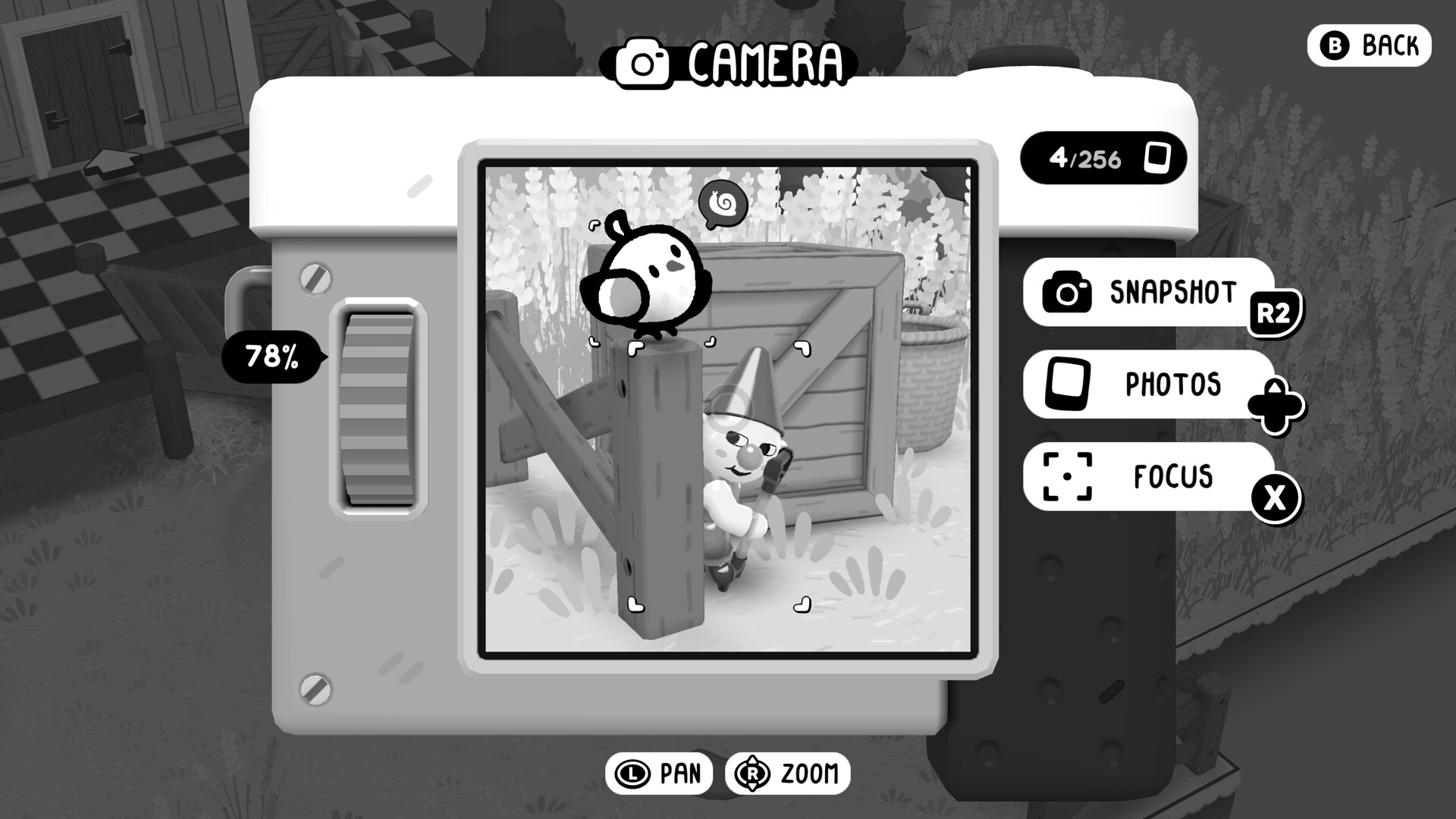
Your camera can snap pictures to solve puzzles, uncover secrets and document discoveries. New attachments let photos be used in unconventional ways to overcome regional problems.
Photography is central to interaction, turning ordinary scenes into tools for progression and story advancement.
- Experiment with different attachments to see how photos affect obstacles.
- Capture a variety of subjects; some puzzles may require specific visual cues.
03 / THE GUIDE
Journal and Stamps
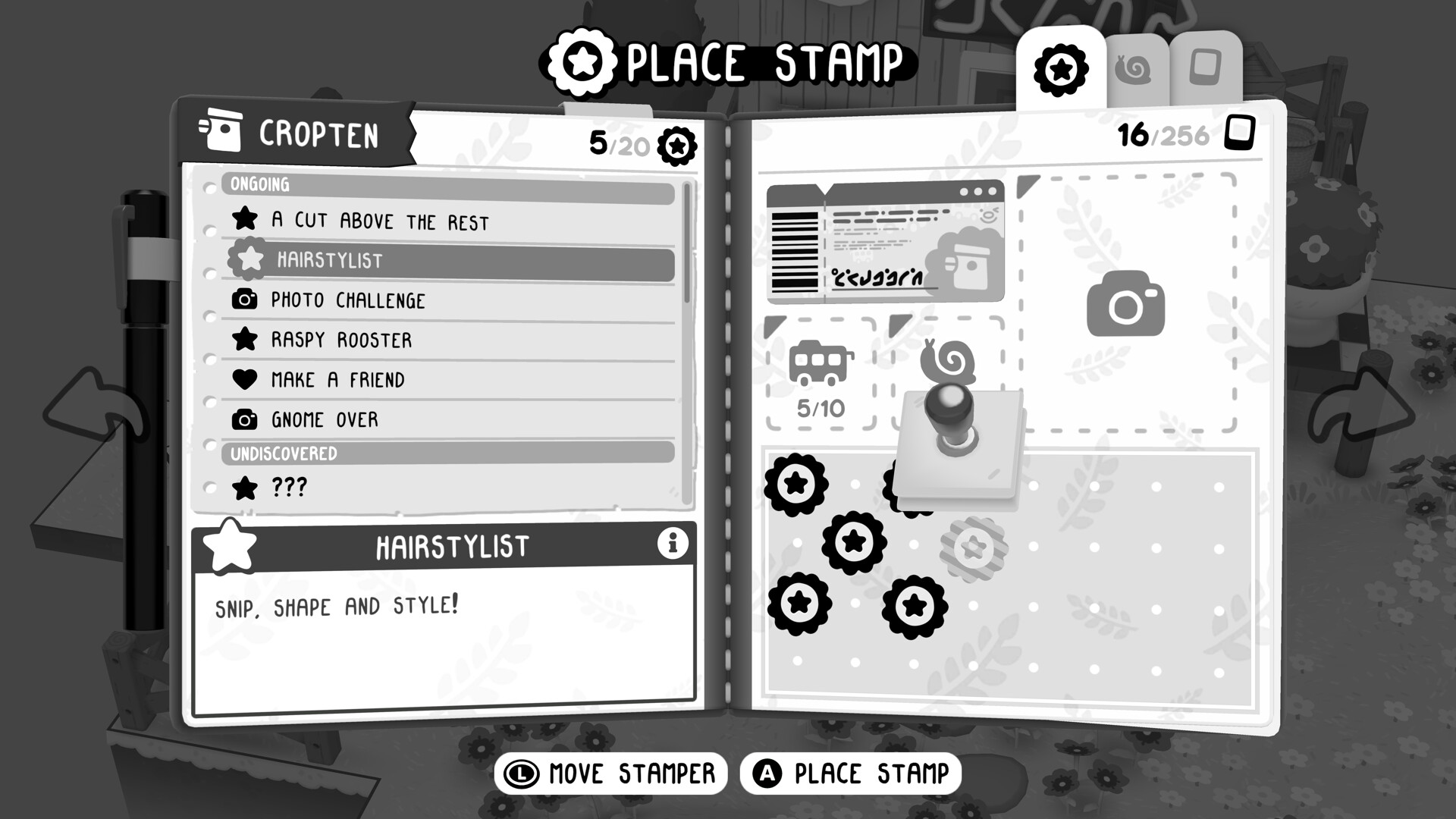
Each completed quest, discovery or critter entry adds a stamp to your journal. Stamps act as reminders of wonders and serve as tickets to unlock the next region.
The journal also expands a critter compendium, tracking the adorable creatures you meet along the way.
- Review your journal regularly to see which stamps are still missing for region access.
- Note critter locations; the compendium can help locate them later.
04 / THE GUIDE
Controls and Accessibility
TOEM 2 supports full controller input, DualShock and DualSense, and also offers a Keyboard Only Option. Features like Camera Comfort, Custom Volume Controls and Subtitle Options enhance comfort.
The game can be played without timed input and allows saving anytime, supporting a relaxed play style.
- Try the Camera Comfort setting if aiming feels imprecise with a controller.
- Enable subtitles to ensure narrative details are clear during quiet moments.
05 / THE GUIDE
Progression and Regions
Stamps collected in the journal unlock subsequent regions, creating a clear progression path. There are no mandatory time limits or tricky requirements for full completion.
Players can listen to music on benches, smell flowers and simply enjoy each area before moving on.
- Focus on completing local quests first; stamps will naturally open new regions.
- Take breaks on benches to absorb the atmosphere before tackling the next area.
COMMUNITY
Player discussion