 GameWiki
GET YOUR BEARINGS
About Tobacco Shop Simulator
Tobacco Shop Simulator puts you behind the counter of a tobacco shop, letting you run the business from a first‑person view. You handle contracts, stock, pricing, cleaning and security while trying to keep customers happy. The game supports solo play or cooperative sessions for up to four players, with each extra teammate bringing more demanding customers. Expanding the shop, hiring staff and managing online orders are all part of the growth loop.
01 / THE GUIDE
Gameplay Overview
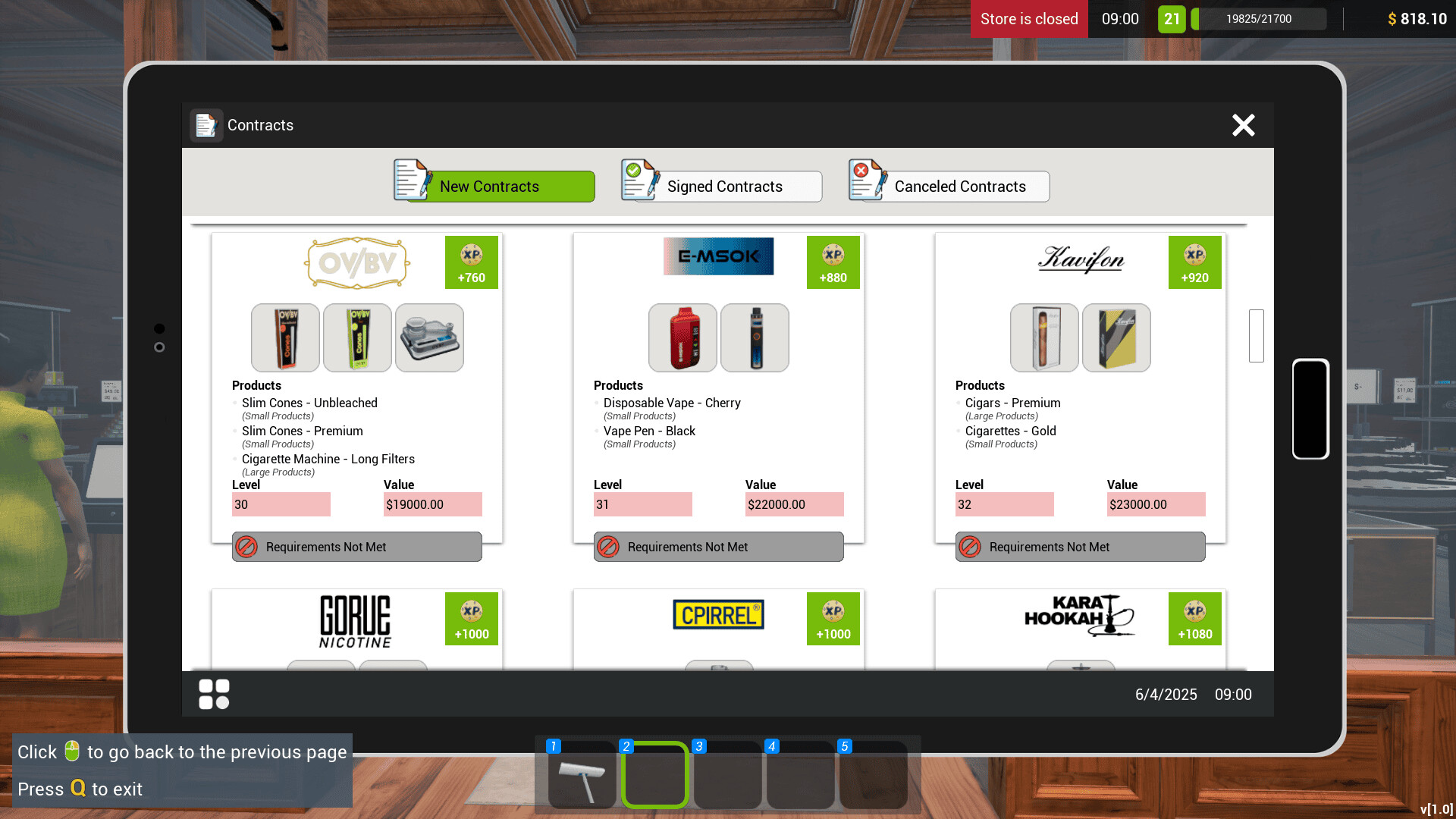
In the core loop you sign contracts with brands, order products via an in‑game computer or tablet, unpack shipments, place items on shelves and set prices. Market prices influence how you price items for customer satisfaction.
Keeping the shop clean prevents loss of customers, while thieves can steal boxes and hurt finances. You must balance stocking, pricing, cleaning and security to run a successful store.
- Observe market price trends before setting product prices.
- Regularly check for thieves to avoid unexpected losses.
02 / THE GUIDE
Co‑Op Mode
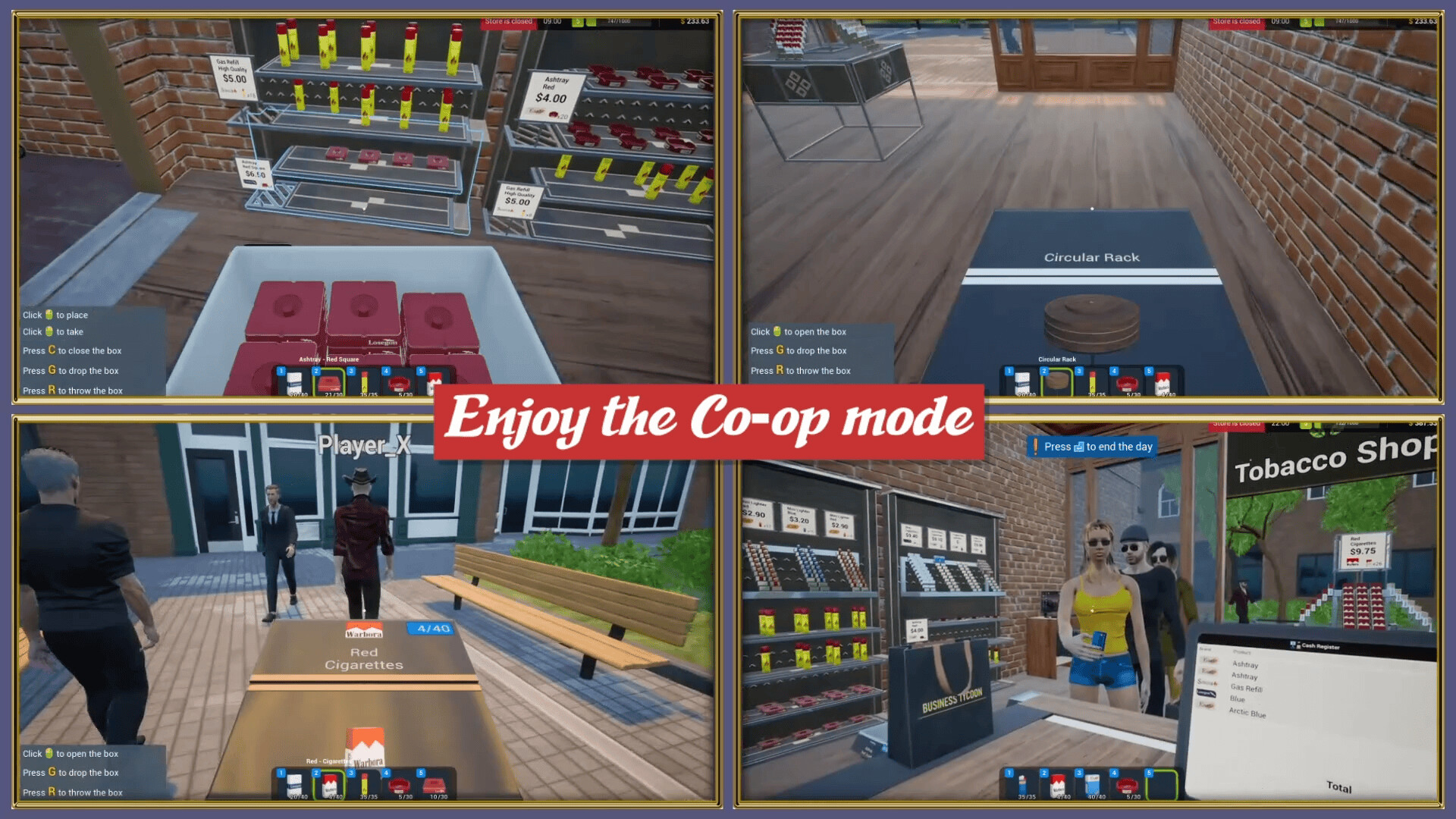
Co‑op mode allows up to four players to share duties in the same shop. Adding friends increases the number of demanding customers that visit, requiring more coordinated effort.
You can invite friends at any time, switching from solo to co‑op as you wish. The shared responsibilities include stocking, checkout, cleaning and security.
- Communicate role assignments early to cover stocking and checkout.
- Invite friends when you notice a rise in customer demand.
03 / THE GUIDE
Store Management
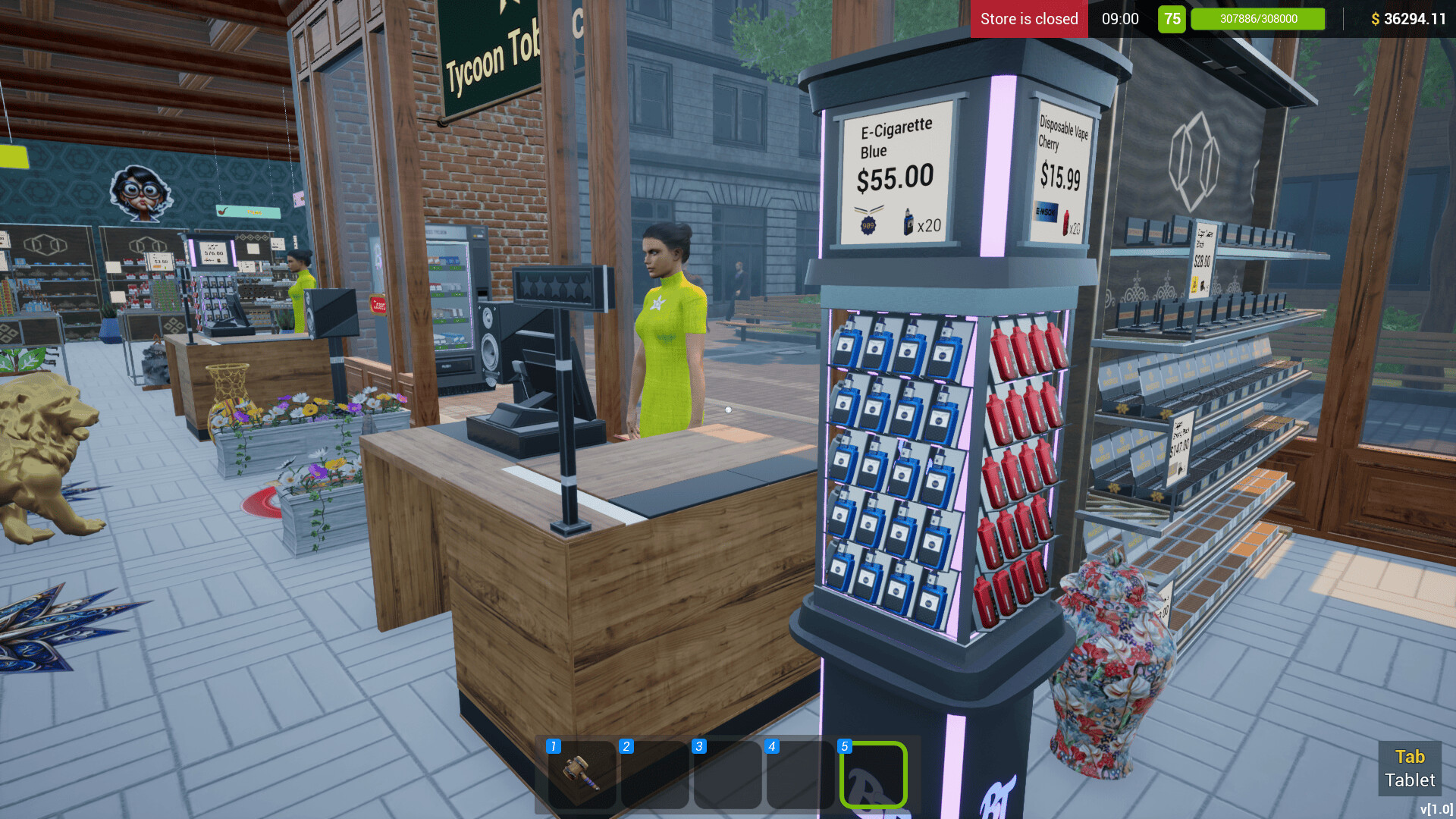
Managing the shop involves ordering products, arranging shelves, setting prices and expanding the store and warehouse by leveling up your budget. Hiring stockers helps keep racks filled as you grow.
Purchasing additional cash registers and hiring cashiers reduces queue times, while a janitor maintains cleanliness and a security guard deters thieves.
- Upgrade the store budget before adding new product lines.
- Balance hiring stockers and cashiers to avoid bottlenecks.
04 / THE GUIDE
Customer Service
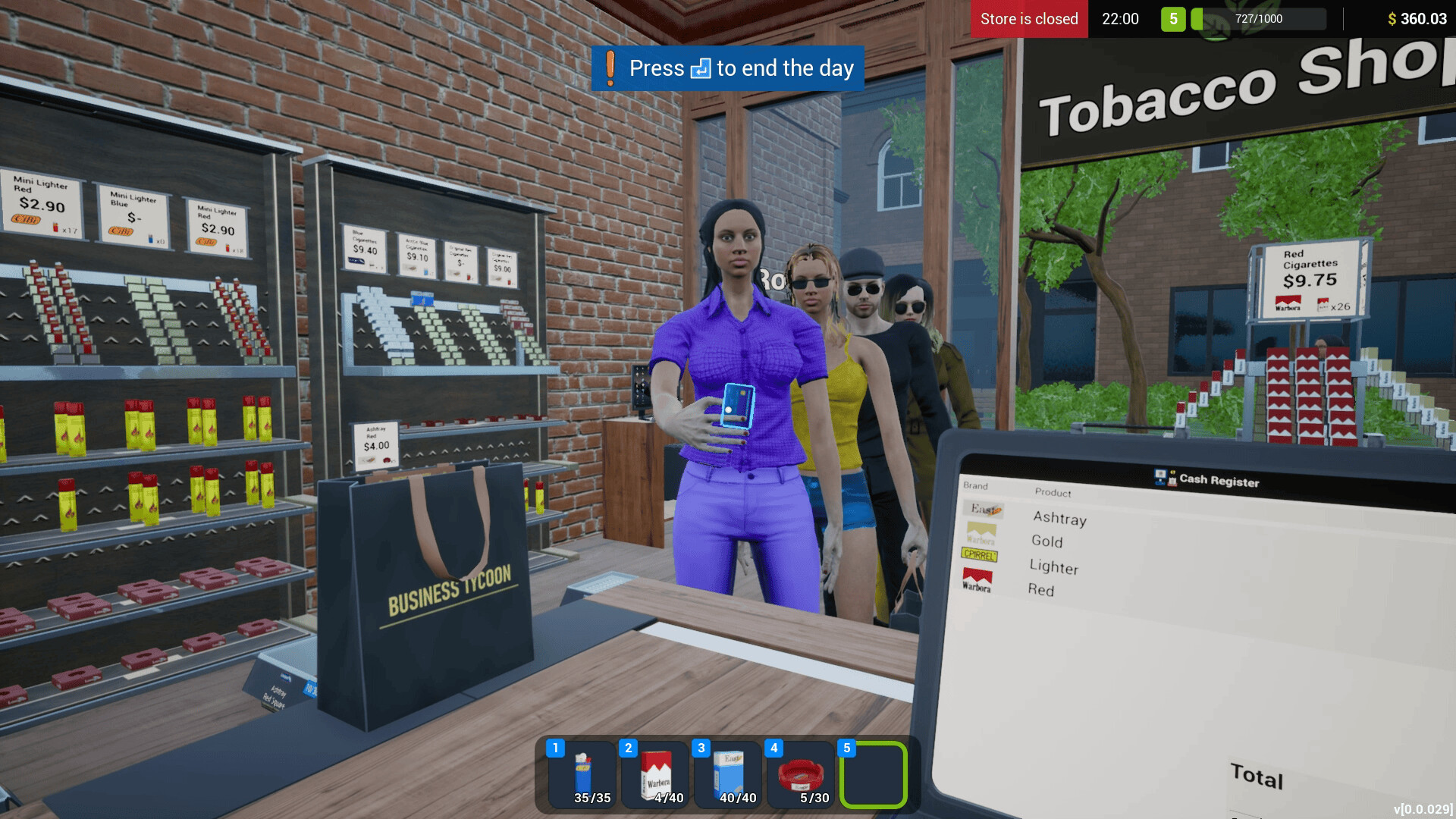
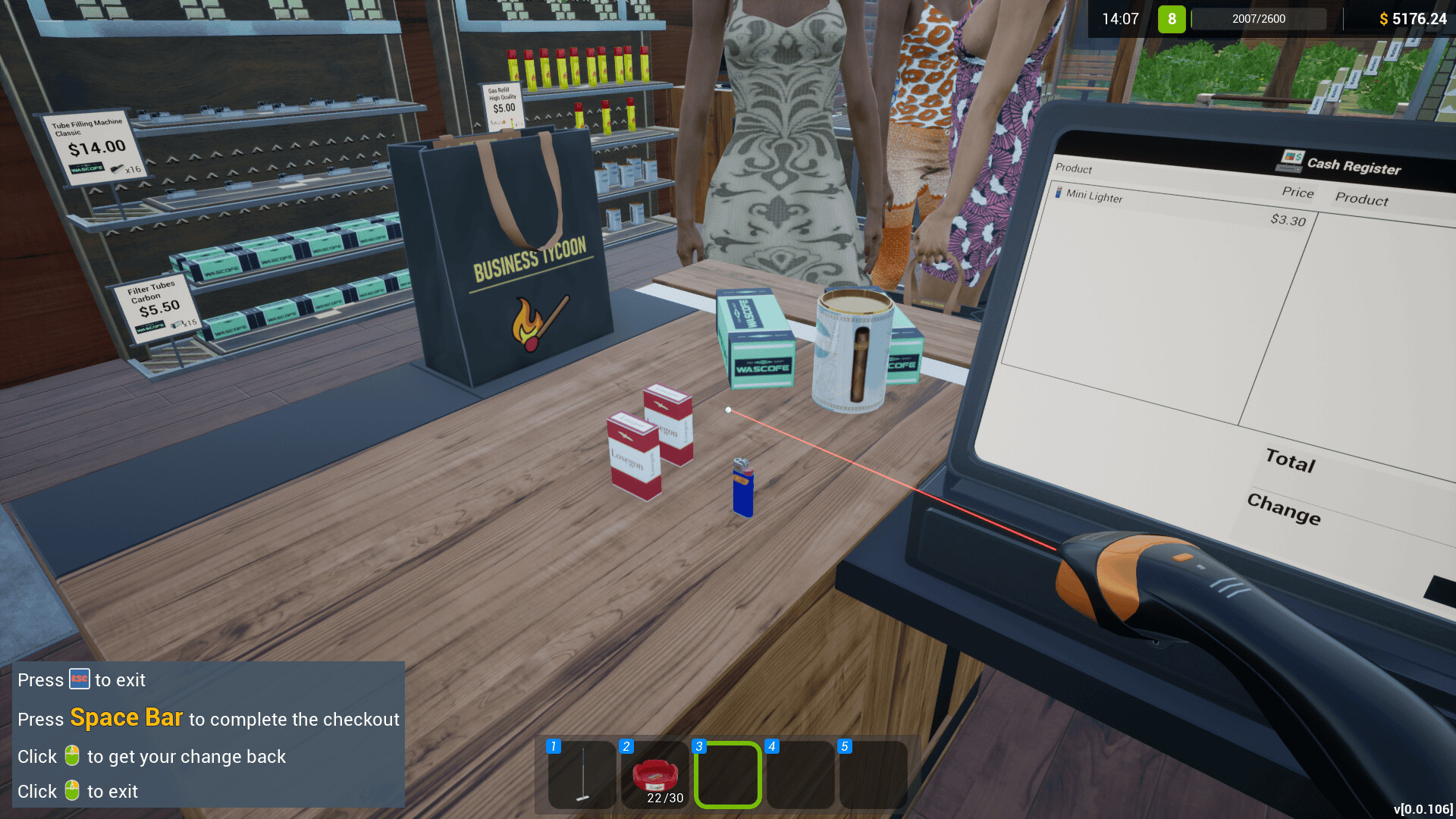
Customers expect enough checkouts to keep waiting times low. You scan items and accept cash or card payments, and you must also fulfill online orders that come in.
Keeping the shop tidy helps retain customers, while a clean environment prevents loss of patronage.
- Add extra checkouts during peak periods.
- Monitor online orders alongside in‑store sales.
05 / THE GUIDE
Staff and Security
Hiring staff expands your operational capacity: cashiers speed up payments, stockers keep shelves stocked, janitors maintain cleanliness, and security guards chase thieves.
Thieves can cause box losses that affect finances, so a security guard is essential for protecting inventory.
- Prioritize hiring a security guard after noticing theft incidents.
- Schedule regular janitor shifts to keep the shop presentable.
COMMUNITY
Player discussion