 GameWiki

GET YOUR BEARINGS
About To the Moon
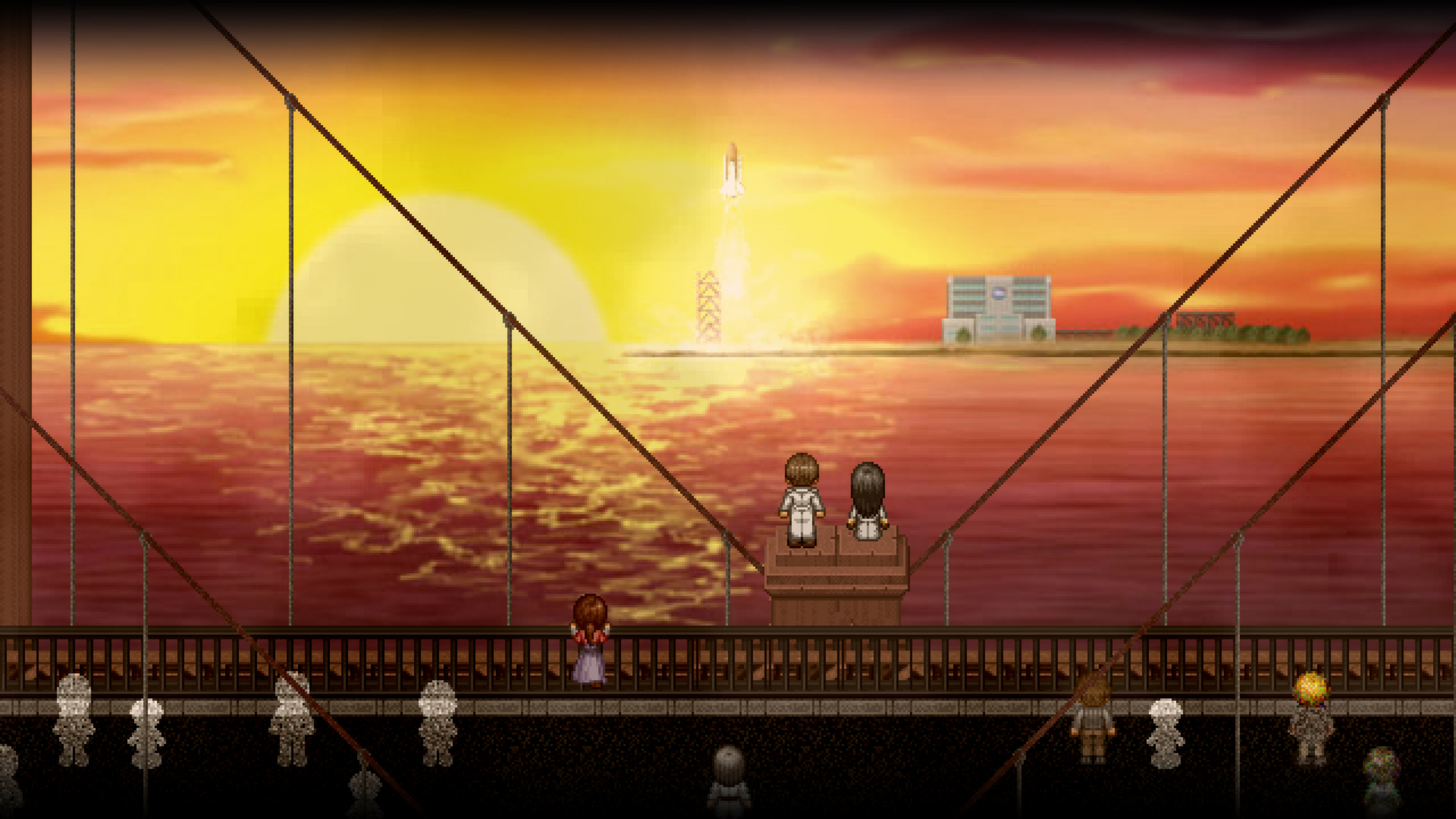
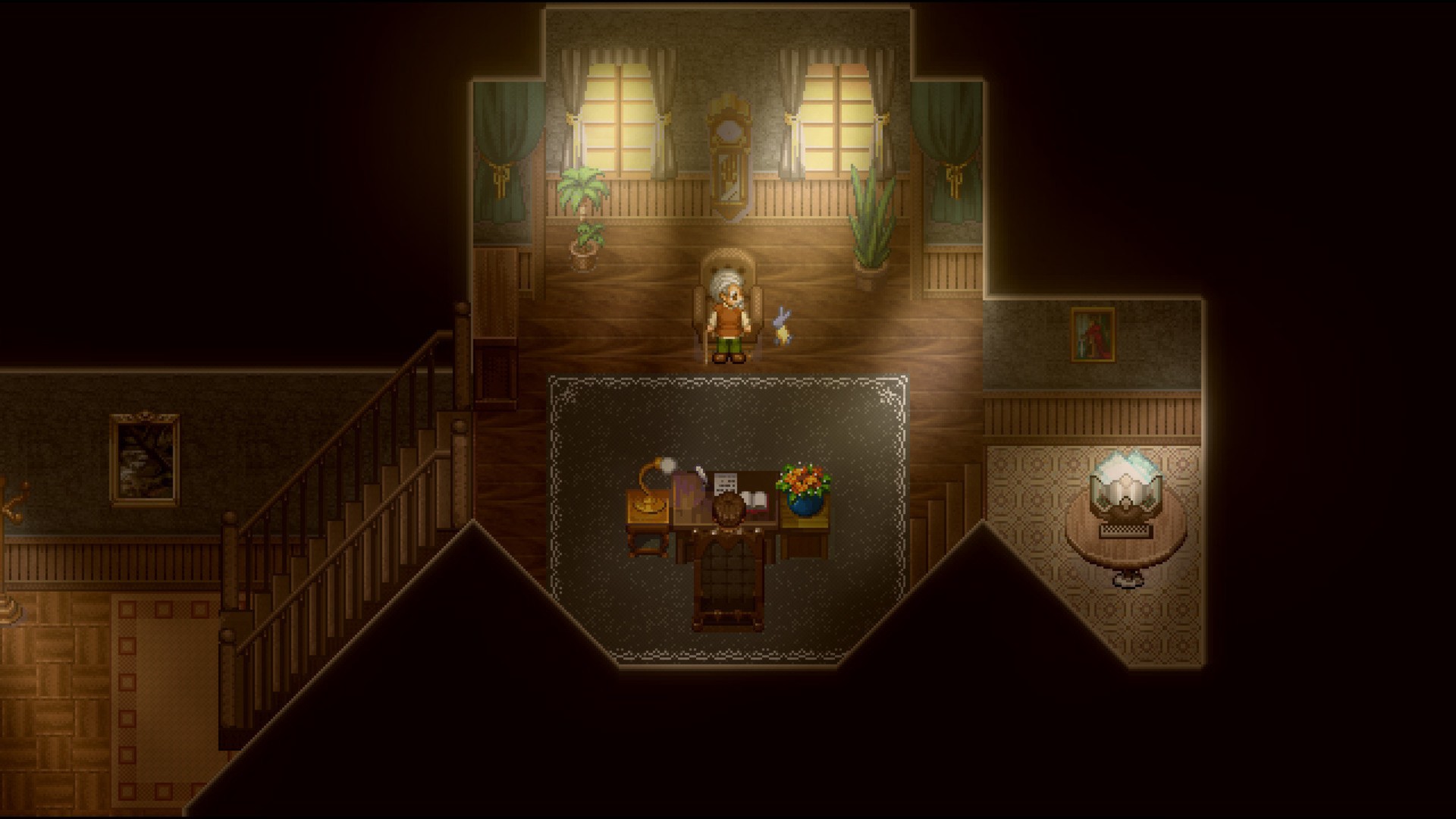
To the Moon is a single‑player adventure that follows Dr. Rosalene and Dr. Watts as they grant dying patients a final, imagined experience inside their minds. The narrative centers on an elderly man named Johnny, whose last wish is to travel to the moon, and each memory uncovered reveals why he chose that wish.
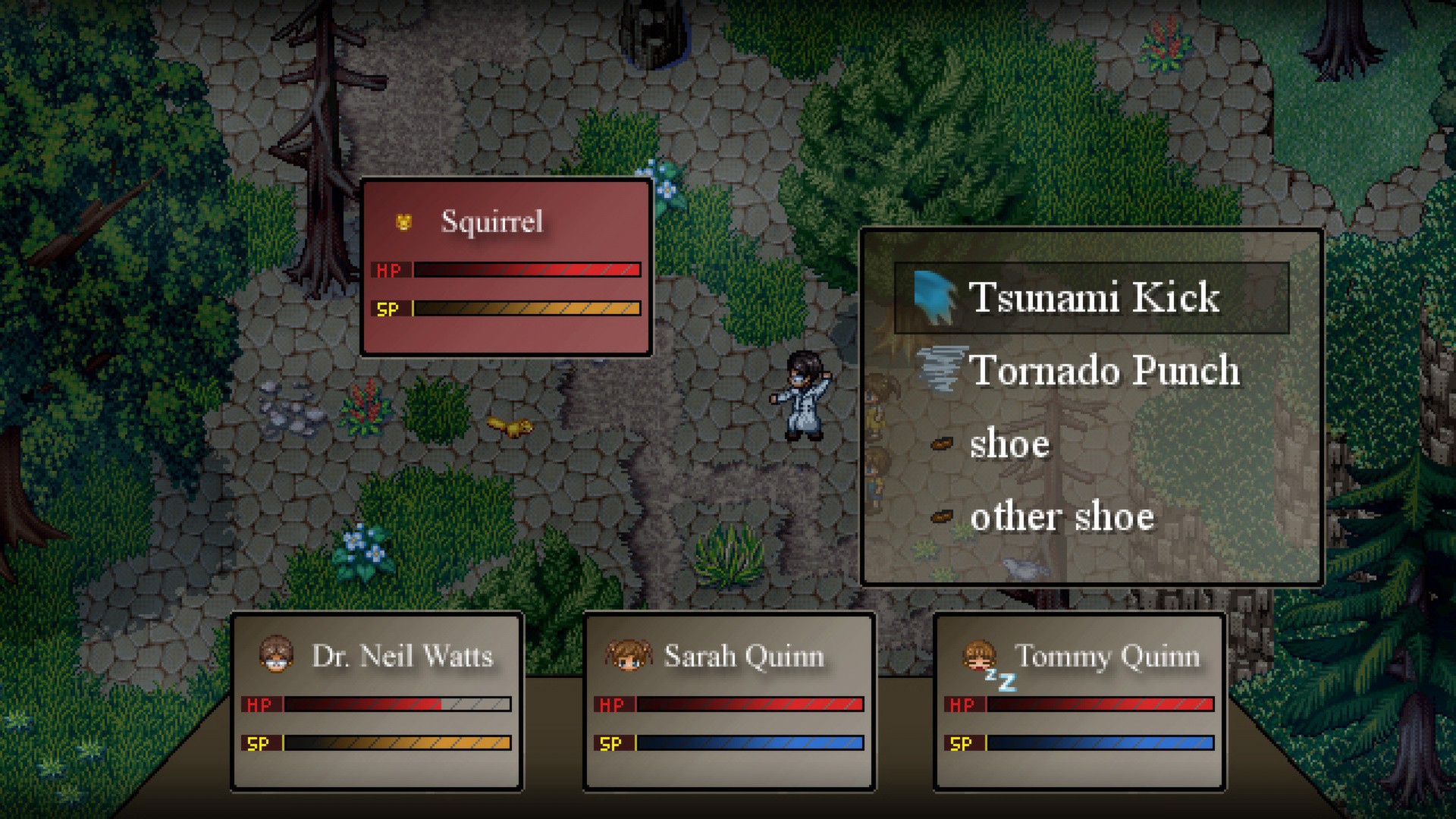
The game blends classic RPG aesthetics with a pure story focus, offering no combat, no filler, and an original soundtrack that mirrors the emotional beats. It runs on Windows, macOS, and Linux, supports full controllers, and integrates Steam features such as achievements, cloud saves, and trading cards.
01 / THE GUIDE
Story Premise
Dr. Rosalene and Dr. Watts specialize in a unique procedure: they create a new life for patients on their deathbeds, but only within the patients' memories. The new experience becomes the final thing the patient remembers before death. In this title, the doctors work to fulfill Johnny’s dying wish—to go to the moon—by revisiting his memories.
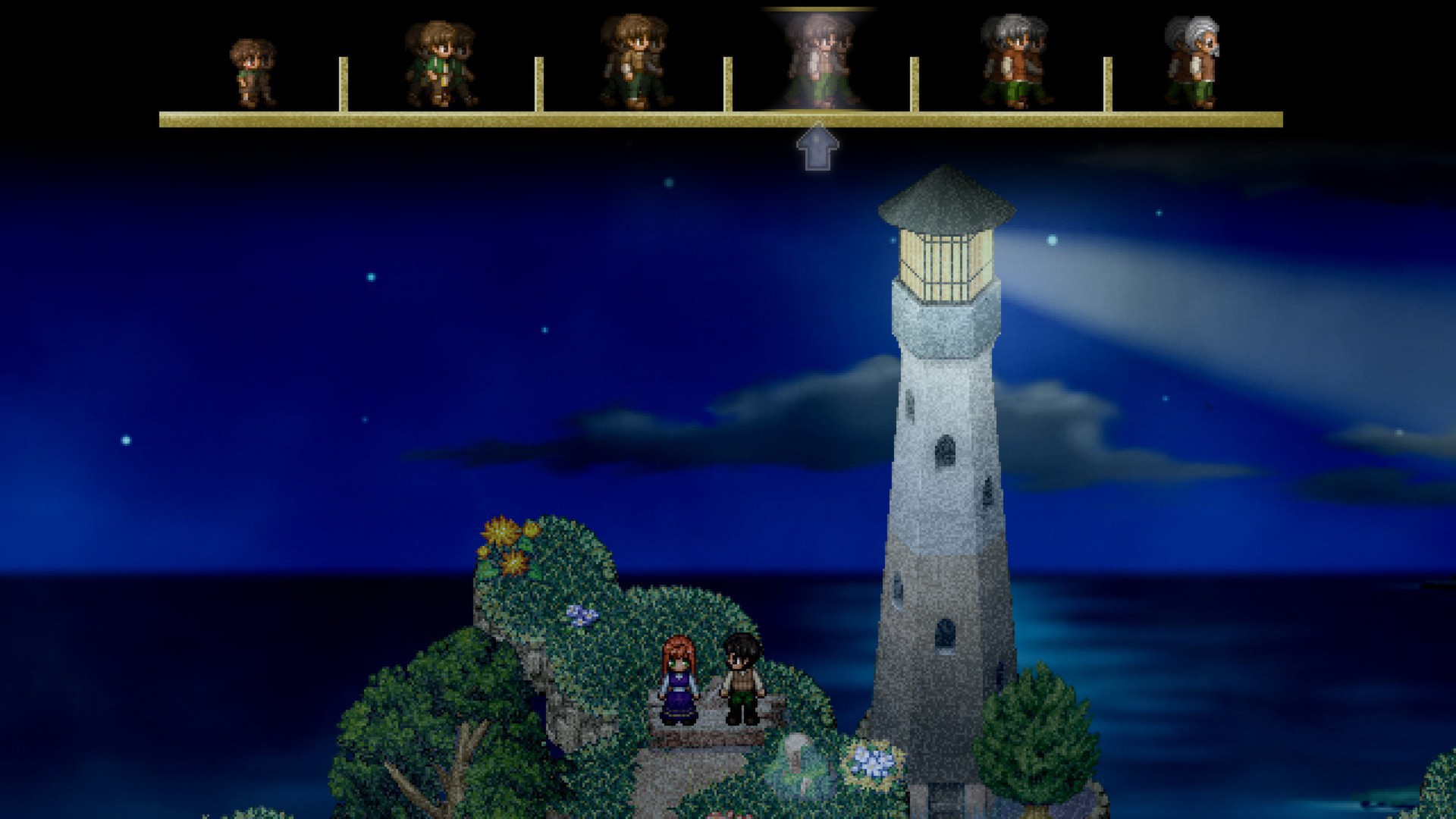
Each step back in time reveals a fragment of Johnny’s past, allowing the doctors to piece together the events that shaped his desire. The narrative explores why Johnny chose this particular wish, providing a poignant look at regret and fulfillment.
- Pay close attention to dialogue cues; they often hint at hidden motivations.
- Re‑watch key memory scenes to notice subtle visual changes that foreshadow later revelations.
02 / THE GUIDE
Gameplay Style
To the Moon offers a non‑combat, story‑driven experience that mixes adventure game elements with classic RPG aesthetics. Players navigate scenes, interact with objects, and advance the plot without battling enemies or managing resources. The design emphasizes narrative flow and avoids filler content.
The game’s execution is described as “espresso” – concise and without time drains – meaning players can progress through the story at a steady pace without unnecessary interruptions.
- Focus on reading all on‑screen text; it often contains essential story details.
- Use the skip function sparingly to retain emotional impact.
03 / THE GUIDE
Audio Design
An original soundtrack accompanies the entire experience, closely tying to the emotional arc of the story. The music shifts to reflect memory transitions and key narrative moments, enhancing immersion.
The soundtrack has been highlighted as an acclaimed element of the game, reinforcing the tone of each memory and the overall journey toward Johnny’s final wish.
- Adjust volume levels to hear subtle musical cues during scene changes.
- Listen for recurring motifs that signal thematic connections.
04 / THE GUIDE
Platform Support
To the Moon is available on Windows, macOS, and Linux, offering full controller support for players who prefer gamepad input. The game also integrates Steam Cloud, allowing progress to sync across devices.
Family Sharing is enabled, so multiple users on the same Steam account can enjoy the title without purchasing separate copies.
- Enable Steam Cloud before playing on a new device to preserve saves.
- Test controller mapping in the settings menu to ensure comfort.
05 / THE GUIDE
Steam Features
The game includes Steam Achievements and Trading Cards, providing extra goals for completionists. Achievements track milestones such as finishing the story or discovering hidden dialogue.
Trading Cards can be collected and traded on the Steam marketplace, adding a collectible aspect beyond the core narrative.
- Check the achievement list early to set personal milestones.
- Complete the story on a single playthrough to unlock all cards.

COMMUNITY
Player discussion