 GameWiki
GET YOUR BEARINGS
About Titans of Space PLUS
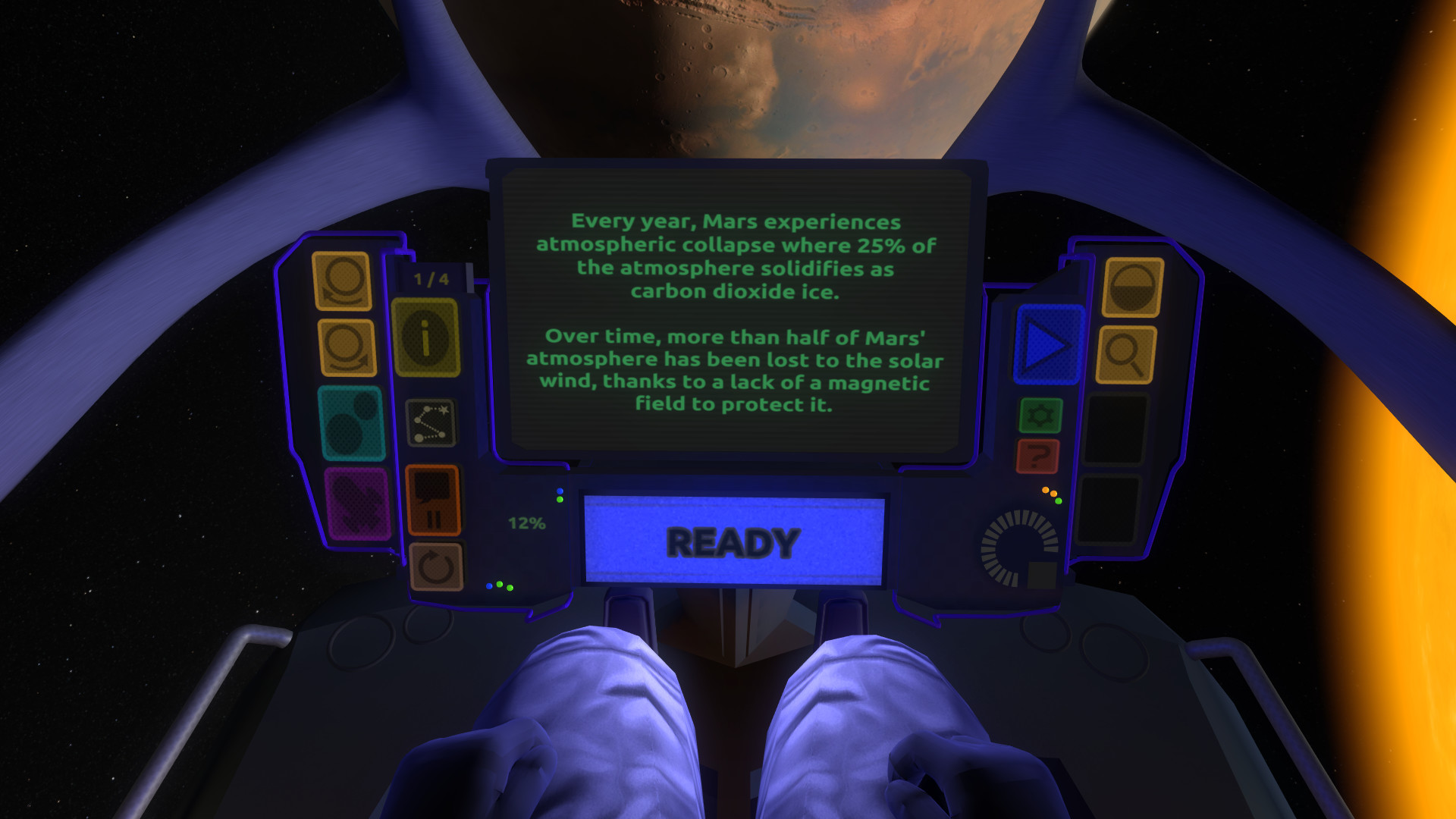
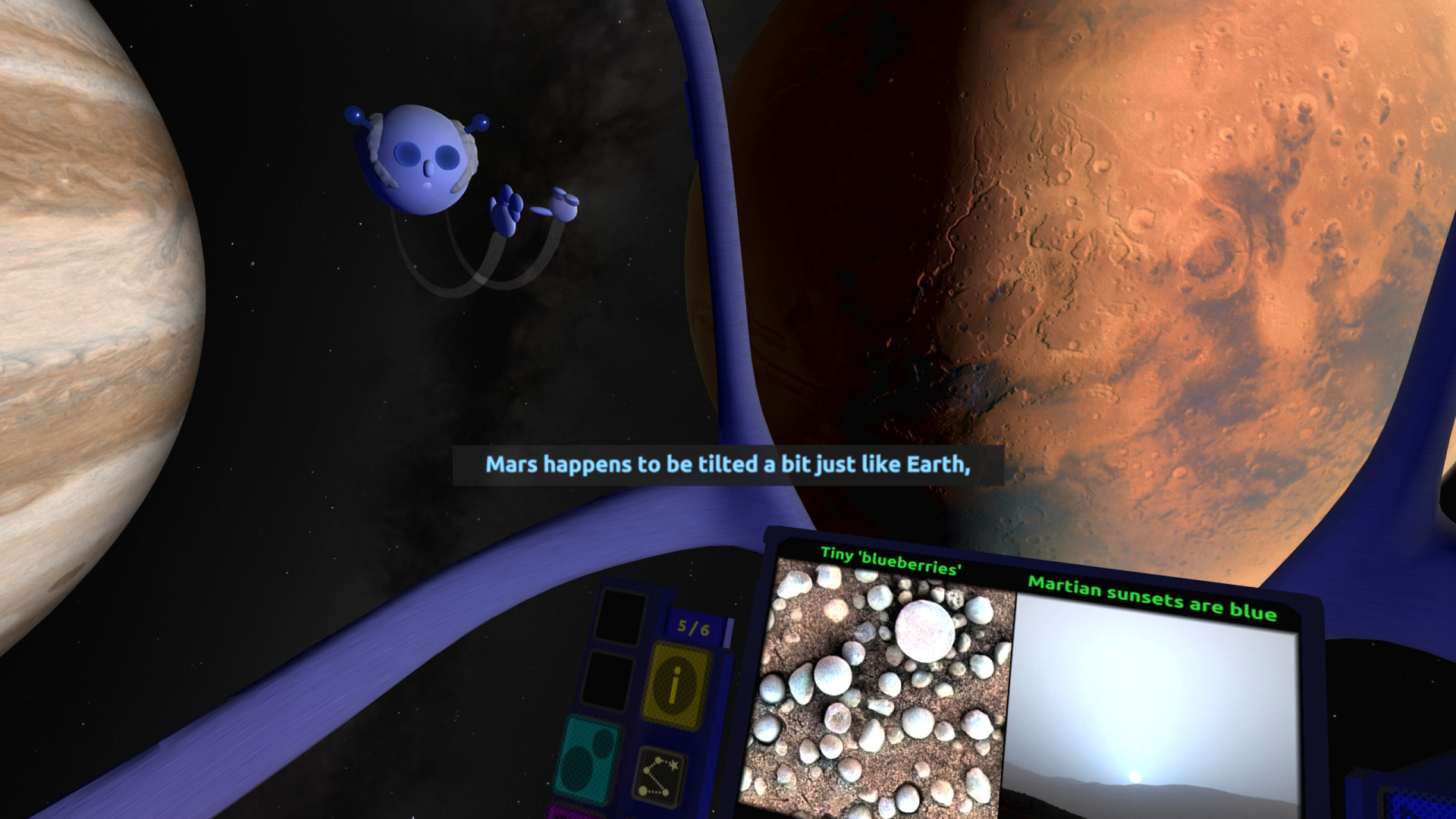
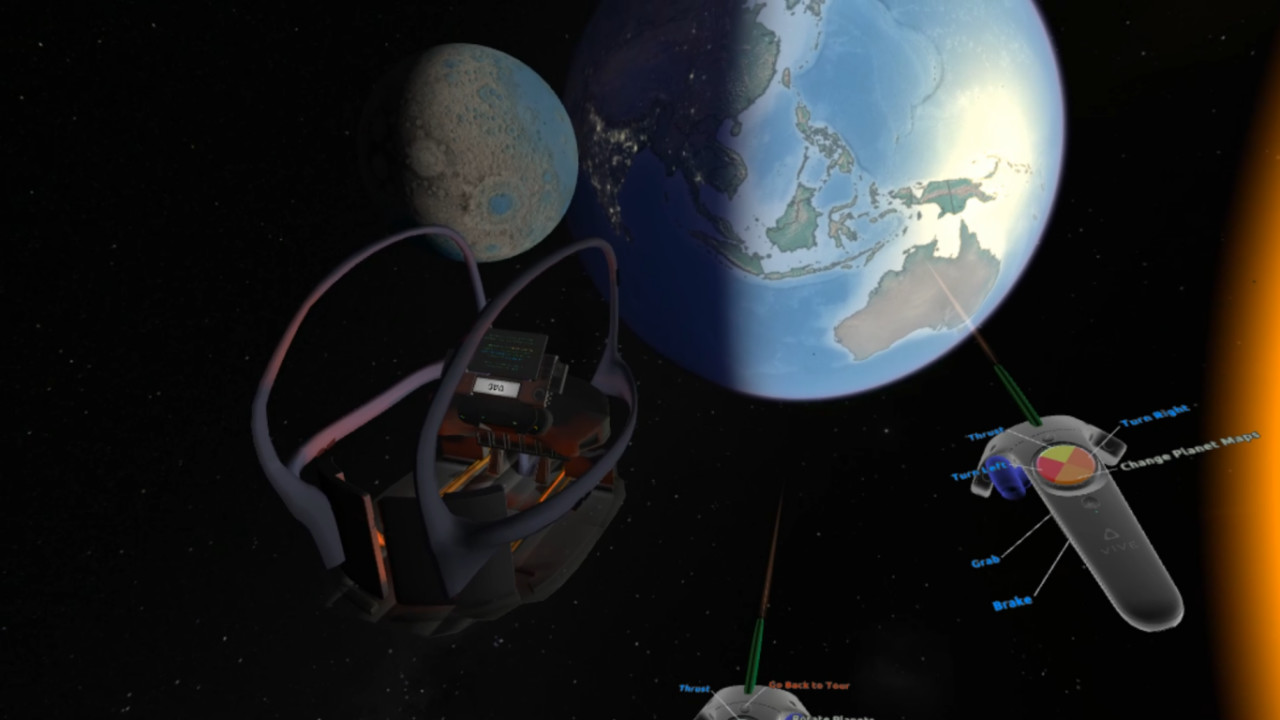
Titans of Space PLUS lets you explore a holographic miniature Solar System and travel to some of the largest known stars. The experience runs about 110 minutes and is narrated by the friendly “Flying Professor Alien,” offering a self‑paced guided tour with English narration and subtitles.
The title includes side‑by‑side size comparisons, a gravity‑probe sandbox, a zero‑gravity EVA mode, and optional comfort settings. All visuals and facts cover more than 40 celestial bodies and have been fact‑checked for accuracy.
01 / THE GUIDE
Self‑paced Guided Tour
The core experience is a 110‑minute narrated journey where the Flying Professor Alien flies you around the Solar System. You move at your own speed, and the tour can be replayed or revisited without time pressure, allowing thorough observation of each body.
Narration is delivered in English with subtitles always available. The system also lets you record your own voice‑over, which can be useful for classroom presentations or personal notes.
- Record a personal narration to reinforce learning for students.
- Use subtitles to follow along if you prefer reading as you listen.
02 / THE GUIDE
Side‑by‑Side Size Comparisons
The application lets you place two celestial bodies next to each other to answer questions such as “How big does Mars look next to Earth?” or “Which is bigger, our Moon or Pluto?” This visual aid clarifies relative scales.
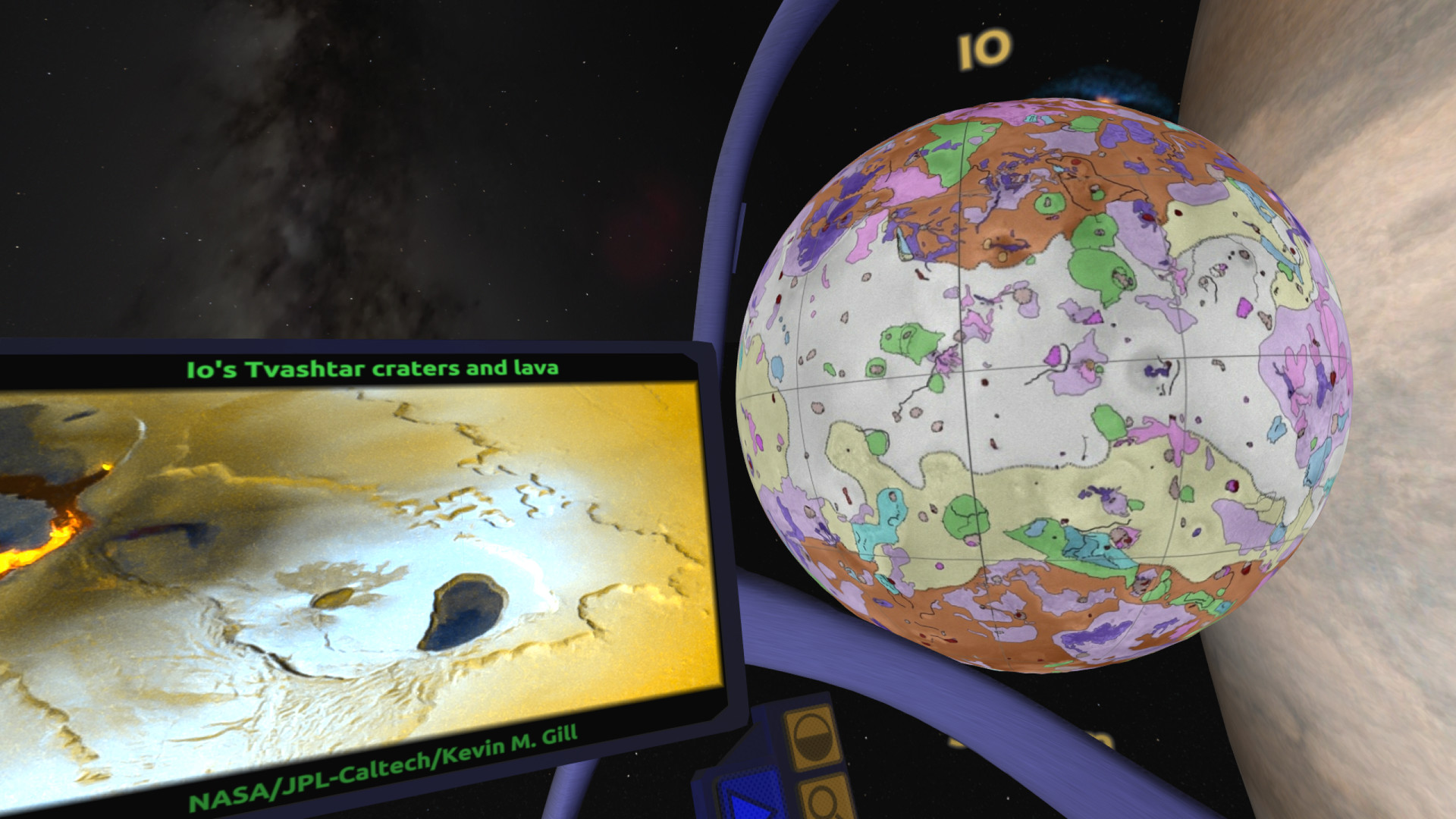
Comparisons are available for the 40+ fact‑checked objects, and the experience also includes a mix of radar, elevation, and enhanced colour maps for viewing celestial bodies.
- Compare a planet with its moon to see dramatic size differences.
- Select the radar map view for a clearer sense of surface features.
03 / THE GUIDE
Gravity Probe Sandbox
In this sandbox you launch a small space probe in any direction to feel how gravitational pull varies across different bodies. The probe’s motion demonstrates concepts such as stronger pull near massive planets and weaker pull near small moons.
The mode is designed for visualizing gravity without requiring complex controls, letting you experiment with launch vectors and observe how trajectories change in real time.
- Start probes near larger planets to notice stronger pull.
- Launch from a moon to compare its weaker gravity.
04 / THE GUIDE
Zero‑Gravity EVA Experience
Float out of your cockpit and thrust around the environment, allowing you to hug small moons or inspect surface points of interest. Labels appear on surfaces, giving detailed information as you move close to each object.
Every mode has music that can be turned off, with specially composed music for the EVA mode, so you can choose either an immersive audio experience or quiet exploration.
- Approach a moon slowly to read surface labels before moving on.
- Turn off the music for a more meditative EVA.
05 / THE GUIDE
VR Platform and Controller Features
Titans of Space PLUS runs natively on HTC Vive, Valve Index, Windows Mixed Reality, and Oculus Rift. For Rift users you may choose Oculus SDK or SteamVR, and both standing and sitting viewpoints are supported.
Hand models are visible when using Valve Index controllers, providing finger tracking. Windows Mixed Reality and Vive Cosmos users currently do not see hand models due to technical issues.
- Choose sitting mode for a stable viewpoint if you prefer a fixed perspective.
- Use Index finger tracking for more precise hand presence.

COMMUNITY
Player discussion