 GameWiki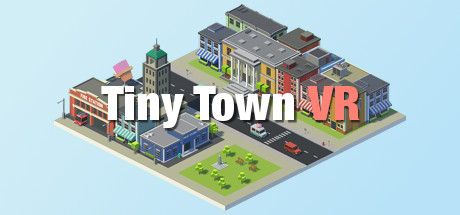
GET YOUR BEARINGS
About Tiny Town VR
Tiny Town VR is a casual world‑building experience designed for virtual reality. Players assemble environments using thousands of objects—roads, buildings, people and more—across themes such as town, farm, and maritime. The game lets you pose articulated characters, add speech bubbles, and capture scenes with an in‑game camera that can be saved or shared directly to Facebook. Its intuitive gesture controls and VR‑focused UI make creation comfortable for solo play.
01 / THE GUIDE
World Building
Tiny Town VR provides an inventory of thousands of objects, letting you construct anything from a simple street to a sprawling farm. The system includes snapping rules, object copying, and guidelines to keep builds tidy. The game supports multiple themes, so you can switch between town, farm, maritime and other settings while using the same building tools.
- Experiment with snapping to align objects quickly.
- Use object copying to replicate items without rebuilding each piece.
02 / THE GUIDE
Gesture Controls
Navigation and manipulation rely on natural VR gestures for panning, zooming, rotating and moving around the world. These gestures let you position objects and adjust the view without traditional button presses. Because the controls are built for VR, they feel comfortable during extended building sessions.
- Practice zoom gestures to get a better overview of large builds.
- Rotate the world to view structures from all angles.

03 / THE GUIDE
Articulated Characters
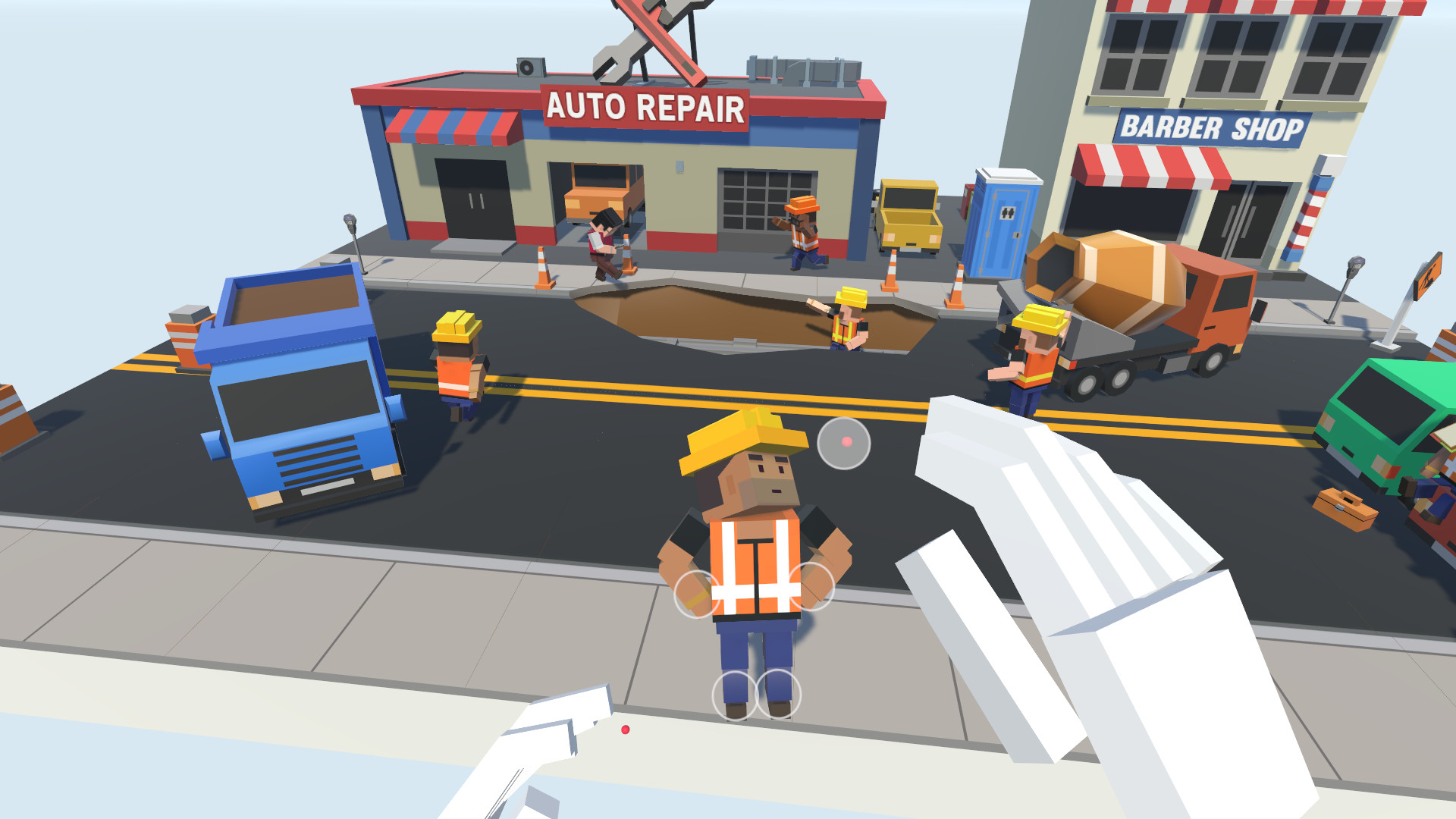
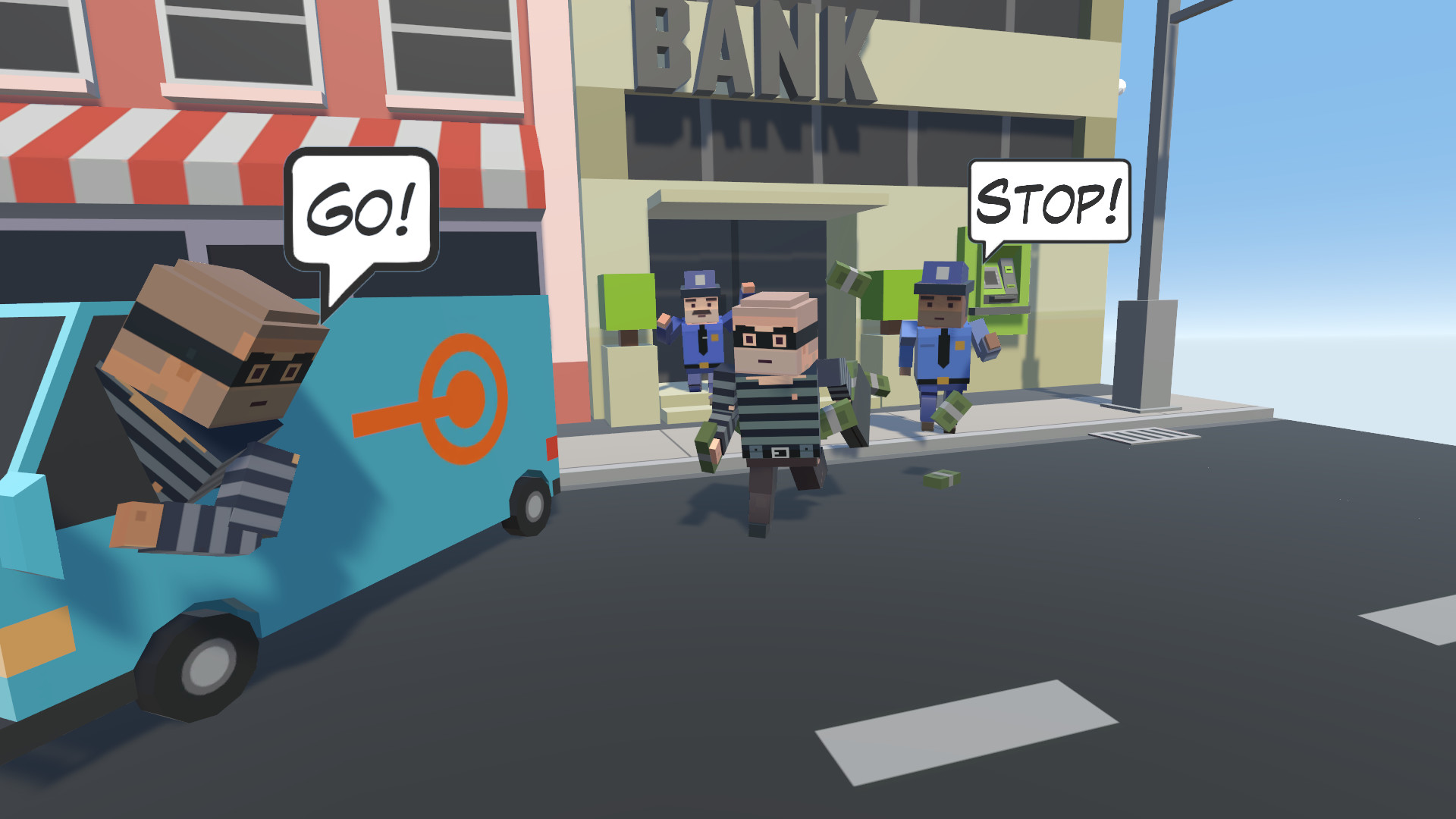
Characters in Tiny Town VR have joints that can be pushed, pulled and twisted into any pose, allowing complex storytelling poses. After posing, you can attach custom speech bubbles to give them a voice. These articulated figures add personality to scenes and work with the same snapping and copying tools as other objects.
- Create dynamic scenes by combining poses with speech bubbles.
- Copy a posed character to reuse the same expression elsewhere.
04 / THE GUIDE
Photo Capture & Sharing
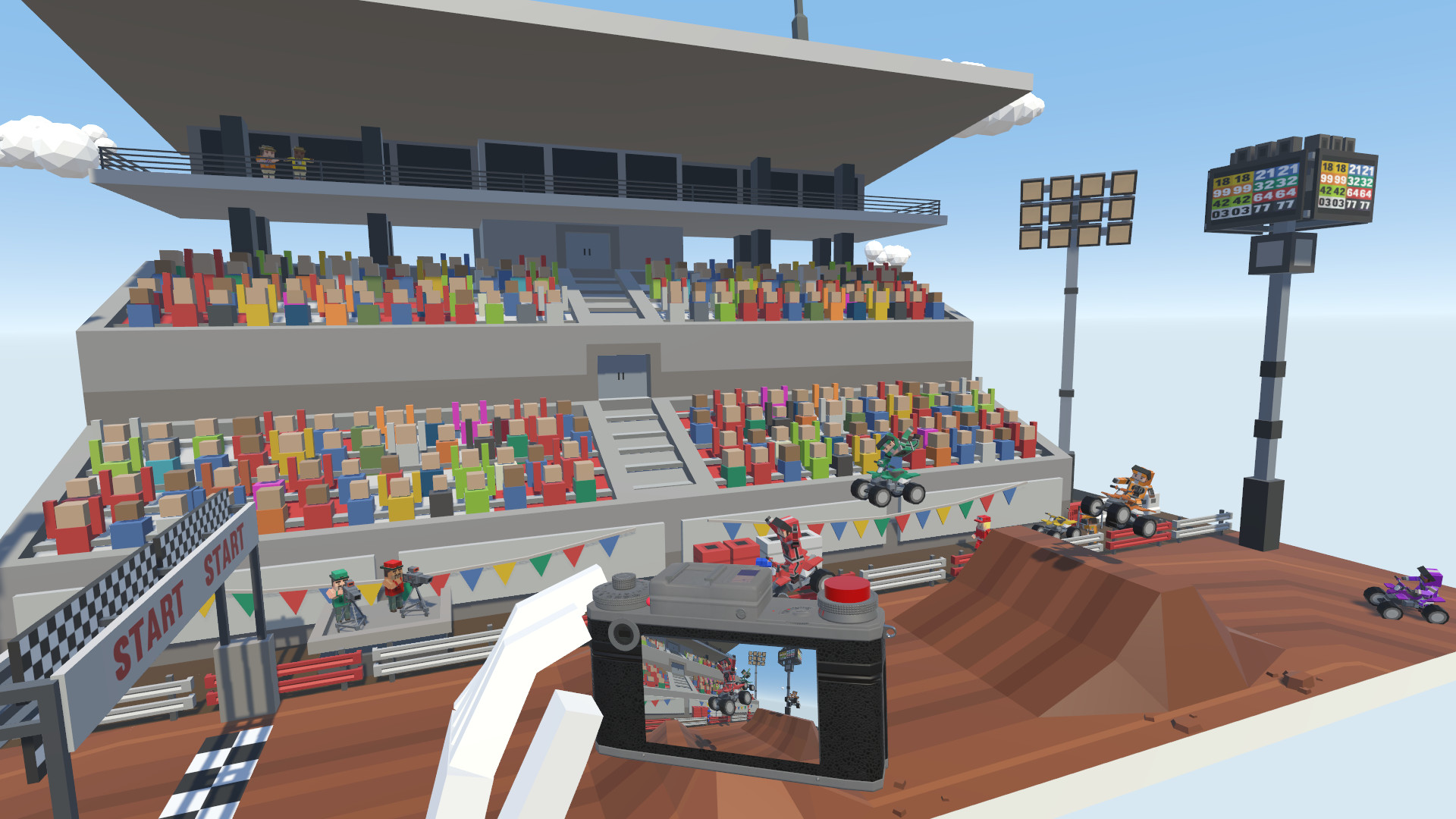
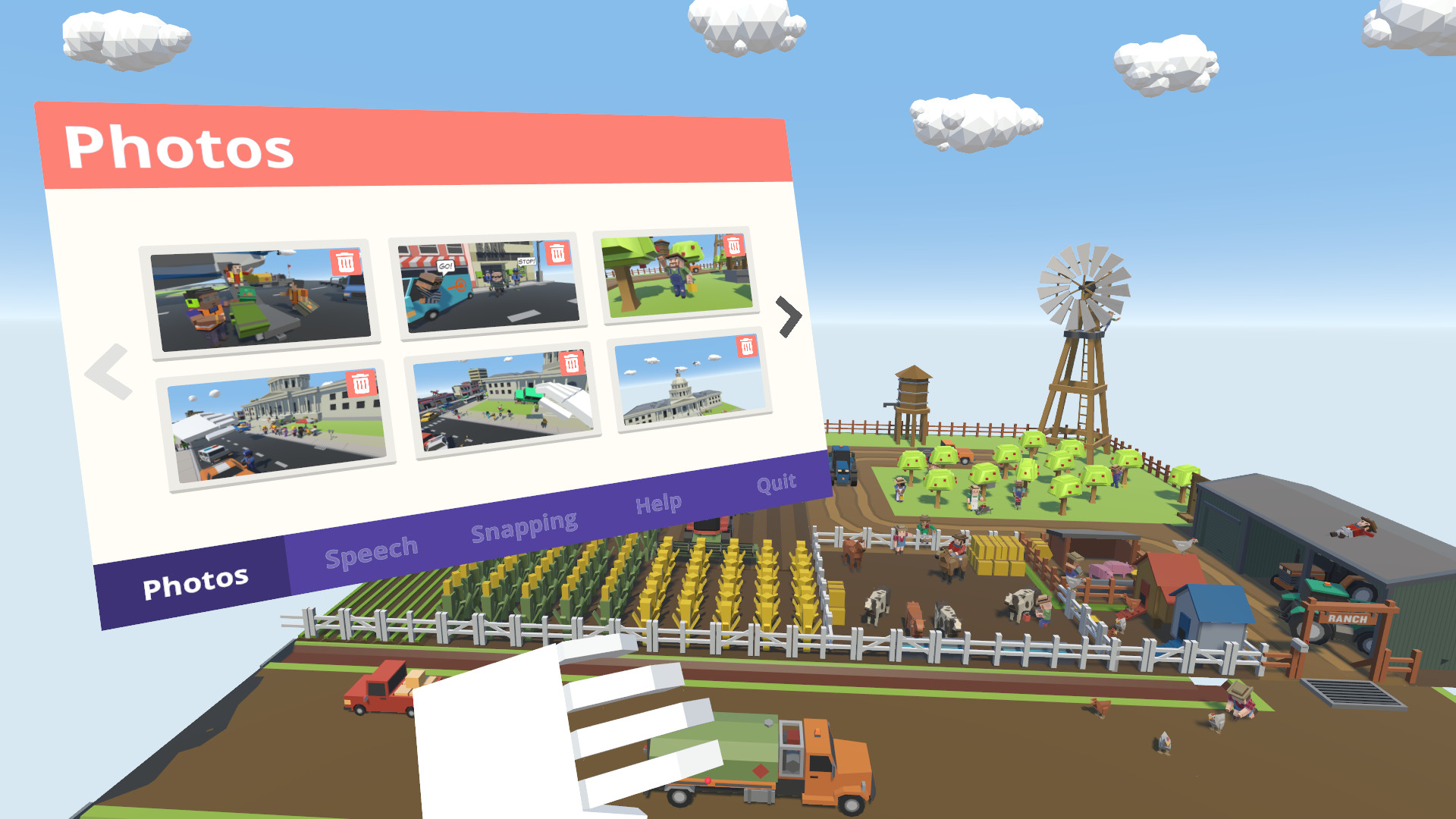
Once a scene is arranged, the in‑game camera lets you capture a photo, add captions, and store it in a library. Captured images can be published directly to Facebook for sharing with friends. The capture system works entirely within VR, keeping the creative flow uninterrupted.
- Add captions that explain the story behind your photo.
- Review your photo library before sharing to pick the best shots.
05 / THE GUIDE
Platform Support
Tiny Town VR runs on Windows PCs and supports HTC Vive and Oculus Rift headsets, providing tracked controller input for the VR experience. The game is listed as VR‑only, focusing on immersive building. Family Sharing is enabled, allowing multiple accounts on the same system to access the game.
- Check headset compatibility before purchase.
- Use Family Sharing to let other household members try the game.
COMMUNITY
Player discussion