 GameWiki

GET YOUR BEARINGS
About Tiny Tina's Wonderlands
Tiny Tina’s Wonderlands drops you into a chaotic fantasy world where guns, spells, and broadswords collide. Guided by the unpredictable Tiny Tina, you roam cities, mushroom forests, and fortresses while hunting loot‑filled dungeons and battling outlandish foes such as smack‑talking skeletons and land‑roaming sharks.
The game blends first‑person shooting with RPG‑style multiclass customization, letting you mix six skill trees to craft a unique hero. You can experience the story solo or join a party of up to three friends in online or LAN co‑op, with partial controller support and Family Sharing available on Windows.
01 / THE GUIDE
Online Co‑op
Tiny Tina’s Wonderlands lets you start a party with up to three additional players through seamless online multiplayer. Friends can join your session, explore the overworld together, and tackle dungeons side by side, sharing loot or competing for the best gear.
Online co‑op runs on Windows and requires each participant to own a copy of the game and have an internet connection. The lobby system lets the host invite friends directly, simplifying the process of gathering a group.
- Ensure every player runs the latest game update to avoid connection mismatches.
- Use the in‑game lobby to send invites rather than external platforms for quicker matchmaking.
02 / THE GUIDE
LAN Co‑op
In addition to online play, Tiny Tina’s Wonderlands supports LAN co‑op, allowing local groups to connect without internet. This mode lets you create a private network session and enjoy the same content as online multiplayer.
LAN co‑op is limited to the Windows platform, so all participants must be on compatible PCs within the same local network. The game automatically detects other players on the LAN when the host enables the mode.
- Verify that all PCs are on the same subnet to ensure they see each other.
- Temporarily disable firewalls if players cannot discover the LAN session.
03 / THE GUIDE
First‑Person Combat
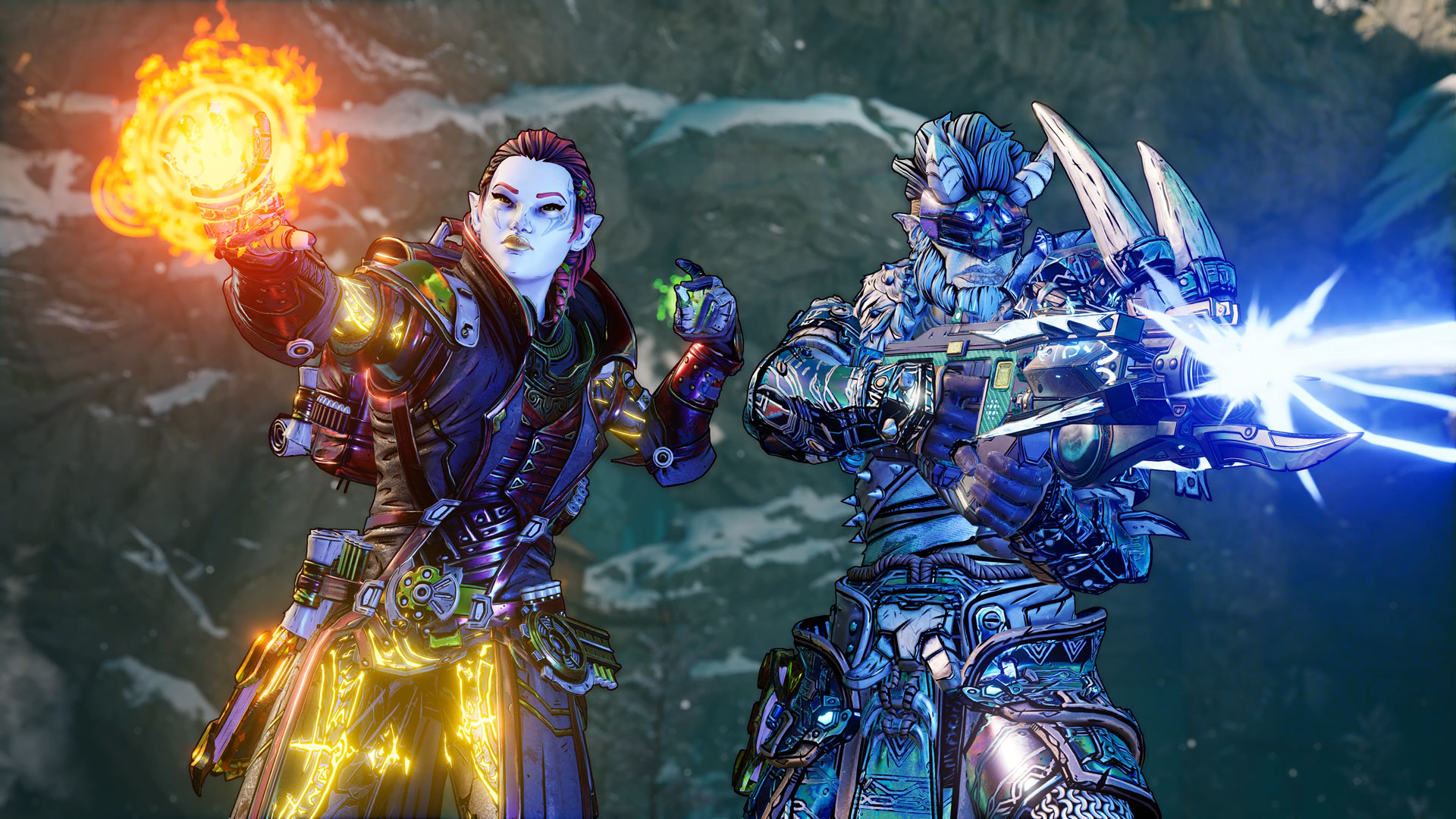
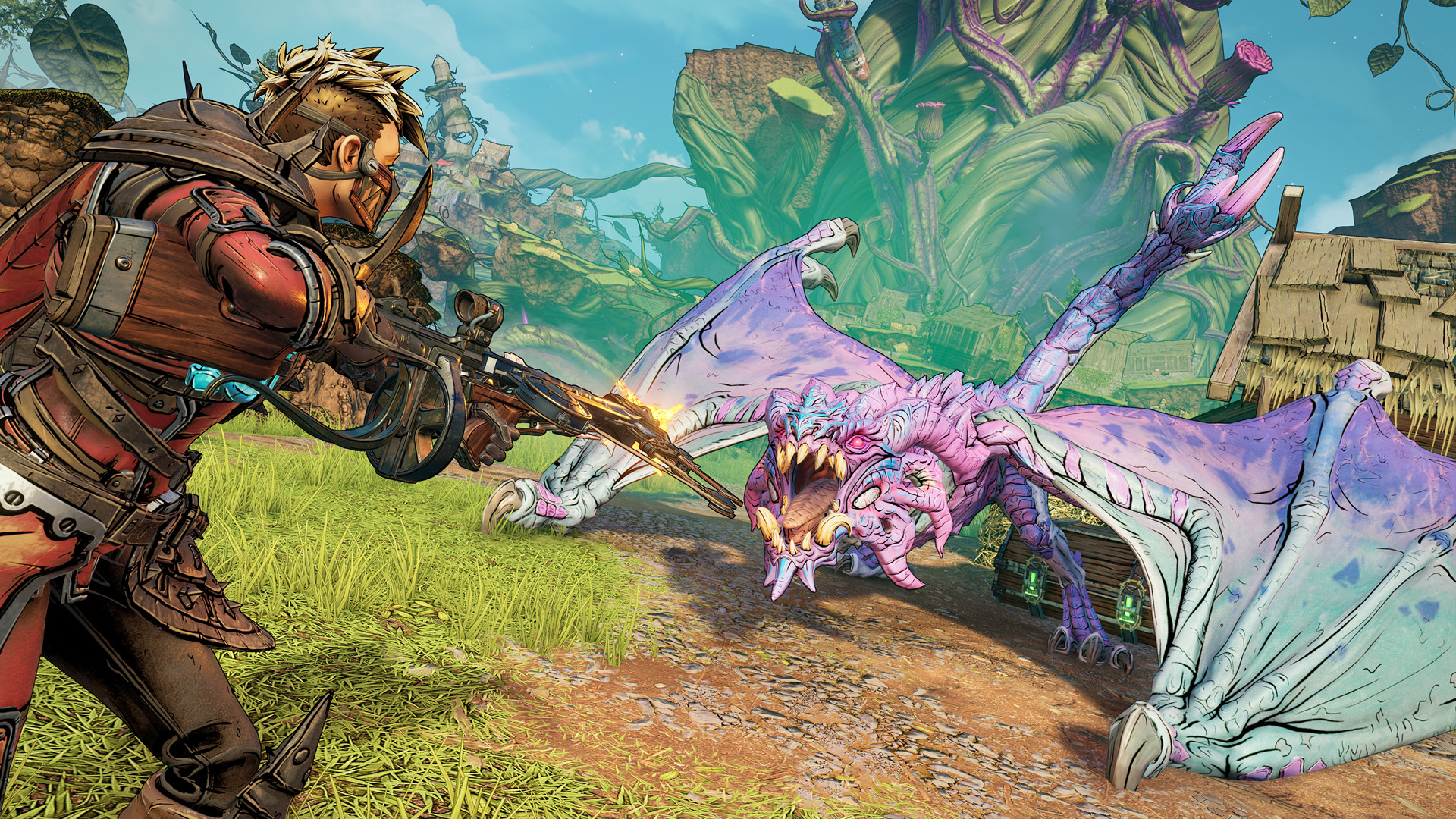
Combat unfolds from a first‑person perspective, mixing firearms, magic, and melee. Players can blast skeletons, land‑roaming sharks, and colossal bosses with powerful guns or cast devastating spells in frenetic battles.
Melee options include broadswords, letting you slash enemies when you prefer close‑range action. The blend of shooting, casting, and slashing creates fast‑paced encounters that shift between ranged and melee tactics.
- Switch quickly between gun and spell to exploit enemy weaknesses.
- Watch ammo counts and spell cooldowns to maintain pressure during fights.
04 / THE GUIDE
Multiclass Customization
Players can build a hero using a multiclass system that mixes six distinct skill trees. Each tree offers its own abilities, allowing deep personalization of playstyle across gunfire, magic, or melee.
Leveling up refines your build and expands your arsenal, letting you allocate points to primary and secondary trees as you progress through the adventure.
- Experiment with different tree combinations early to discover synergistic abilities.
- Focus on a primary tree first, then add secondary skills for added flexibility.
05 / THE GUIDE
Exploration and Loot
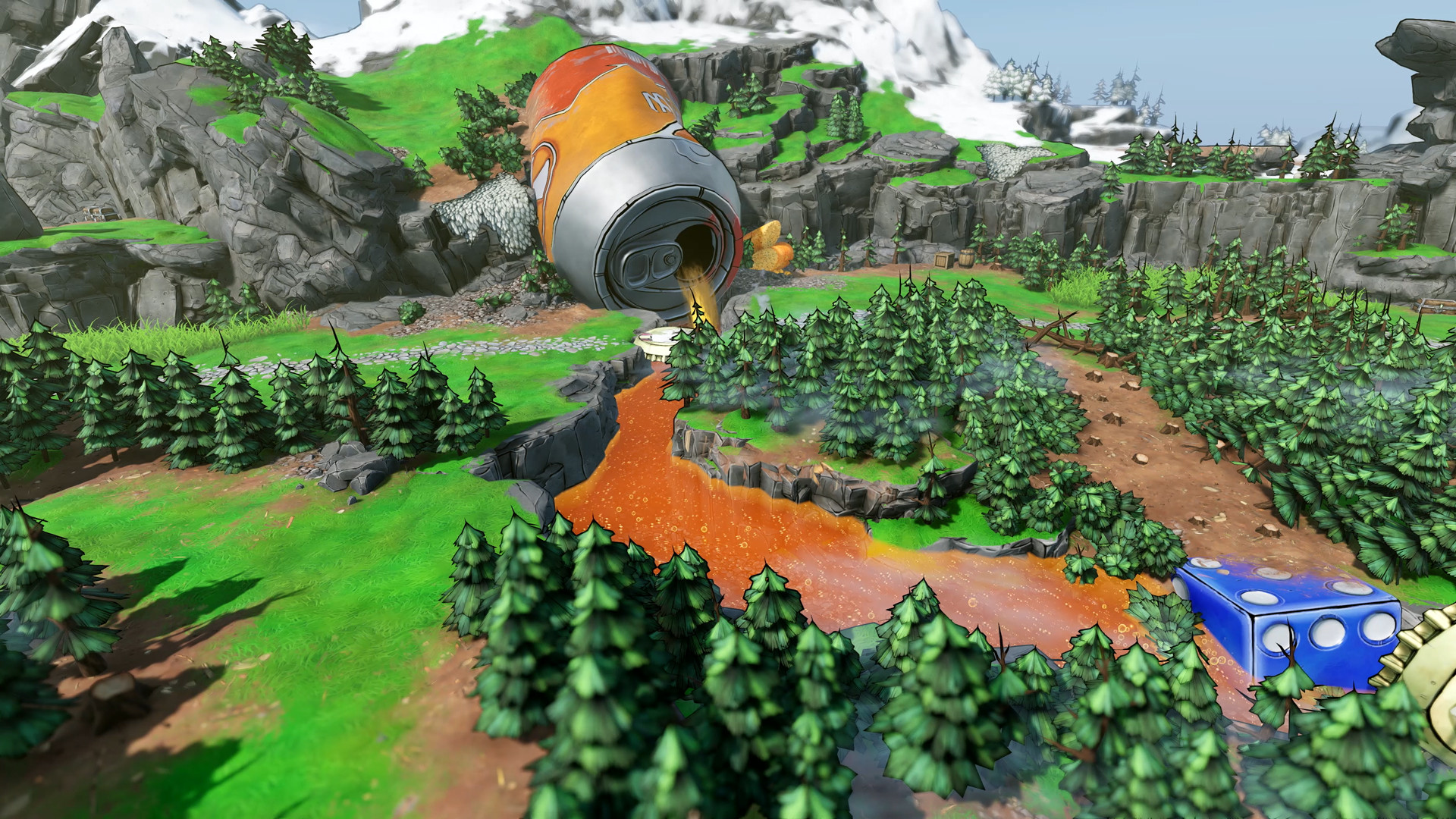
The overworld spans majestic cities, dank mushroom forests, and foreboding fortresses, each leading to dangerous dungeons. Delving into these dungeons rewards players with epic loot, encouraging deeper exploration.
Loot can be shared among party members or contested, giving groups the freedom to decide how to distribute rewards after each encounter.
- Map out dungeon entrances before diving in to plan efficient routes.
- Discuss loot distribution with teammates ahead of time to avoid conflict.


COMMUNITY
Player discussion