 GameWiki
GET YOUR BEARINGS
About Tiny Pasture
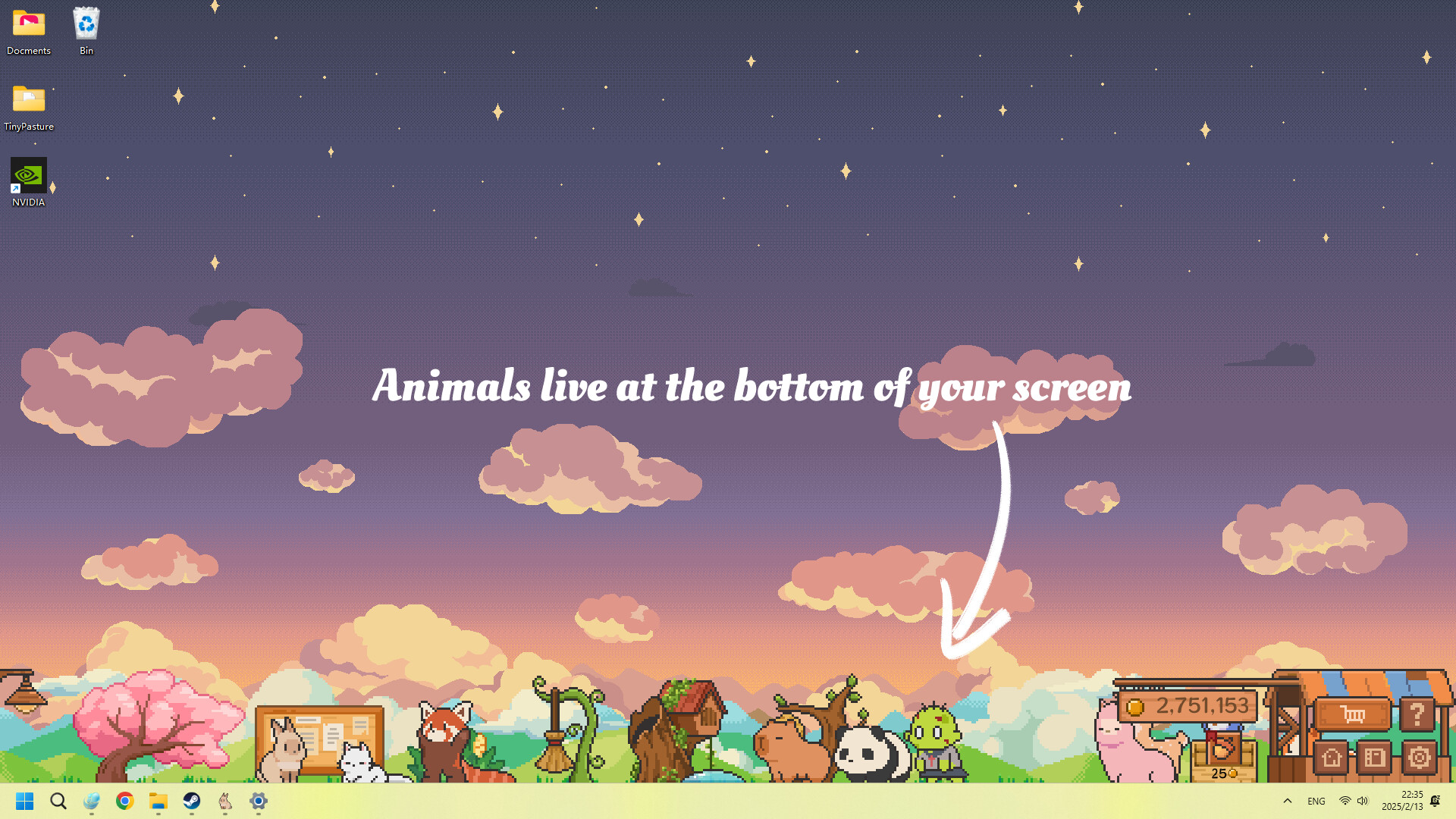
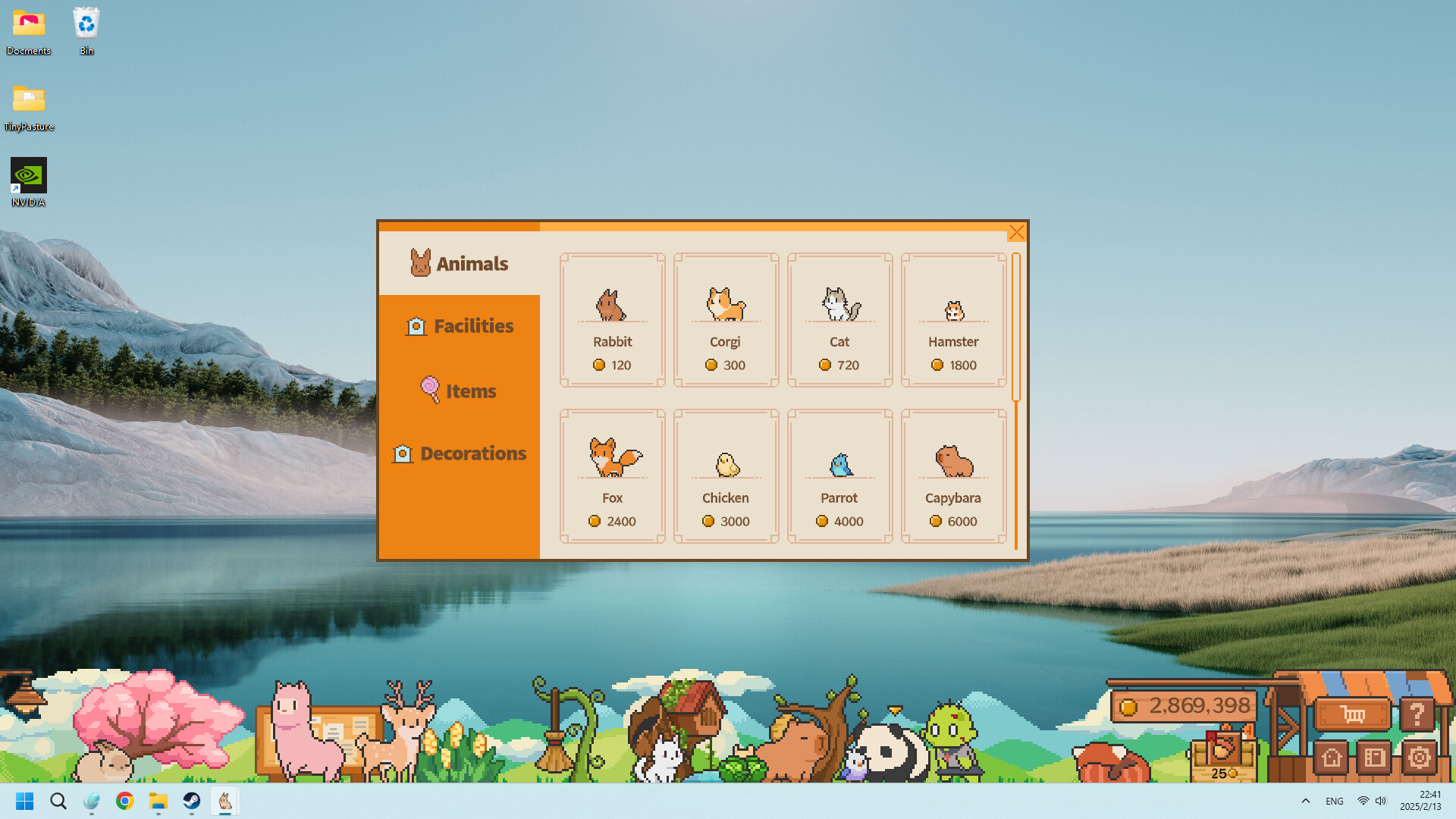
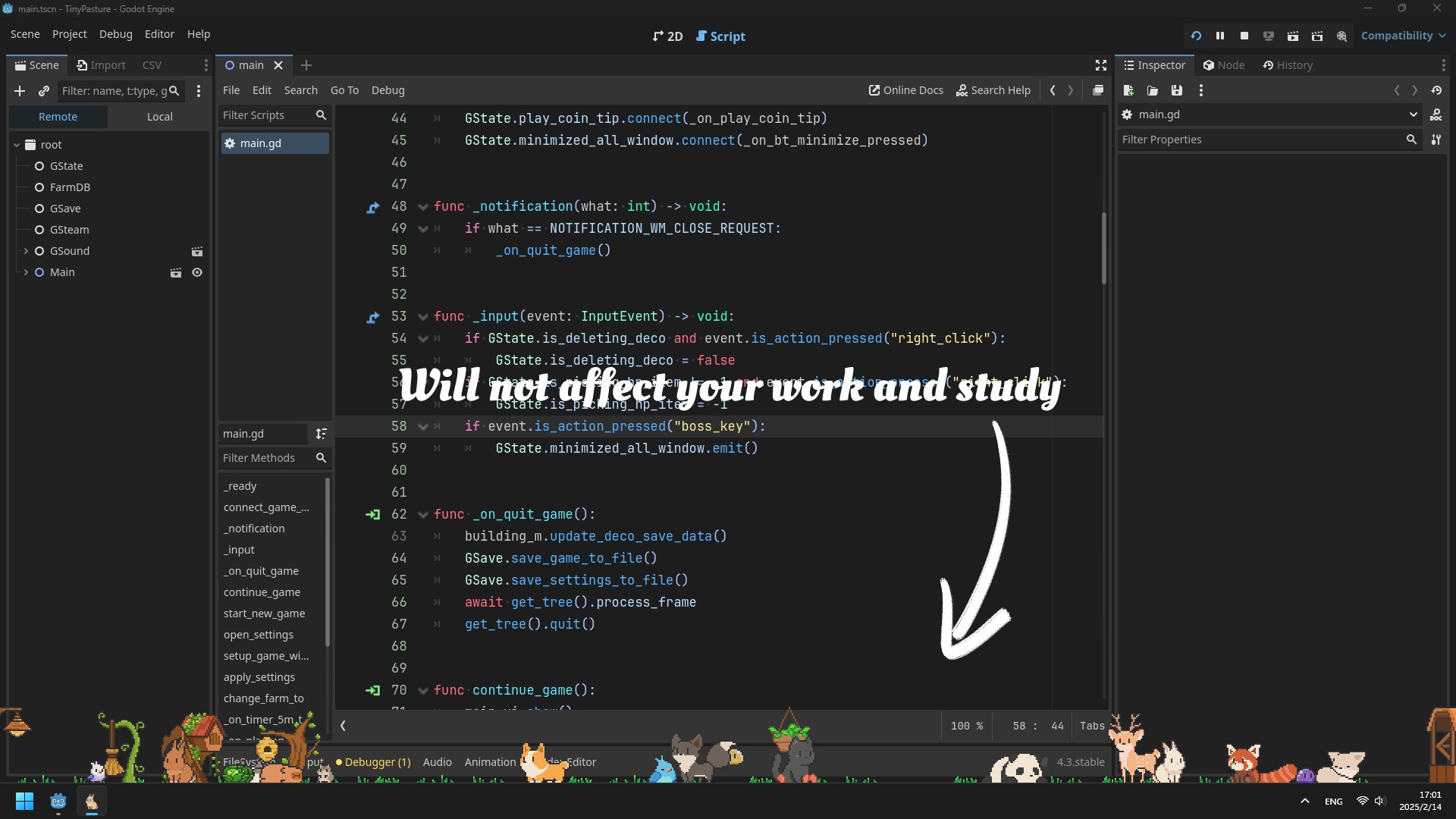
Tiny Pasture is a compact farm simulation that lives in a small window at the bottom of your screen, letting you tend to cute baby animals while you work or study. You can buy animals, watch them grow, and collect the coins they drop once they mature to expand your pasture.
As you progress, new species such as rabbits, foxes, alpacas, birds, slimes, and zombies become available, and magical facilities can be purchased to help keep the herd clean and healthy. The pasture can be dragged and placed anywhere on the screen for flexible desktop layout.
01 / THE GUIDE
Breeding New Life
The Mystery Curtain can be placed in the pasture, after which you select two adult animals of the same species. Over time the pair will breed and produce newborn animals that join your herd, adding to the population without a direct purchase.
Newborn animals grow like any other animal and eventually drop coins when fully matured. This provides a way to increase herd size and coin income through breeding rather than only buying adults.
- Place the curtain after you have at least two adults of a species you wish to expand.
- Watch the interval before newborns appear to plan future purchases.
02 / THE GUIDE
Feeding and Clicking
You can feed your animals and click on them, and the game describes watching them grow happily as a result. Feeding is an optional interaction that contributes to the animal’s development as described by the game.
Clicking with the middle mouse button makes an animal follow your cursor, adding a visual element that can be enjoyed while you work on other tasks.
- Use middle‑click to move a favorite animal around for a playful effect.
- Clicking regularly ensures each animal receives feed if you prefer that interaction.
03 / THE GUIDE
Adjustable Pasture Layout
The length of the pasture can be freely dragged, letting you resize the area that holds your animals at any time while the game is running. This lets you fit the pasture into the space you have available.
You may place the pasture anywhere on your screen, which lets the game stay visible without covering other windows you might be using for work or study.
- Resize the pasture to match the available screen space.
- Position the pasture where it does not block important application windows.
04 / THE GUIDE
Magical Facilities
Magic Pasture lets you purchase and deploy magical facilities. These facilities are described as helping keep animals clean and healthy, offering a supportive addition to herd management.
Facilities can be added at any point as your pasture expands, without any stated requirement to progress before they become available.
- Consider adding a facility early if you anticipate a large herd.
- Compare the facility cost with the coin income you expect from mature animals.
05 / THE GUIDE
Performance and Compatibility
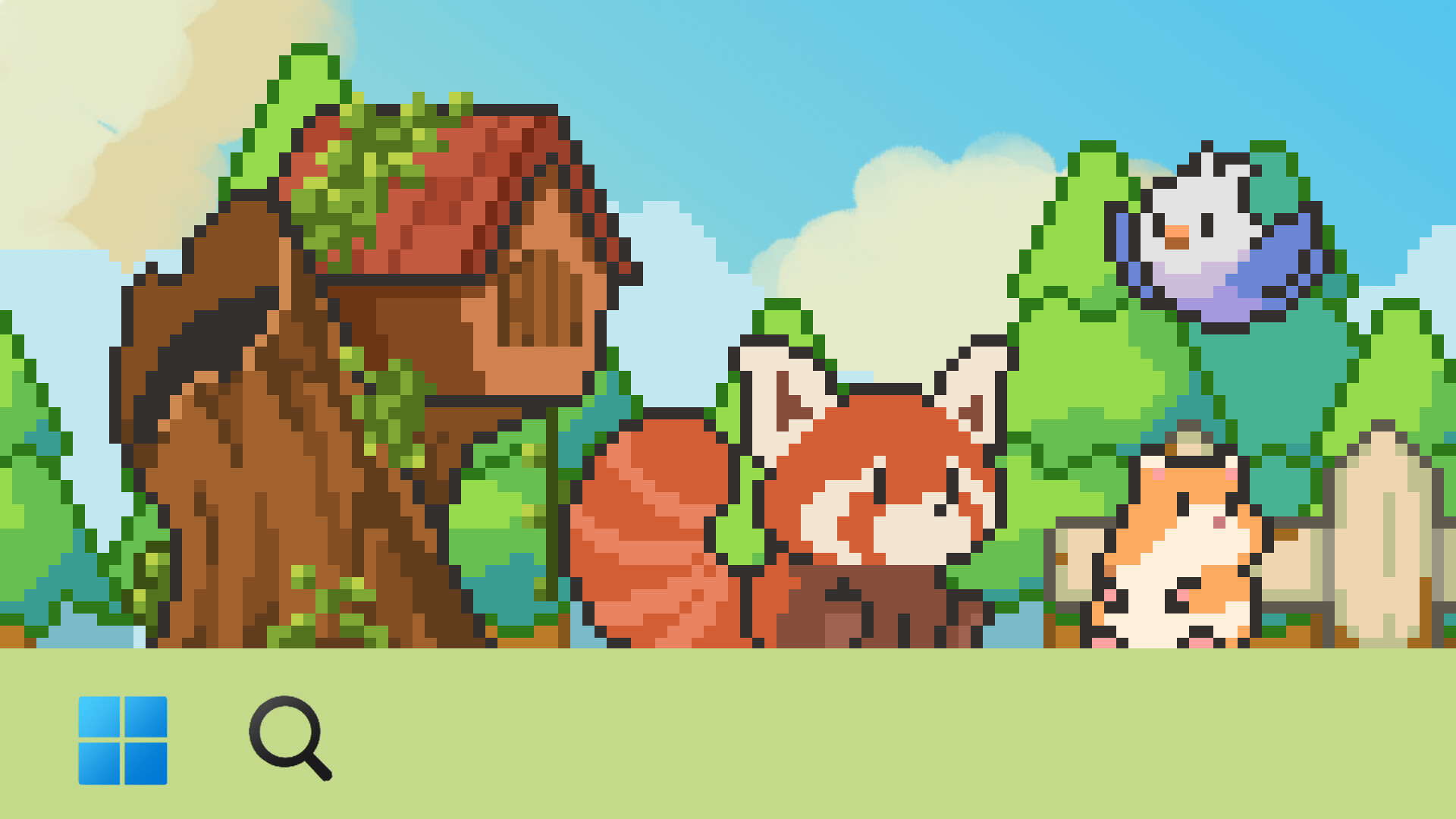
If the taskbar disappears after launching Tiny Pasture, pressing the Windows key restores it. This simple step resolves the missing taskbar issue for Windows users.
A black background behind animals can be fixed by following the pinned solution on the store page’s discussion section, and screen tearing caused by Steam notifications can be avoided by disabling the Steam Overlay for this game.
- Press the Win key when the taskbar vanishes.
- Disable Steam Overlay in the game’s properties if tearing occurs.

COMMUNITY
Player discussion