 GameWiki
GET YOUR BEARINGS
About Tiny Lands
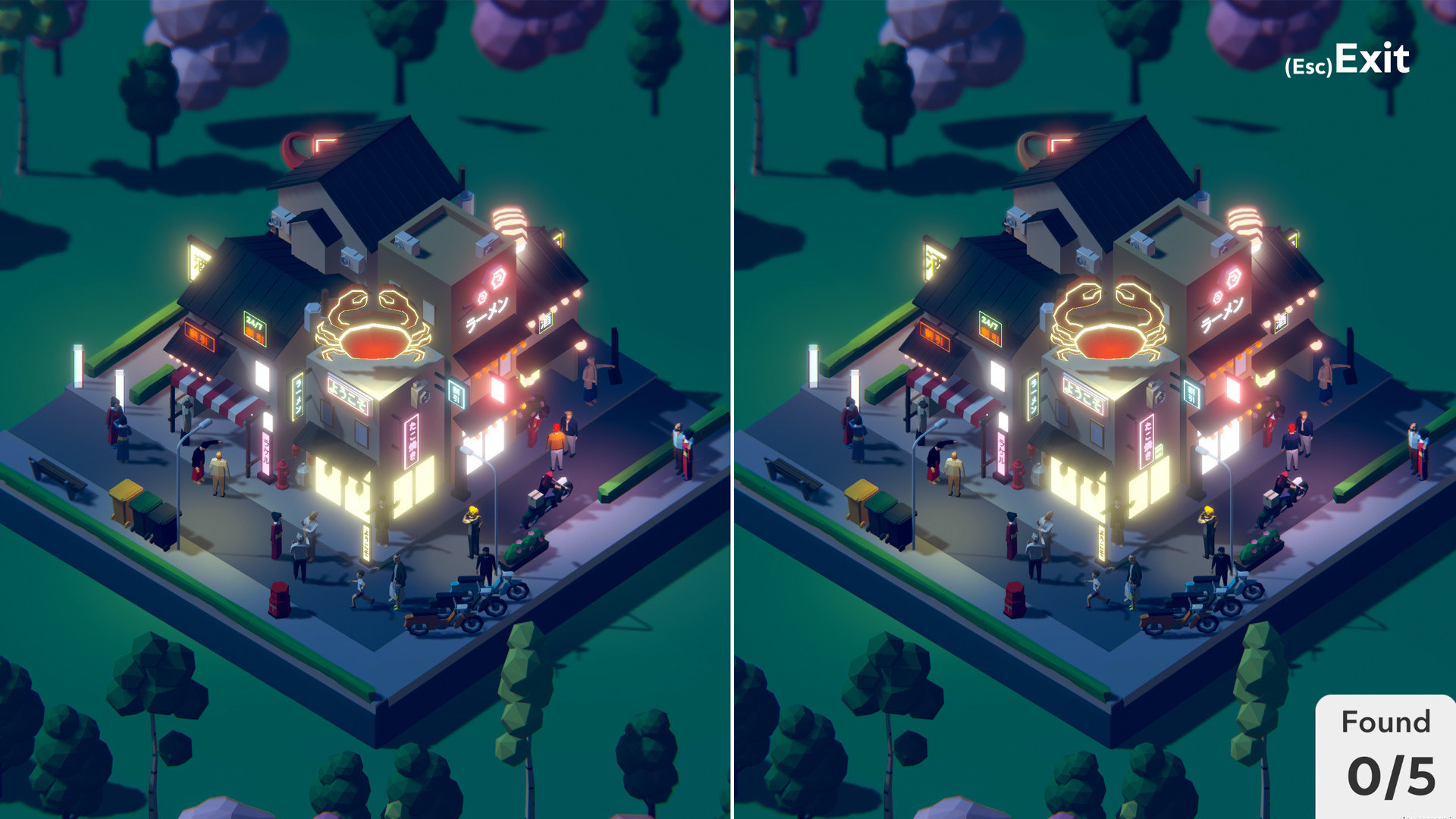
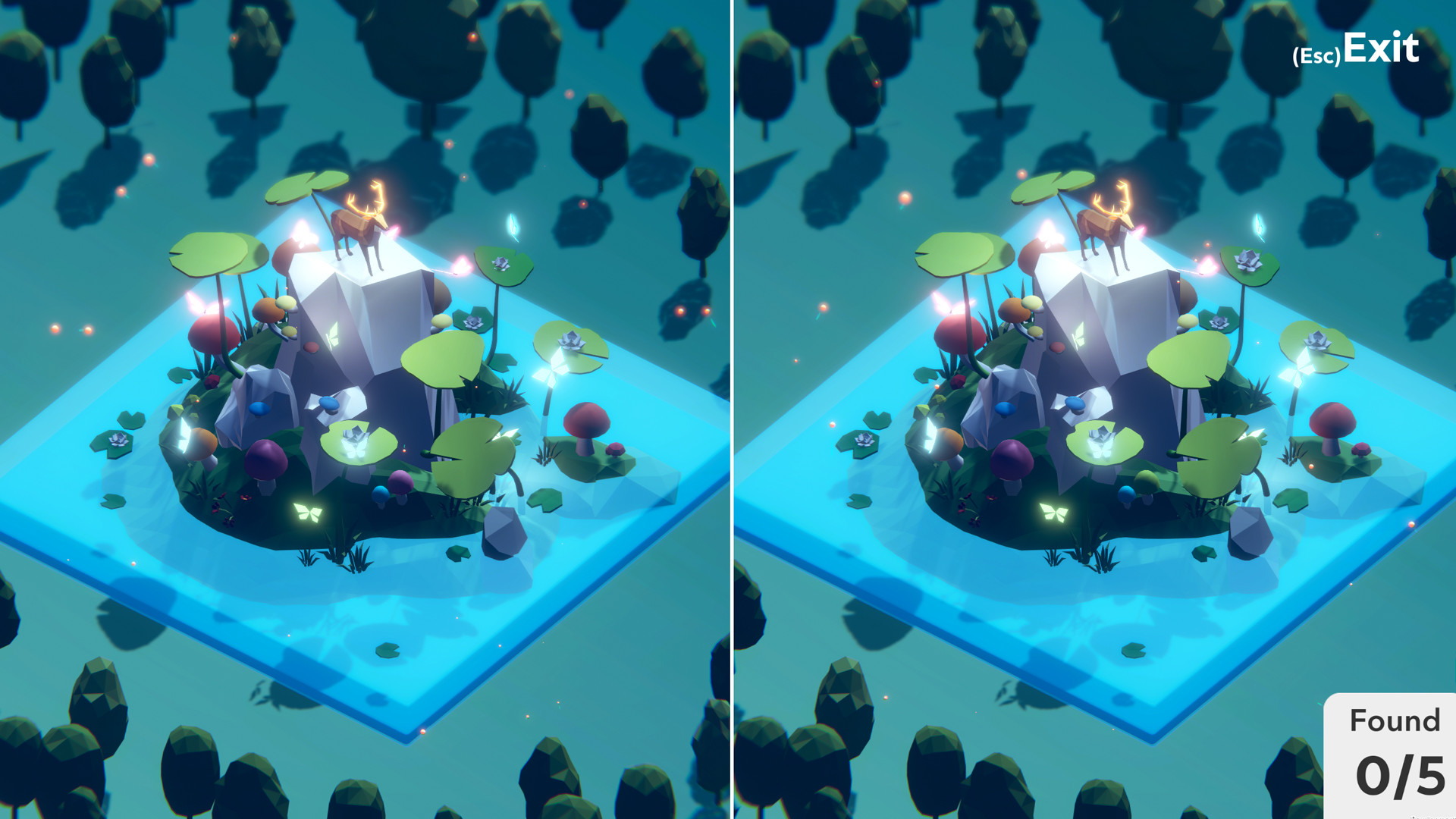
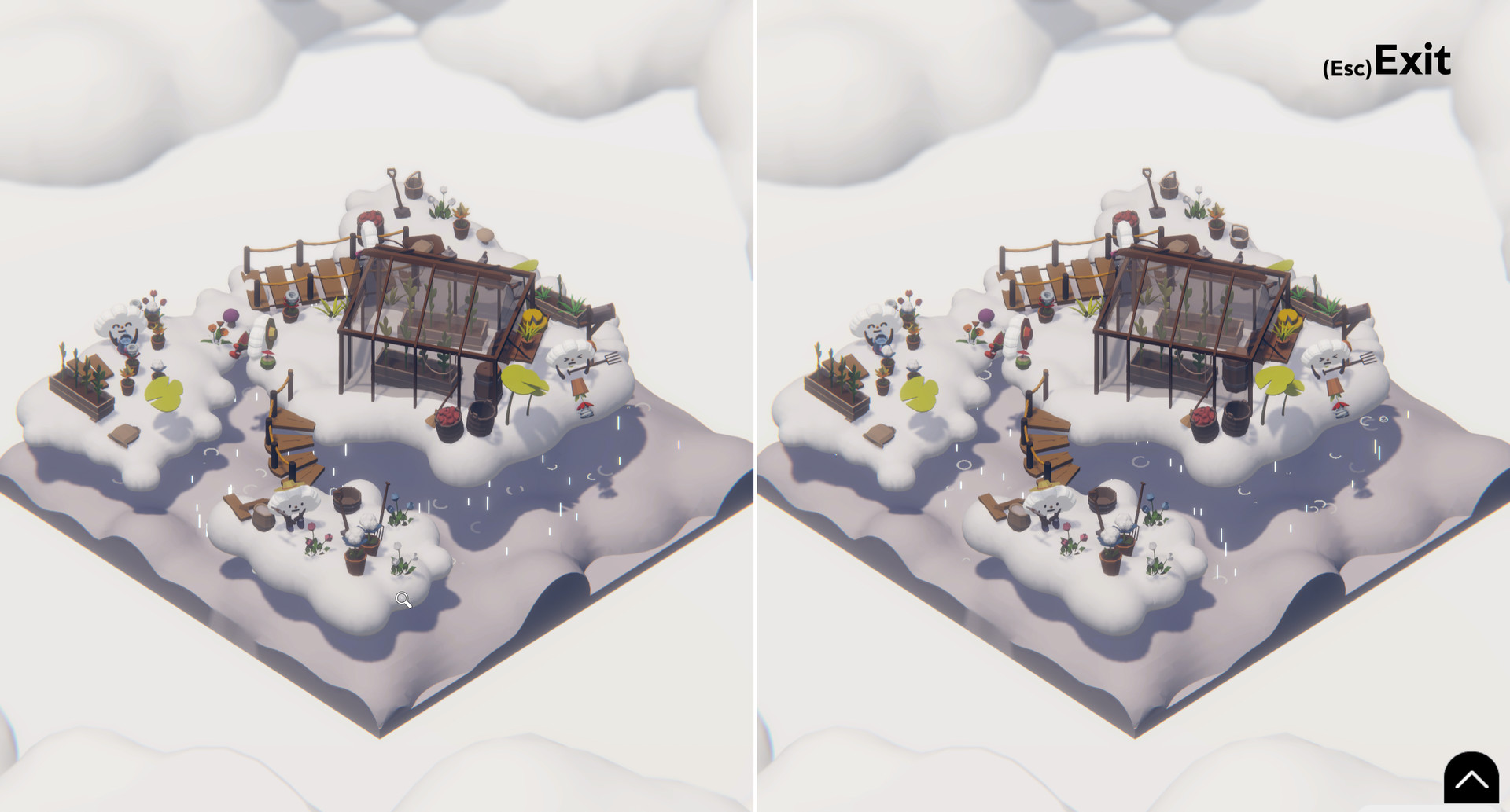
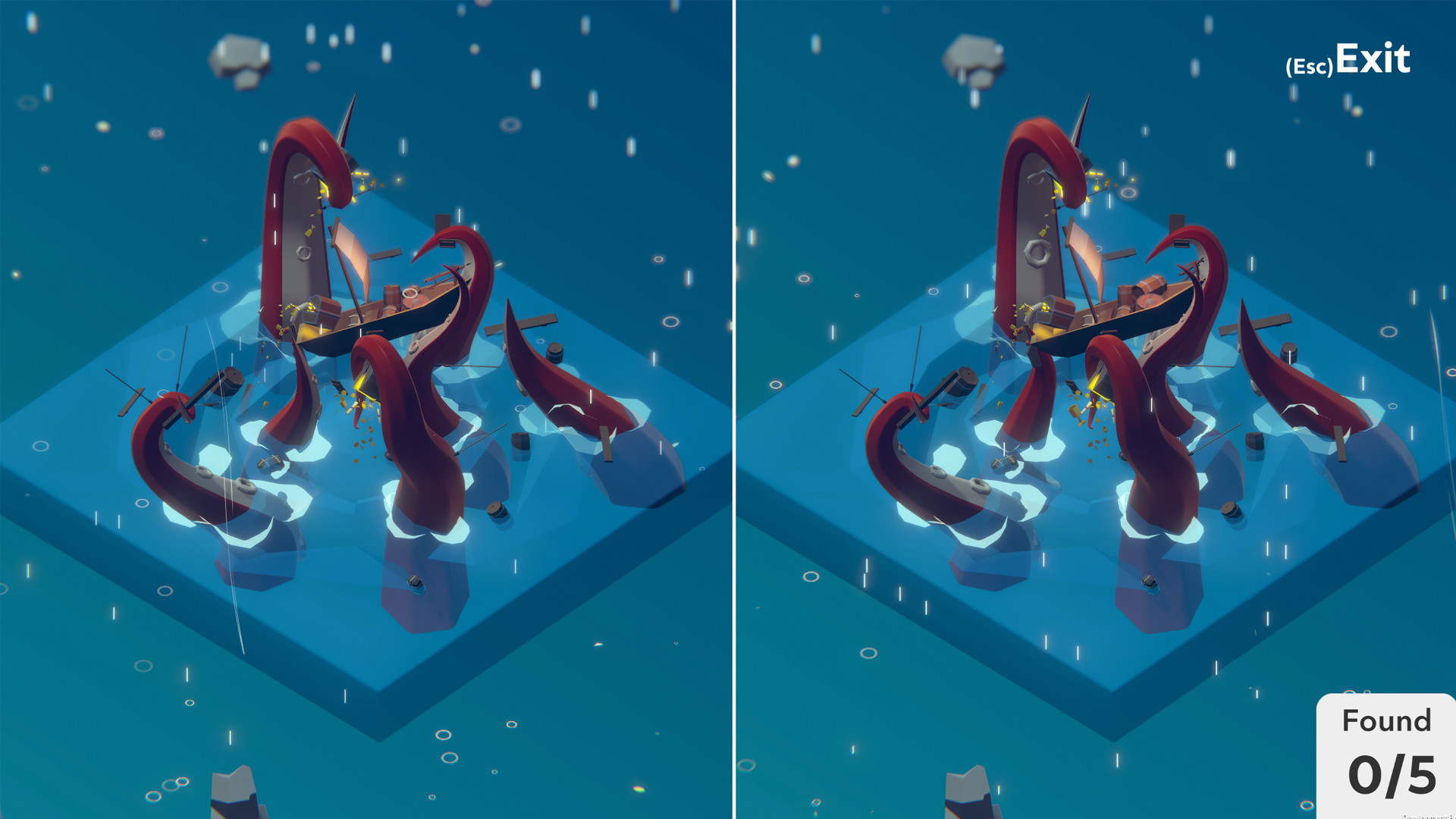
Tiny Lands reimagines classic “find the differences” puzzles by placing them in a fully rotatable 3D world. Players can move around, zoom, and explore each scene from any angle, turning a simple visual hunt into a spatial experience. The game adds atmospheric weather, ambient sounds, and a relaxed, untimed play style. With optional lo‑fi music and no penalties for errors, Tiny Lands invites casual players to linger, explore, and enjoy each quirky environment at their own speed.
01 / THE GUIDE
3D Perspective
The core mechanic lets you view each puzzle in three dimensions, letting you rotate and zoom to spot differences. This spatial freedom replaces the static side‑by‑side images of traditional games. Because the scene is fully manipulable, hidden details may only become visible from certain angles, encouraging careful observation rather than rapid scanning.
- Try rotating slowly to let the brain adjust to new viewpoints.
- Zoom in on complex textures where subtle changes often hide.
02 / THE GUIDE
Dynamic Weather
Each level features changing auras such as fire, rain, thunder, snow, and wind, adding visual charm and occasional motion to the backdrop. These effects add a lot of charm to the scenery. The changing weather means the same scene can feel different on repeated looks, keeping the environment lively.
- Observe how rain or snow may highlight edges that are otherwise hard to see.
- Notice wind‑blown elements for subtle clues about hidden objects.
03 / THE GUIDE
Ambient Soundscapes
Environments are paired with location‑specific audio, like waves on a beach and seagull calls, creating an immersive backdrop. The sounds create a refreshing backdrop for each setting. These audio cues reinforce the setting, making each puzzle feel distinct and helping players settle into the mood of the level.
- Use headphones to fully appreciate the subtle environmental noises.
- Match the sound theme with your personal relaxation preferences.
04 / THE GUIDE
Relaxed Pacing
Tiny Lands imposes no time limit, allowing you to linger as long as you like on any level. This design removes pressure and lets you explore at a comfortable speed. Mistakes carry no penalty, so you can experiment with different viewpoints without fear of losing progress.
- Take breaks between levels to keep your eyes fresh.
- Treat each mistake as a learning moment rather than a failure.
05 / THE GUIDE
Music Customization
Players may set their own lo‑fi music playlist, letting personal soundtracks accompany the visual puzzles. You can set your favorite lo-fi music and play at your own pace. This feature supports a personalized atmosphere, making each session uniquely soothing or energizing based on your choice.
- Select low‑tempo tracks to enhance the calming vibe.
- Switch playlists between levels to keep the experience fresh.

COMMUNITY
Player discussion