 GameWiki

GET YOUR BEARINGS
About Tiny Glade
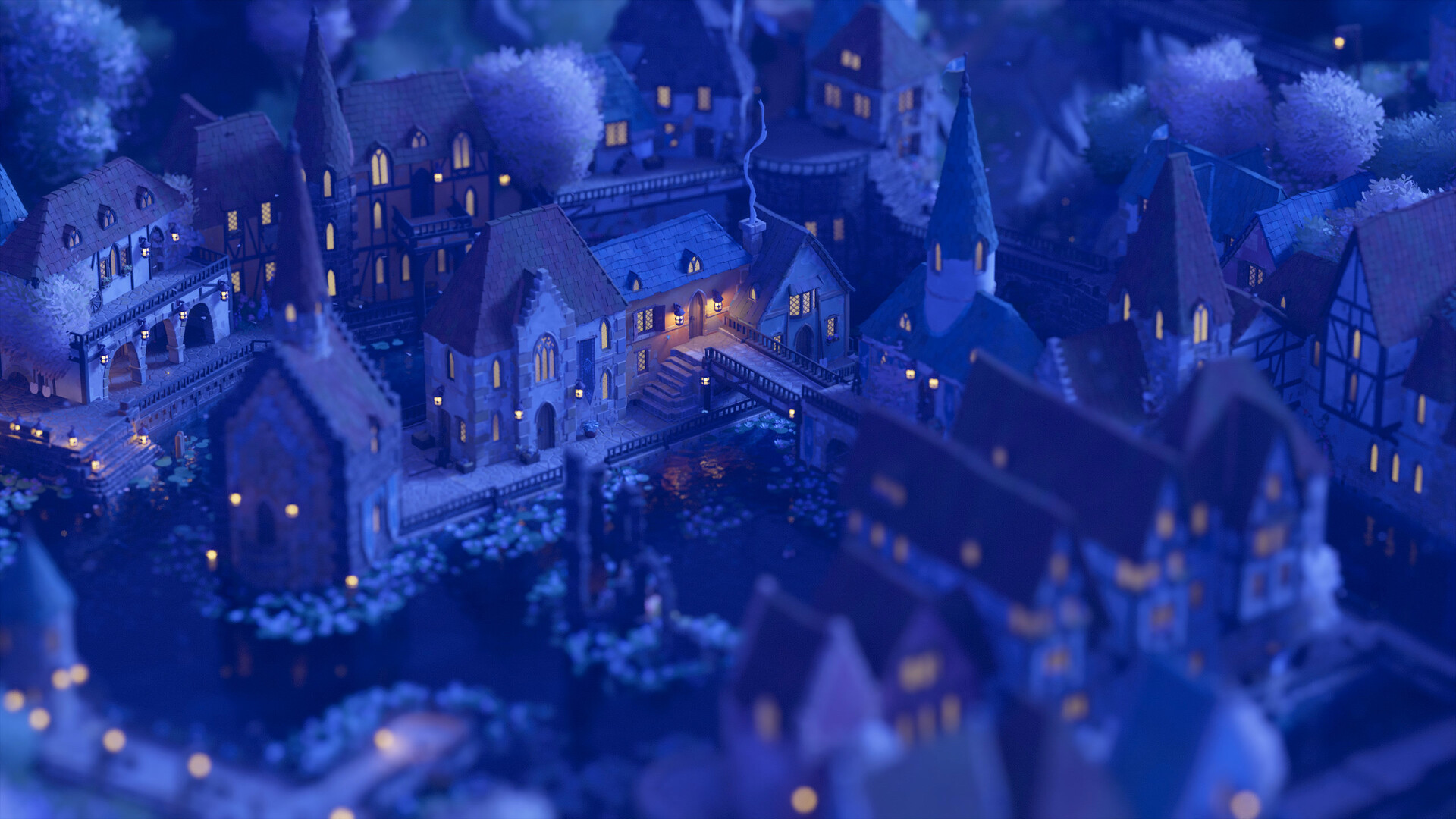
Tiny Glade is a free‑form building experience that lets players create charming dioramas without any management, combat, or wrong answers. The game focuses on relaxed creativity, letting you place bricks, pebbles, and planks while the world responds with doors, columns, and beams that fit your design.
The environment feels alive: ivy grows over structures, sheep wander paths, and fireflies illuminate night scenes. All actions are optional, you can save anytime, and the game runs on Windows, macOS, and Linux with full controller and mouse support.
01 / THE GUIDE
Relaxed Gameplay
Tiny Glade offers a single‑player sandbox where the only goal is to build something you find pretty. There are no timed inputs, no failure states, and you may change your mind at any moment.
The game automatically adds appropriate architectural elements—doors appear when you draw a path, and support beams line up when you raise a structure—so you never need to worry about technical correctness.
- Take breaks often to enjoy the ambient sounds and avoid fatigue.
- Experiment with different shapes; the system will adapt each time.
02 / THE GUIDE
Gridless Building Chemistry
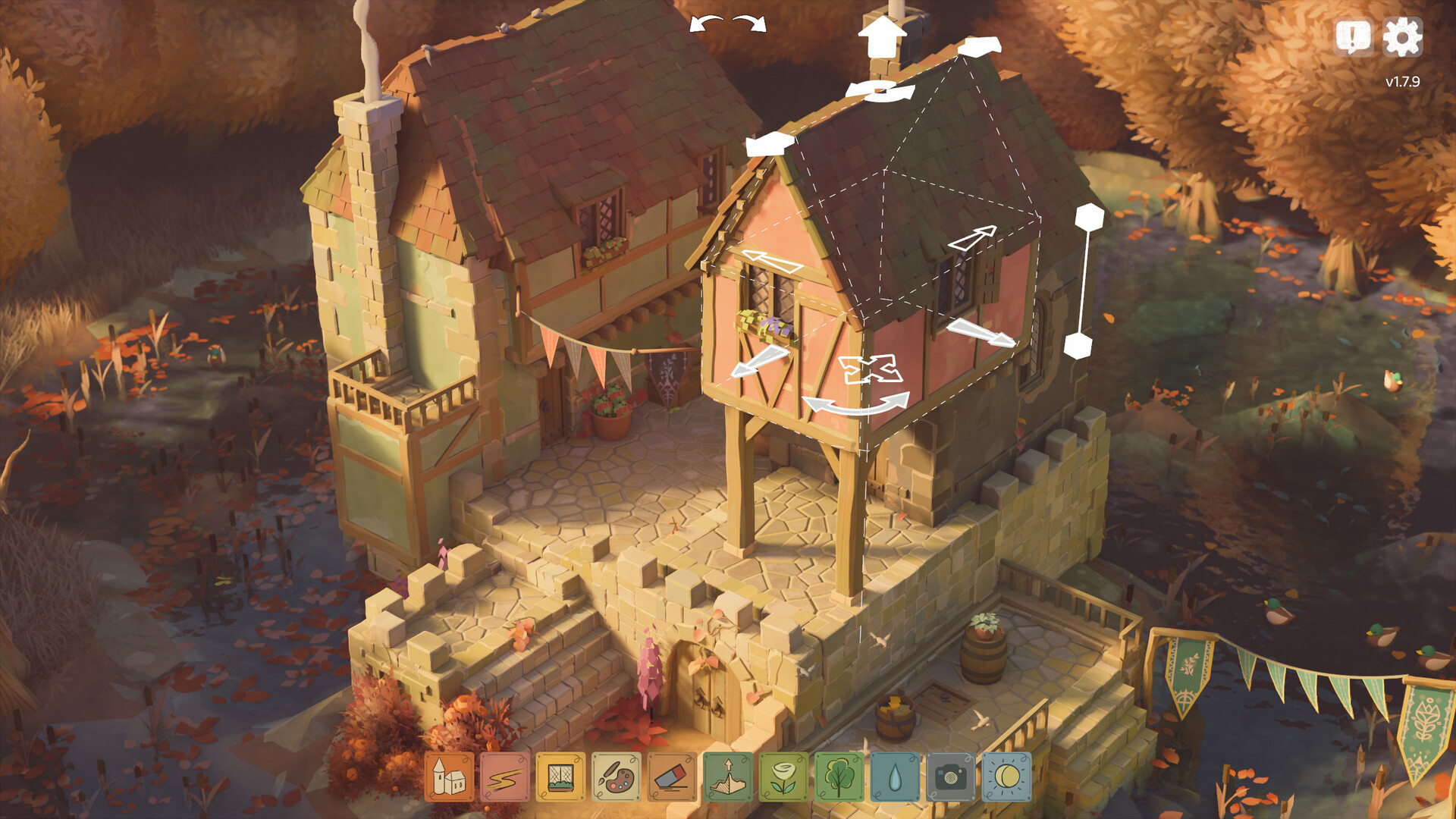
Construction in Tiny Glade is gridless, allowing free placement of bricks, pebbles, and planks. The engine detects your intent and adds matching components like doors or columns.
You can raise buildings, draw paths, or place objects in any order, and the game will align supporting elements automatically.
- Use the mouse‑only option for precise placement.
- Try drawing a continuous path to see doors appear spontaneously.
03 / THE GUIDE
Cozy Visuals and Living World
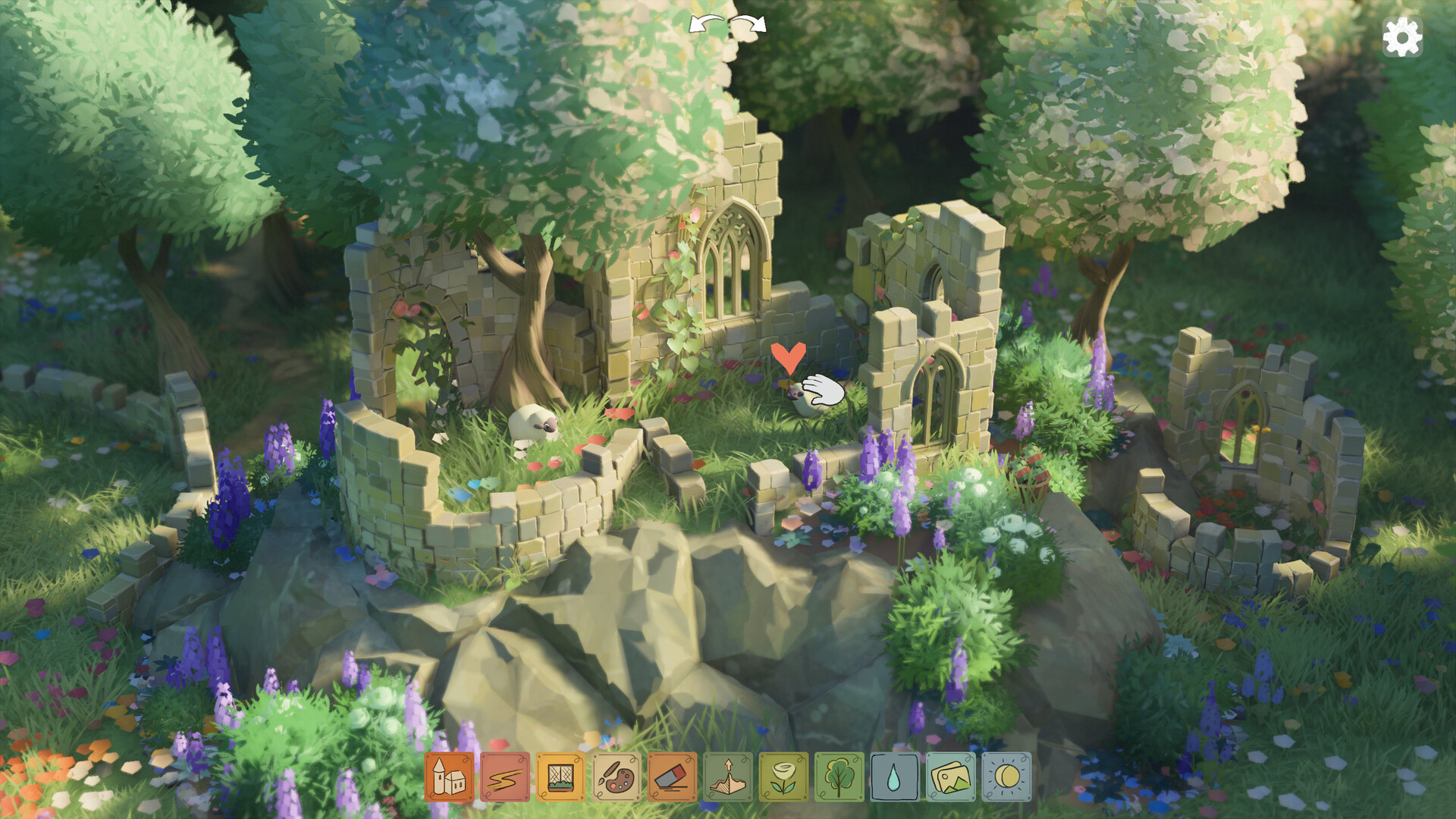
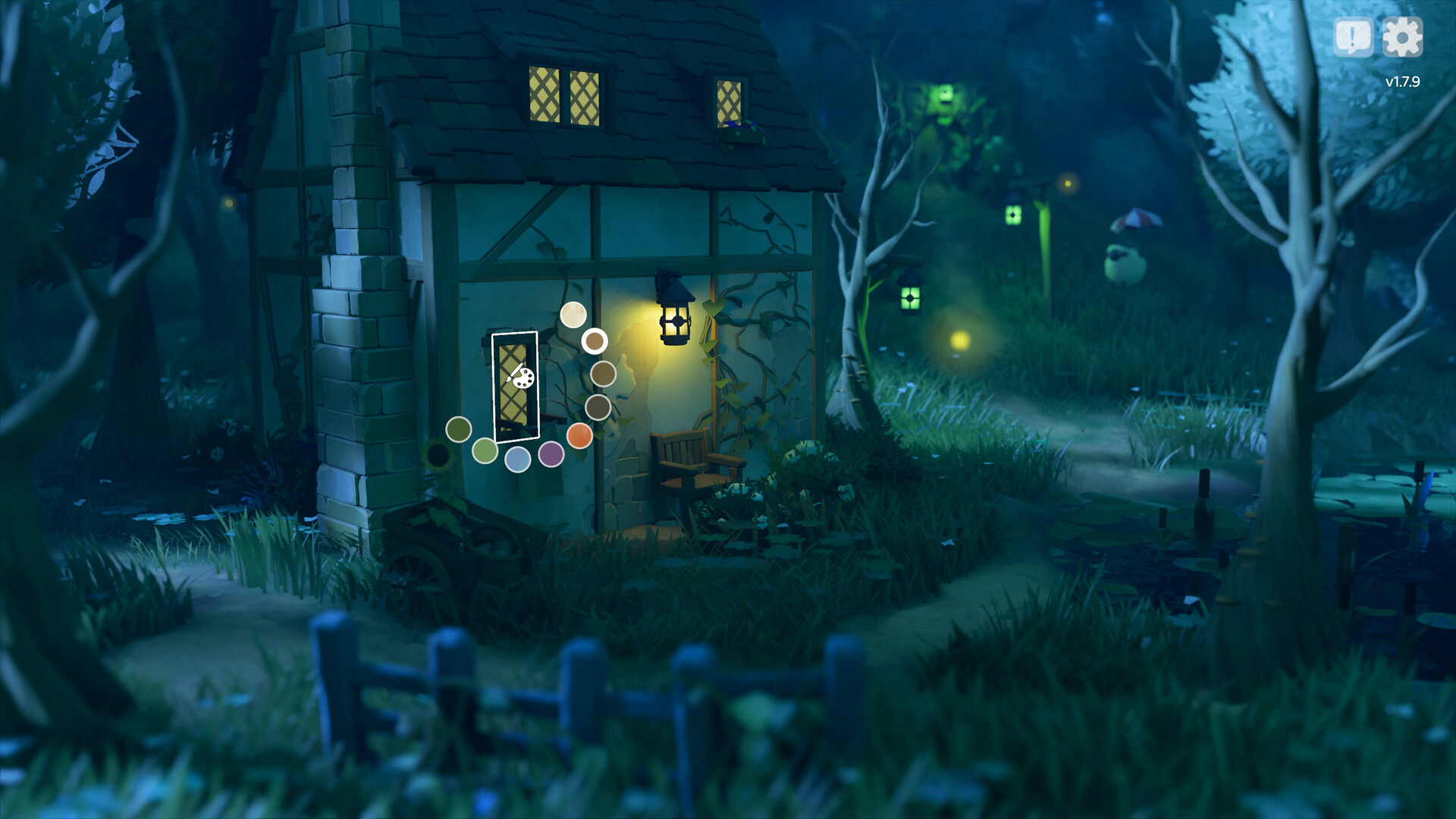
The art style emphasizes cozy, hand‑crafted aesthetics. Ivy drapes over structures, sheep wander the grounds, and fireflies glow at night, giving each scene a lived‑in feel.
All creations are presented “out of the box” with a warm, inviting look that requires no additional polishing.
- Add natural elements like ivy to enhance the homely vibe.
- Place paths where sheep can stroll for a dynamic touch.
04 / THE GUIDE
Audio and Comfort Settings
Stereo sound provides ambient background music and environmental cues. Custom volume controls let you balance music and effects to suit your mood.
Camera comfort options and the ability to play without timed input help maintain a relaxed pace.
- Adjust volume sliders to keep music low while focusing on building sounds.
- Enable camera comfort for smoother navigation.
05 / THE GUIDE
Platform and Save Features
Tiny Glade runs on Windows, macOS, and Linux, supporting DualShock controllers, partial controller input, and the Steam Input API. You can also use a mouse‑only configuration.
Progress is saved anytime, synced via Steam Cloud, and compatible with Family Sharing, ensuring your creations are always accessible.
- Use the “Save Anytime” feature before experimenting with large structures.
- Enable Steam Cloud to keep builds across multiple devices.
COMMUNITY
Player discussion