 GameWiki
GET YOUR BEARINGS
About Tiny Eden
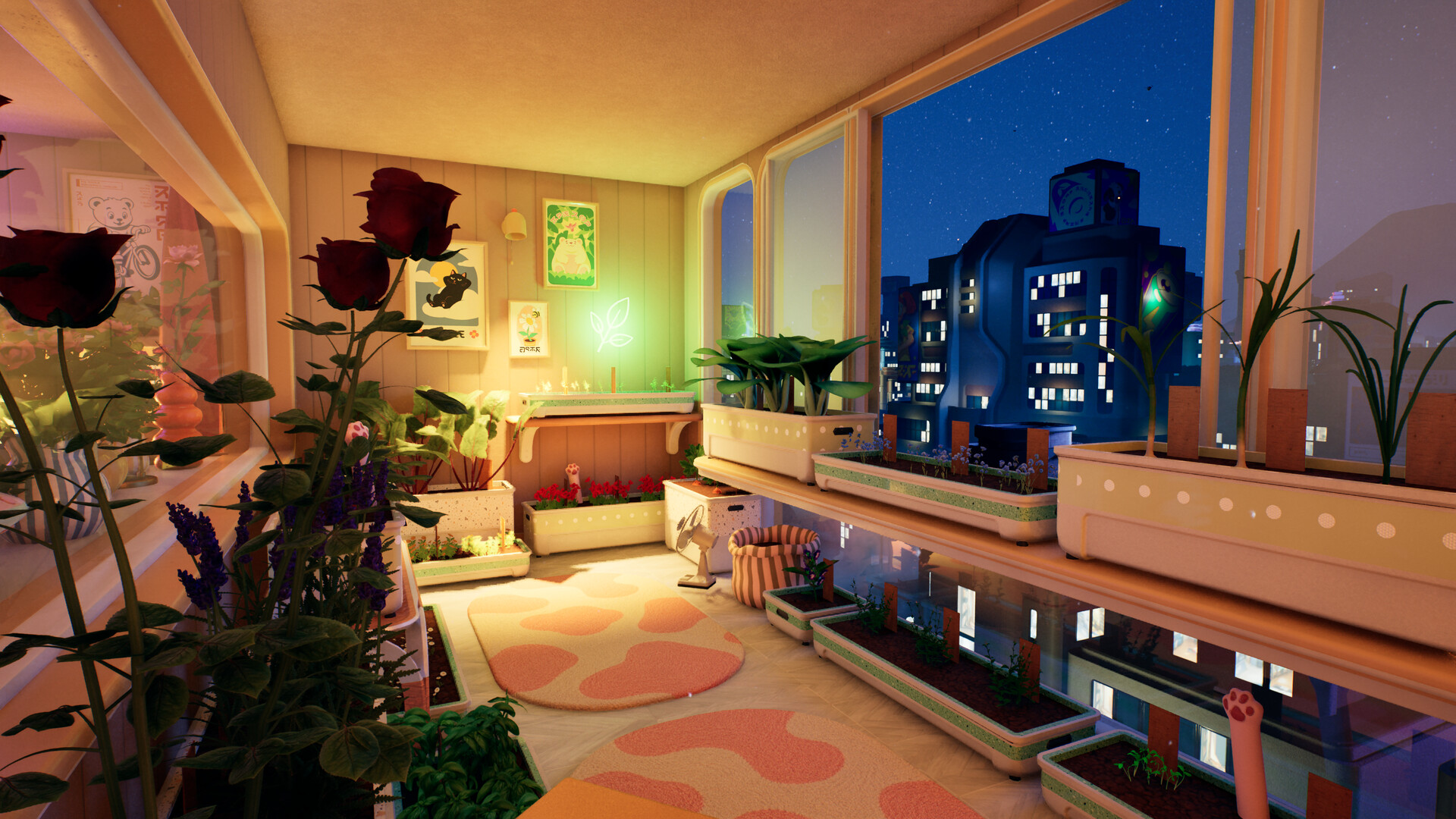
Tiny Eden lets you transform a high‑rise apartment into a thriving indoor garden. Starting with a few pots, you nurture seeds into harvestable plants, then cook meals or sell them for profit. As earnings grow you unlock new rooms, balconies and eventually a rooftop greenhouse, expanding your growing space. Alongside gardening you can furnish and decorate each area, creating a personalized home while caring for a resident cat that shares the space.
01 / THE GUIDE
Plant Care
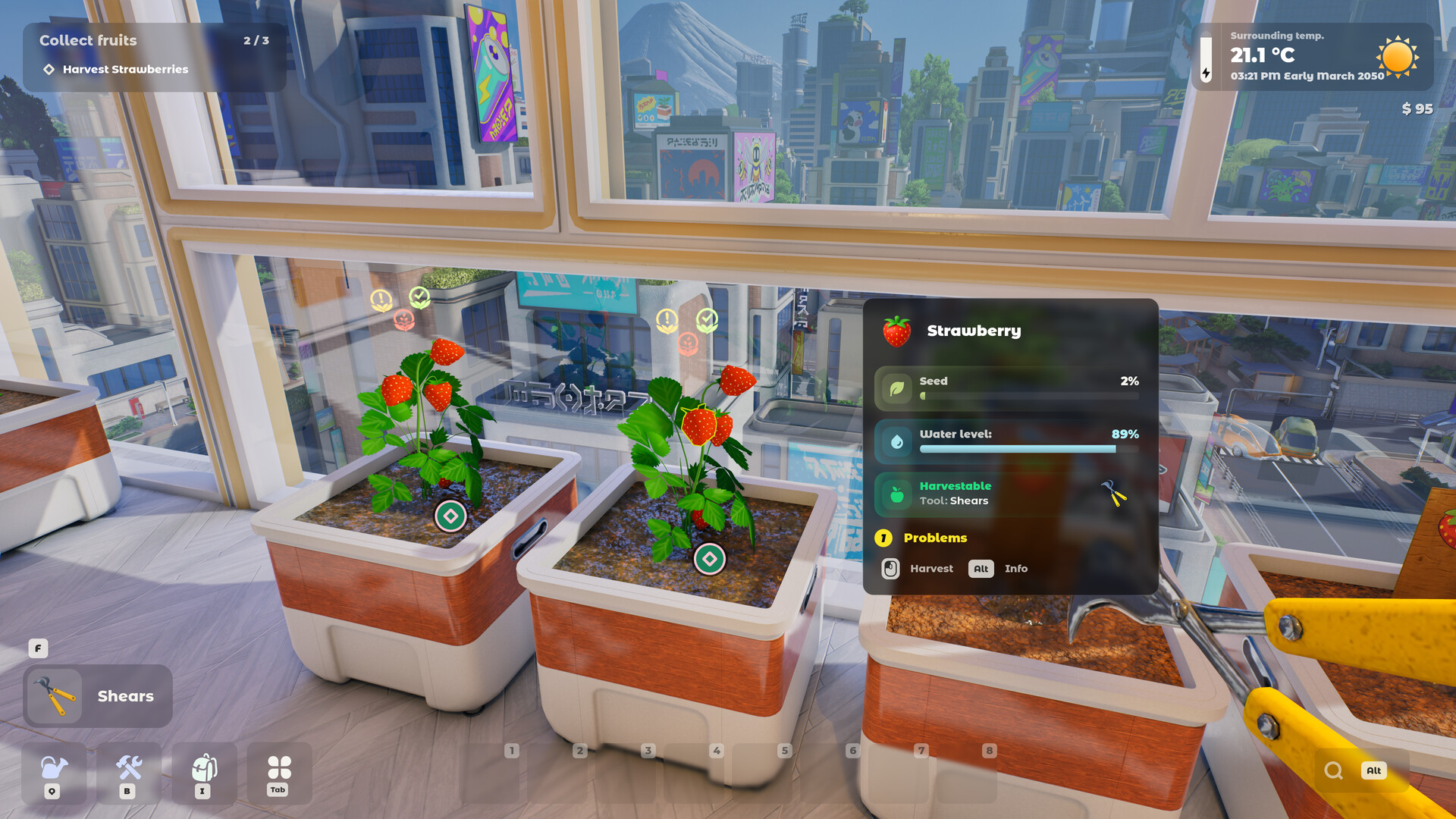
Each plant type—flowers, berries, vegetables—has specific needs for soil, light, temperature, water and weed control. You must choose the right planter and mix compost, sand, clay, or other soils to match those requirements.
Keeping plants watered and weed‑free is essential as they grow from seed to harvest. Proper placement within the apartment ensures they receive suitable light and temperature.
- Test different soil mixes to see which yields healthier growth for each plant type.
- Monitor light levels after moving a plant to a new room to avoid wilting.
02 / THE GUIDE
Cooking & Selling
Harvested produce can be taken to the kitchen where you create salads, baked treats, and other dishes. These meals can be sold to the apartment’s residents for money.
Earnings from meals fund further garden expansion, new planters, and decorative items, creating a loop between cultivation and commerce.
- Experiment with different recipes to discover which sell for the highest price.
- Balance time spent cooking with time spent tending new plants for steady income.

03 / THE GUIDE
Apartment Expansion
Revenue lets you unlock additional rooms, balconies and eventually a rooftop greenhouse, increasing the area available for planting. Each new space offers fresh light and temperature conditions.
Expansion is gradual; you start with a few pots and, over time, your garden can take over the entire apartment and roof.
- Prioritize unlocking rooms with higher natural light for sun‑loving plants.
- Use balconies for plants that need more airflow.
04 / THE GUIDE
Decoration & Furniture
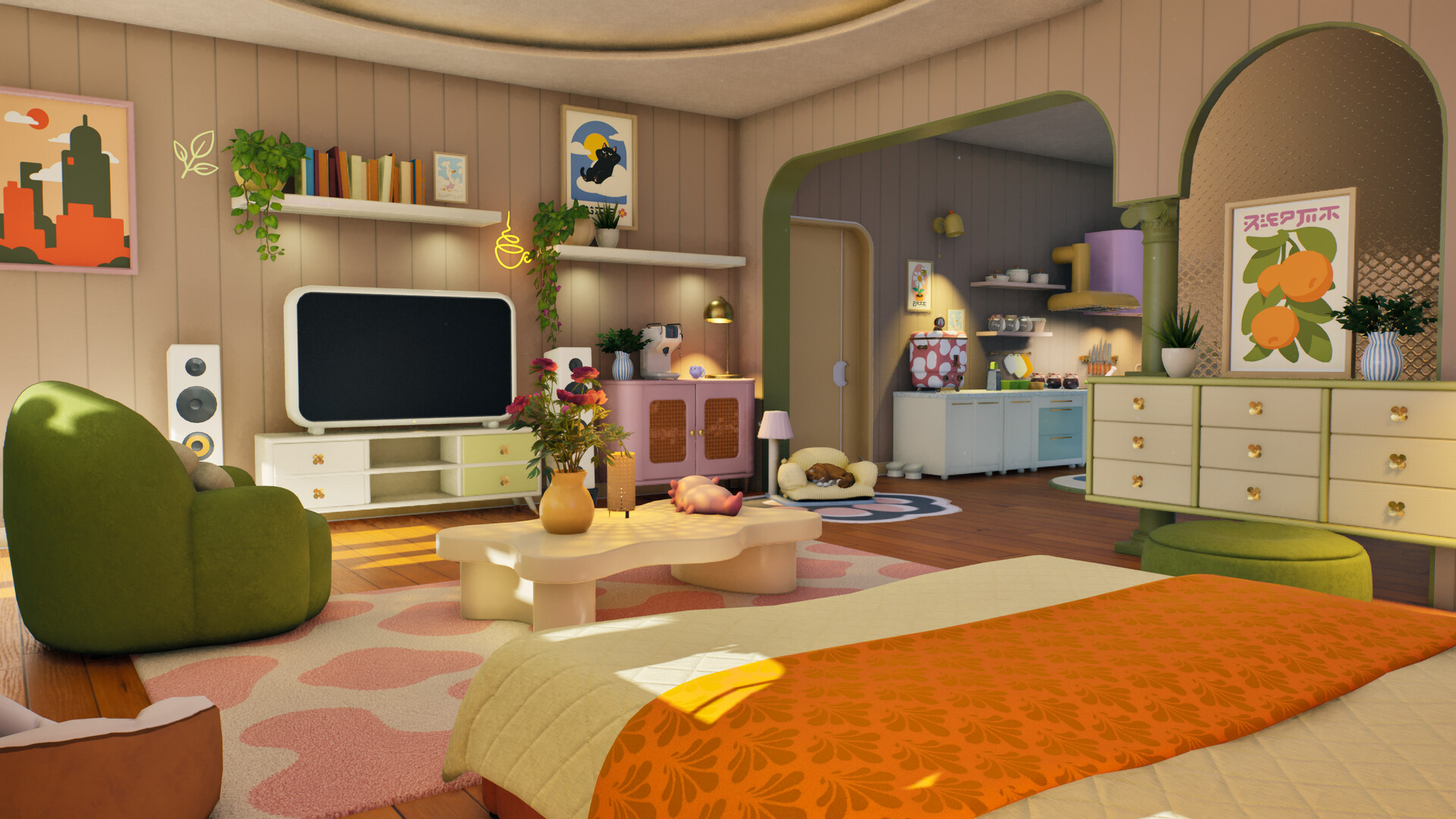
Beyond plants, you can mix and match furniture and decorations to shape each room’s aesthetic. Arranging plants as part of the décor helps create a cohesive home feel.
The game allows you to personalize the space, making it both functional for gardening and comfortable for living.
- Place decorative items near plants that share similar lighting to keep the layout logical.
- Use furniture that doesn’t block essential light sources.
05 / THE GUIDE
Cat Companion
A cat lives in the apartment alongside you. While you focus on gardening, you also need to ensure the cat feels at home.
The cat’s presence adds a personal touch, reminding you to balance plant care with pet comfort.
- Leave a cozy spot near a sunny window for the cat to relax.
- Avoid placing sharp tools where the cat might wander.

COMMUNITY
Player discussion