 GameWiki
GET YOUR BEARINGS
About Tiny Aquarium: Social Fishkeeping
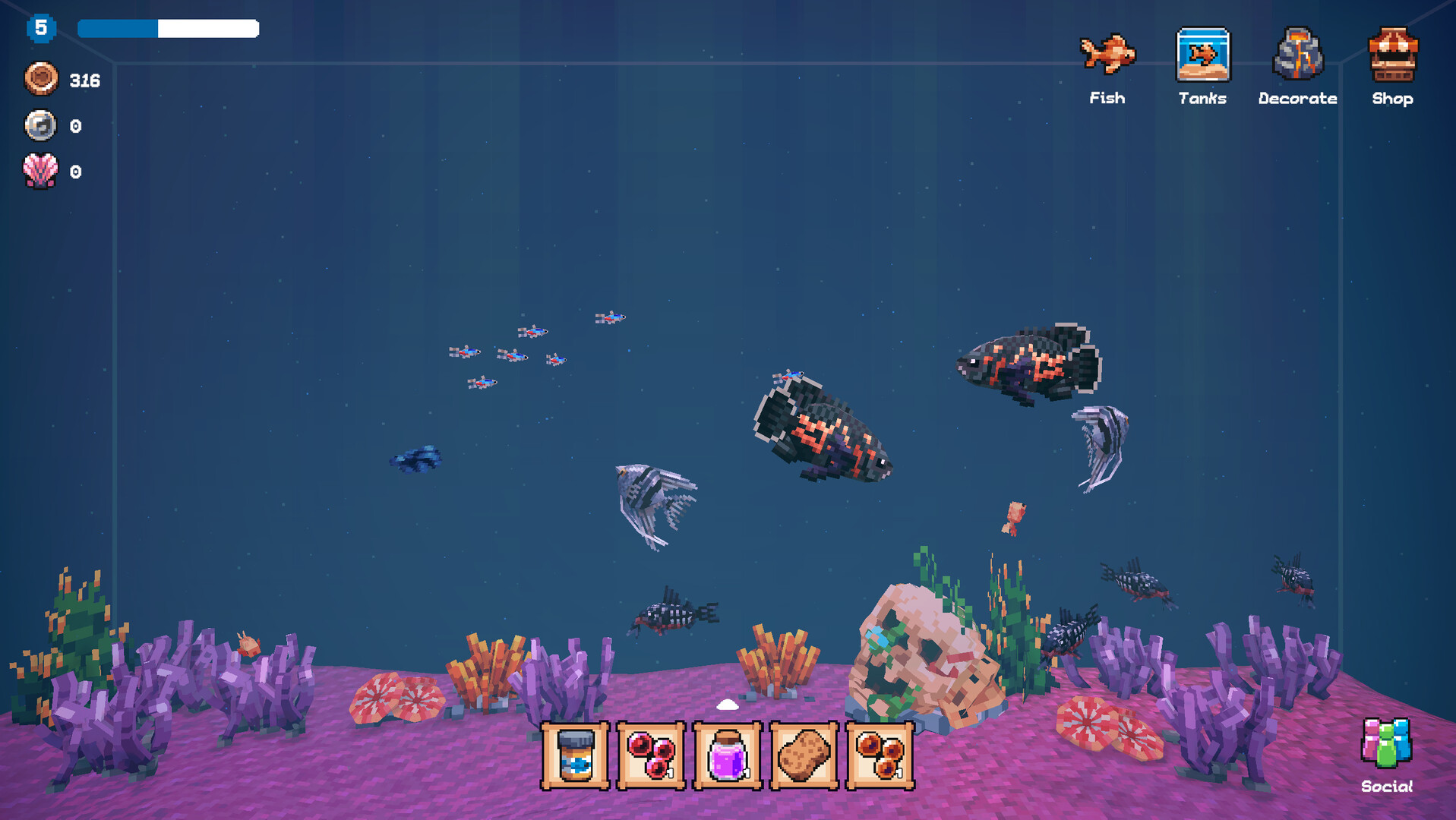
Tiny Aquarium: Social Fishkeeping is a real‑time idle simulation where players design and populate a personal aquarium. Fish continue to grow even while the player is offline, encouraging regular check‑ins. The game blends single‑player aquarium building with online features that let friends visit tanks, trade fish, and join live events.
A special Tiny Mode lets the aquarium sit on the desktop as a calming companion. Players can also try a fishing minigame to discover new fish breeds, upgrade their rod and ship, and explore both solo and multiplayer experiences across Windows, macOS, and Linux.
01 / THE GUIDE
Aquarium Design
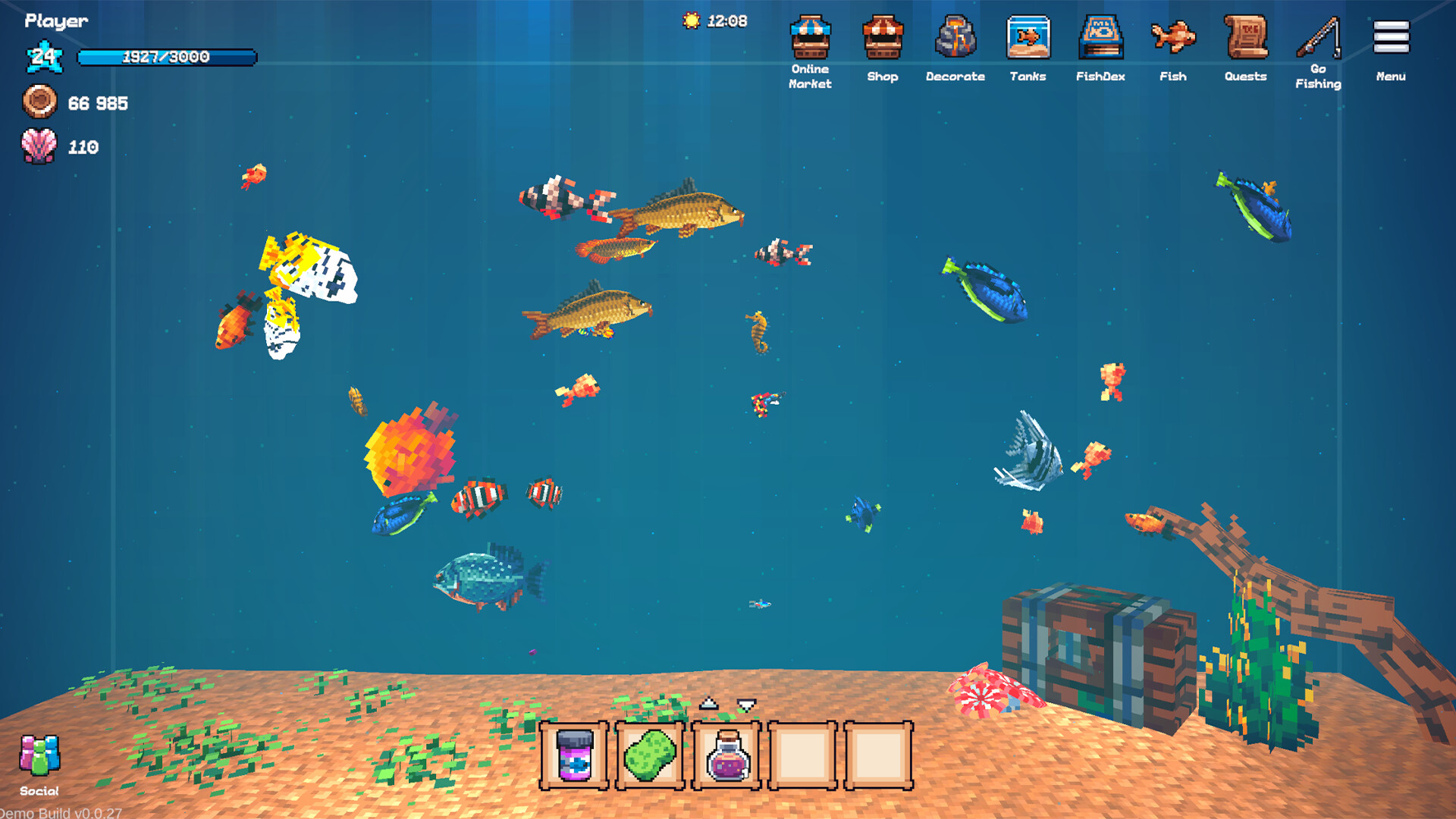
Players create a dream aquarium by placing fish and customizing the environment. The design tools let you arrange decorations and choose which fish to display, shaping a personal underwater scene. New real and fantasy fish are added over time, expanding the design possibilities.
Because the game runs in real time, fish continue to grow and change while you are away, so your design evolves even when you’re not actively playing. This idle aspect encourages periodic visits to see how your aquarium has progressed.
- Experiment with different fish combinations to see how growth rates affect the visual balance of your tank.
- Use the desktop Tiny Mode to keep an eye on your aquarium’s development throughout the day.
02 / THE GUIDE
Tiny Mode
Tiny Mode places a miniature version of your aquarium on the desktop, acting as a calming companion while you work, study, or relax. The aquarium remains visible and active, continuing its idle growth even when the main game window is closed.
This mode is intended for continuous visual presence, allowing you to enjoy the fish’s movements without launching the full game. It provides a low‑impact way to stay connected to your tank.
- Keep Tiny Mode active during long work sessions to maintain a soothing background.
- Check Tiny Mode periodically to spot new fish arrivals without opening the full interface.
03 / THE GUIDE
Fishing Minigame
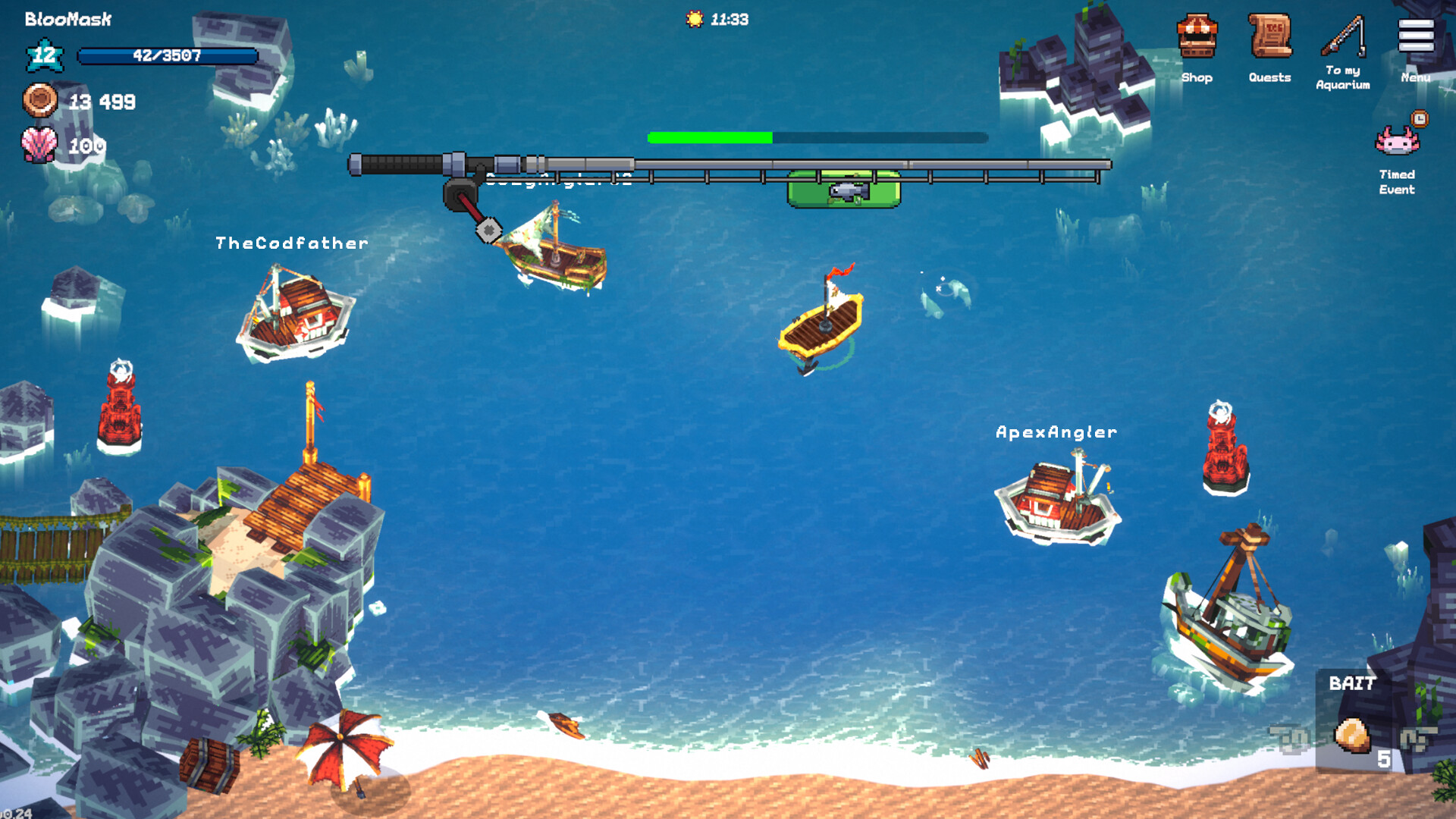
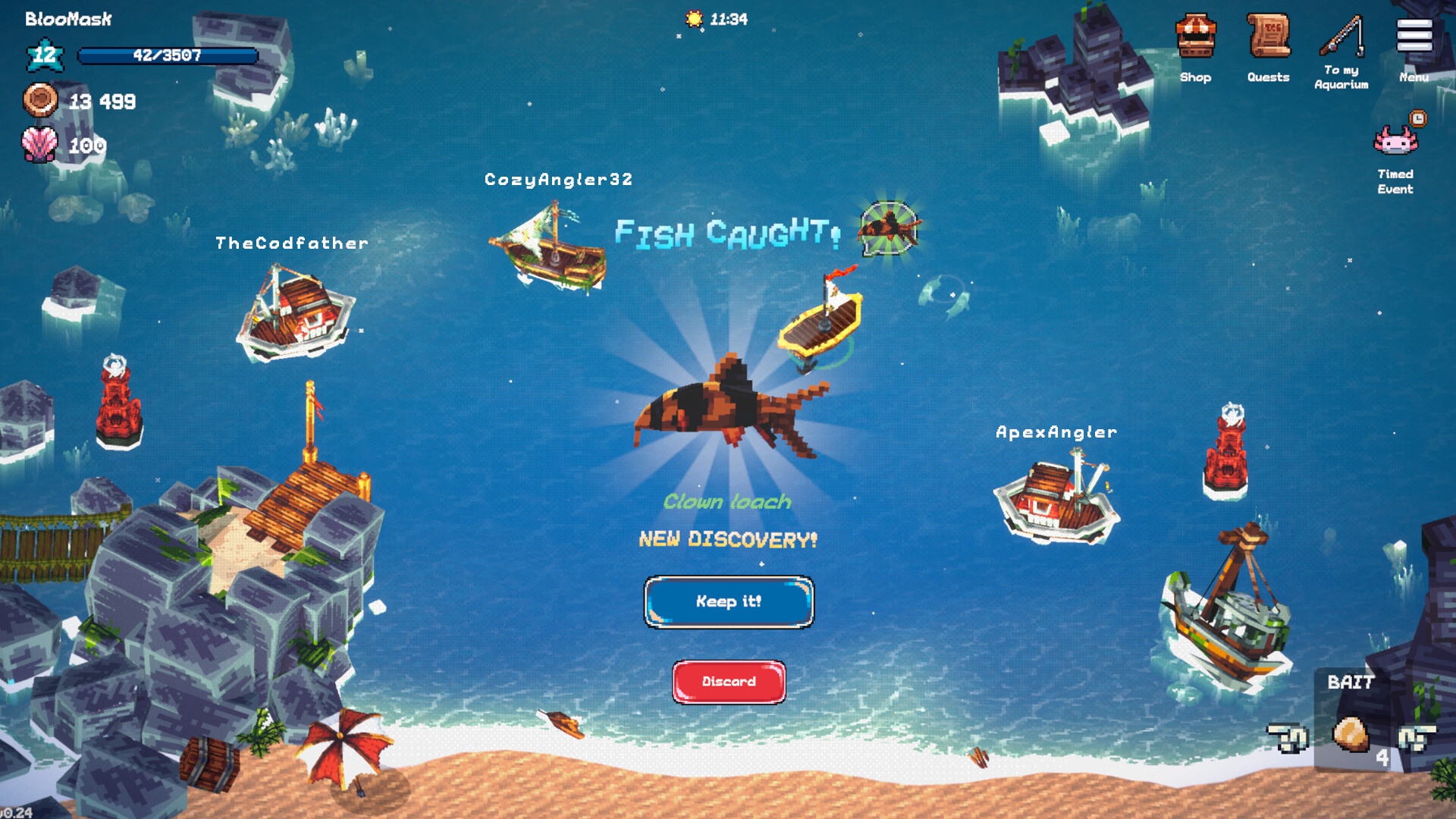
The fishing minigame lets you cast a rod to catch rare and exotic fish breeds. Successful catches add new species to your collection, expanding the variety available for aquarium design. Players can upgrade their rod and ship to improve catches.
The minigame can be played alone, with friends, or with strangers, and includes chat while browsing other aquariums. It serves both as a discovery tool and a social activity within the broader MMO environment.
- Upgrade your rod gradually to notice subtle improvements in catch variety.
- Try fishing while chatting with friends to share discoveries in real time.
04 / THE GUIDE
Multiplayer Interaction
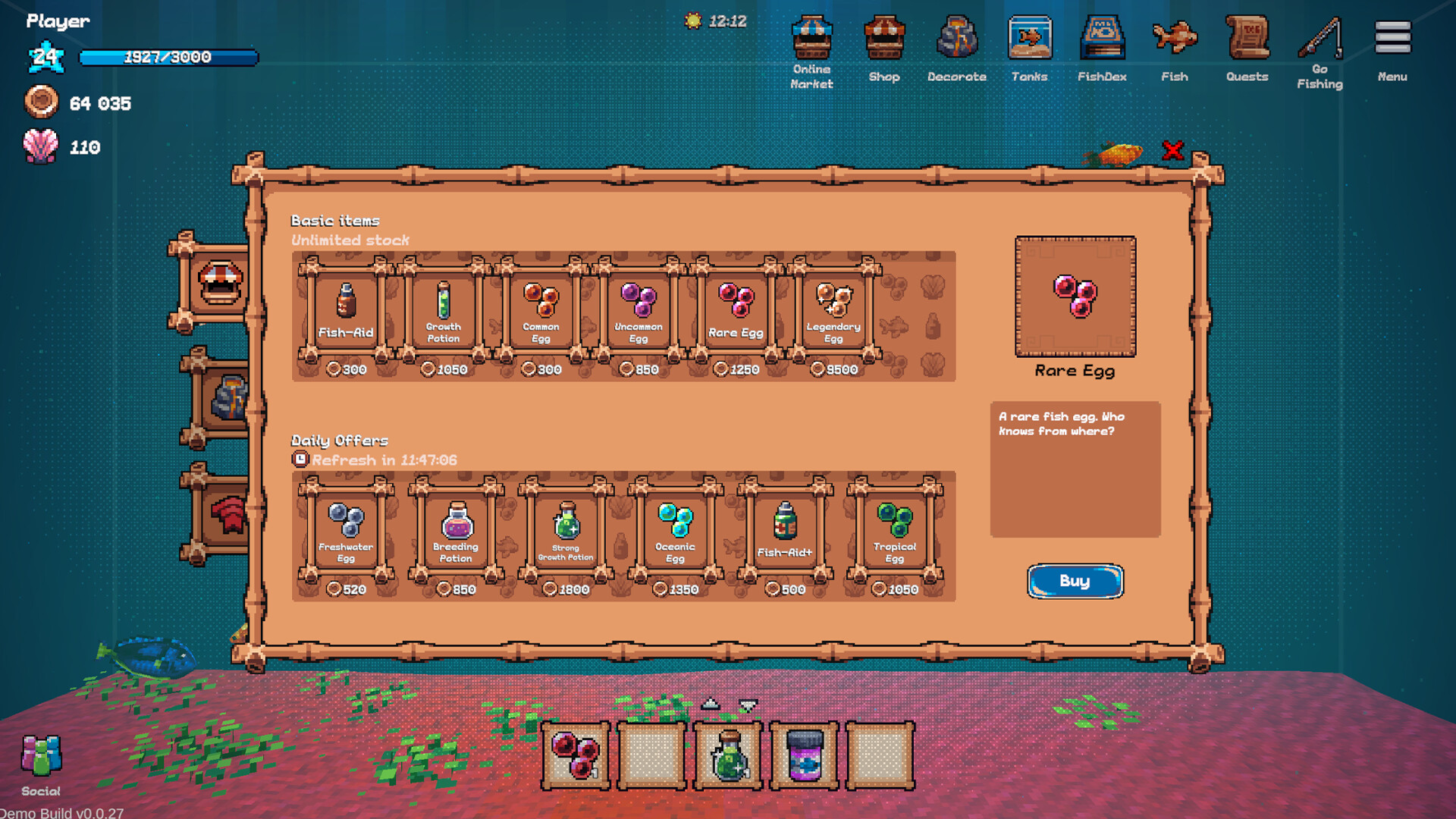
Tiny Aquarium supports multiplayer features such as visiting friends’ tanks, trading fish, and joining live events. These online functionalities let you explore other players’ designs, exchange fish for mutual benefit, and participate in community activities.
The game’s MMO aspect means that interactions are not limited to a single session; you can continue building relationships and trading fish over time, enhancing both personal and shared aquarium experiences.
- Visit a variety of friends’ tanks to discover fish you haven’t yet hatched.
- Engage in live events to meet new players and expand your trading network.
05 / THE GUIDE
Platform Support
Tiny Aquarium runs on Windows, macOS, and Linux, offering cross‑platform accessibility. It includes DualShock and DualSense controller support, as well as partial controller support, allowing players to use compatible gamepads if desired.
Additional features such as Steam Cloud and Family Sharing are present, providing cloud‑based save storage and the ability to share the game with family members on the same platform.
- Enable Steam Cloud to keep your aquarium progress synced across multiple devices.
- Test controller input in Tiny Mode to see how it feels compared to mouse navigation.
COMMUNITY
Player discussion