 GameWiki
GET YOUR BEARINGS
About Tinker Shot
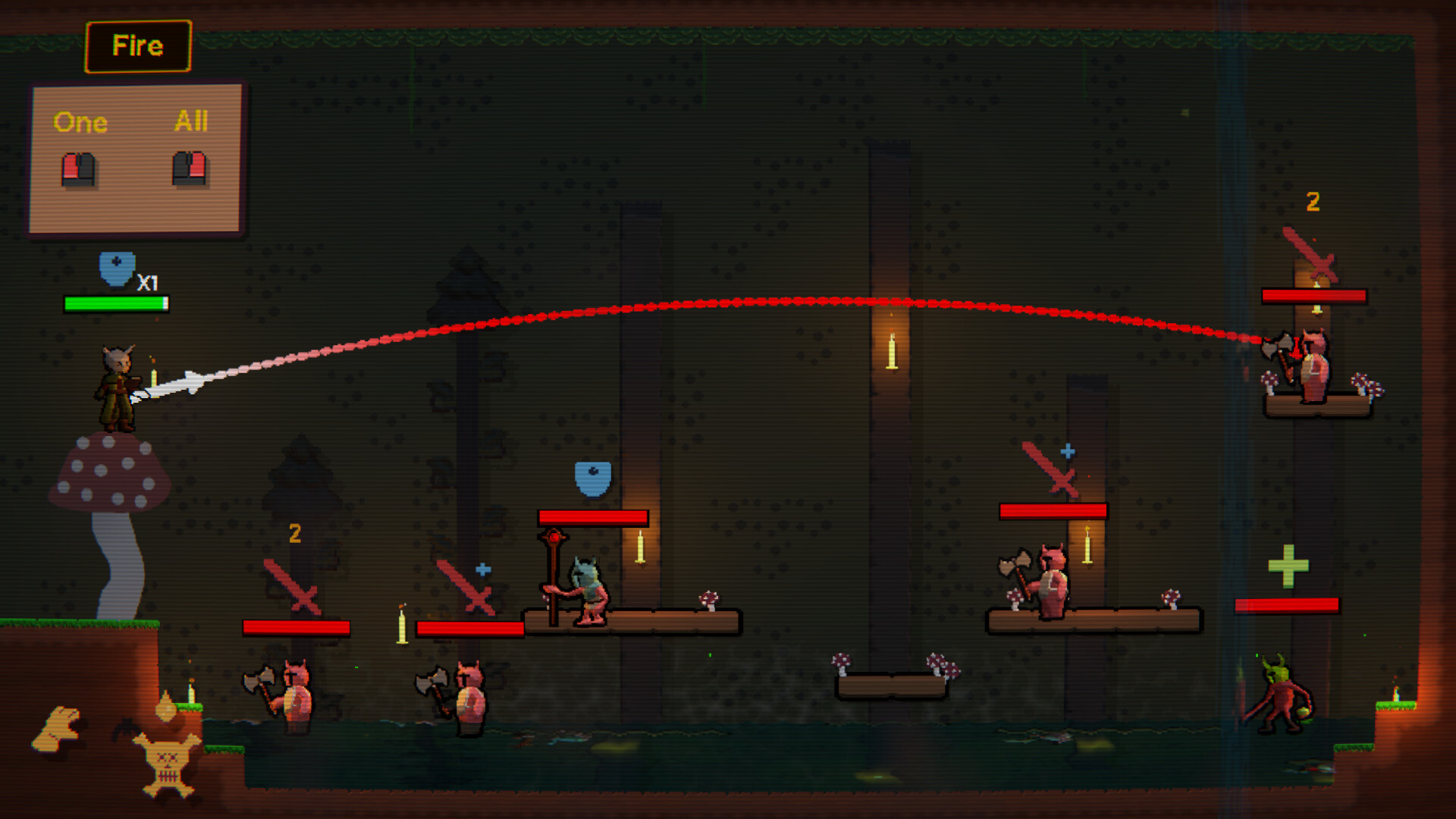
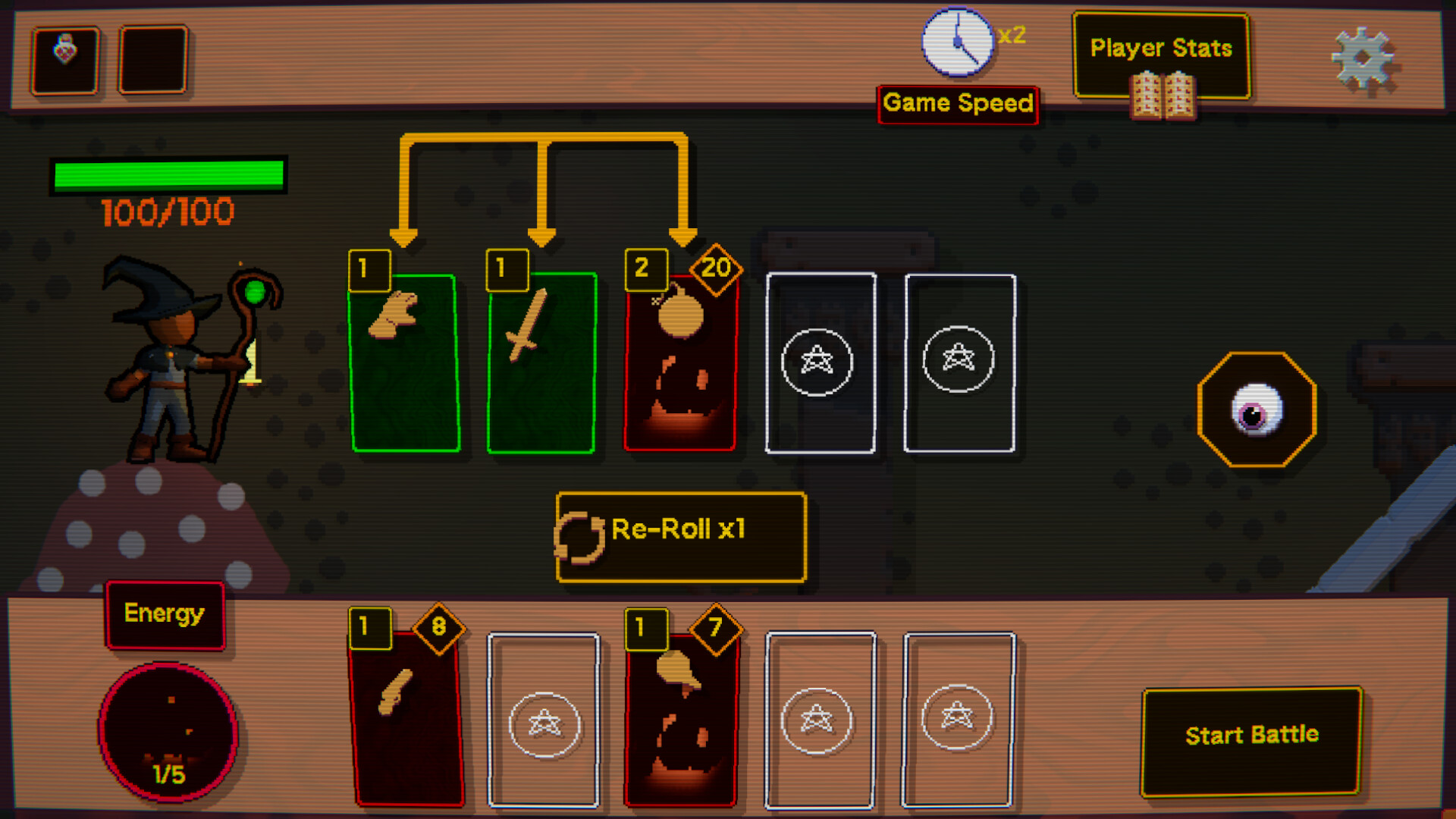
Tinker Shot is a turn‑based roguelike that centers on building skills from scratch. Each battle becomes a laboratory where parts, effects, and upgrades are mixed to produce chaotic, often surprising combos.
The game sends you deeper into underground ruins filled with strange creatures and hidden relics. Runs feel fresh thanks to physics‑driven encounters, unpredictable scenarios, and a constantly evolving toolkit that forces players to invent new strategies each time.
01 / THE GUIDE
Skill Crafting
The core loop revolves around constructing abilities by combining parts, effects, and upgrades. This system encourages experimentation, producing combos that range from effective to delightfully broken. Every skill you create is unique to that run, ensuring no two battles feel the same.
Because skills are built from the ground up, players must constantly adapt to the tools they have forged. The unpredictable nature of the combos adds a layer of strategic depth, as you learn which mixtures work best against different foes.
- Try pairing contrasting effects to discover unexpected synergies.
- Keep a mental note of which parts tend to produce stable versus chaotic results.
02 / THE GUIDE
Run Structure
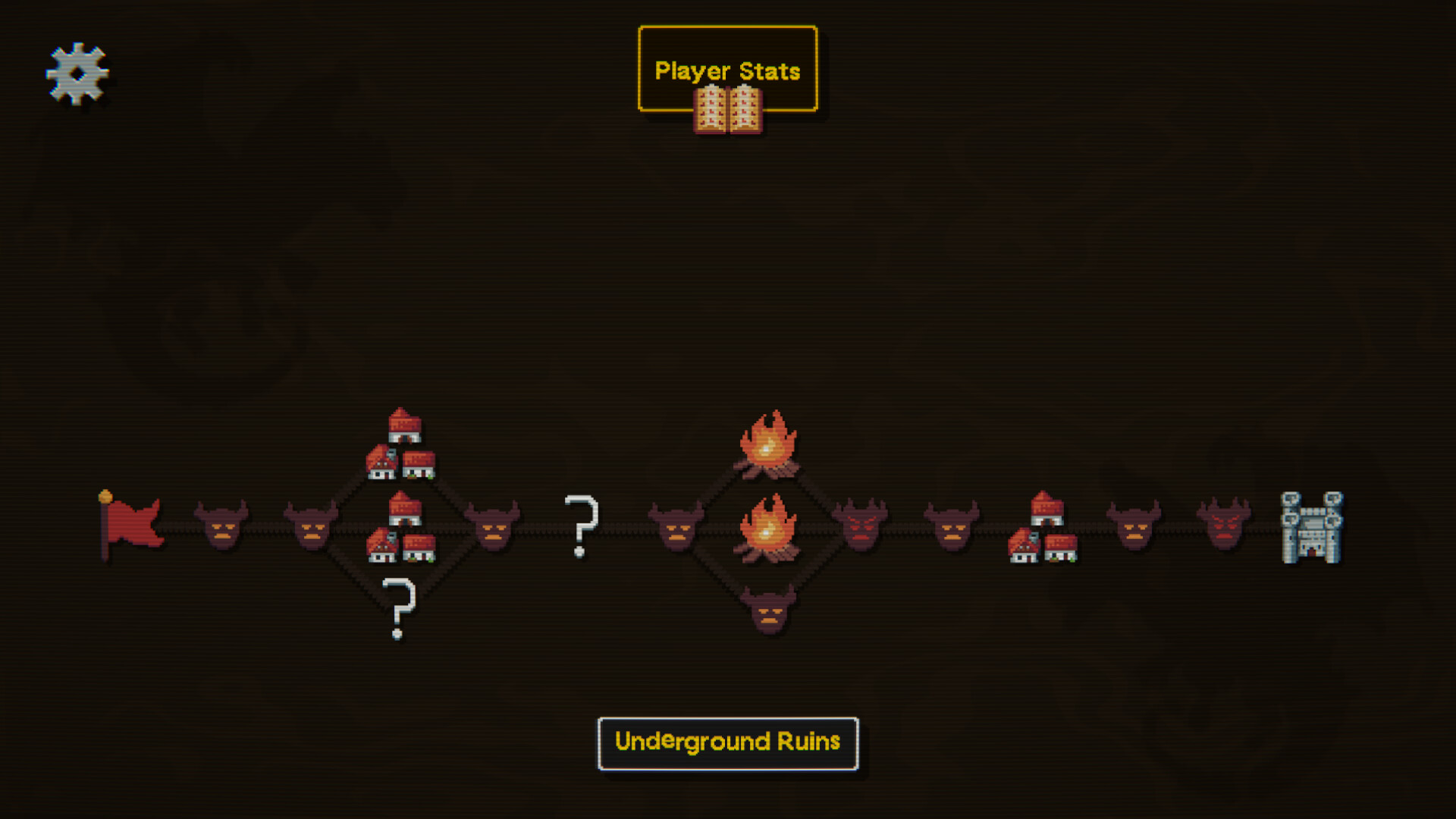
Each playthrough is a self‑contained run through the underground ruins. As you descend, enemies and relics become stranger, offering fresh challenges at every corner. The game’s design ensures that no two runs repeat the same encounters.
Runs are driven by physics‑based encounters and unpredictable scenarios, which keep the experience lively. The deeper you go, the more unusual the enemies and items become, maintaining a sense of discovery throughout the session.
- Explore every new area to encounter the most unusual enemies.
- Take note of relics that appear later for future reference.

03 / THE GUIDE
Difficulty & Settings
Tinker Shot offers adjustable difficulty, letting players tailor the challenge to their skill level. A mouse‑only option is provided, ensuring the game can be played without timed input constraints.
Custom volume controls let you fine‑tune audio, while the game can be played without pressure from timed inputs, making it accessible for a range of play styles.
- Experiment with lower difficulty to focus on skill crafting.
- Use the mouse‑only mode if you prefer a relaxed pacing.
04 / THE GUIDE
Platform Features
The title is available on Windows and supports Steam achievements, cloud saves, and Remote Play Together. Family Sharing is also enabled, allowing multiple accounts to access the same purchase.
Steam Cloud ensures your progress is stored online, while Remote Play Together lets you share the experience with friends over the internet. These features enhance accessibility and replayability.
- Enable Steam Cloud to keep your runs backed up.
- Try Remote Play Together for a shared experiment session.
05 / THE GUIDE
Development & Genres
Developed by CodeRed, Tinker Shot blends action, casual, indie, RPG, simulation, and strategy elements into a single‑player experience. The mix of genres reflects its hybrid gameplay of combat, crafting, and strategic planning.
Being a single‑player title, the game focuses on personal experimentation rather than competitive multiplayer. Its genre combination supports both quick sessions and deeper strategic dives.
- Approach the game as a sandbox for personal experimentation.
- Leverage the strategic aspects to plan skill combos ahead of encounters.
COMMUNITY
Player discussion